
1. Giriş
This manual provides detailed instructions for the operation and maintenance of your Microware EZCAP230 Cassette to MP3 Converter. This device allows you to convert your old cassette tapes into digital MP3 format, preserving your audio memories. It can function as a standalone converter or connect to a computer for conversion and playback.
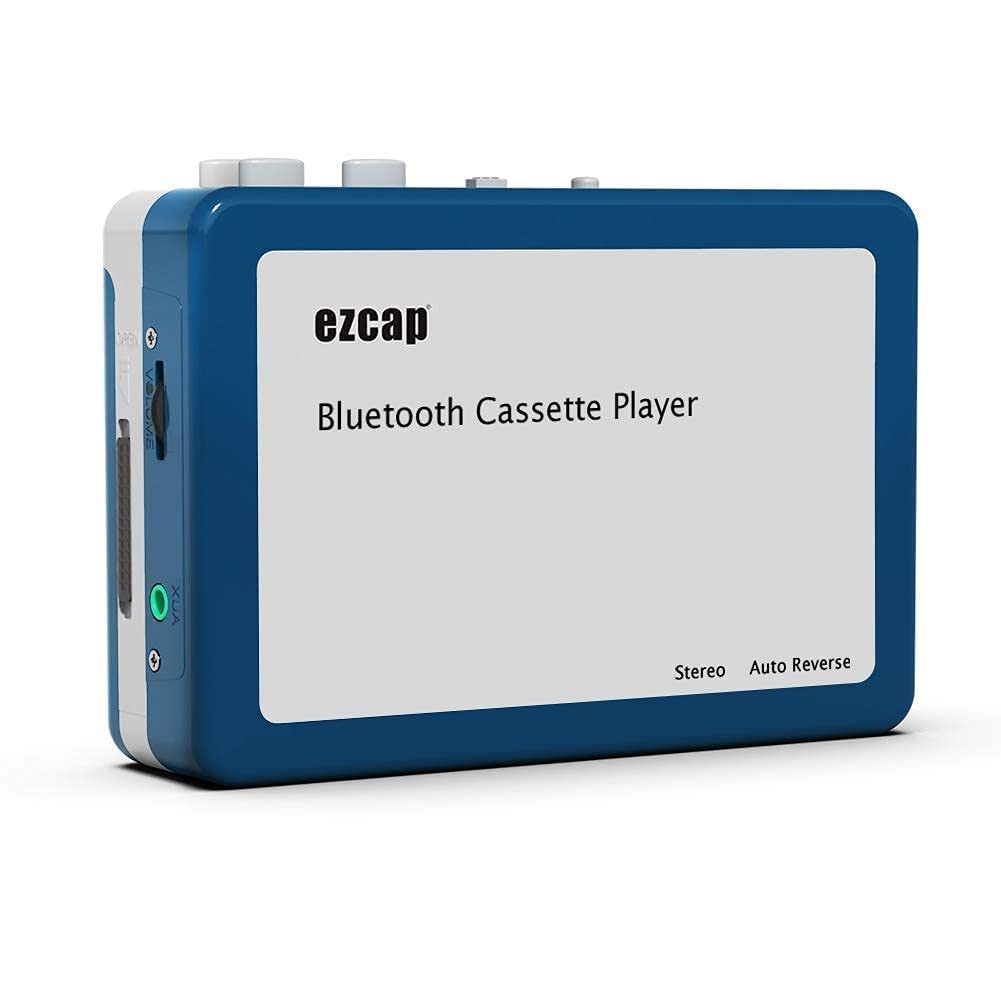
Image 1.1: The Microware EZCAP230 Cassette to MP3 Converter.
2. Məhsul bitdiview
2.1 Əsas Xüsusiyyətlər
- Converts cassette tapes to MP3 format.
- Standalone operation: No computer required for conversion.
- USB connectivity for power and data transfer.
- Playback function to check recorded music.
- Kompakt və portativ dizayn.
- Supports FAT, FAT32, exFAT USB formats up to 64GB. NTFS format is not supported.
2.2 Paketin məzmunu
- Microware EZCAP230 Cassette to MP3 Converter
- USB kabel
- Qulaqlıqlar
- İstifadəçi Təlimatı (bu sənəd)

Image 2.1: The converter unit, USB cable, and earphones.
3. Quraşdırma
3.1 Enerji təchizatı
Cihaz iki şəkildə enerji ilə təmin edilə bilər:
- USB Gücü: Connect the provided USB cable to the device and a computer USB port or a 5V DC power adapter (not included).
- Batareya Gücü: Insert 2 x AA batteries (not included) into the battery compartment.
3.2 Inserting a Cassette Tape
- Open the cassette compartment cover.
- Insert your cassette tape with the open side facing up.
- Close the cassette compartment cover securely.

Image 3.1: Proper insertion of a cassette tape.
3.3 Connecting Earphones/Speakers and USB Flash Drive
- Connect the earphones to the 3.5mm audio output jack for private listening.
- To save converted MP3 files, insert a USB flash drive into the USB port. The device supports FAT, FAT32, and exFAT formats up to 64GB.

Image 3.2: Connecting earphones and a USB flash drive to the converter.
4. Əməliyyat Təlimatları
4.1 Standalone Cassette to MP3 Conversion
Follow these steps to convert your cassette tapes directly to MP3 format without a computer:
- Güc Aktivdir: Ensure the device is powered via USB or batteries.
- Kaset daxil edin: Place a cassette tape into the compartment.
- USB Diski birləşdirin: Insert a USB flash drive into the USB port. A green light will flash, indicating it's ready.
- Oxumağa başlayın: Press the "Play" button on top of the device to begin playing the tape.
- Qeydə Başla: Press the "Record" button to start recording. The default mode is manual division. To divide tracks, press the "Record/Stop" button each time you want a new MP3 file.
- Qeydi dayandırın: Press the "Record" button again to stop recording. The MP3 files will be saved to your USB flash drive.

Image 4.1: Step-by-step guide for independent cassette to MP3 conversion.
4.2 Kaset lentlərinin səsləndirilməsi
To use the device as a cassette player:
- Bir kaset daxil edin.
- Connect earphones or external speakers to the 3.5mm audio output jack.
- Press the "Play" button.
- Səs səviyyəsinə nəzarətdən istifadə edərək səs səviyyəsini tənzimləyin.
4.3 Kompüterə qoşulma
The device can be connected to a computer via USB for power and to transfer recorded MP3 files. While the device primarily functions for standalone conversion, you can manage the converted filekompüterinizdə.
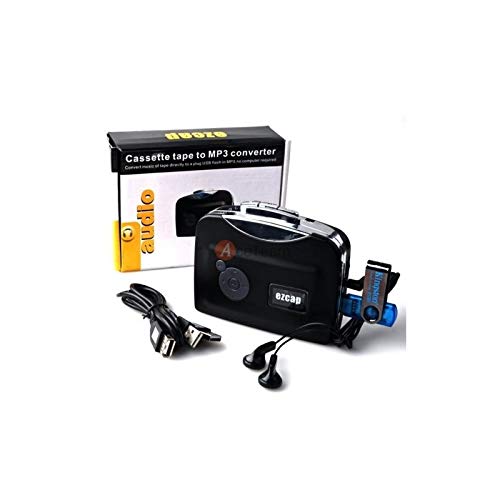
Image 4.2: The converter connected to a laptop, illustrating the digital conversion process.
4.4 Playback Function
The device includes a playback function to review the recorded MP3 files directly on the device. This allows you to verify the quality of your conversions.
Video 4.1: Bitdiview of the Microware Cassette to MP3 Converter's features and operation, demonstrating its ease of use for digitizing old tapes.
5. Baxım
- Cihazı təmiz və tozdan təmiz saxlayın. Təmizləmək üçün yumşaq, quru bir parça istifadə edin.
- Cihazı həddindən artıq temperatura, rütubətə və ya birbaşa günəş işığına məruz qoymayın.
- Aşındırıcı təmizləyicilərdən və ya həlledicilərdən istifadə etməyin.
- When not in use for extended periods, remove batteries to prevent leakage.
6. Giderme
6.1 Güc yoxdur
- Check if the USB cable is securely connected to a power source.
- Batareyalardan istifadə edirsinizsə, onların düzgün daxil edildiyinə və tükənmədiyinə əmin olun.
6.2 Poor Audio Quality During Playback/Recording
- Ensure the cassette tape is clean and in good condition.
- Qulaqlıq birləşmələrini yoxlayın.
- Clean the tape head and pinch rollers with a cotton swab lightly dampizopropil spirti ilə tamamlanır.
6.3 mp3 Files Not Saving to USB Drive
- USB flash sürücüsünün düzgün şəkildə daxil edildiyinə əmin olun.
- Verify that the USB drive is formatted to FAT, FAT32, or exFAT. NTFS is not supported.
- USB sürücüsündə kifayət qədər boş yerin olub olmadığını yoxlayın.
7. Spesifikasiyalar
| Xüsusiyyət | Spesifikasiya |
|---|---|
| Brend | MİKROQAZ |
| Model | EZCAP230 |
| Maddə Çəkisi | 150 q |
| Paket Ölçüləri | 14 x 10.01 x 5.99 sm |
| Güc mənbəyi | USB Power (5V DC) or 2 x AA Batteries |
| USB Format Support | FAT, FAT32, exFAT (up to 64GB). NTFS not supported. |
8. Zəmanət və Dəstək
For warranty information and technical support, please refer to the official MICROWARE websayta daxil olun və ya satıcınızla əlaqə saxlayın. Satınalma qəbzini alışın sübutu olaraq saxlayın.
İstehsalçı: MİKROQAZ
İlk mövcud tarix: 24 sentyabr 2019
Əlavə yardım üçün müraciət edin MICROWARE Store on Amazon.