
REXING H6
REXING Woodlens H6 İkiqat Kameralı İzləmə Kamerası İstifadəçi Təlimatı
Model: H6
1. Giriş
The REXING Woodlens H6 is an advanced dual-camera trail camera designed for capturing high-quality video and still images of wildlife, property, or other outdoor subjects. Featuring both a 4K Ultra HD lens for daytime recording and an FHD Infrared lens for night vision, the H6 ensures clear visuals in various lighting conditions. Its robust, weather-resistant design and long standby time make it an ideal solution for extended outdoor surveillance.
2. Məhsul bitdiview və Əsas Xüsusiyyətlər
- İkili Kamera Sistemi: Captures 4K Ultra HD video during the day and FHD Infrared video at night with simultaneous audio recording. Designed to avoid IR CUT switching sounds that might disturb wildlife.
- Yüksək Çözünürlüklü Şəkil: Supports up to 20MP still images and cinematic video quality.
- Integrated LCD & Speaker: Features a built-in 2.4-inch LCD screen and speaker for direct viewing and editing of recordings without external devices.
- Qabaqcıl Gecə Görünüşü: Equipped with 35M IR Flash and double 850nm high-powered Infrared lights, illuminating subjects up to 65 feet away for clear night images.
- Sürətli tetikleme sürəti: Responds to motion within 0.2 seconds via 110° PIR sensors (Front + Side Sensor).
- Flexible Recording Options: Allows manual scheduling for recording start/stop times and supports time-lapse videos and photos.
- Durable and Secure Design: IP66 rated sturdy open/close case protects against rain and dust. The camera can be password-protected and secured with a lock.
- Genişləndirilmiş Gözləmə rejimi: Supports up to 512GB SD card and offers up to 12 months of standby time.
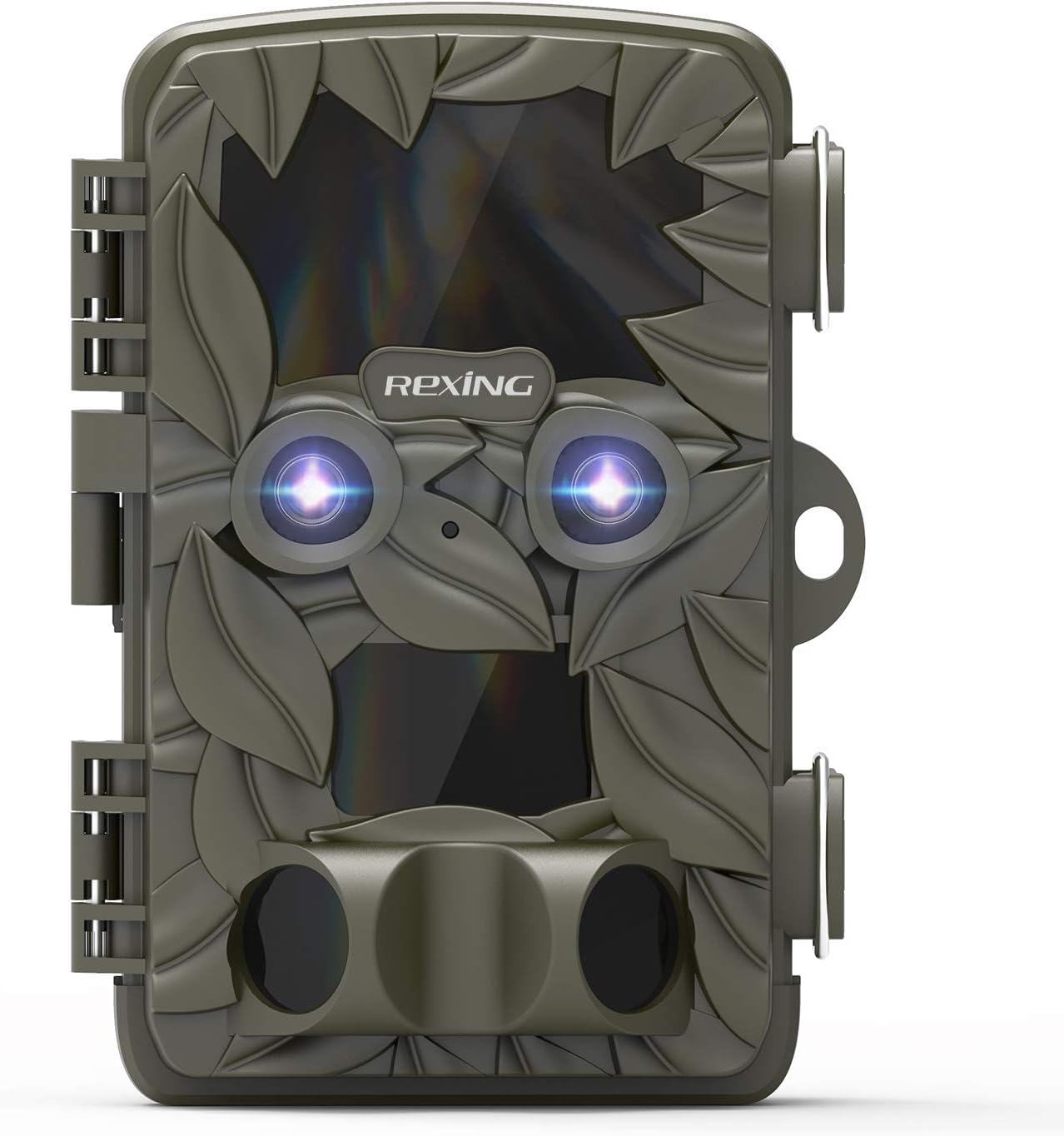
Şəkil 2.1: Ön view of the REXING Woodlens H6 Trail Camera, showcasing its camouflage design and dual lenses.
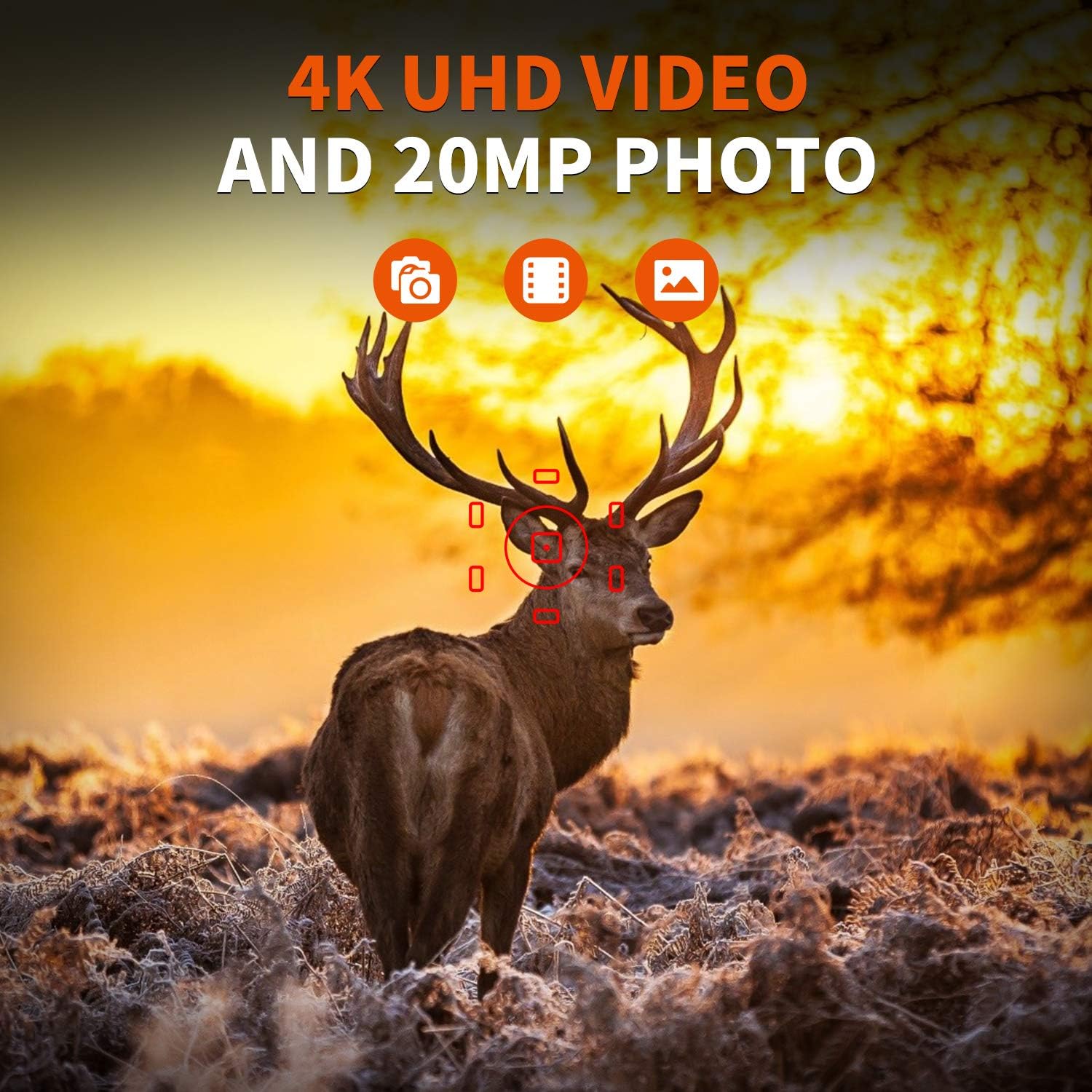
Figure 2.2: The REXING Woodlens H6 captures stunning 4K UHD video and 20MP photos, as demonstrated by this image of a deer in its natural habitat.
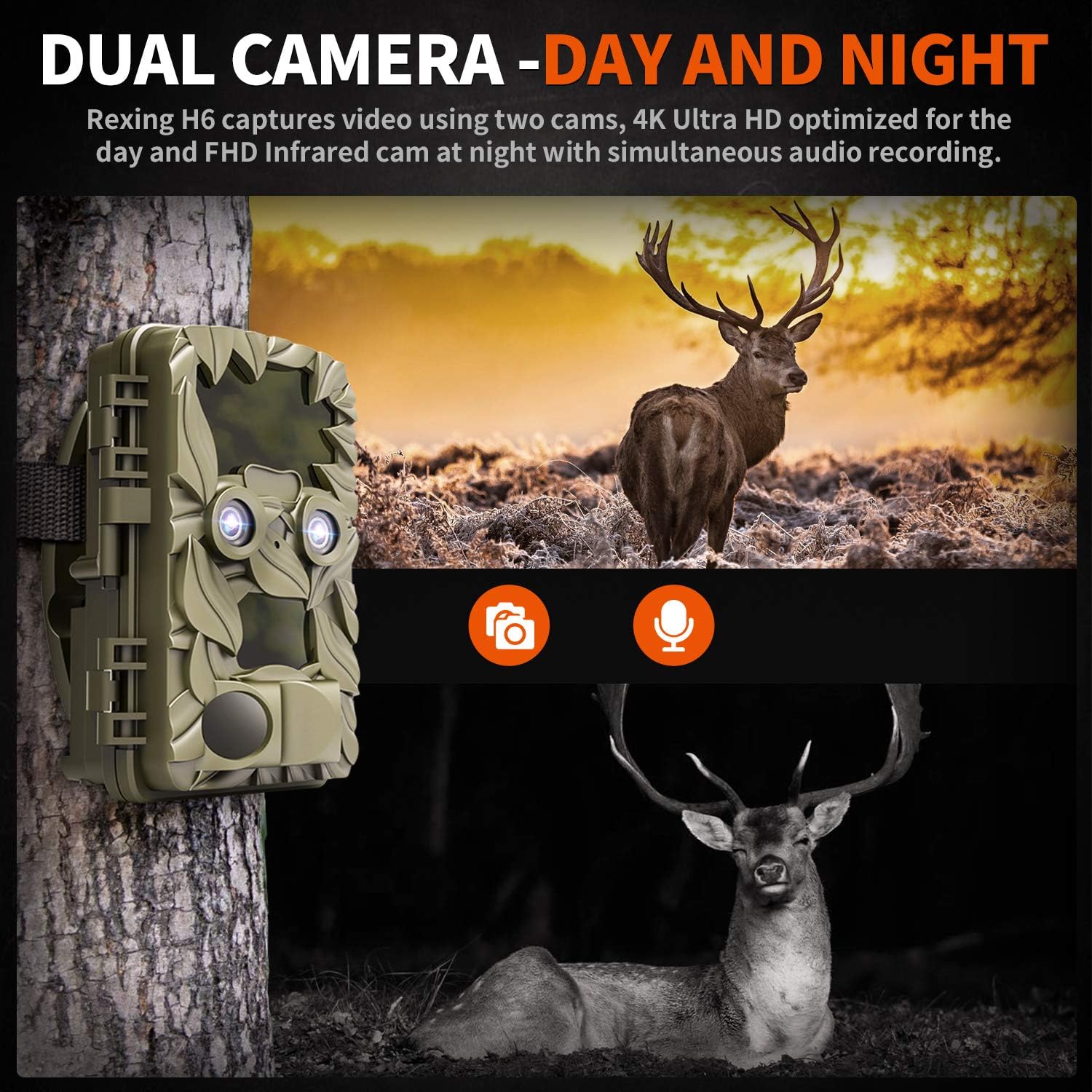
Figure 2.3: The H6 features a dual camera system, optimized for both day (4K) and night (FHD Infrared) recording, ensuring comprehensive surveillance around the clock.

Figure 2.4: Enhanced night vision capabilities of the H6, capturing clear images of wildlife up to 35 meters away in low light conditions, without disturbing sounds.

Figure 2.5: The H6 boasts a 120-degree detection angle and an ultra-fast 0.2-second trigger speed, ensuring no motion is missed.

Figure 2.6: Built to withstand the elements, the H6 is IP56 rated, making it resistant to heavy rain, ice, snow, dust, and mud.

Figure 2.7: The H6 is designed for low power consumption, compatible with 8x AA batteries, providing up to 12 months of standby time.

Figure 2.8: The REXING Woodlens H6 is versatile, suitable for multiple applications including wildlife monitoring, farm surveillance, and security.
3. Paketin məzmunu
Bütün maddələrin mövcud olduğundan əmin olmaq üçün paketin məzmununu yoxlayın:
- REXING Woodlens H6 Trail Camera
- Montaj kəməri
- USB kabel
- AV Cable
- İstifadəçi təlimatı
- (Optional: 8x AA Batteries - check product packaging)
4. Quraşdırma
4.1 Batareyanın quraşdırılması
- Open the camera's outer casing by unlatching the side clips.
- Batareya bölməsini tapın.
- Bölmənin içərisində göstərildiyi kimi düzgün polyarlığı (+/-) təmin edərək 8 ədəd AA batareyasını yerləşdirin.
- Batareya bölməsinin qapağını etibarlı şəkildə bağlayın.
4.2 SD Kartın Daxil Edilməsi
- With the camera open, locate the SD card slot.
- Insert a compatible SD card (up to 512GB) into the slot until it clicks into place. Ensure the card is inserted in the correct orientation.
- It is recommended to format the SD card via the camera's menu before first use.
4.3 Kameranın quraşdırılması
- Select a suitable location for the camera, such as a tree or pole, ensuring a clear view istədiyiniz sahədə.
- Verilən montaj qayışını kameranın arxasındakı yuvalardan keçirin.
- Securely fasten the strap around the tree or pole, adjusting the camera's angle as needed.
- Alternatively, the camera can be wall-mounted using appropriate hardware (not included) via the mounting point.
4.4 İlkin işə salınma
- After installing batteries and SD card, switch the camera to the "ON" position.
- The LCD screen will power on, and you can begin configuring settings.
5. Əməliyyat Təlimatları
5.1 Menyuda naviqasiya
Use the control buttons (MENU, UP, DOWN, LEFT, RIGHT, OK, SHOT) located next to the LCD screen to navigate through the camera's settings and modes.
- Menyu: Əsas parametrlər menyusuna daxil olur.
- YUXARI AŞAĞI: Menyu seçimləri arasında hərəkət edir.
- SOL SAĞ: Adjusts values or selects sub-options.
- OK: Seçimi təsdiqləyir.
- ÇƏKİL: Manually takes a photo or starts/stops video recording in preview rejimi.
5.2 Qeyd Rejimləri
The H6 supports various recording modes:
- Şəkil rejimi: Sabit şəkillər çəkir (20MP-yə qədər).
- Video rejimi: Records video (4K UHD day, FHD night).
- Foto + Video Rejimi: Captures a still image followed by a video clip upon detection.
- Vaxt fasilə rejimi: Captures photos or videos at set intervals to create time-lapse sequences.
5.3 Setting Up Scheduled Recording
To set specific times for the camera to operate:
- MENU-ya daxil olun.
- Navigate to the "Timer" or "Schedule" setting.
- Set the desired start and end times for recording. The camera will only be active during these periods.
5.4 Viewing and Managing Recordings
Qeydlər ola bilər viewed directly on the camera or on an external device:
- Kamerada Oxutma: Use the built-in 2.4-inch LCD screen and navigation buttons to review çəkilmiş foto və videolar.
- TV bağlantısı: Connect the camera to a TV using the provided AV cable to view recordings on a larger screen.
- Kompüter Bağlantısı: Connect the camera to a computer via the USB cable, or remove the SD card and insert it into a card reader, to transfer and view files.
5.5 Şifrə qorunması
To prevent unauthorized access to your camera settings and recordings:
- MENU-ya daxil olun.
- Navigate to the "Password" or "Security" setting.
- Set a 4-digit PIN. Remember this PIN as it will be required to access the camera.
Video 5.1: Official product video demonstrating the features and operation of the REXING Woodlens H6 Trail Camera, including its dual lens capabilities, night vision, and user interface.
6. Baxım
- Təmizləmə: Use a soft, dry cloth to clean the camera body and lenses. Avoid abrasive cleaners or solvents.
- Batareyanın dəyişdirilməsi: Replace all batteries simultaneously when the low battery indicator appears to ensure optimal performance and prevent leakage.
- SD Kart İdarəetmə: Regularly back up important recordings and format the SD card periodically to maintain optimal recording performance and prevent data corruption.
- Yaddaş: Kameranı uzun müddət istifadə etmədikdə, batareyaları çıxarın və sərin, quru yerdə, birbaşa günəş işığından uzaqda saxlayın.
7. Giderme
| Problem | Mümkün Səbəb | Həll |
|---|---|---|
| Kamera işə düşmür. | az və ya bitmiş batareyalar; batareyanın səhv quraşdırılması. | Düzgün qütblüyü təmin edərək, bütün batareyaları yeniləri ilə dəyişdirin. |
| Camera stops functioning after installation / No data recorded. | SD card full or corrupted; incorrect SD card insertion; camera settings preventing recording. | Format the SD card (backup data first); ensure SD card is properly inserted; check recording mode and schedule settings. Ensure sufficient battery power. |
| Gecələr zəif görüntü/video keyfiyyəti. | IR lights obstructed; subject too far; low battery affecting IR performance. | Ensure clear line of sight for IR lights; position camera closer to subjects (within 65ft); replace batteries. |
| Camera not triggering motion. | PIR sensor obstructed; sensitivity setting too low; subject outside detection range. | Clear obstructions from PIR sensors; increase PIR sensitivity in settings; ensure subjects pass within the 110° detection angle. |
| Camera screen counts down and switches off. | This is normal behavior for the camera to enter monitoring mode after a brief display. | No action required. The camera is functioning as designed. |
| No Wi-Fi connectivity. | The REXING Woodlens H6 model does not feature Wi-Fi connectivity. | This model requires direct connection via AV/USB cable or SD card removal for data transfer. |
8. Spesifikasiyalar
| Xüsusiyyət | Detal |
|---|---|
| Brend | REKSİNQ |
| Model | H6 |
| Video çəkiliş həlli | 2160p (4K UHD) |
| Effektiv Qətnamə | 20 MP |
| Foto Sensor Texnologiyası | CMOS |
| Gecə Görünüşü | 35M IR Flash, Double 850nm High Powered Infrared Light |
| PIR Algılama Açısı | 110° (Front + Side Sensor) |
| Sürəti tetikleyin | 0.2 saniyə |
| Ekran | Built-in 2.4-inch LCD |
| Saxlama | SD kart (512 GB-a qədər) |
| Güc mənbəyi | 8x AA Batteries (12 Month Standby) |
| Bağlantı | AV Output, USB |
| Beynəlxalq Qoruma Reytinqi | IP66 |
| Məhsul Paketinin Ölçüləri | 7.68 x 4.92 x 3.9 düym |
| Paket Çəki | 0.61 kiloqram |
| UPC | 810046601815 |
9. Zəmanət və Dəstək
For warranty information and technical support, please refer to the official REXING websaytına daxil olun və ya birbaşa müştəri xidmətləri ilə əlaqə saxlayın. Satınalma qəbzinizi hər hansı zəmanət iddiaları üçün satınalmanın sübutu kimi saxlayın.
Əlaqə məlumatı:
- Websayt: www.rexingusa.com (Zəhmət olmasa, rəsmi məlumatı təsdiqləyin website for the most current information)
- E-poçt: -a istinad edin webdəstək e-poçtu üçün sayt.
- Telefon: -a istinad edin webdəstək telefon nömrəsi üçün sayt.
Ask a question about this manual
Ask about setup, troubleshooting, compatibility, parts, safety, or missing instructions. Manuals+ will review the question and use this page’s manual context to help answer it.