
1. Giriş
Thank you for choosing the Pixio PX259 Prime Gaming Monitor. This manual provides essential information for setting up, operating, and maintaining your monitor to ensure optimal performance and longevity. Please read this manual thoroughly before using the product and retain it for future reference.
The Pixio PX259 Prime is a high-performance 24.5-inch gaming monitor featuring a 280Hz refresh rate, 1ms GTG response time, and a Fast Nano IPS panel, designed to deliver a smooth and immersive gaming experience.
2. Paketin məzmunu
Bütün əşyaların paketinizdə olduğunu yoxlayın:
- Pixio PX259 Prime Monitor
- Monitor Stend (Baza və Boyun)
- DisplayPort Kabel
- Güc AC adapteri
- Elektrik kabeli
- İstifadəçi Təlimatı (bu sənəd)

Image: The Pixio PX259 Prime monitor showcasing its 24.5-inch screen, 280Hz refresh rate, 1080p FHD resolution, and Fast IPS panel technology.
3. Yığıncaq
Monitorunuzu yığmaq üçün bu addımları yerinə yetirin:
- Monitor və dayaq komponentlərini qablaşdırmadan ehtiyatla çıxarın.
- Stend boynunu monitor panelinə bərkidin. Onun etibarlı şəkildə yerinə oturduğundan və ya təmin olunarsa vintlərlə bərkidildiyindən əmin olun.
- Attach the stand base to the stand neck. Tighten the thumb screw or screws from the bottom of the base to secure it.
- Yığılmış monitoru sabit, düz bir səthə qoyun.
4. Bağlantı
The Pixio PX259 Prime offers versatile connectivity options. Refer to the image below for port locations.

Şəkil: arxa view of the monitor displaying the DC power input, two DisplayPort 1.2 inputs (280Hz), two HDMI 2.0 inputs (240Hz), and an earphone jack.
Cihaza qoşulma:
- Güc: Connect the power cable to the AC adapter, then plug the adapter into the monitor's DC IN port and a power outlet.
- DisplayPort: For optimal performance (280Hz refresh rate), connect your PC's graphics card to one of the monitor's DisplayPort 1.2 inputs using the provided DisplayPort cable.
- HDMI: Connect your device (e.g., gaming console, PC) to one of the monitor's HDMI 2.0 inputs. Note that HDMI 2.0 supports up to 240Hz.
- Audio Çıxış: Connect headphones or external speakers to the earphone jack for audio.
5. Əməliyyat Təlimatları
Yandırma/Söndürmə:
Monitoru yandırmaq və ya söndürmək üçün üzərində yerləşən güc düyməsini basın.
On-Screen Display (OSD) Navigation:
The monitor features a joystick-style button for navigating the OSD menu. Push the joystick in to access the main menu, then move it up, down, left, or right to select and adjust settings.
Əsas Parametrlər:
- Yeniləmə dərəcəsi: Ensure your graphics card settings are configured to output at 280Hz (via DisplayPort) or 240Hz (via HDMI) for the smoothest experience.
- Cavab vaxtı: The 1ms GTG response time is automatically enabled by the Fast IPS panel.
- AMD FreeSync Premium: Enable FreeSync in your monitor's OSD and your graphics card control panel for tear-free gaming.
- Rəng Parametrləri: Adjust brightness, contrast, and color temperature to your preference. The monitor supports 101.34% sRGB for vibrant colors.
- Oyun Xüsusiyyətləri: Access built-in crosshairs and other game-specific enhancements through the OSD.
- Göz Qoruyucu Rejimi: Activate this mode to reduce blue light emission for comfortable extended viewing.
6. Xüsusiyyətlər Bitdiview
The Pixio PX259 Prime is engineered with features to enhance your gaming and viewtəcrübə:
- 280Hz Yeniləmə dərəcəsi: Provides ultra-smooth motion and reduced input lag, crucial for competitive gaming.
- 1ms GTG Cavab Müddəti: Minimizes motion blur and ghosting, ensuring crisp visuals during fast-paced action.
- Fast Nano IPS Panel: Combines the wide viewing angles and color accuracy of IPS technology with the rapid response times typically found in TN panels.
- AMD FreeSync Premium: Synchronizes the monitor's refresh rate with your GPU's frame rate, eliminating screen tearing and stuttering.
- Canlı Rənglər: With 101.34% sRGB coverage, experience rich, accurate, and lifelike colors.
- İkili Dinamiklər: Equipped with integrated speakers for audio output.
- Göz Qoruyucu Rejimi: Reduces blue light to minimize eye strain during prolonged use.
- Gaming Ready: Features like customizable crosshairs are available to assist in gameplay.

Image: Monitor displaying a dynamic game scene, highlighting 280Hz Refresh Rate, 1ms (GTG) Response Time, Fast IPS Panel, and AMD FreeSync Premium.

Image: Visual comparison demonstrating the smoothness of 280Hz refresh rate versus a conventional 60Hz display in a gaming context.

Image: Visual comparison illustrating the difference between 4ms and 1ms GTG response time, showing reduced motion blur with 1ms.
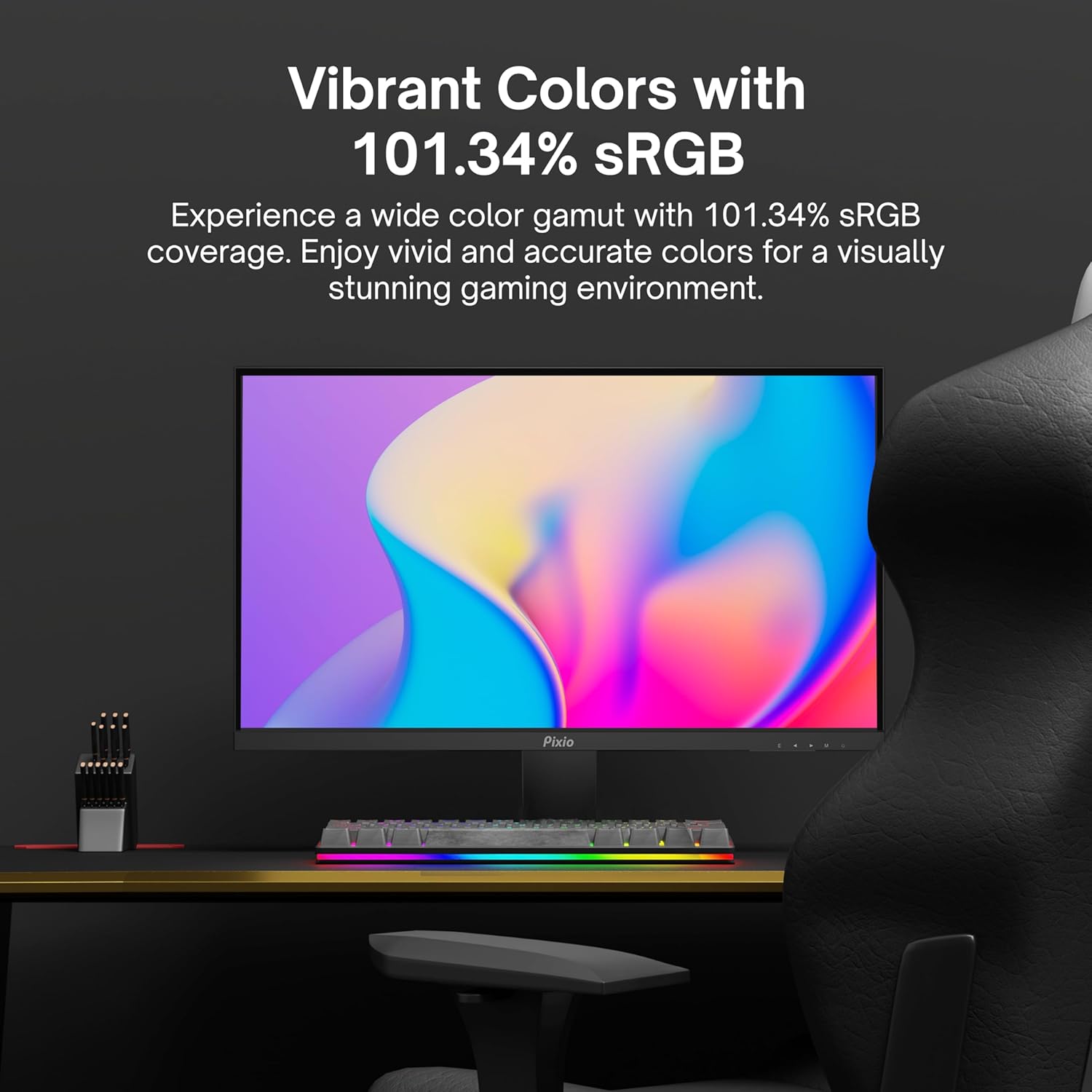
Image: Monitor displaying a colorful game environment, emphasizing the vibrant color reproduction with 101.34% sRGB.
Məhsul Videosu Bitdiview:
Video: An official product video from Pixio showcasing the PX259 Prime 25-inch 1080p 280Hz Fast IPS 1ms Gaming Monitor, highlighting its features and performance.
7. Baxım
- Ekranın təmizlənməsi: Ekranı yumşaq, tüysüz bir parça ilə yumşaq bir şəkildə silin. İnadkar izlər üçün dampen the cloth with a small amount of screen cleaner (non-ammonia based) and wipe carefully.
- C-nin təmizlənməsiasing: Monitoru silmək üçün yumşaq, quru parça istifadə edin casing. Aşındırıcı təmizləyicilərdən və ya həlledicilərdən istifadə etməyin.
- Havalandırma: Həddindən artıq istiləşmənin qarşısını almaq üçün monitorun havalandırma dəliklərinin bağlanmadığından əmin olun.
- Yaddaş: Monitoru uzun müddət saxlayırsınızsa, onu elektrik şəbəkəsindən ayırın və sərin, quru yerdə, tercihen orijinal qablaşdırmasında saxlayın.
8. Giderme
- Güc yoxdur:
- Elektrik kabelinin monitora və işləyən elektrik rozetkasına etibarlı şəkildə qoşulduğundan əmin olun.
- Güc adapterinin düzgün işlədiyini yoxlayın.
- Siqnal yoxdur:
- Verify that the video cable (DisplayPort or HDMI) is securely connected to both the monitor and your device.
- Monitorun OSD menyusunda düzgün giriş mənbəyinin seçildiyinə əmin olun.
- Mümkünsə, fərqli bir video kabeli və ya portu ilə sınaqdan keçirin.
- Ekranın cırılması/kəkələməsi:
- Enable AMD FreeSync Premium in both the monitor's OSD and your graphics card settings.
- Qrafik drayverlərinizin yeniləndiyinə əmin olun.
- Incorrect Refresh Rate:
- Check your operating system's display settings and your graphics card control panel to set the refresh rate to 280Hz (DisplayPort) or 240Hz (HDMI).
- Ensure you are using a DisplayPort cable for 280Hz.
- Poor Picture Quality/Colors:
- Adjust brightness, contrast, and color settings in the OSD menu.
- Video kabelinin zədələnmədiyinə əmin olun.
9. Spesifikasiyalar
Detailed technical specifications for the Pixio PX259 Prime monitor:
| Xüsusiyyət | Spesifikasiya |
|---|---|
| Model nömrəsi | PX259 Prime |
| Ekran Ölçüsü | 24.5 Inches (25 Inches equivalent) |
| Panel növü | Fast Nano IPS |
| Qətnamə | FHD 1080p (1920 x 1080 Pixels) |
| Yeniləmə dərəcəsi | 280Hz (144Hz Supported) |
| Cavab vaxtı | 1ms GTG |
| Aspekt nisbəti | 16:9 |
| Şəklin Parlaqlığı | 350 Kandela |
| Adaptiv Sinxronizasiya | AMD FreeSync Premium |
| Bağlantı | 2x DisplayPort 1.2, 2x HDMI 2.0, Earphone Jack, DC In |
| Məhsul Ölçüləri | 7.09 x 21.98 x 16.52 düym |
| Maddə Çəkisi | 12.42 funt sterlinq |
| VESA Uyğunluğu | 75x75mm (VESA Ready) |

Image: Diagram showing the dimensions of the Pixio PX259 Prime monitor, including width (21.98 inches), height (16.52 inches), and depth (7.09 inches).
10. Zəmanət və Dəstək
Pixio products are designed for reliability and performance. For specific warranty details, please refer to the warranty card included with your product or visit the official Pixio website. For technical support, troubleshooting assistance, or service inquiries, please contact Pixio customer support through their official channels.
Onlayn Resurslar: For additional information, FAQs, and driver downloads, please visit the Amazonda Pixio Mağazası.