
1. Məhsul bitdiview
The REXING HS01 is a 1080p wireless smart home security camera system designed for both indoor and outdoor use. It features a rechargeable battery, solar panel charging capability, two-way intercom, motion activation, infrared night vision, and cloud storage options. The camera connects to your home WiFi network and is managed via a mobile application.
Əsas Xüsusiyyətlər:
- 1080p Full HD Video: Records clear video with a 120-degree wide-angle lens.
- Simsiz və təkrar doldurulan: Operates wirelessly with a 6000mAh rechargeable battery.
- Günəş enerjisi ilə işləyən: Can be continuously charged by the included solar panel.
- İki tərəfli interkom: Allows for real-time communication via the mobile app.
- Suya davamlı dizayn: IP65 rated for outdoor weather resistance.
- Hərəkət aşkarlanması: PIR motion sensor with adjustable sensitivity up to 33ft.
- İnfraqırmızı Gecə Görünüşü: Provides clear visibility up to 33ft in low light conditions.
- Bulud Saxlama: Offers free 3-day cloud storage with options for extended plans.
- Mobil Proqrama Nəzarət: Manage and monitor the camera from your smartphone.
2. Paketin məzmunu
Zəhmət olmasa paketi aşağıdakı maddələr üçün yoxlayın:
- REXING HS01 Təhlükəsizlik Kamerası
- Günəş paneli
- Montaj braketi və vintlər
- USB şarj kabeli
- İstifadəçi təlimatı
3. Quraşdırma Bələdçisi
3.1 İlkin Doldurma
Before first use, fully charge the camera's internal 6000mAh battery using the provided USB cable. Connect the cable to the camera's charging port and a standard USB power adapter (not included). The charging indicator will show the charging status.
3.2 Tətbiqin quraşdırılması
yükləyin Rexing Home smartfonunuzun tətbiq mağazasından tətbiq (iOS və Android-də mövcuddur). axtarın "Rexing Home" and install the application.
3.3 Wi-Fi bağlantısı
- Open the Rexing Home app and create an account or log in.
- Yeni cihaz əlavə etmək üçün tətbiqdaxili təlimatlara əməl edin.
- Smartfonunuzun a-ya qoşulduğundan əmin olun 2.4GHz Wi-Fi şəbəkəsi. The HS01 camera does not support 5GHz Wi-Fi.
- Tələb olunduqda telefonunuzda göstərilən QR kodunu kamera linzası ilə skan edin.
- Wait for the camera to connect to your Wi-Fi network. A voice prompt will confirm successful connection.
3.4 Kameranın və Günəş Panelinin quraşdırılması
The REXING HS01 camera and solar panel can be mounted indoors or outdoors. Choose a location that provides the desired viewing angle and ensures the solar panel receives ample direct sunlight throughout the day for optimal charging.

Image: The REXING HS01 camera with its solar panel mounted on an exterior wall, highlighting its 100% wireless and solar-powered operation. The camera is designed for outdoor use and is weatherproof.
- Use the provided mounting bracket and screws to securely attach the camera to a wall or desired surface.
- Mount the solar panel in a location that receives maximum direct sunlight. Connect the solar panel cable to the camera's charging port.
- Adjust the camera's angle to cover the desired monitoring area.
4. Əməliyyat Təlimatları
4.1 Canlı View and Remote Playback
Once connected, open the Rexing Home app to access the live video feed from your camera. You can view real vaxt footage from anywhere with an internet connection. The app also allows you to review video foo qeyd edilditage stored in the cloud.

Şəkil: Canlı yayımı göstərən smartfon ekranı view from the REXING HS01 camera, with icons for remote playback and indicating motion alerts. This demonstrates complete control from the Rexing Home App.
4.2 İkitərəfli Audio Rabitə
The HS01 camera features a built-in microphone and speaker, enabling two-way audio communication. From the live view in the Rexing Home app, you can speak to individuals near the camera and hear their responses.
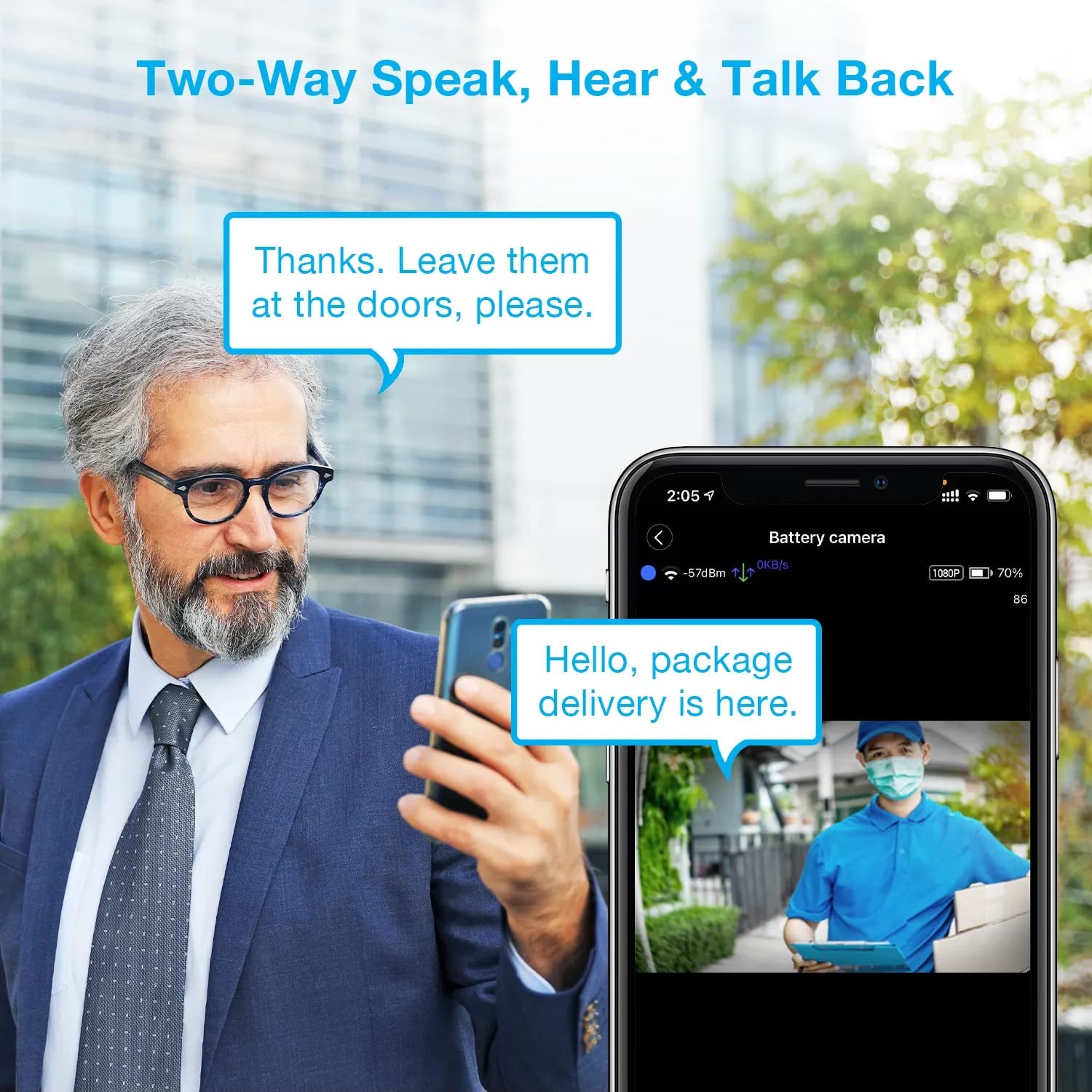
Image: A man using his smartphone to communicate with a delivery person visible on his screen, demonstrating the two-way speak and talk-back functionality of the REXING HS01 camera.
4.3 Hərəkətin aşkarlanması və siqnallar
The camera utilizes a PIR (Passive Infrared) motion sensor to detect movement. When motion is detected, the camera will begin recording and send instant notifications to your smartphone via the Rexing Home app.
- Həssaslığın tənzimlənməsi: You can adjust the PIR motion sensitivity settings within the app, with options up to 33ft.
- Bildiriş Parametrləri: Customize alert preferences in the app to receive notifications for every detected motion.
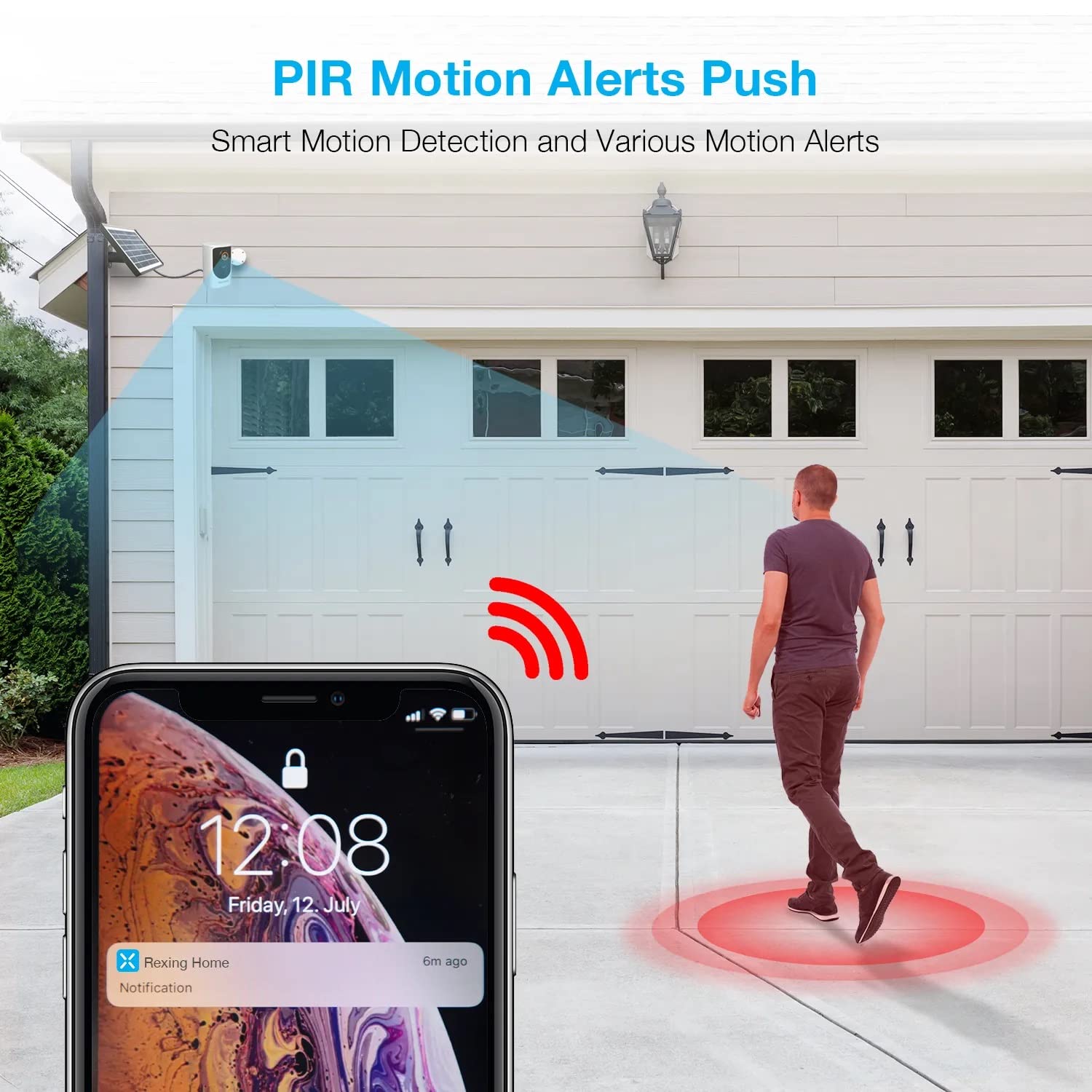
Image: A smartphone screen showing a notification from the Rexing Home app indicating a motion alert, with a visual representation of a person walking into the camera's detection zone.
4.4 Gecə Görünüşü
The HS01 camera is equipped with 8 built-in 850nm Infrared LEDs and enhanced CMOS imaging sensors, providing clear night vision up to 33ft. The night vision mode activates automatically in low-light conditions.
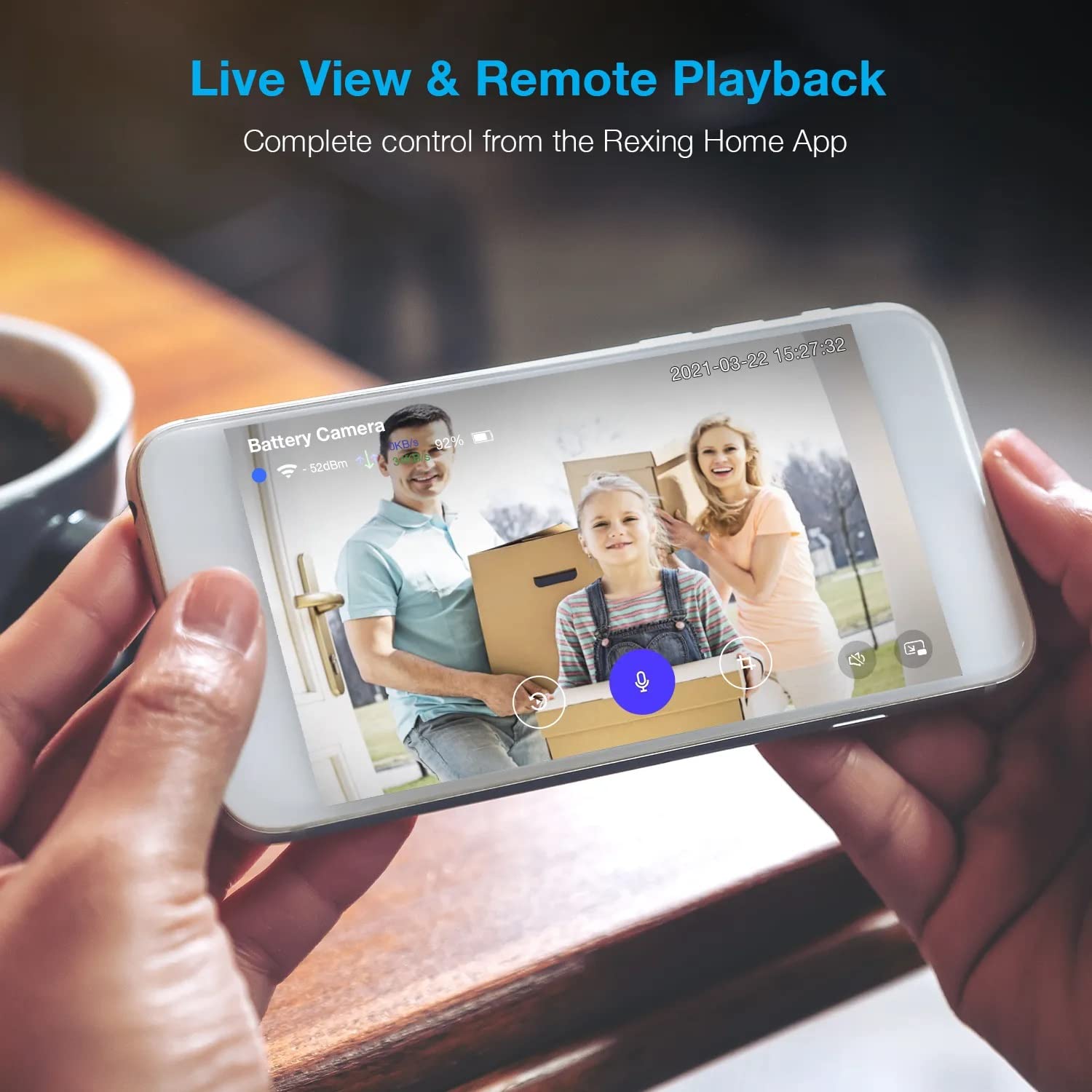
Image: A smartphone displaying a split screen, with one side showing a daytime view of a house in full color and the other side showing the same house in enhanced infrared night vision, demonstrating the camera's 1080p HD and night vision capabilities.
4.5 Cloud Storage
The camera offers secure cloud storage for recorded video footage. You can access the past 3 days of video recordings for free. Extended cloud storage plans are available for purchase through the Rexing Home app.
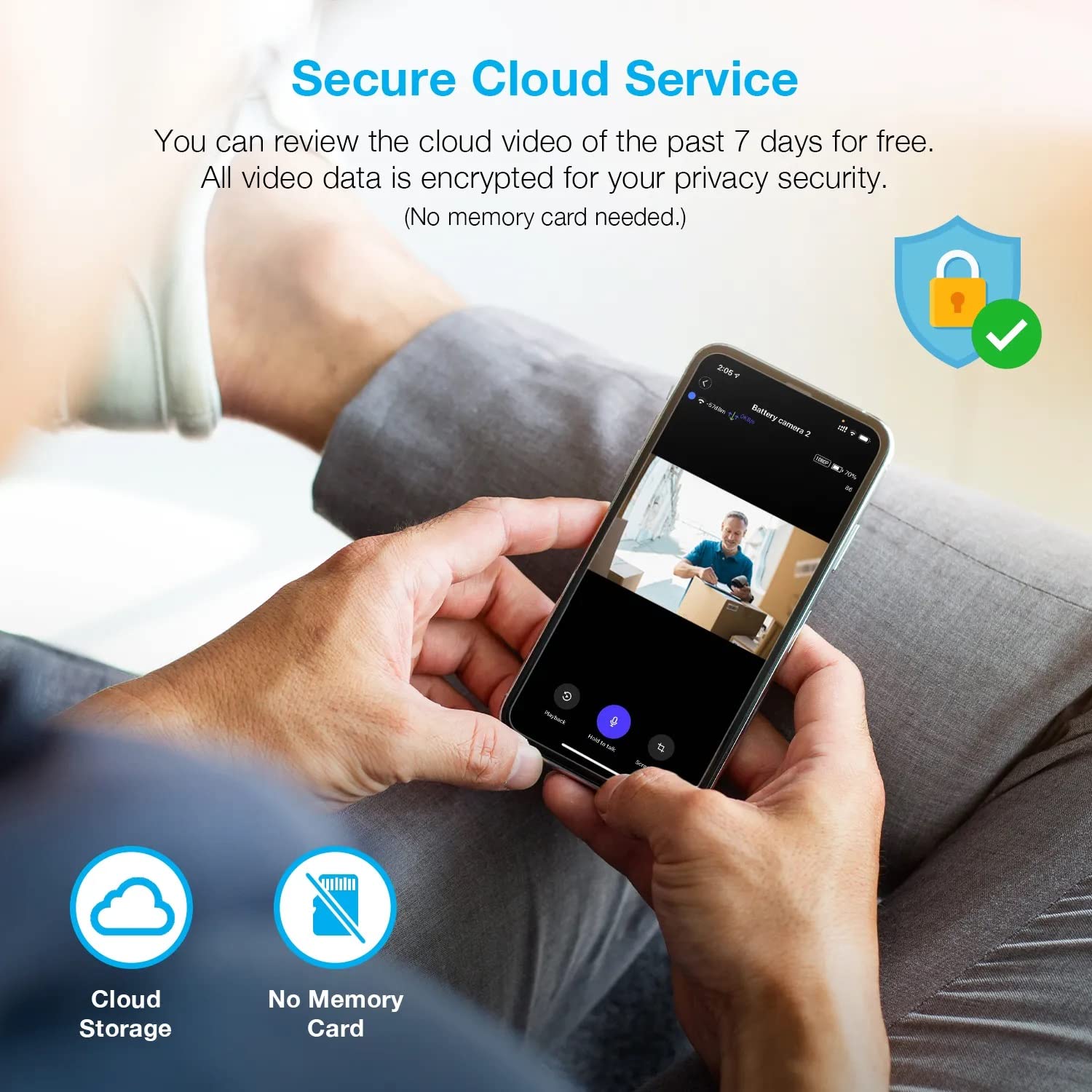
Şəkil: Bir şəxs viewing recorded camera footage on a smartphone, accompanied by icons for cloud storage and indicating that no memory card is needed, highlighting the secure cloud service feature.
5. Baxım
5.1 Batareyanın idarə edilməsi
The HS01 camera is powered by a 6000mAh rechargeable battery. For continuous operation, ensure the solar panel is positioned to receive adequate direct sunlight. If the camera is used in an area with limited sunlight, periodic manual charging via the USB cable may be required.
5.2 Təmizləmə
To maintain optimal performance, periodically clean the camera lens and the solar panel surface with a soft, damp parça. Səthlərə zərər verə biləcək aşındırıcı təmizləyicilərdən və ya həlledicilərdən istifadə etməyin.
6. Giderme
- Kamera Wi-Fi-a qoşulmur:
- Wi-Fi şəbəkənizin 2.4 GHz olduğundan əmin olun. Kamera 5GHz şəbəkələrini dəstəkləmir.
- Kameranın yerində Wi-Fi siqnal gücünü yoxlayın.
- Tətbiqə daxil edilmiş Wi-Fi parolunun düzgün olduğunu yoxlayın.
- Routerinizi və kameranı yenidən başladın.
- Zəif video keyfiyyəti:
- Ensure a strong Wi-Fi signal. Weak signals can affect streaming quality.
- Clean the camera lens if it appears dirty or smudged.
- Hərəkət aşkarlanması işləmir və ya çox həssasdır:
- Adjust the PIR motion sensitivity settings in the Rexing Home app.
- Kameranı bloklayan heç bir maneə olmadığından əmin olun view or the PIR sensor.
- Check the camera's battery level. Low battery can affect sensor performance.
- Battery not holding charge or solar panel not working:
- Günəş panelinin gündə bir neçə saat birbaşa günəş işığı alacaq şəkildə yerləşdirildiyinə əmin olun.
- Günəş panelinin səthini kir və ya zibildən təmizləmək üçün təmizləyin.
- Günəş paneli kabelinin kameraya etibarlı şəkildə qoşulduğunu yoxlayın.
- If issues persist, try charging the camera directly via USB.
- No audio or poor two-way audio:
- Check the volume settings on your smartphone and in the Rexing Home app.
- Tətbiq üçün telefonunuzun mikrofonunun aktiv olduğundan əmin olun.
- Verify a stable internet connection for both the camera and your smartphone.
7. Spesifikasiyalar
| Xüsusiyyət | Spesifikasiya |
|---|---|
| Model nömrəsi | HS01 |
| Video Çözünürlük | 1080p tam HD |
| Sahəsi View | 120 dərəcə |
| Gecə Görmə Aralığı | 33 Fut |
| Batareya Tutumu | 6000 mAh |
| Bağlantı | Simsiz (Wi-Fi 2.4GHz) |
| Suya davamlı reytinq | IP65 |
| Uyğun Cihazlar | Smartphone (Amazon Alexa, Google Assistant) |
| Element Ölçüləri | 8.5 x 7.25 x 3.75 düym |
| Maddə Çəkisi | 1 funt sterlinq |
| Güc mənbəyi | Yenidən doldurulan batareya, günəş paneli |
8. Zəmanət və Dəstək
8.1 Zəmanət Məlumatı
For detailed warranty information regarding your REXING HS01 Smart Home Security Camera System, please refer to the warranty card included with your product or visit the official REXING websayt. Zəmanət şərtləri regiona və satıcıya görə dəyişə bilər.
8.2 Müştəri dəstəyi
If you encounter any issues or have questions about your REXING HS01 camera, please contact REXING customer support. You can typically find support contact information on the official REXING website or within the Rexing Home mobile application.
For the latest updates, FAQs, and additional resources, please visit the official REXING websayt: www.rexingusa.com