
1. Təhlükəsizlik Məlumatı
Bu məhsulu istifadə etməzdən əvvəl bütün təhlükəsizlik təlimatlarını oxuyun və başa düşün. Bu təlimatlara əməl edilməməsi elektrik cərəyanı vurması, yanğın və ya ciddi xəsarətlə nəticələnə bilər.
- Yalnız daxili istifadə: This surge protector is designed for indoor use in dry locations. Do not use it outdoors or in wet environments.
- Həddindən artıq yükləmədən çəkinin: Do not exceed the electrical ratings of 15A, 125V, or 1875W. Overloading can cause overheating and fire.
- Torpaqlı çıxışlar: Only plug the surge protector into a properly grounded 3-prong wall outlet.
- Uşaqlar və ev heyvanları: Uşaqların və ev heyvanlarının əli çatmayan yerdə saxlayın.
- Yoxlama: Regularly inspect the surge protector for any damage. Do not use if damaged.

2. Məhsul bitdiview
The BN-LINK BNC-60/U168 is a versatile wall outlet extender designed to expand your power options while providing surge protection for your electronic devices. It features a compact design that plugs directly into a standard wall outlet, converting it into multiple power sources.

Əsas Xüsusiyyətlər:
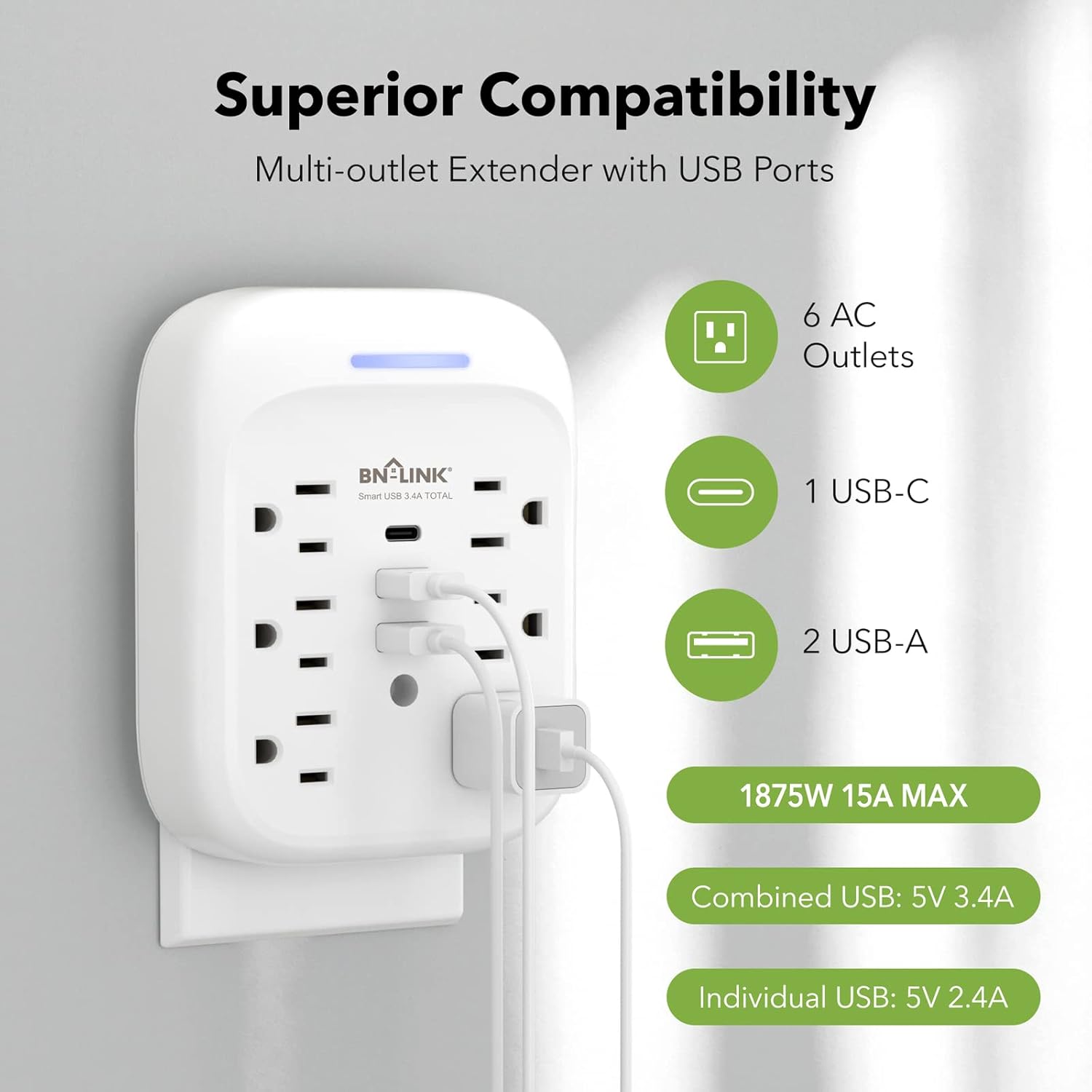
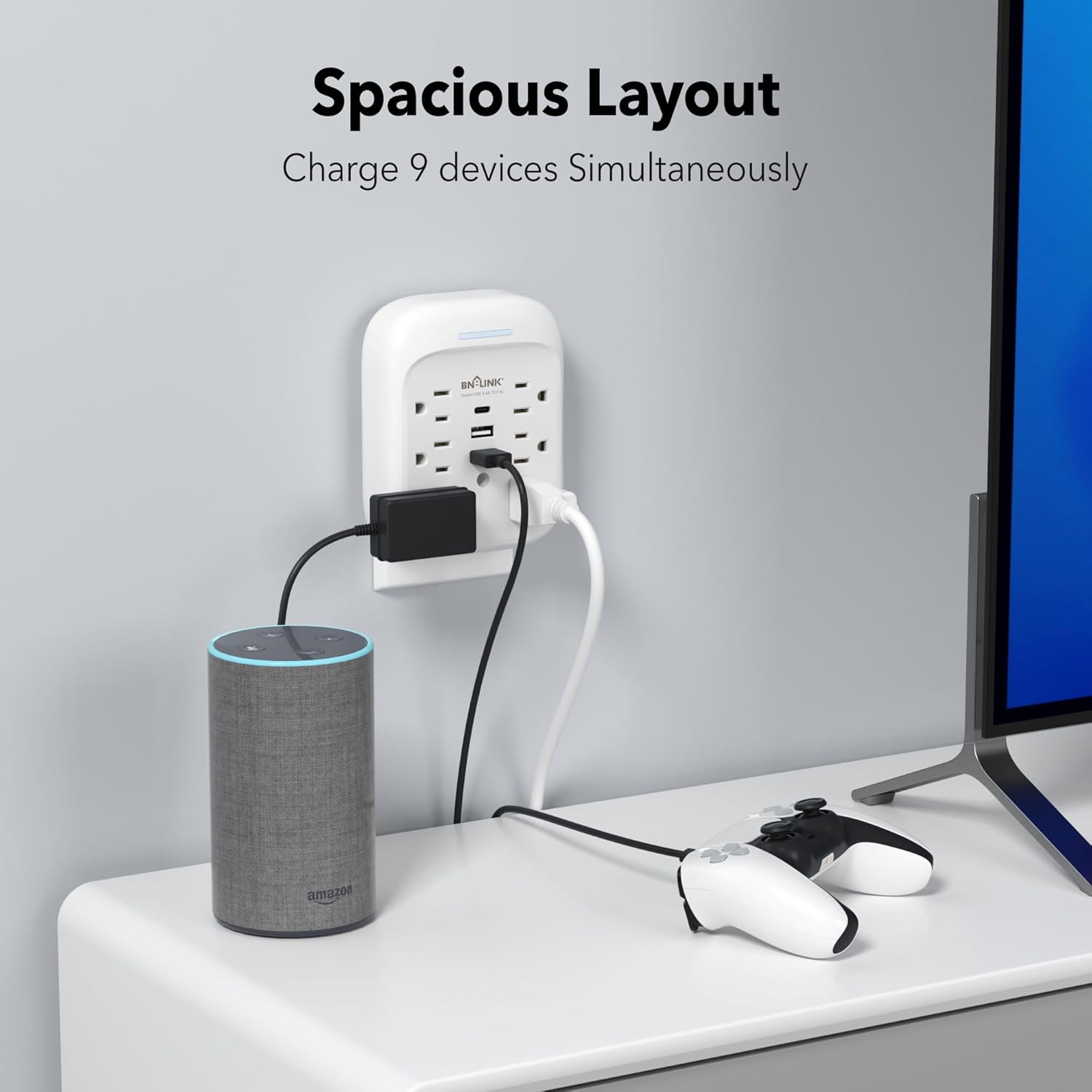
- 9-in-1 Power Solution: Provides 6 AC outlets (15A/125V/1875W) and 3 USB ports (1 USB-C, 2 USB-A) for a total of 9 charging options.
- Qabaqcıl dalğalanmadan qorunma: Equipped with an 1800 Joule surge protection rating to safeguard your electronics from voltage spikes. Built-in safeguards protect against over-current, over-charging, and over-heating.
- USB doldurulması: Includes one USB-C port (up to 5V/3.4A total) and two USB-A ports (up to 5V/2.4A per port), with a combined total USB output of 5V/3.4A.
- Stable Wall-Mounted Design: Features a stable design with a mounting screw to securely fasten it to the wall outlet, preventing accidental dislodgement. A cuttable stabilizing post is also included for compatibility with various outlet types.
- Grounded Indicator: A blue indicator light confirms that your devices are grounded and protected.

3. Quraşdırma
Follow these steps to properly install your BN-LINK Surge Protector:
- Çıxışı hazırlayın: Ensure the wall outlet is a standard 3-prong grounded outlet. If your existing wall plate has a screw in the center, remove it using a screwdriver.
- Qoşun: Carefully align the prongs of the surge protector with the wall outlet and push firmly until it is fully seated.
- Vintlə bərkidin: Insert the provided mounting screw into the center hole of the surge protector and tighten it to secure the unit to the wall plate. This enhances stability and prevents the unit from pulling out.
- Yoxlama göstəricisi: Once plugged in and powered, the blue indicator light on the top of the unit will illuminate, confirming that the product is on and your devices are protected.

4. Əməliyyat
Once installed, the surge protector is ready for use. Simply plug your devices into the available AC outlets and USB ports.
- AC çıxışları: Use the 6 AC outlets for standard electronic devices such as laptops, lamps, and small appliances. Ensure the total wattage 1875W-dan çox deyil.
- USB Portları: Utilize the 1 USB-C and 2 USB-A ports for charging smartphones, tablets, smartwatches, and other USB-powered devices. The USB-C port provides up to 5V/3.4A, and each USB-A port provides up to 5V/2.4A, with a total combined USB output of 5V/3.4A.
- Doldurma Effektivliyi: The smart USB ports automatically detect your device to deliver optimal charging speed.

5. Baxım
To ensure the longevity and safe operation of your surge protector, follow these maintenance guidelines:
- Təmizləmə: Disconnect the unit from the wall outlet before cleaning. Use a dry, soft cloth to wipe the exterior. Do not use liquid cleaners or abrasive materials.
- Yaddaş: When not in use for extended periods, store the surge protector in a cool, dry place away from direct sunlight and moisture.
- Zərərdən qaçın: Do not drop, disassemble, or attempt to repair the unit yourself. This can void the warranty and pose safety risks.
6. Giderme
If you encounter issues with your BN-LINK Surge Protector, refer to the following common problems and solutions:
- No Power/Blue Indicator Off:
- Ensure the surge protector is firmly plugged into a working, grounded wall outlet.
- Check if the wall outlet itself is functioning by plugging in another device.
- If the blue indicator light remains off, the surge protection may have been compromised due to a significant power surge. The unit may still function as an outlet extender but without surge protection. Replace the unit if surge protection is desired. - Cihaz doldurulmur:
- Verify that the device's charging cable is properly connected to both the device and the surge protector's USB port or AC outlet.
- Try a different USB port or AC outlet on the unit.
- Test the device and cable with a different power source to rule out issues with the device or cable. - Həddindən artıq istiləşmə:
- Disconnect all devices immediately. The unit may be overloaded. Reduce the number of connected devices or their combined power draw.
- Ensure adequate ventilation around the unit.
Problem davam edərsə, yardım üçün müştəri dəstəyi ilə əlaqə saxlayın.
7. Spesifikasiyalar
| Xüsusiyyət | Spesifikasiya |
|---|---|
| Brend | BN-LINK |
| Model | BNC-60/U168 |
| Elektrik reytinqi | 125VAC/60Hz, 15A, 1875W |
| Artan enerji reytinqi | 1800 Joul |
| Ümumi AC çıxışları | 6 |
| USB-C Çıxışı | 5V/3.4A (Total) |
| USB-A Çıxış | 5V/2.4A (Max Per Port) |
| Ümumi USB çıxışı | 5V/3.4A |
| Material | Polikarbonat (PC) |
| Elektrik Prizinin Tipi | Type B - 3 pin (North American) |
| Maddə Çəkisi | 0.55 funt sterlinq |
| Rəng | Ağ |

8. Zəmanət və Dəstək
BN-LINK stands behind the quality of its products. This surge protector comes with a 15 ay zəmanət satın alındığı tarixdən.
For technical assistance, troubleshooting, or any questions regarding your product, please contact BN-LINK customer support. Our team is available 24/7 to provide friendly and helpful service.
Əlaqə məlumatı: Please refer to the product packaging or the official BN-LINK webən müasir əlaqə məlumatları üçün sayt.