
1. Məhsul bitdiview
The Wokyo Portable Mini Projector (Model CA164965161) is a compact and lightweight device designed for displaying media from various sources. Its small form factor allows for easy portability, making it suitable for home cinema, outdoor viewing, or business presentations.
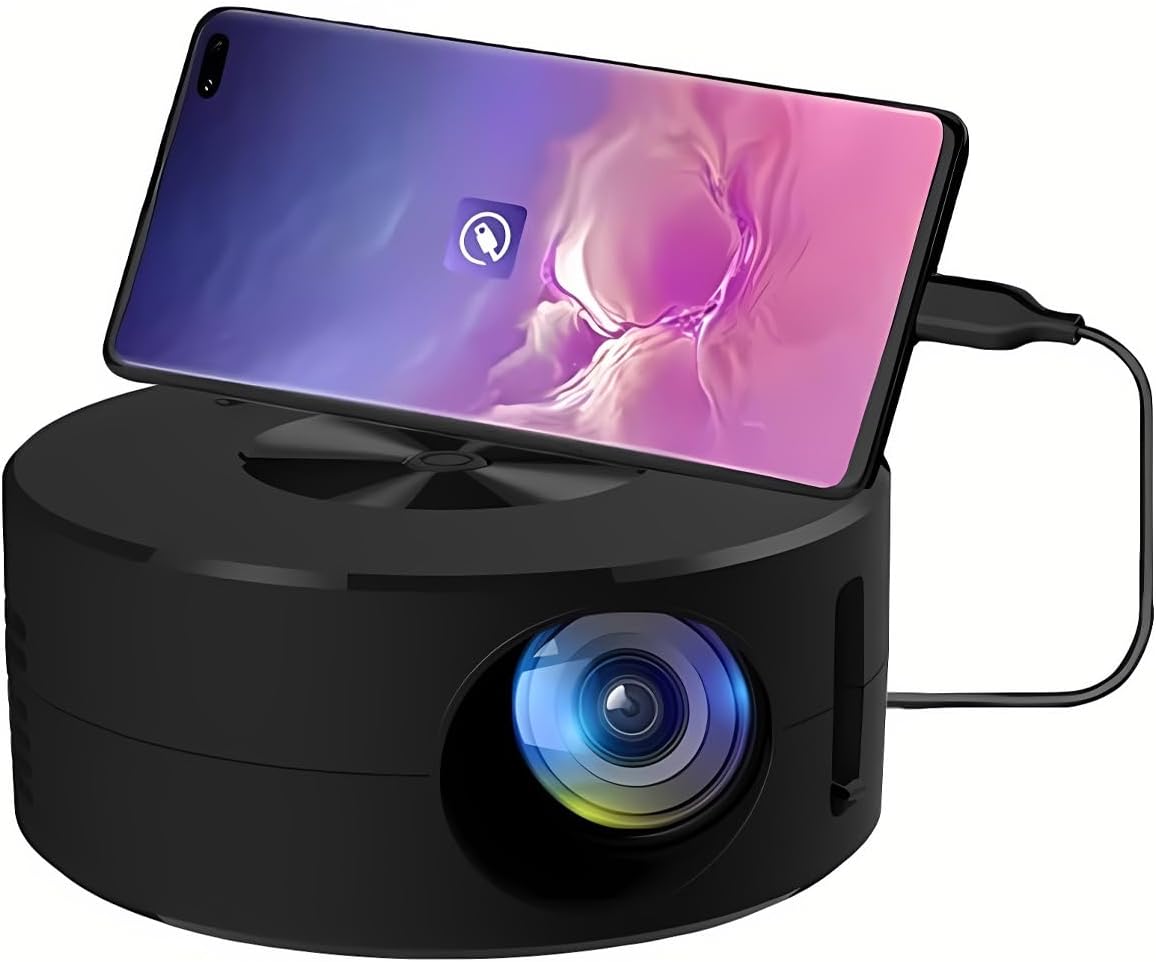
Şəkil 1.1: Ön view of the Wokyo Portable Mini Projector.
Key features of this projector include:
- Kompakt dizayn: Smaller than a typical smartphone, facilitating easy transport.
- Simli Ekran Yansıtma: Supports direct connection to mobile phones and tablets using their charging cables for screen display, eliminating the need for additional adapters.
- High Clarity Support: Capable of supporting resolutions up to 1920x1080p, providing clear image quality.
- Davamlı tikinti: Manufactured from environmentally friendly ABS material.
- Efficient Light Source: Utilizes an LCD light source for lower energy consumption and extended lifespan.
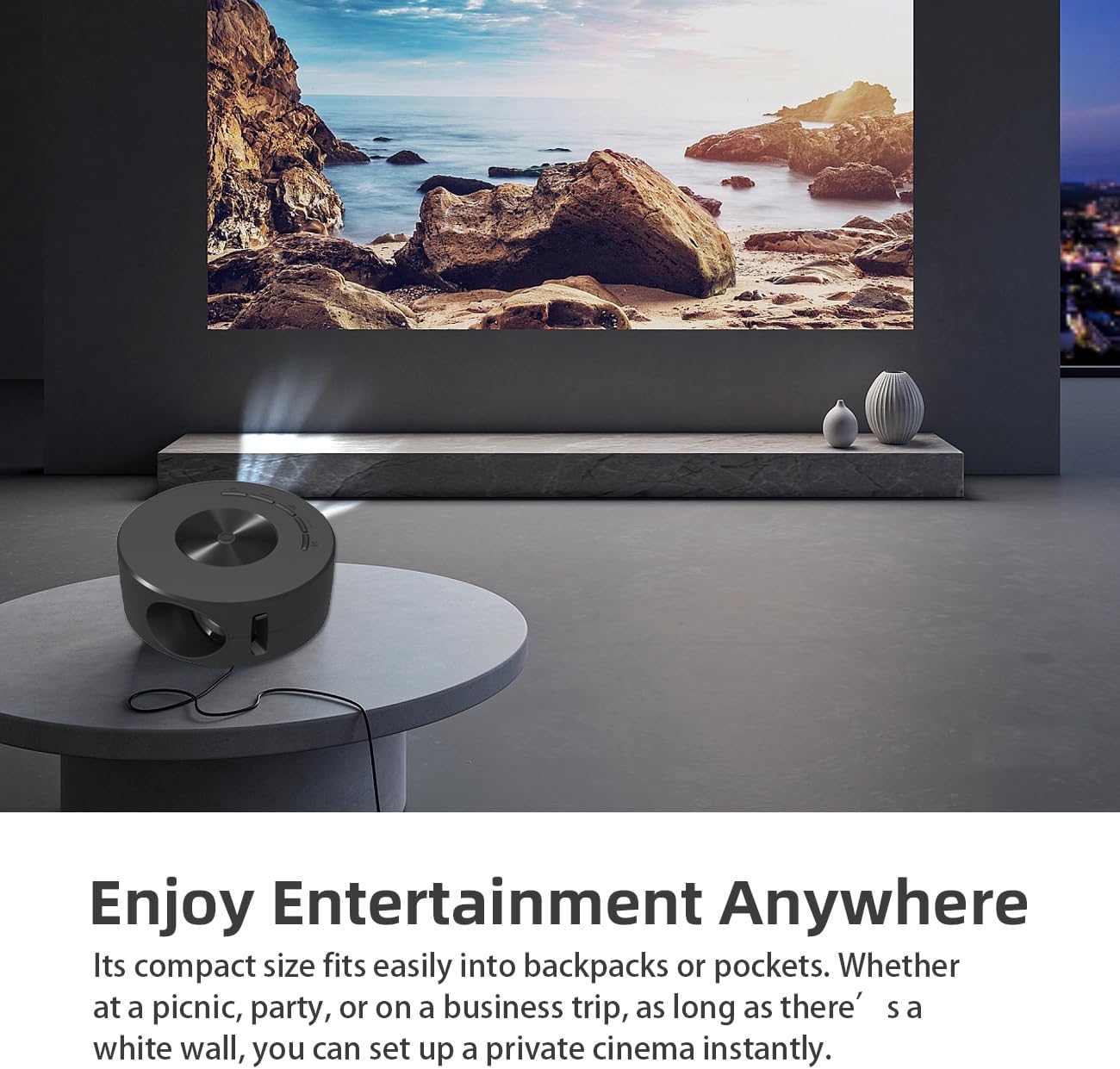
Image 1.2: Projector in use, demonstrating its compact size and projection capability.
2. Paketin məzmunu
Aşağıda sadalanan bütün elementlərin məhsul paketinizə daxil olduğunu yoxlayın:

Image 2.1: All items included in the Wokyo Portable Mini Projector package.
- Wokyo Portable Mini Projector
- Uzaqdan İdarəetmə
- USB kabel
- İstifadəçi təlimatı
- Rəng qutusu
- Köpük qutusu
- Parcel Bag
3. Məhsulun Ölçüləri
The projector features a compact design for portability.

Image 3.1: Product dimensions of the Wokyo Portable Mini Projector.
- Çap: Təxminən 4.33 düym (110 mm)
- Hündürlük: Təxminən 1.85 düym (47 mm)
- Çəki: Təxminən 10.6 unsiya
4. İlkin Quraşdırma
4.1 Enerji Bağlantısı
To power the projector, connect it to a suitable power source. The projector requires a 5V 2A power input.

Image 4.1: Power connection options for the projector.
- Ensure your power source (e.g., phone charger, power bank) provides at least 5V 2A output.
- Connect the provided USB cable to the projector's power input port.
- Connect the other end of the USB cable to your chosen power source.
- The projector will power on automatically or can be turned on using the power button.
4.2 Device Connection (Wired Screen Mirroring)
The projector supports wired screen mirroring from mobile phones and tablets using their standard charging cables.
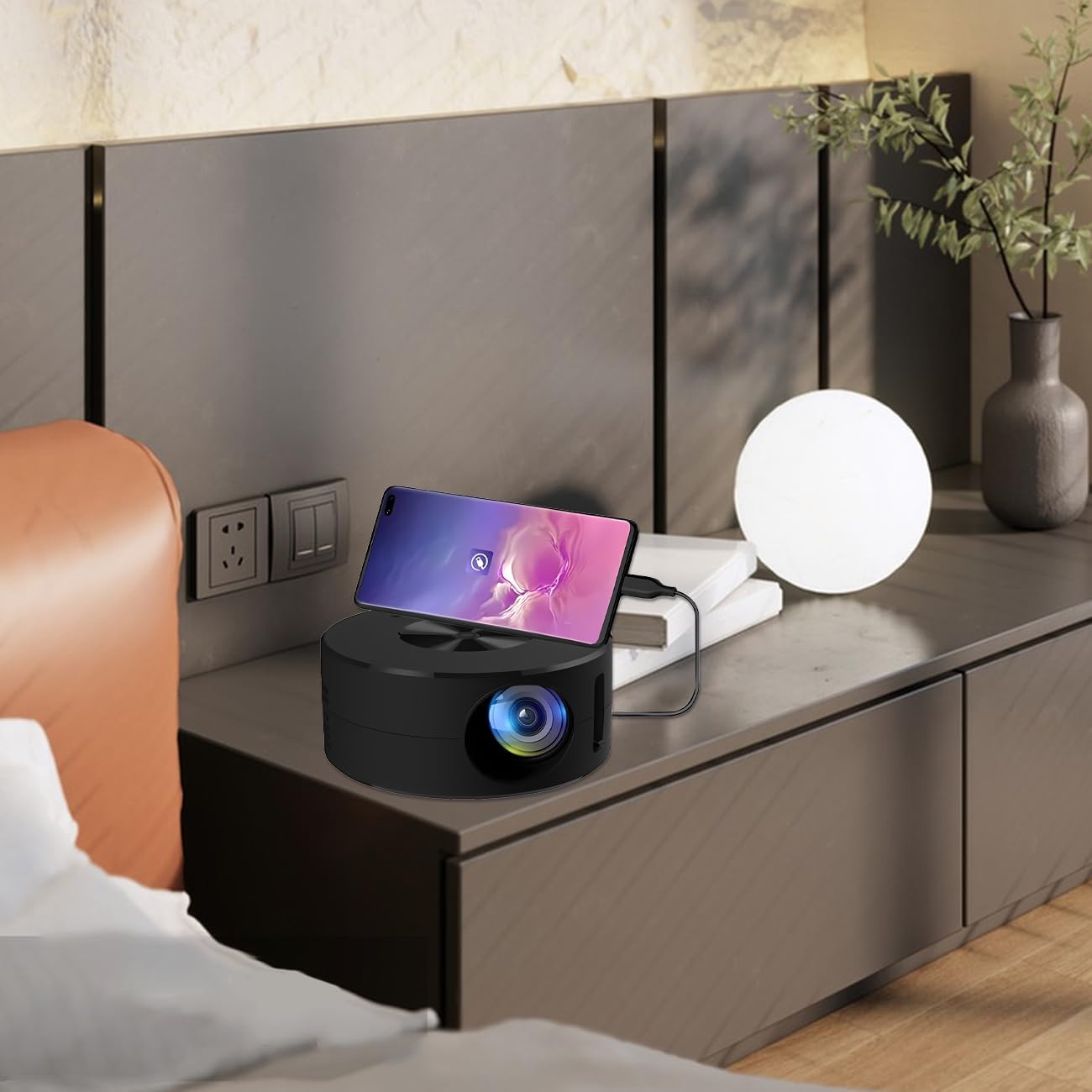
Image 4.2: Smartphone connected to the projector for wired screen mirroring.
- Connect your mobile phone or tablet to the projector using its original charging cable.
- The projector should automatically detect the connection and initiate screen mirroring.
- Follow any on-screen prompts on your device or the projector to confirm the connection.
5. Əməliyyat Təlimatları
5.1 Basic Controls and Ports
Familiarize yourself with the projector's control buttons and input/output ports.

Şəkil 5.1: Bitdiview of projector ports and controls.
- Güc düyməsi: Proyektoru yandırır/söndürür.
- Naviqasiya düymələri (yuxarı/aşağı/sol/sağ/OK): Menyularda naviqasiya etmək və seçimləri təsdiqləmək üçün istifadə olunur.
- USB Port: USB yaddaş cihazlarını birləşdirmək üçün.
- Qulaqlıq Portu: Xarici audio cihazlarını birləşdirmək üçün.
- IR Girişi: Pultdan siqnalların qəbulu üçün.
- 5V 2A Power Input: Enerji təchizatını birləşdirmək üçün.
- Daxili Stereo Dinamik: Audio çıxışı təmin edir.
5.2 Fokusun tənzimlənməsi
To achieve a clear image, adjust the focus ring located around the projector lens. Rotate the ring until the projected image appears sharp.
5.3 Pultdan istifadə
The included remote control allows for convenient operation of the projector from a distance. Ensure the remote has batteries installed and is pointed towards the projector's IR sensor.
6. Baxım
Düzgün texniki xidmət proyektorunuzun uzunömürlülüyünü və optimal işləməsini təmin edir.
- Lensin təmizlənməsi: Use a soft, lint-free cloth specifically designed for optical lenses. Avoid abrasive materials or harsh chemicals. Gently wipe the lens to remove dust or smudges.
- Xarici Təmizləmə: Proyektorun xarici hissəsini yumşaq, quru bir parça ilə silin. Maye təmizləyiciləri birbaşa cihazın üzərində istifadə etməyin.
- Havalandırma: Ensure the projector's ventilation openings are not blocked during operation to prevent overheating.
- Yaddaş: When not in use, store the projector in a cool, dry place away from direct sunlight and excessive dust.
7. Giderme
Ümumi problemlər və onların həlli yolları üçün aşağıdakı cədvələ baxın.
| Problem | Mümkün Səbəb | Həll |
|---|---|---|
| Heç bir şəkil proqnozlaşdırılmayıb | Power not connected; Input source not selected; Device not connected properly. | Ensure power is connected (5V 2A). Check device connection. Verify screen mirroring is active on your device. |
| Şəkil bulanıqdır | Fokus tənzimlənməyib. | Rotate the focus ring around the lens until the image is clear. |
| Səs yoxdur | Volume too low; External audio device connected; Device audio output settings. | Increase projector volume. Disconnect external audio devices if using internal speaker. Check audio settings on the connected source device. |
| Pult işləmir | Batteries low/dead; Obstruction between remote and projector; Remote not pointed at IR sensor. | Replace remote batteries. Ensure clear line of sight to the projector's IR sensor. |
8. Texniki spesifikasiyalar
Detailed specifications for the Wokyo Portable Mini Projector.
| Xüsusiyyət | Spesifikasiya |
|---|---|
| Brend | Wokyo |
| Model nömrəsi | CA164965161 |
| Maddə Çəkisi | 10.6 unsiya |
| Məhsul Ölçüləri | 4.33 x 4.33 x 1.97 düym |
| Rəng | Qara |
| Xüsusi Xüsusiyyət | Daşıma qabiliyyəti |
| Bağlantı texnologiyası | Bluetooth |
| Ekran Çözünürlüğü (Doğma) | 320 x 180 |
| Display Resolution (Maximum Supported) | 1920 x 1080 |
9. Zəmanət və Dəstək
For warranty information or technical support, please refer to the contact details provided with your purchase documentation or visit the official Wokyo websayt. Satınalma qəbzinizi zəmanət iddiaları üçün satınalmanın sübutu kimi saxlayın.