
Giriş
The realme Buds T110 are designed to deliver a high-quality audio experience with advanced features for both music and calls. These truly wireless earbuds offer powerful sound, clear communication, and a comfortable fit for daily use.
Key features include 10mm Dynamic Bass Drivers for rich audio, AI Environmental Noise Cancellation (ENC) for clear calls, Google Fast Pair for quick connectivity, 38 hours of total playback, fast charging capabilities, and an 88ms low latency gaming mode. The earbuds also feature an IPX5 water resistance rating, making them suitable for workouts and outdoor activities.

Şəkil: Bitdiview of realme Buds T110 key features including 38-hour playback, AI ENC, IPX5, and low latency.
Qutuda nə var
Upon opening your realme Buds T110 package, you will find the following items:
- realme Buds T110 Qulaqlıqlar (Sol və Sağ)
- Doldurma qutusu
- Qulaqlıqlar (optimal uyğunluq üçün müxtəlif ölçülər)
- USB şarj kabeli
- İstifadəçi təlimatı

Image: realme Buds T110 earbuds in their charging case, showcasing the product's components.
Quraşdırma
1. Qulaqlıqların və qutunun doldurulması
Before first use, fully charge the realme Buds T110 and their charging case. Connect the provided USB charging cable to the charging port on the case and a power source. The indicator light on the case will show charging status. A 10-minute charge provides up to 120 minutes of playback.

Şəkil: Üst view of the realme Buds T110 charging case with its indicator light.
2. Initial Pairing (Google Fast Pair)
- Smartfonunuzun Bluetooth-un aktiv olduğundan əmin olun.
- Open the charging case with the earbuds inside and hold it close to your Android phone.
- A Google Fast Pair pop-up will appear on your phone's screen. Tap 'Connect' to pair.
- For other devices, open the case, press and hold the function button on the case for 3 seconds until the indicator light flashes white, then select 'realme Buds T110' from your device's Bluetooth settings.
3. realme Link Tətbiq Uyğunluğu
Download the realme Link app from your device's app store to unlock additional features, customize touch controls, and update firmware for your realme Buds T110.

Image: The realme Link app logo, indicating compatibility for enhanced control.
Əməliyyat Təlimatları
1. Gücü yandırın/söndürün
- Güc Aktivdir: Şarj qutusunu açın və qulaqcıqlar avtomatik olaraq yanacaq və sonuncu qoşulmuş cihaza qoşulacaq.
- Söndürmək: Qulaqlıqları yenidən doldurma qutusuna qoyun və qapağı bağlayın. Onlar avtomatik olaraq ayrılacaq və enerjini söndürəcəklər.
2. Nəzarət elementlərinə toxunun
The realme Buds T110 feature intuitive touch controls on each earbud. The specific functions can be customized via the realme Link app.
| Fəaliyyət | Funksiya |
|---|---|
| İki dəfə vurun | Musiqi çalın/pauza verin, Zəngə cavab verin/sonlandırın |
| Üç dəfə toxunun | Növbəti trek |
| Press and Hold (one earbud) | Zəngdən imtina edin |
| Press and Hold (both earbuds) | Oyun rejiminə daxil olun/çıxın |

Image: Close-up of the right realme Buds T110 earbud, highlighting its design and touch-sensitive area.
3. AI Environmental Noise Cancellation (ENC) for Calls
The AI ENC feature intelligently identifies and reduces background noise during calls, ensuring your voice is heard clearly by the person on the other end, even in noisy environments.
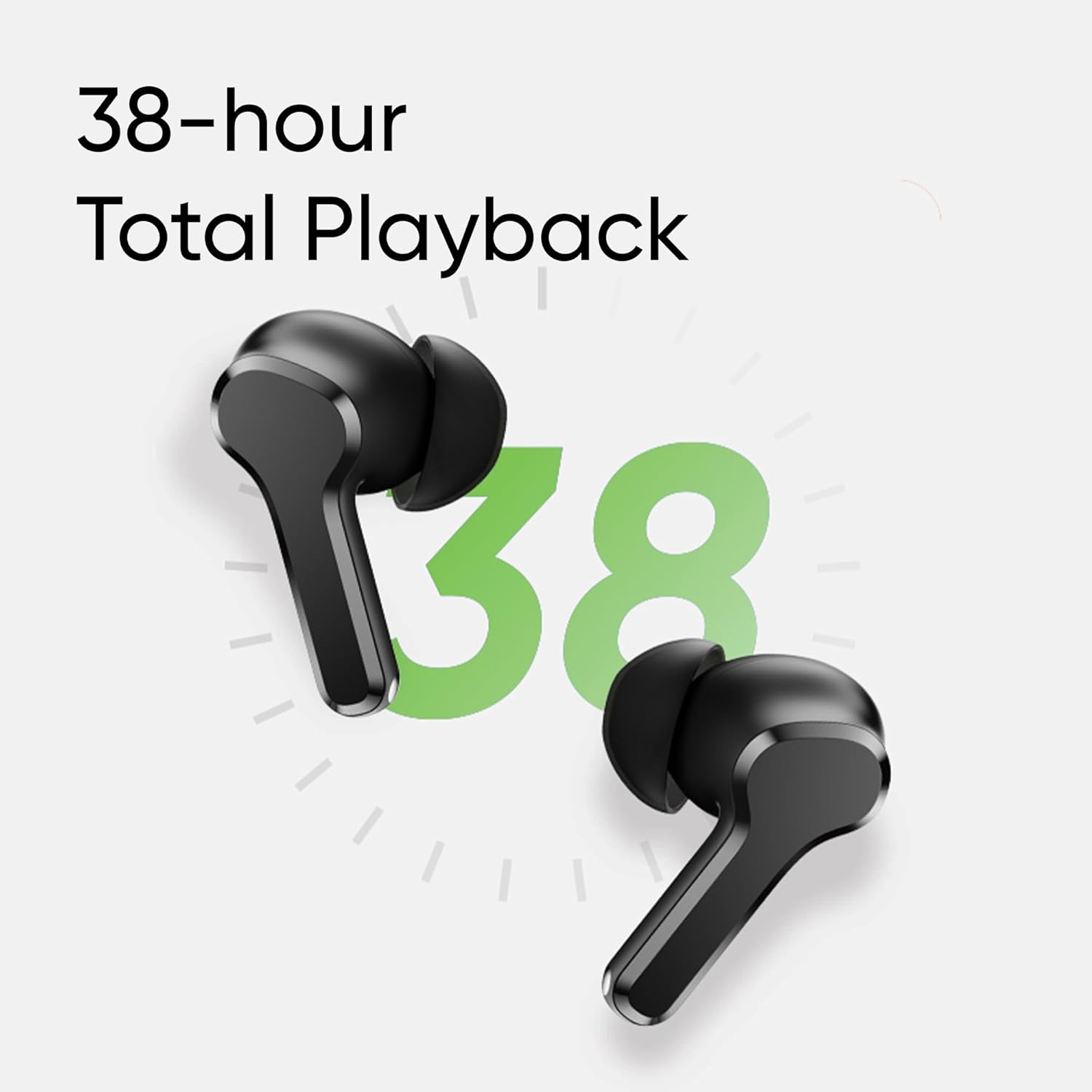
Image: Visual representation of AI ENC technology reducing background noise during calls.
4. Aşağı Gecikmə Oyun Rejimi
Activate the 88ms low latency gaming mode for a synchronized audio-visual experience, reducing audio delay during gaming or video playback. This mode can be toggled by pressing and holding both earbuds simultaneously.
Baxım
1. Təmizləmə
- Qulaqlıqları və şarj qutusunu mütəmadi olaraq yumşaq, quru, tüysüz parça ilə təmizləyin.
- Qulaq uclarını çıxarın və yumşaq sabun və su ilə təmizləyin, sonra yenidən taxmazdan əvvəl yaxşıca qurudun.
- Hər iki qulaqlıqdakı və qutudakı şarj kontaktlarının toz və zibildən təmiz olduğundan əmin olun.
2. Suya davamlılıq (IPX5)
The realme Buds T110 are rated IPX5 for water resistance, meaning they are protected against low-pressure water jets from any direction. This makes them resistant to sweat and light splashes. They are not designed for submersion in water or use during swimming.

Image: Visual representation of the IPX5 water resistance feature, showing water droplets around an earbud.
Problemlərin aradan qaldırılması
- Səs/Bağlantı Problemləri Yoxdur: Ensure earbuds are charged. Place them back in the case, close the lid, then reopen to re-establish connection. Check your device's Bluetooth settings and ensure 'realme Buds T110' is connected. Try forgetting the device and re-pairing.
- Bir Qulaqlıq İşləmir: Ensure both earbuds are charged. Place both earbuds in the charging case, close the lid, wait a few seconds, then open it again. If the issue persists, try resetting the earbuds.
- Doldurma Problemləri: Ensure the charging cable is securely connected to both the case and the power source. Clean the charging contacts on the earbuds and inside the case. Try a different charging cable or power adapter.
- Qulaqlıqların sıfırlanması: Place both earbuds in the charging case. Press and hold the function button on the case for 10 seconds until the indicator light flashes rapidly. This will reset the earbuds to factory settings and clear all pairing records. You will need to re-pair them with your device.
Spesifikasiyalar
| Xüsusiyyət | Spesifikasiya |
|---|---|
| Brend | realme |
| Model nömrəsi | RMA2306 |
| Qulaqların Yerləşdirilməsi | Qulaqda |
| Forma faktoru | Əsl Simsiz |
| Empedans | 32 Ohm |
| Bluetooth versiyası | 5.4 |
| Audio sürücü növü | Dinamik sürücü |
| Audio sürücü ölçüsü | 10 millimetr |
| Batareyanın Orta Ömrü | 38 Hours (Total Playback) |
| Batareyanın doldurulma vaxtı | 10 Minutes for 120 Minutes Playback |
| Suya davamlılıq səviyyəsi | IPX5 |
| Səs-küyə Nəzarət | Ətraf səs -küyün ləğvi (ENC) |
| Aşağı Gecikmə | 88ms |
| Çəki | 42 qram |
| Mənşə ölkəsi | Vyetnam |
Zəmanət və Dəstək
Zəmanət Məlumatı
The realme Buds T110 come with a 1 illik İstehsalçı Zəmanəti from the date of purchase. Please retain your proof of purchase for warranty claims. The warranty covers manufacturing defects but does not cover damage caused by misuse, accidents, unauthorized modifications, or normal wear and tear.
Müştəri dəstəyi
For further assistance, technical support, or warranty claims, please contact realme customer service through their official website or the realme Link app. You can also refer to the official realme support page for FAQs and additional resources.