
amazon basics AB-IBT-82ANC
Amazon Basics Pro Series Wireless Noise Cancelling ANC Over Ear Headphone
Model: AB-IBT-82ANC
Giriş
This manual provides detailed instructions for the setup, operation, maintenance, and troubleshooting of your Amazon Basics Pro Series Wireless Noise Cancelling ANC Over Ear Headphones. Please read this manual thoroughly before using the product to ensure proper function and longevity.

Image: The Amazon Basics Pro Series Wireless Noise Cancelling ANC Over Ear Headphone in black, showcasing onun parlaq dizaynı.
Paketin məzmunu
Bütün əşyaların paketdə olduğunu yoxlayın:
- Amazon Basics Pro Series Wireless Noise Cancelling ANC Over Ear Headphone
- USB Type-C Şarj Kabeli
- 3.5mm AUX Kabeli
- İstifadəçi Təlimatı (bu sənəd)
Quraşdırma
1. İlkin Doldurma
Before first use, fully charge the headphones. Connect the supplied USB Type-C charging cable to the headphone's charging port and the other end to a USB power source (e.g., computer USB port or wall adapter). The LED indicator will show charging status and turn off or change color when fully charged.
A full charge provides up to 74 hours of playback at 50% volume with ANC off, or 34 hours with ANC on.
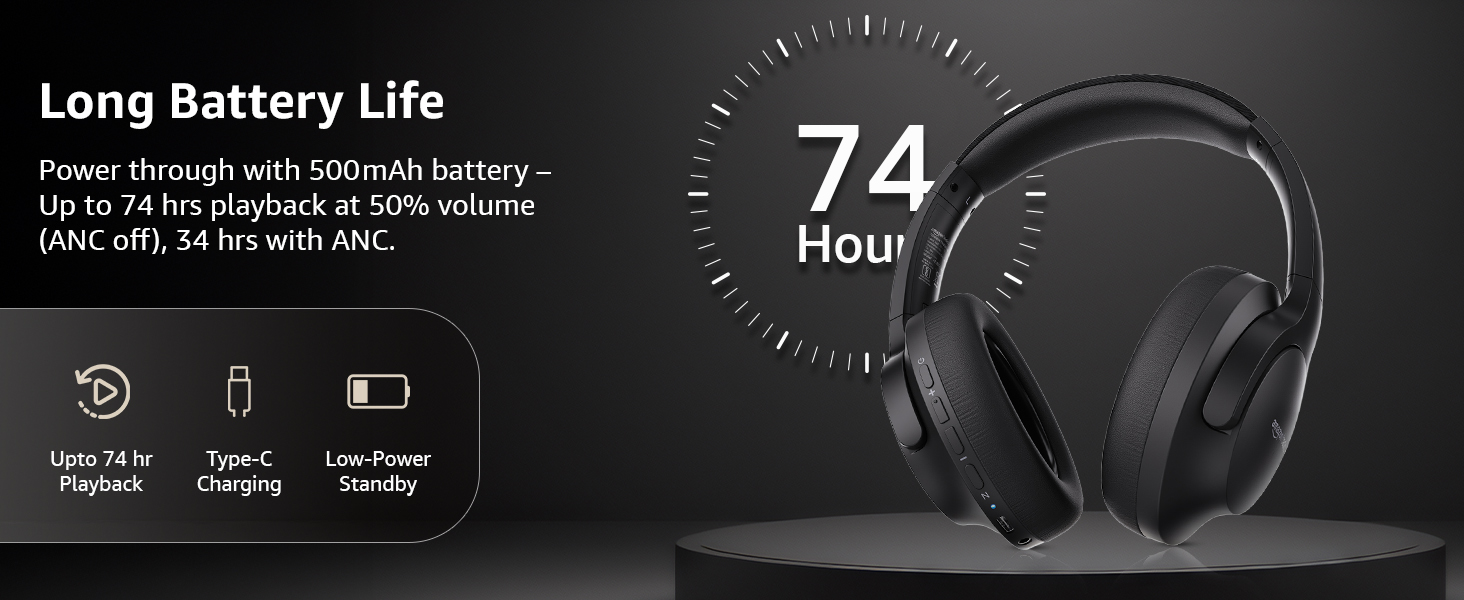
Image: An illustration highlighting the long battery life of the headphones, indicating up to 74 hours of playback.
2. Bluetooth Cütləşdirmə
- Qulaqlıqların doldurulduğundan və söndürüldüyündən əmin olun.
- LED göstəricisi cütləşmə rejimini göstərən mavi və qırmızı yanıb-sönənə qədər güc düyməsini basıb saxlayın.
- Cihazınızda (smartfon, planşet, noutbuk) Bluetooth-u aktivləşdirin və mövcud cihazları axtarın.
- Select "AB-IBT-82ANC" from the list of found devices.
- Qoşulduqdan sonra LED göstərici mavi rəngə çevriləcək və ya yavaş-yavaş yanıb-sönəcək.
The headphones support dual pairing, allowing connection to two devices simultaneously for seamless switching.

Image: The headphones shown connected to both a smartphone and a laptop, illustrating the multi-pairing capability.
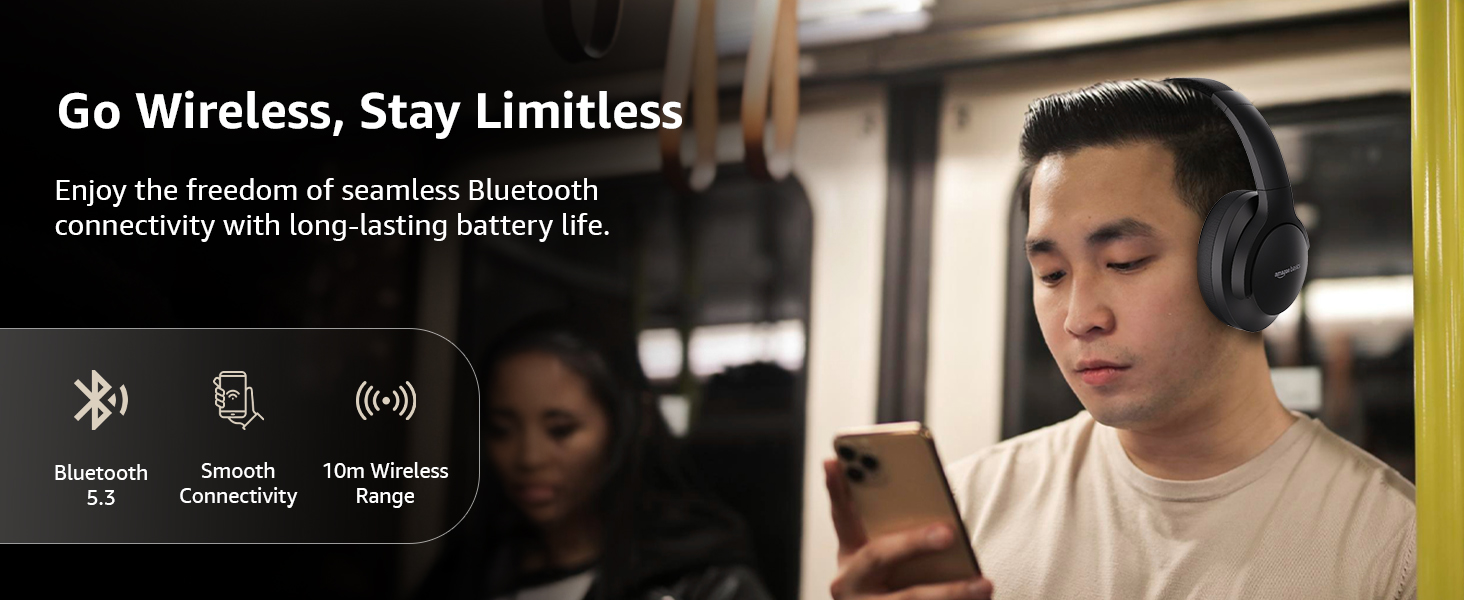
Image: A visual representation of the wireless capabilities, including Bluetooth 5.3 and a 10-meter wireless range.
3. Simli qoşulma (AUX rejimi)
For a wired connection, plug the 3.5mm AUX cable into the headphone's AUX port and the other end into your audio device's 3.5mm jack. This mode does not require battery power.
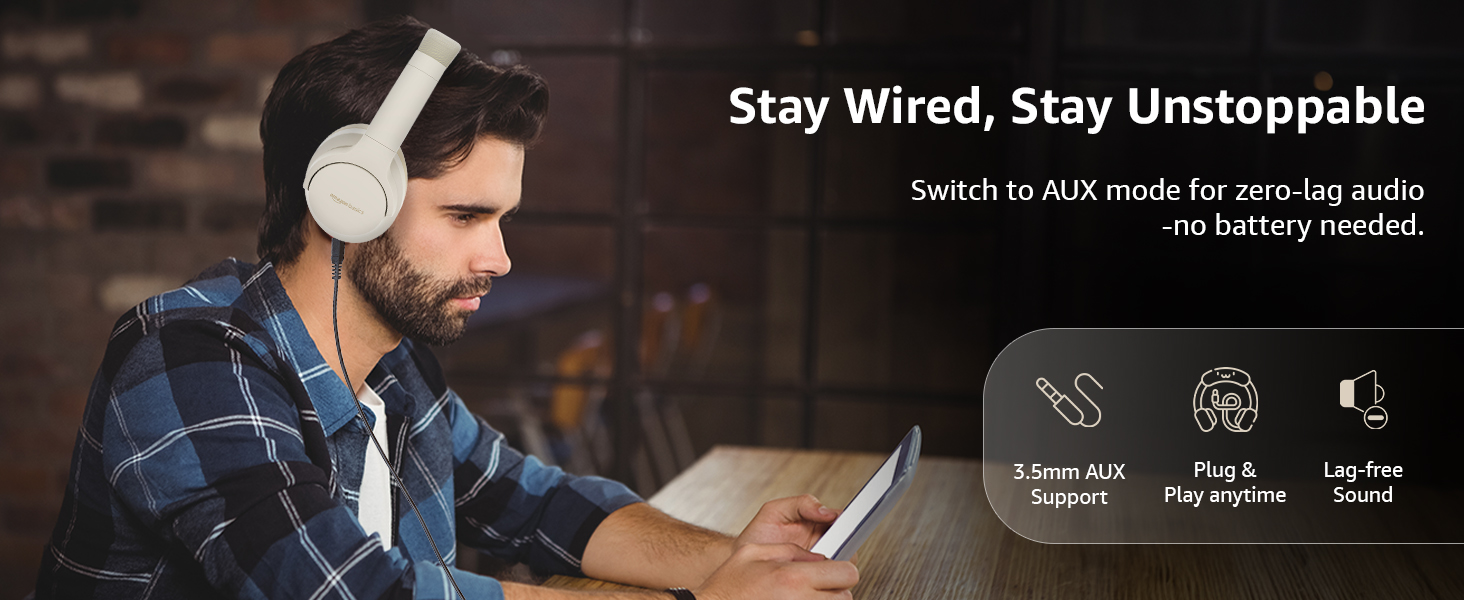
Image: A user demonstrating the wired AUX connection, emphasizing lag-free audio without needing battery power.
Əməliyyat Təlimatları
1. Gücü yandırın/söndürün
- Güc Aktivdir: Güc düyməsini təxminən 3 saniyə basıb saxlayın.
- Söndürmək: Güc düyməsini təxminən 5 saniyə basıb saxlayın.
2. Accessible Controls
Qulaqlıqlar qulaqcıqlarda yerləşən intuitiv idarəetmələrə malikdir:
- Səs Artırma/Sonrakı Mahnı: Səsi artırmaq üçün qısa basın, növbəti trek üçün uzun basın.
- Səs Azaltma/Əvvəlki Mahnı: Səsi azaltmaq üçün qısa basın, əvvəlki trek üçün uzun basın.
- Oynat/Pauza/Zəngə Cavab Ver: Çox funksiyalı düyməni bir dəfə basın.
- Zəngi bitir: Single press the multi-function button during a call.
- Zəngi rədd edin: Daxil olan zəng zamanı çoxfunksiyalı düyməni uzun müddət basın.
- Səs köməkçisini (Siri/Google köməkçisi) aktivləşdirin: Çox funksiyalı düyməni iki dəfə basın.
- ANC Yandır/Söndür: Dedicated ANC button to toggle Active Noise Cancellation.
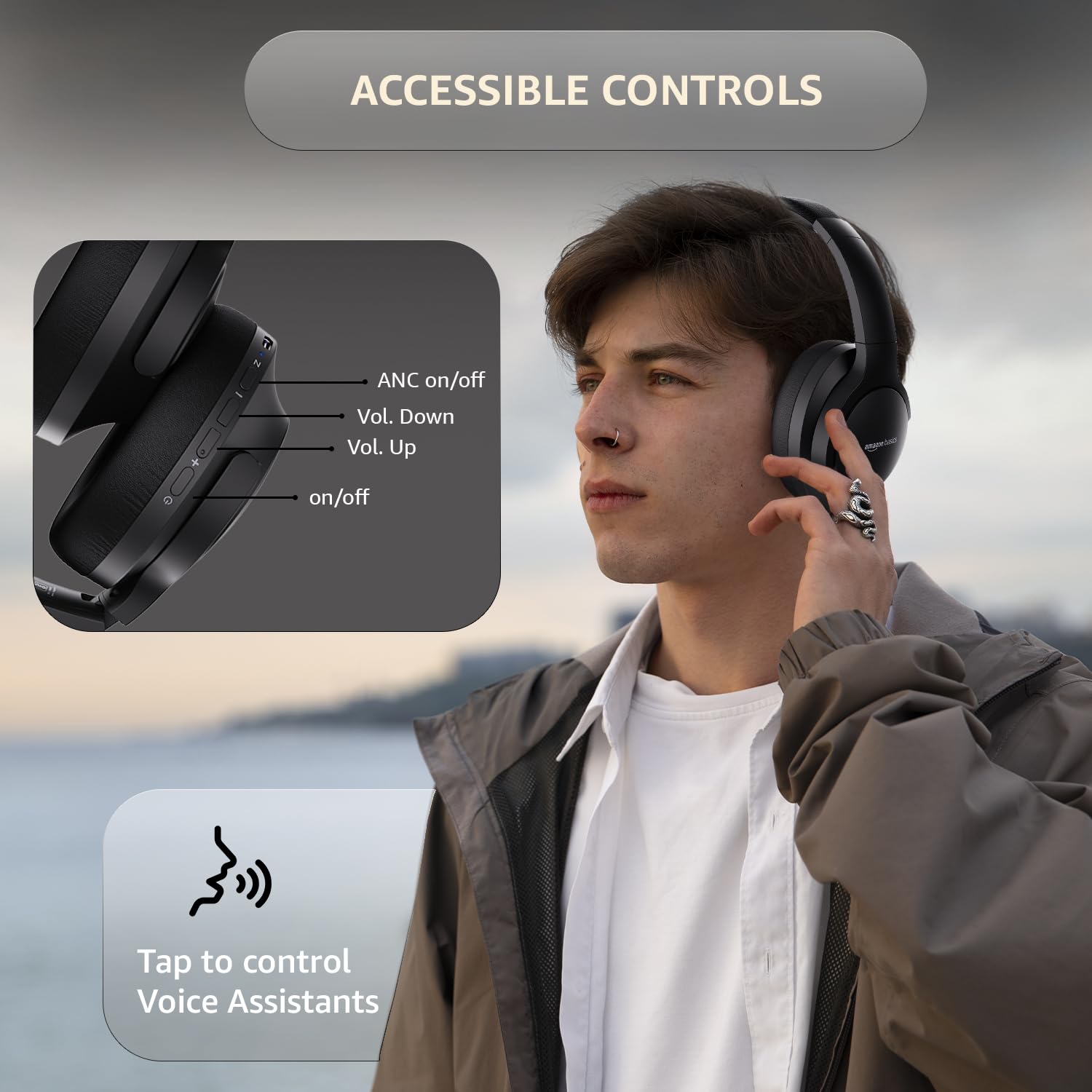
Image: A detailed diagram illustrating the location and function of the accessible controls on the headphone earcup.
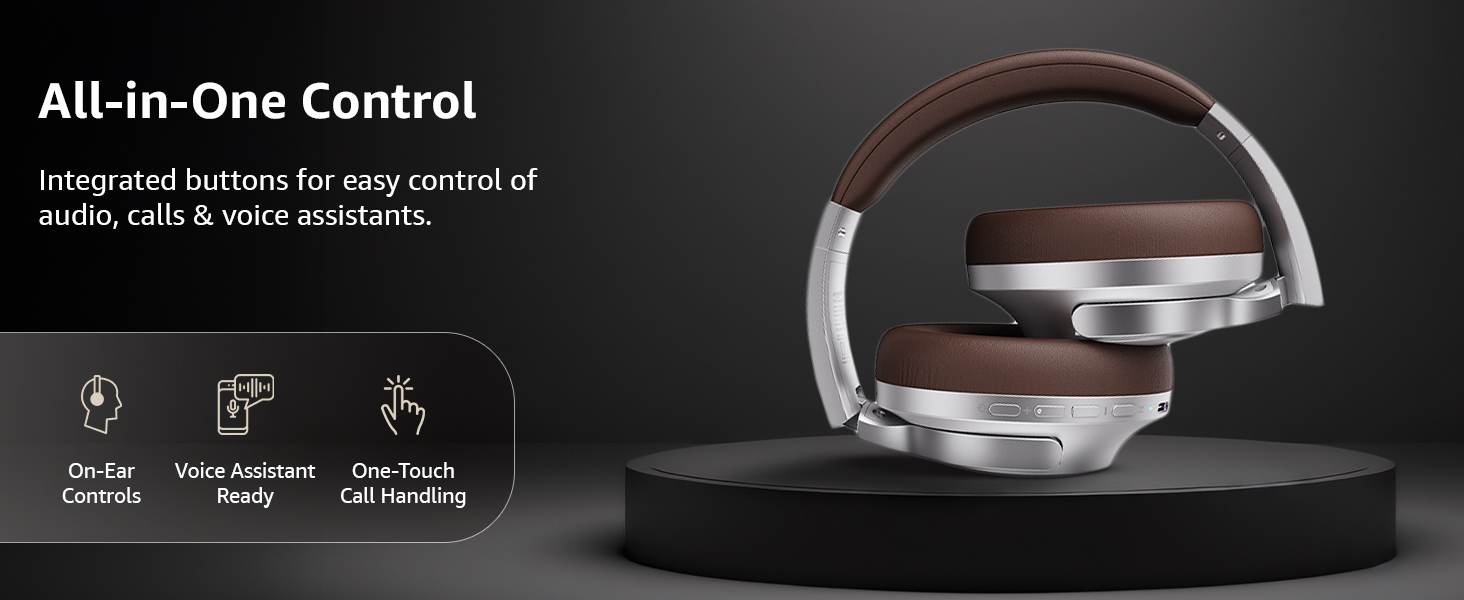
Şəkil: Artıqview of the integrated controls, highlighting ease of use for audio, calls, and voice assistants.
3. Aktiv səs-küyün ləğvi (ANC)
The Active Noise Cancellation feature reduces ambient noise, providing a more immersive listening experience. Press the dedicated ANC button to activate or deactivate this feature. Note that ANC functionality may slightly reduce overall battery life.

Image: A person wearing the headphones in a public setting, illustrating the effectiveness of Active Noise Cancellation in reducing distractions.
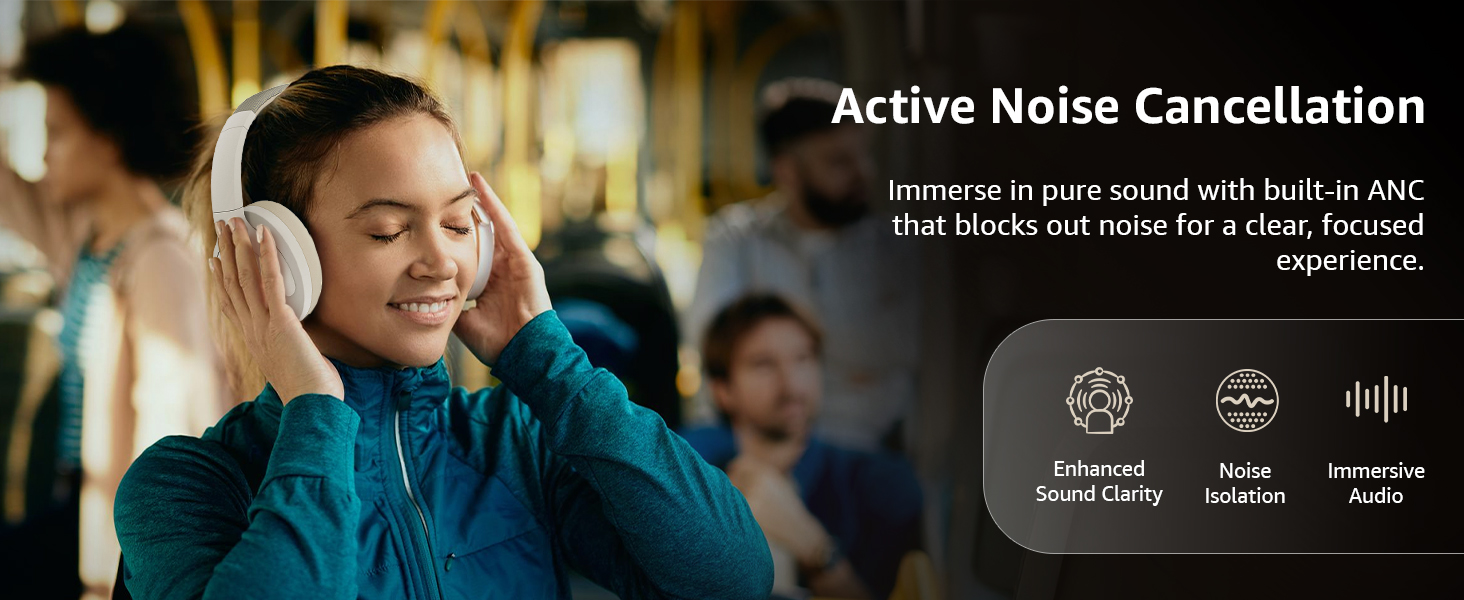
Image: A graphic emphasizing the benefits of Active Noise Cancellation, including enhanced sound clarity and immersive audio.
4. Audio Quality and Drivers
The headphones are equipped with 40mm drivers, designed to deliver rich bass, clear mids, and precise highs for a balanced audio experience.
Şəkil: partladı view diagram illustrating the 40mm drivers, which are responsible for the headphone's sound output.
Baxım
1. Təmizləmə
- Qulaqlıqları yumşaq, quru, tüysüz parça ilə silin.
- Do not use abrasive cleaners, solvents, or spray cleaners directly on the headphones.
- Qulaq yastıqlarını reklamla yumşaq bir şəkildə təmizləyinamp zəruri hallarda parça ilə örtün və istifadə etməzdən əvvəl tamamilə qurumasına icazə verin.
2. Saxlama
When not in use, store the headphones in a cool, dry place, away from direct sunlight and extreme temperatures. The headphones feature a sleek and foldable design for convenient storage and portability.
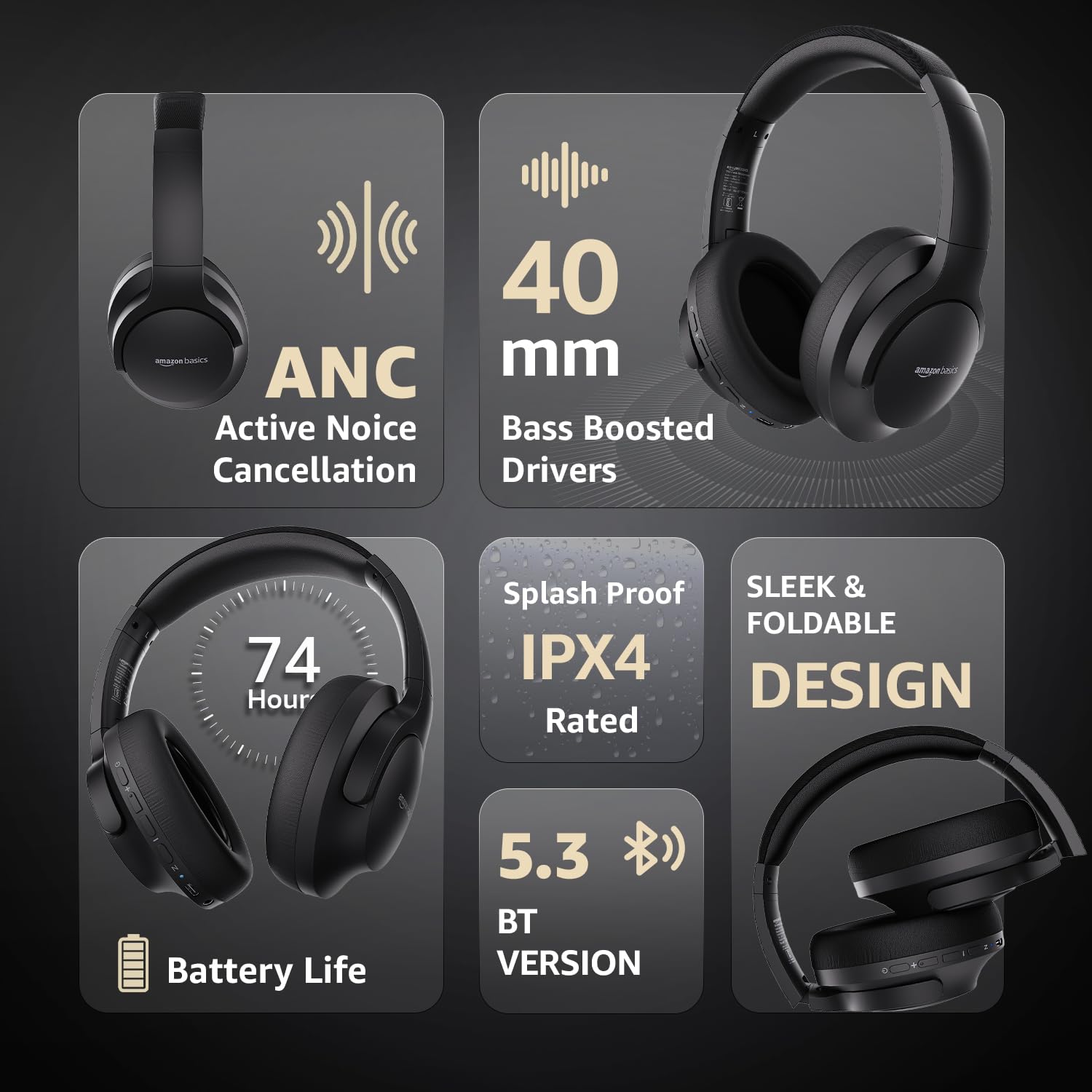
Image: An infographic highlighting key features, including the sleek and foldable design of the headphones for easy storage.
3. Batareyaya qulluq
- Tez-tez batareyanı tam boşaltmaqdan çəkinin.
- Batareyanın sağlamlığını qorumaq üçün qulaqlıqları uzun müddət istifadə edilməsə belə, müntəzəm olaraq doldurun.
- Batareyanı yüksək temperaturlara məruz qoymayın.
Problemlərin aradan qaldırılması
| Problem | Mümkün Səbəb | Həll |
|---|---|---|
| Qulaqlıqlar işə düşmür. | Aşağı batareya. | Charge the headphones fully using the supplied USB Type-C cable. |
| Bluetooth vasitəsilə cütləşdirmək mümkün deyil. | Qulaqlıqlar cütləşmə rejimində deyil; cihazın Bluetooth söndürülməsi; cihazdan çox uzaqdır. | Ensure headphones are in pairing mode (flashing blue/red). Turn Bluetooth on your device. Move headphones closer to the device (within 10m). |
| Səs yoxdur. | Səs çox aşağıdır; səhv səs mənbəyi; qulaqlıqlar qoşulmayıb. | Increase volume on headphones and device. Verify correct audio output on device. Re-pair Bluetooth or check AUX cable connection. |
| ANC effektiv işləmir. | ANC not activated; environmental noise too high. | Aktivləşdirmək üçün ANC düyməsini basın. ANC aşağı tezlikli, sabit səs-küyə qarşı ən təsirli olur. |
Spesifikasiyalar
| Xüsusiyyət | Detal |
|---|---|
| Model nömrəsi | AB-IBT-82ANC |
| Bağlantı texnologiyası | Simsiz (Bluetooth 5.3), Simli (3.5 mm AUX) |
| Sürücü ölçüsü | 40 mm |
| Batareya Tutumu | 500 mAh Litium Polimer |
| Batareya Ömrü (ANC Off) | 74 saata qədər (50% həcmdə) |
| Batareya Ömrü (ANC Aktiv) | Up to 34 hours (at 100% volume), 62 hours (at 50% volume) |
| Doldurma Portu | USB Type-C |
| Wireless Range | 10 metrə qədər |
| Suya davamlılıq reytinqi | IPX4 (sıçrayışa qarşı) |
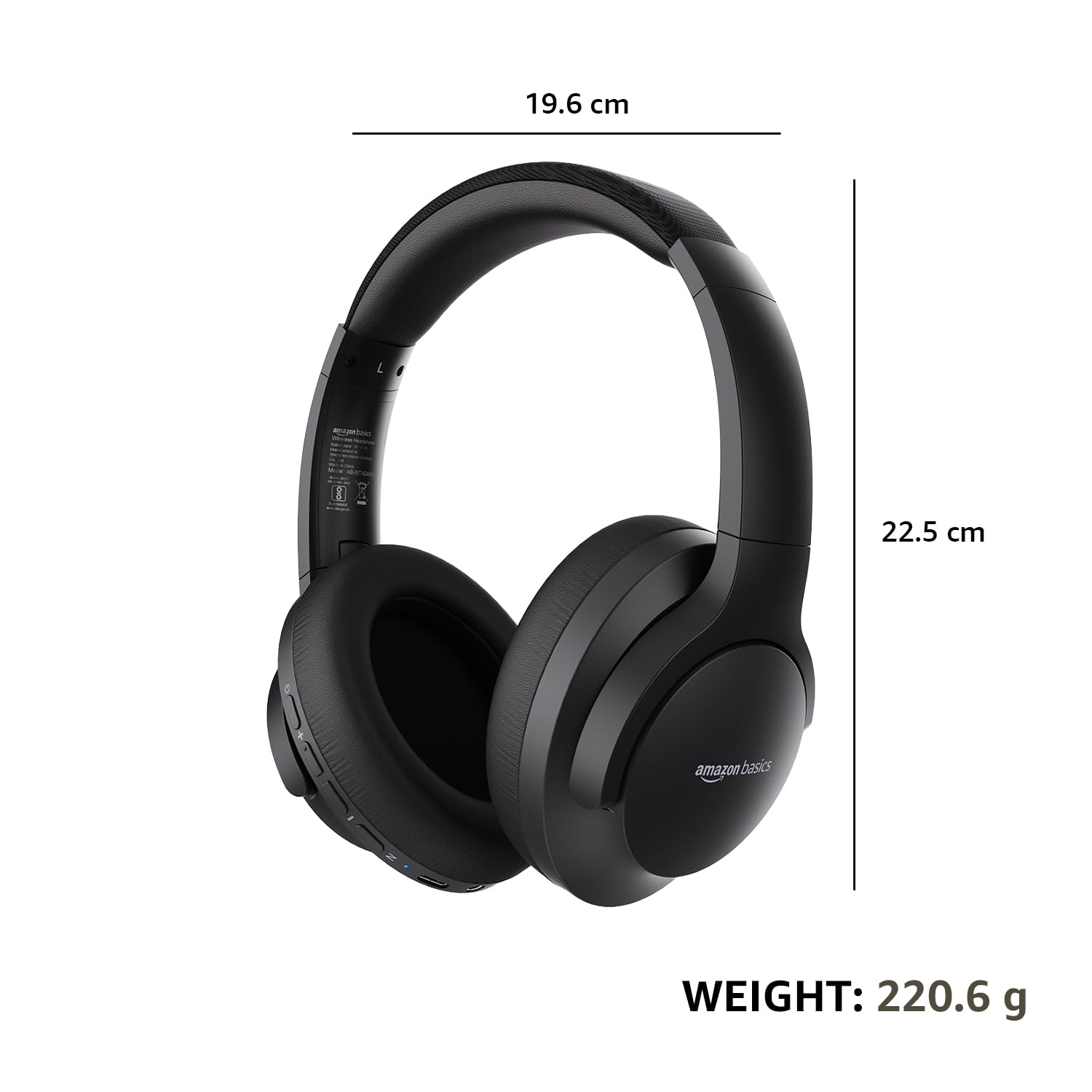
| Dimensions (Headphone) | 19.61 x 22.5 x 8.72 sm |
| Çəki (Qulaqlıq) | 220.6 q |
| Material | Plastic, Polyurethane (PU) |
| Uyğun Cihazlar | Cellphones, Gaming Consoles, Laptops, Tablets |

Image: A visual representation of the headphone's dimensions and weight for reference.
Rahatlıq və Dizayn
The headphones are designed for extended wear with an over-ear fit, soft ear cushions, and an adjustable headband, ensuring comfort during long listening sessions.

Image: A person wearing the headphones, demonstrating the comfortable over-ear fit.
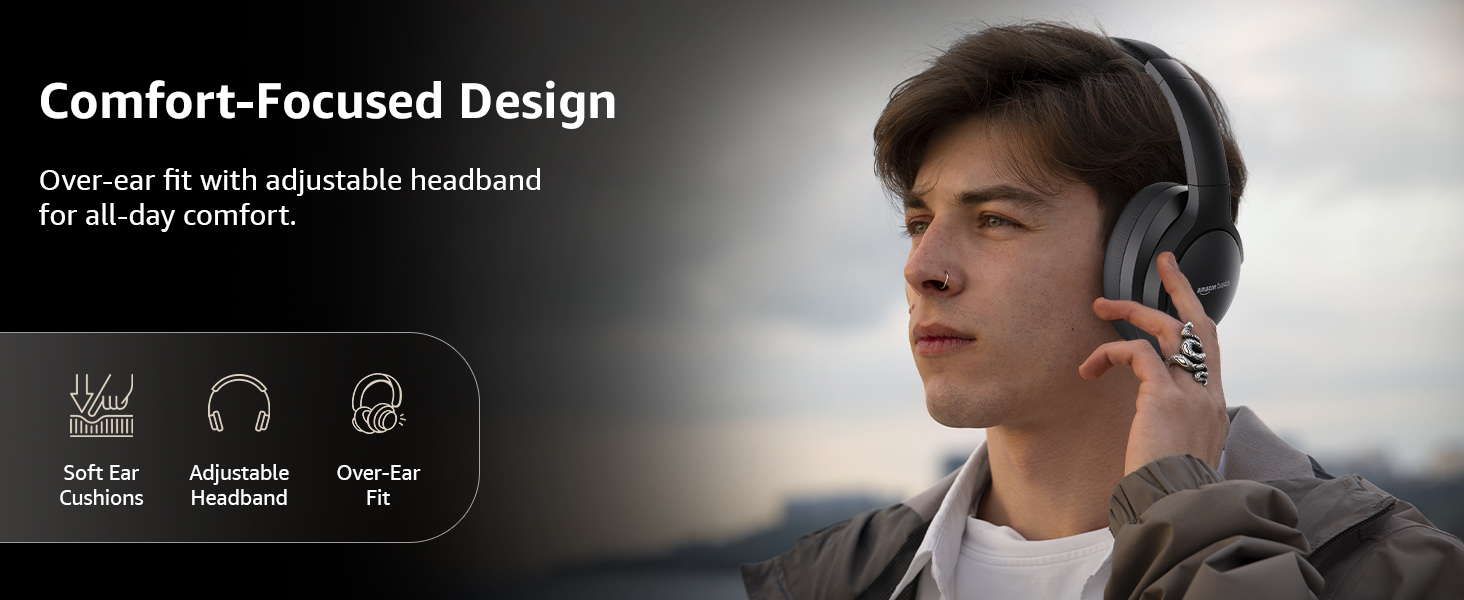
Image: A graphic detailing the comfort-focused design elements, including soft ear cushions and an adjustable headband.
Zəmanət və Dəstək
Warranty information for your Amazon Basics Pro Series Wireless Noise Cancelling ANC Over Ear Headphones is typically provided with the product packaging or can be found on the Amazon Basics official website. For technical support or warranty claims, please refer to the contact information provided with your purchase or visit the Amazon Basics support page.
Zəmanətlə bağlı hər hansı sorğu üçün satınalma sübutunuzu özündə saxlayın.
Ask a question about this manual
Ask about setup, troubleshooting, compatibility, parts, safety, or missing instructions. Manuals+ will review the question and use this page’s manual context to help answer it.