
1. Giriş
This manual provides detailed instructions for the Varmilo Sword68 Sakura 65% Hotswap Wireless RGB Mechanical Keyboard. Please read this manual thoroughly before using the product to ensure proper operation and to maximize its lifespan. This keyboard features a full 6063 aluminum CNC case, multiple connectivity options, hot-swappable switches, and customizable RGB lighting.
2. Təhlükəsizlik Məlumatı
- Keep the keyboard away from liquids and excessive moisture to prevent damage.
- Klaviaturanı həddindən artıq temperaturlara məruz qoymaqdan çəkinin.
- Klaviaturanı sökməyə və ya dəyişdirməyə çalışmayın, çünki bu, zəmanəti ləğv edə və zədələnməyə səbəb ola bilər.
- Use only the provided USB-C cable for charging and wired connection.
- Uşaqların əli çatmayan yerdə saxlayın.
3. Paketin məzmunu
Bütün əşyaların paketdə olduğunu yoxlayın:
- Varmilo Sword68 Mechanical Keyboard
- USB-C kabeli
- Açar Qapağı Çəkicisi (daxil ola bilər)
- Keçid Çəkicisi (daxil ola bilər)
4. Quraşdırma
4.1 İlkin Doldurma
Before first use, connect the keyboard to a USB power source using the provided USB-C cable. The keyboard features a 4000mAh rechargeable battery. A full charge is recommended for optimal wireless performance.
4.2 Qoşulma Seçimləri
The Varmilo Sword68 supports three connection modes:
- Simli (USB-C): Connect the keyboard directly to your computer using the USB-C cable. The keyboard will automatically switch to wired mode.
- Bluetooth 5.0:
- Turn on the keyboard and switch to Bluetooth mode (refer to the keyboard's function keys for mode switching).
- On your device (PC, laptop, smartphone, tablet), enable Bluetooth and search for new devices.
- Select 'Varmilo Sword68' from the list of available devices to pair.
- 2.4 GHz Simsiz:
- Insert the 2.4 GHz USB receiver into an available USB port on your computer.
- Switch the keyboard to 2.4 GHz wireless mode (refer to the keyboard's function keys for mode switching). The keyboard should automatically connect to the receiver.
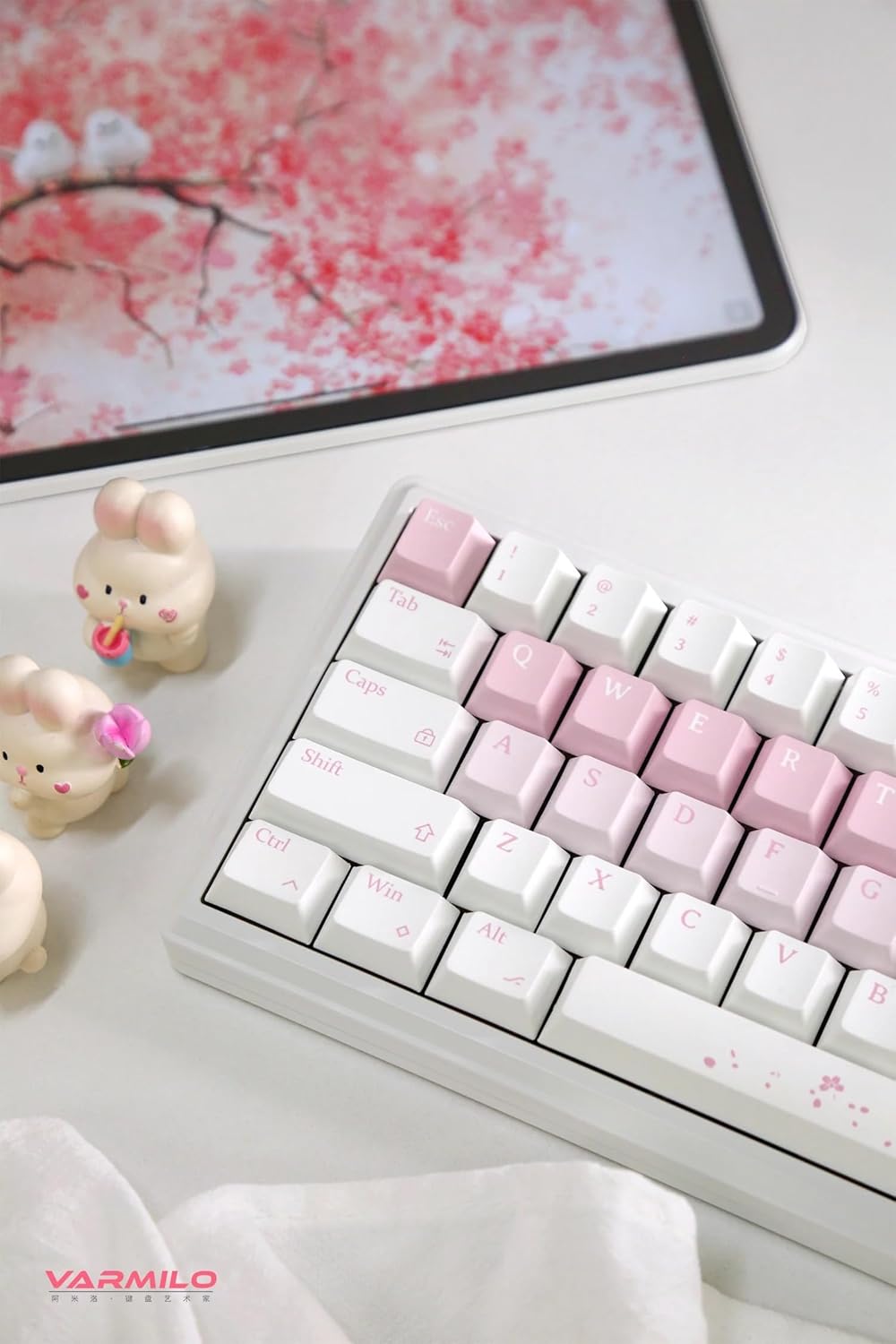
Image: The Varmilo Sword68 keyboard set up on a desk, demonstrating its compact size and aesthetic design alongside a tablet.
5. işlək
5.1 Əsas Klaviatura Funksiyaları
The Varmilo Sword68 functions as a standard 65% mechanical keyboard. All keys perform their labeled functions. For secondary functions (accessed via the Fn key), refer to the keycap legends or the custom software.

Şəkil: ətraflı view of the Varmilo Sword68 keyboard's right side, highlighting the white and pink keycaps and the Sakura-themed spacebar and escape key.
5.2 RGB Arka İşıqlandırma
The keyboard features RGB backlighting. Lighting effects and colors can be customized using the dedicated software. Refer to the software's instructions for detailed customization options.
5.3 Custom Layout Control
The Varmilo Sword68 supports custom layout control through its software. This allows users to remap keys, create macros, and personalize the keyboard's functionality to suit their workflow or gaming preferences.
5.4 İsti dəyişdirilə bilən açarlar
The PCB is hot-swappable, allowing users to change mechanical switches without soldering. This feature supports both plate mount and PCB mount stabilizers. To replace a switch:
- Açar qapağını açar qapağı çəkəndən istifadə edərək yavaşca çıxarın.
- Anahtarı PCB-dən diqqətlə çıxarmaq üçün açar çəkəndən istifadə edin.
- Yeni açarın sancaqlarını PCB-dəki deliklərlə hizalayın və yerinə oturana qədər möhkəm basın. Sancaqların əyilmədiyinə əmin olun.

Şəkil: Yaxın plan view of the Varmilo Sword68 keyboard, showcasing the arrangement of its white and pink keycaps and the decorative spacebar.
6. Baxım
6.1 Klaviaturanın təmizlənməsi
Klaviaturanın görünüşünü və funksionallığını qorumaq üçün:
- Təmizləməzdən əvvəl klaviaturanı bütün enerji mənbələrindən ayırın.
- Bir az yumşaq, tüysüz parça istifadə edin dampened with water or a mild cleaning solution to wipe the keycaps and case.
- Klaviatura qapaqları arasında toz və zibil üçün sıxılmış hava və ya kiçik bir fırça istifadə edin.
- Sərt kimyəvi maddələrdən və ya aşındırıcı materiallardan istifadə etməyin.
6.2 Klaviatura və açara qulluq
The Double Shot ABS keycaps are durable. If removing keycaps or switches, do so gently to avoid damaging the components or the PCB.
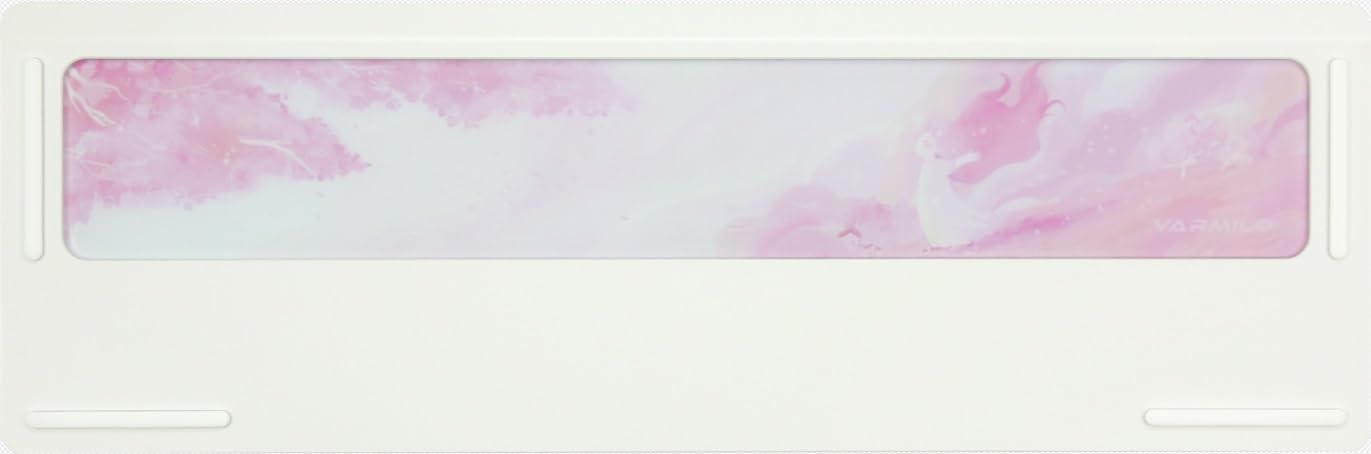
Image: The underside of the Varmilo Sword68 keyboard, revealing the frosted glass weight and rubber feet for stability.
7. Giderme
- Klaviatura cavab vermir: Ensure the USB-C cable is securely connected or that the wireless receiver is properly inserted and the keyboard is in the correct mode (wired, Bluetooth, 2.4 GHz). Check battery level if in wireless mode.
- Bluetooth cütləşmə problemləri: Ensure the keyboard is in pairing mode and your device's Bluetooth is enabled. Try removing previous pairings and re-pairing.
- RGB işıqlandırma işləmir: Check the software settings for RGB control. Ensure the keyboard is not in a low-power mode that disables lighting.
- Qeydiyyatdan keçməyən açarlar: For hot-swappable switches, ensure the switch is fully seated and its pins are not bent. Try replacing the switch if the issue persists.
- Intermittent wireless connection: Ensure the keyboard is within range of the receiver/device and there are no significant obstructions or interference sources.
8. Spesifikasiyalar
| Brend | Varmilo |
| Model | Sword68 |
| ASIN | B0DMXL67WS |
| Bağlantı texnologiyası | Bluetooth, USB-C |
| Klaviatura Təsviri | Mexanik |
| Xüsusi Xüsusiyyətlər | Backlit, Hot-Swappable, Rechargeable |
| Klaviatura arxa işıqlandırma rəng dəstəyi | RGB |
| Material | Alüminium, Polikarbonat |
| Batareya Tutumu | 4000 mAh |
| Düymələr | Double Shot ABS |
| Səs udma | 3x Poron foam, 2x PET foam, 1x IXPE foam |
| Dava materialı | 6063 Aluminum CNC with electrophoresis finish |
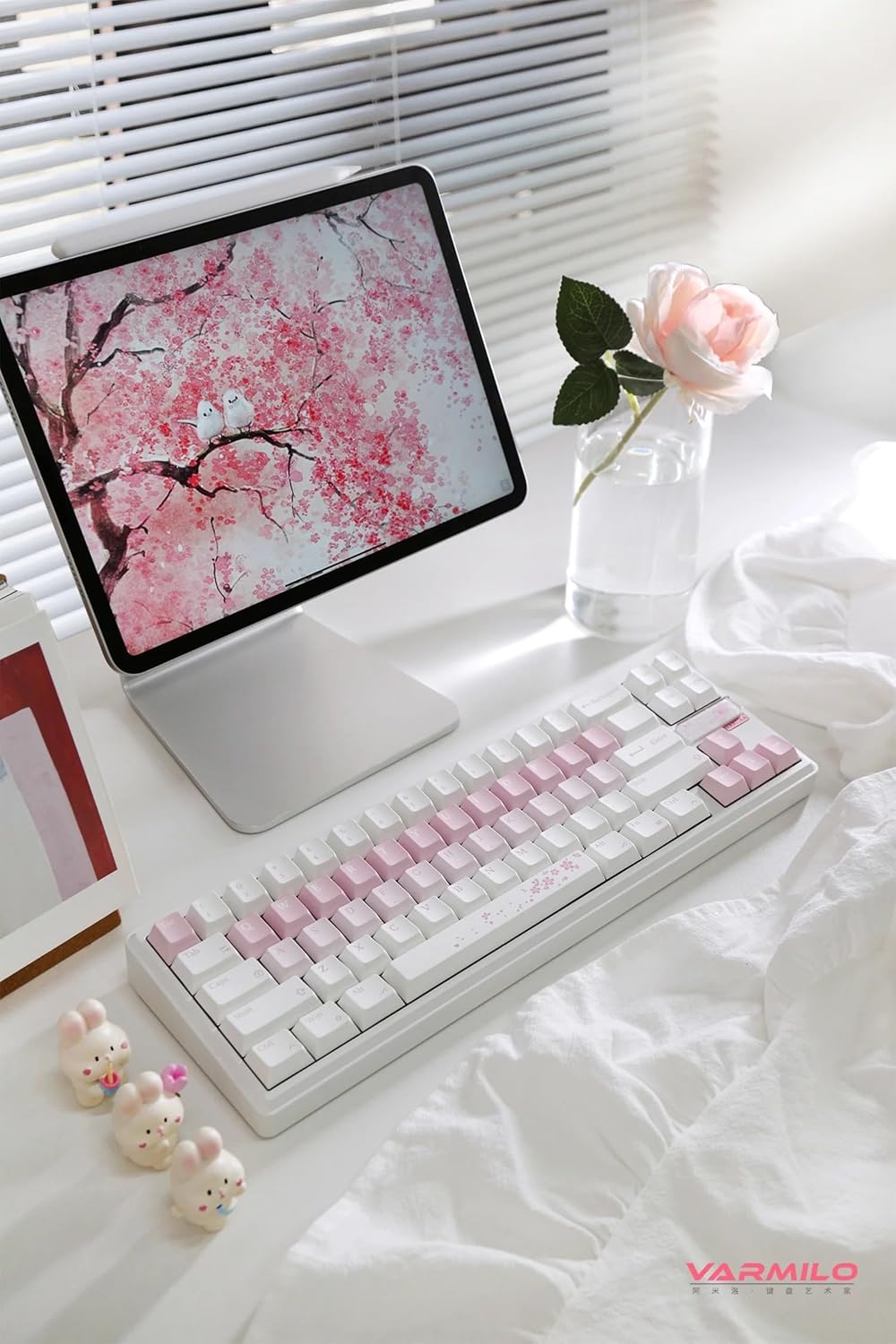
Şəkil: Tam view of the Varmilo Sword68 keyboard in a desk setup, showcasing its elegant design and compact form factor.
9. Zəmanət və Dəstək
For warranty information, technical support, or service inquiries, please refer to the official Varmilo websaytına daxil olun və ya birbaşa müştəri dəstəyi ilə əlaqə saxlayın. Zəmanət iddiaları üçün alış qəbzini saxlayın.