
SKYZONE M5F
SKYZONE M5F 5 düymlük FPV Monitor, DVR İstifadəçi Təlimatı ilə
Model: M5F | Brand: SKYZONE
1. Giriş
Thank you for choosing the SKYZONE M5F 5-inch FPV Monitor with DVR. This manual provides essential information for the proper setup, operation, and maintenance of your device. Please read this manual thoroughly before using the monitor to ensure safe and optimal performance.
Təhlükəsizlik tədbirləri
- Always read the entire manual to familiarize yourself with the product before operation.
- Avoid operating the monitor in humid or wet environments.
- The monitor cannot record video input from the AV port.
- Audio output and video input cannot function simultaneously.
2. Paketin məzmunu
Aşağıda sadalanan bütün elementlərin paketinizə daxil olduğunu yoxlayın:
- 1 x SKYZONE M5F 5-inch FPV Monitor with DVR
- 2 x Antenalar
- 1 x USB şarj kabeli
- 1 x İstifadəçi Təlimatı
3. Məhsul bitdiview
The SKYZONE M5F is a high-brightness 5-inch FPV monitor featuring a built-in DVR and a 5.8GHz 48-channel receiver. It supports advanced signal reception modes for enhanced video stability.
Komponent diaqramı

Əsas Xüsusiyyətlər
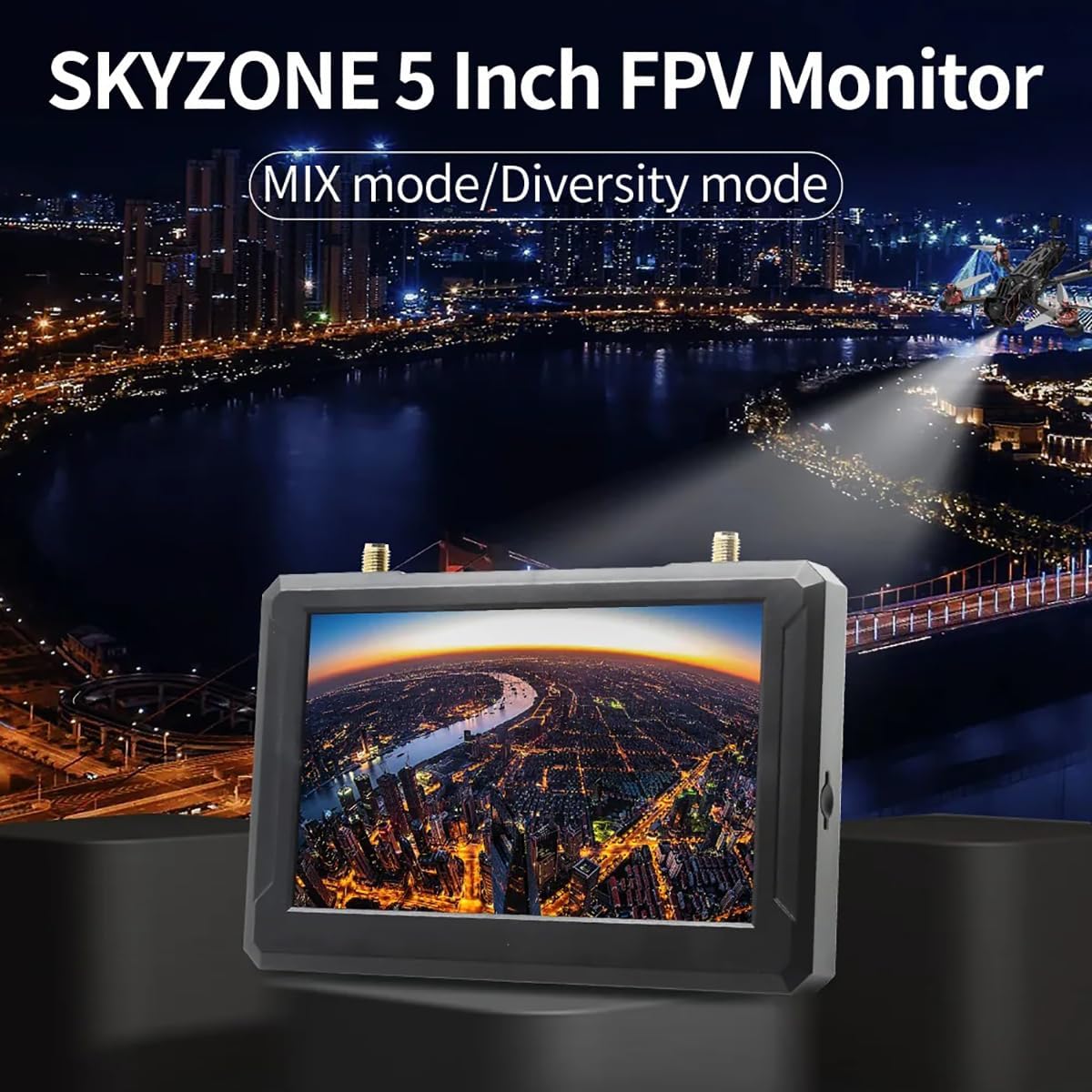
- Built-in Steadyview Qəbuledici: Features two reception modes:
- Diversity Mode: The receiver compares two RSSI signals and selects the strongest output. Rapid signal changes may cause image tearing or rolling.
- MIX Mode: Two signals are processed through complex circuits and algorithms, fusing them into a single, more stable and clear image.
- Multiple Power Supply Options: Supports 2-6S LiPo batteries, USB-C power supply, or an 18650 Li-ion battery.
4. Quraşdırma
4.1 Antenlərin Qoşulması
Carefully screw the two provided antennas onto the ANT1 and ANT2 connectors located on the top of the monitor. Ensure they are finger-tight to establish a secure connection.
4.2 Monitorun işə salınması
The SKYZONE M5F monitor offers flexible power options:
- 18650 Li-ion Battery: Insert a fully charged 18650 Li-ion battery into the battery bay on the back of the monitor, observing correct polarity.
- 2-6S LiPo Input: Connect a 2-6S LiPo battery to the DCIN port using the appropriate cable.
- USB-C enerji təchizatı: Connect a USB-C cable to the Type-C port and a compatible USB power source (e.g., a power bank or wall adapter).

4.3 SD Kartın Daxil Edilməsi
For DVR recording functionality, insert a C10 high-speed TF (microSD) card into the SD card slot on the side of the monitor. Ensure the card is inserted correctly until it clicks into place.
5. Əməliyyat
5.1 Yandırma/Söndürmə
Press and hold the power switch button located on the side of the monitor to turn the device on or off.
5.2 Kanal Axtarışı
The monitor features an automatic channel search function for convenience.
- To initiate an auto search, press the designated button (refer to the diagram in Section 3).
- Use the shuttle wheel to fine-tune frequency selection if needed after the auto search.

5.3 Menyu Naviqasiyası
Navigate through the monitor's settings and options using the MENU button and the shuttle wheel. The shuttle wheel provides fast and accurate control for selecting items and adjusting values.
5.4 DVR Recording
To record your FPV feed, ensure a high-speed TF card is inserted. Press the REC button to start and stop recording. Recorded videos are saved in AVI format.
5.5 AV Input/Output
The monitor includes an AV interface for external audio and video input or audio output. Note that video input from the AV port cannot be recorded, and audio output and video input cannot be used simultaneously.
6. Spesifikasiyalar
| Xüsusiyyət | Spesifikasiya |
|---|---|
| Ekran Ölçüsü | 5 düym |
| Qətnamə | 800 x 480 piksel |
| Parlaqlıq | 500 cd/m² |
| Göstərmə nisbəti | 16:9 |
| Tezlik | 5.8 GHz |
| Kanalların sayı | 40 CH |
| Video File Format | AVI |
| Enerji təchizatı | DC5V/2A, supports DV5-23V wide voltage |
| Avtomatik Kanal Axtarışı | Bəli |
| Snow Screen Function | Bəli |
| Kart Yuvası | Supports C10 high-speed TF card |
| AV İnterfeysi | External audio/video input or audio output |
| Battery Life (Built-in) | Approx. 2.5 hours (DVR on), Approx. 3.5 hours (DVR off) |
| Antena Bağlayıcıları | 2 x RP-SMA male hole |
| Ölçülər | 146 x 80 x 13 mm (5.75 x 3.15 x 0.51 düym) |
| Çəki | 159g (5.6 oz) (excluding antennas) |
| Model Adı | SKYZONE M5F |
| Bağlantı texnologiyası | 5.8 GHz |
| Video çəkiliş həlli | 800x480 |
| Maddə Çəkisi | 165 qram (5.8 unsiya) |
| Məhsul Ölçüləri | 5.3"U x 0.6"W x 3.5"H |
7. Giderme
This section addresses common issues you might encounter with your SKYZONE M5F monitor.
- Güc yoxdur: Ensure the battery is charged and correctly inserted, or that the external power supply is connected and functioning. Check the power switch.
- Video siqnalı yoxdur: Verify that antennas are securely attached. Perform an auto channel search. Ensure your FPV transmitter is powered on and transmitting on a compatible frequency. Check for obstructions between the transmitter and receiver.
- Poor Video Quality (Tearing/Rolling): This may occur in Diversity Mode with rapidly changing signals. Try switching to MIX Mode for a more stable image. Ensure antennas are positioned optimally.
- DVR Qeyd Etmir: Confirm a C10 high-speed TF card is inserted correctly and has sufficient free space. Ensure the card is formatted correctly (FAT32 recommended).
- AV Input/Output Issues: Remember that video input from the AV port cannot be recorded, and audio output and video input cannot be used simultaneously. Ensure correct cables are used for AV connections.
8. Baxım
To ensure the longevity and optimal performance of your SKYZONE M5F monitor, follow these maintenance guidelines:
- Təmizləmə: Use a soft, dry cloth to clean the monitor's screen and casing. Aşındırıcı təmizləyicilərdən və ya həlledicilərdən çəkinin.
- Yaddaş: Store the monitor in a cool, dry place away from direct sunlight and extreme temperatures. Remove batteries if storing for extended periods.
- Antenlər: Handle antennas with care to prevent damage to the connectors.
9. Zəmanət və Dəstək
No specific warranty information is provided in the product details. For technical support or service inquiries, please contact your retailer or the manufacturer, SKYZONE.
Ask a question about this manual
Ask about setup, troubleshooting, compatibility, parts, safety, or missing instructions. Manuals+ will review the question and use this page’s manual context to help answer it.