
1. Giriş
This manual provides essential information for setting up, operating, and maintaining your TCL 98Q7K 98-inch QLED 4K Google TV. This television features a stunning QLED 4K display with a 144 Hz panel for smooth motion, integrated Google TV for smart functionality, and advanced audio with Dolby Atmos. It also includes Google Assistant and Alexa compatibility for hands-free voice control, VisionHDR10+, and AiPQ™ processing for optimized picture quality.

2. Quraşdırma
2.1 Qutunun açılması və ilkin yoxlama
Carefully remove the television from its packaging. Inspect the TV and all included accessories for any signs of damage. Keep the packaging materials for future transport or service needs.
2.2 Stendin quraşdırılması
If you plan to use the TV with its included stand, follow these steps:
- Cızıqların qarşısını almaq üçün televizor ekranını yumşaq, düz bir səthə qoyun.
- Stend komponentlərini televizorun altındakı təyin olunmuş yuvalara uyğunlaşdırın.
- Secure the stand using the screws provided in the accessory kit. Ensure all screws are tightened firmly.

2.3 Divar montajı (İstəyə görə)
For wall mounting, a compatible VESA wall mount (not included) is required. Due to the size and weight of the 98-inch television, professional installation is highly recommended to ensure safety and proper mounting. Refer to the wall mount manufacturer's instructions for specific installation details.
2.4 Periferik qurğuların birləşdirilməsi
Connect your external devices such as Blu-ray players, gaming consoles, sound systems, and cable/satellite boxes to the appropriate ports on the TV. The TCL 98Q7K features 4 HDMI ports and 2 USB ports for versatile connectivity.
3. Əməliyyat Təlimatları
3.1 Yandırma/Söndürmə
Connect the power cord to the TV and a power outlet. Press the power button on the remote control or on the TV itself to turn the television on or off.
3.2 Initial Setup with Google TV
Upon first power-on, the TV will guide you through the initial setup process for Google TV. This includes selecting your language, connecting to a Wi-Fi network, signing in with your Google account, and configuring basic settings. Follow the on-screen prompts.

3.3 Uzaqdan İdarəetmə Funksiyaları
The included remote control allows you to navigate the TV's interface, adjust volume, change channels, and access smart features. It supports voice control via Google Assistant and Alexa. Insert the provided batteries into the remote control before use.
3.4 Ağıllı Xüsusiyyətlər və Səslə İdarəetmə
- Google TV: Access a wide range of streaming apps, movies, and shows.
- Google Assistant & Alexa: Use voice commands for hands-free control of your TV, search for content, get information, and control smart home devices.
- Daxili Chromecast: Uyğun mobil cihazlarınızdan məzmunu birbaşa TV-yə yayımlayın.
3.5 Oyun Xüsusiyyətləri
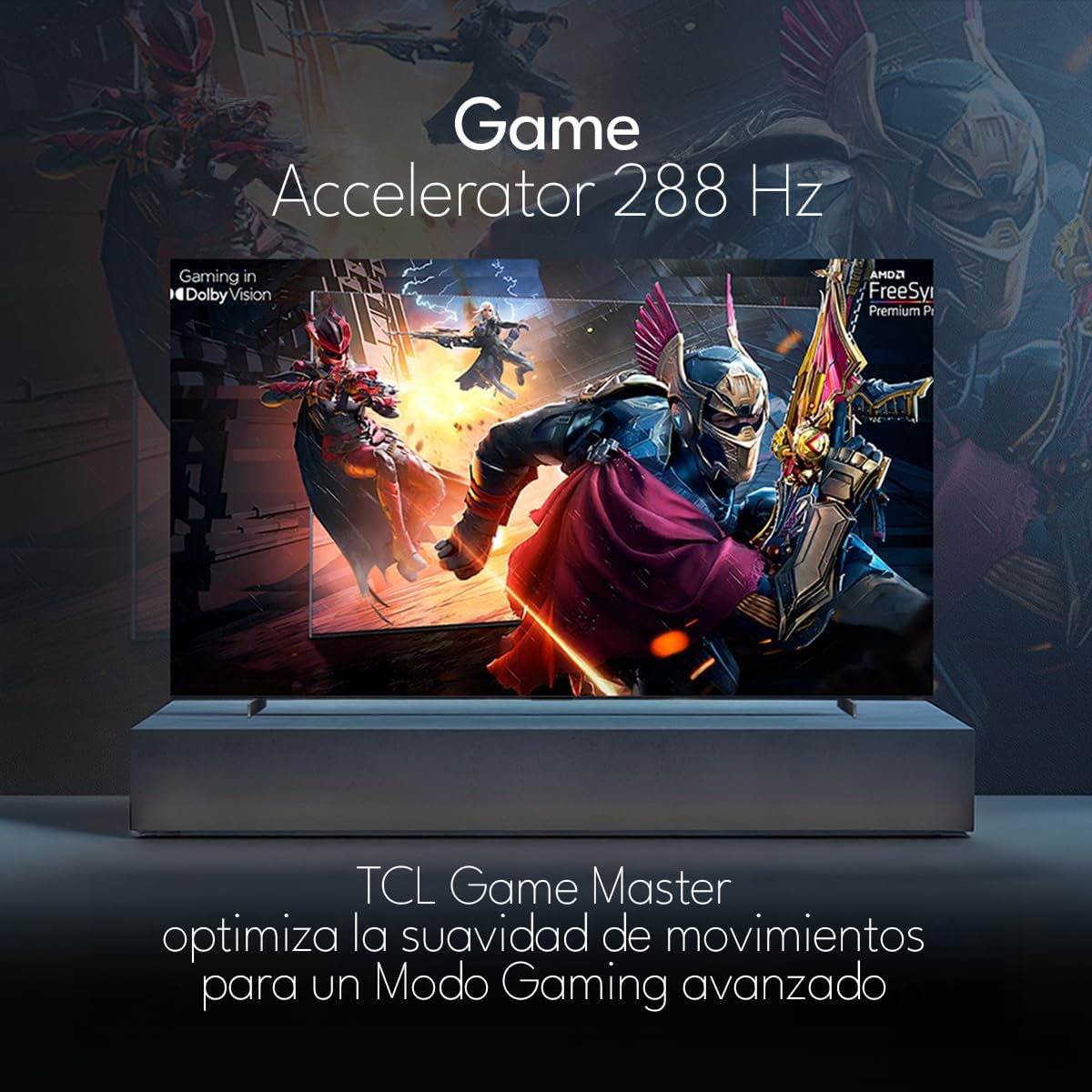
The TCL 98Q7K features a 144 Hz panel and Game Accelerator technology for an enhanced gaming experience with reduced latency and smoother motion.

3.6 Audio Xüsusiyyətləri
Experience immersive sound with Dolby Atmos and the integrated ONKYO Hi-Fi System 2.1 Channels, providing clear vocals and deep bass.

3.7 Məhsul Bitdiview Video
4. Baxım
4.1 Ekranın təmizlənməsi
Ekranı təmizləmək üçün onu yumşaq, tüysüz parça ilə yumşaq bir şəkildə silin. İnadkar izlər üçün yüngülcə dampParçanı su və ya xüsusi ekran təmizləyicisi ilə silin. Sərt kimyəvi maddələrdən, aşındırıcı materiallardan və ya mayelərin ekrana birbaşa püskürtülməsindən çəkinin.
4.2 Televizor korpusunun təmizlənməsi
Wipe the TV body with a soft, dry cloth. Do not use liquid cleaners directly on the TV body.
4.3 Proqram Yeniləmələri
Your TCL Google TV may receive automatic software updates. To manually check for updates, navigate to the settings menu, then select System > About > System update. Ensure your TV is connected to the internet for updates.
5. Giderme
Televizorunuzla bağlı problemlərlə qarşılaşsanız, aşağıdakı ümumi həll yollarına müraciət edin:
- Güc yoxdur:
Elektrik kabelinin həm televizora, həm də işləyən elektrik rozetkasına etibarlı şəkildə qoşulduğundan əmin olun. Güc olduğunu təsdiqləmək üçün başqa cihazı eyni rozetkaya qoşmağa çalışın. - Şəkil və ya səs yoxdur:
Verify that the correct input source is selected (e.g., HDMI 1, AV). Check all cable connections between the TV and external devices. Ensure the volume is not muted or set to minimum. - Uzaqdan İdarəetmə İşləmir:
Pultdakı batareyaları dəyişdirin. Pultla televizorun IR sensoru arasında heç bir maneə olmadığından əmin olun. - Şəbəkə Bağlantısı Problemləri:
Check your Wi-Fi router and ensure it is powered on and functioning correctly. Restart the TV and your router. In the TV settings, verify the Wi-Fi connection status. - Şəkil keyfiyyəti problemləri (məsələn, bulanıq, təhrif):
Check the resolution settings of your input source. Ensure the cables are not damaged. Adjust picture settings (brightness, contrast, sharpness) in the TV menu.
For persistent issues, consult the full electronic manual available through the TV's help menu or contact TCL customer support.
6. Spesifikasiyalar
| Xüsusiyyət | Spesifikasiya |
|---|---|
| Ekran Ölçüsü | 98 düym |
| Ekran Texnologiyası | QLED |
| Qətnamə | 4K (3840 x 2160) |
| Yeniləmə dərəcəsi | 144 Hz |
| HDR Format Dəstəyi | Dolby Vision, HDR10, HDR10+, HLG |
| Pik Parlaqlıq | 450 NITS |
| Səs sistemi | Dolby Atmos, Dolby Digital, ONKYO Hi-Fi System 2.1 Channels |
| Əməliyyat sistemi | Google TV |
| Səslə Nəzarət | Google köməkçisi, Alexa |
| Bağlantı | Wi-Fi, Ethernet, 4x HDMI, 2x USB |
| Ölçülər (stendlə) | 217.8 x 128.5 x 42 sm |
| Ölçülər (stendsiz) | 0.06prof. x 2.18an. x 1.25alt. Meters (approx. 6 cm depth) |
| Model ili | 2025 |
| Daxil olan komponentlər | Manual, Remote Control, Batteries |
7. Zəmanət və Dəstək
7.1 Məhsul Zəmanəti
The TCL 98Q7K television comes with a 2 illik məhdud zəmanət satın alındığı tarixdən. Bu zəmanət normal istifadə zamanı istehsal qüsurlarını və nasazlıqları əhatə edir. Zəmanət iddiaları üçün satınalma sübutunuzu özündə saxlayın.
7.2 Müştəri dəstəyi
For technical assistance, troubleshooting beyond this manual, or warranty inquiries, please contact TCL customer support. Refer to the contact information provided in the separate warranty card or visit the official TCL webbölgəniz üçün sayt.