
Giriş
Thank you for choosing kurdene SP9i Wireless Over-Ear Bluetooth Earbuds. These earbuds are designed to provide a high-quality audio experience with exceptional comfort and stability, making them ideal for sports, meetings, workouts, and everyday use. Featuring advanced Bluetooth 5.3 technology, deep bass sound, and an impressive 60-hour total playtime, your kurdene SP9i earbuds are built for performance and convenience.
This manual will guide you through the setup, operation, maintenance, and troubleshooting of your new earbuds to ensure you get the most out of your listening experience.
Qutuda nə var
Upon opening your kurdene SP9i package, you should find the following items:
- kurdene SP9i Wireless Over-Ear Earbuds (Left and Right)
- Portativ şarj qutusu
- USB-C şarj kabeli
- Interchangeable Ear Tips (Various Sizes)
- İstifadəçi təlimatı

Image: kurdene SP9i Wireless Over-Ear Bluetooth Earbuds in Hot Pink, shown with their charging case.
Quraşdırma Bələdçisi
1. Qulaqcıqlarınızı və qutunuzu doldurun
İlk istifadə etməzdən əvvəl həm qulaqcıqları, həm də doldurma qutusunu tam doldurun.
- Place the earbuds into the charging case. Ensure they are correctly seated; the indicator lights on the earbuds will illuminate to confirm charging.
- USB-C şarj kabelini korpusdakı şarj portuna qoşun və digər ucunu uyğun USB enerji mənbəyinə qoşun.
- The charging case's indicator light will show charging status. A full charge for the case typically takes about 1.5 hours.
The earbuds offer up to 12 hours of continuous playtime on a single charge, and the charging case provides an additional 48 hours, totaling 60 hours of playtime.

Image: Visual representation of the earbud and charging case battery life, highlighting 60 hours total playtime and USB-C charging.
2. Cihazınızla Qoşulma
Your kurdene SP9i earbuds utilize Bluetooth 5.3 for a stable and efficient connection.
- Open the charging case. The earbuds will automatically enter pairing mode, indicated by flashing LED lights on the earbuds.
- Cihazınızda (smartfon, planşet, noutbuk) Bluetooth parametrlərinə keçin.
- axtarın available devices and select "kurdene SP9i" from the list.
- Once connected, the earbud indicator lights will stop flashing or show a steady light, and you will hear an audio confirmation.
The Bluetooth 5.3 technology ensures faster data transfer and a reliable connection up to 33 feet, perfect for seamless audio and video synchronization.
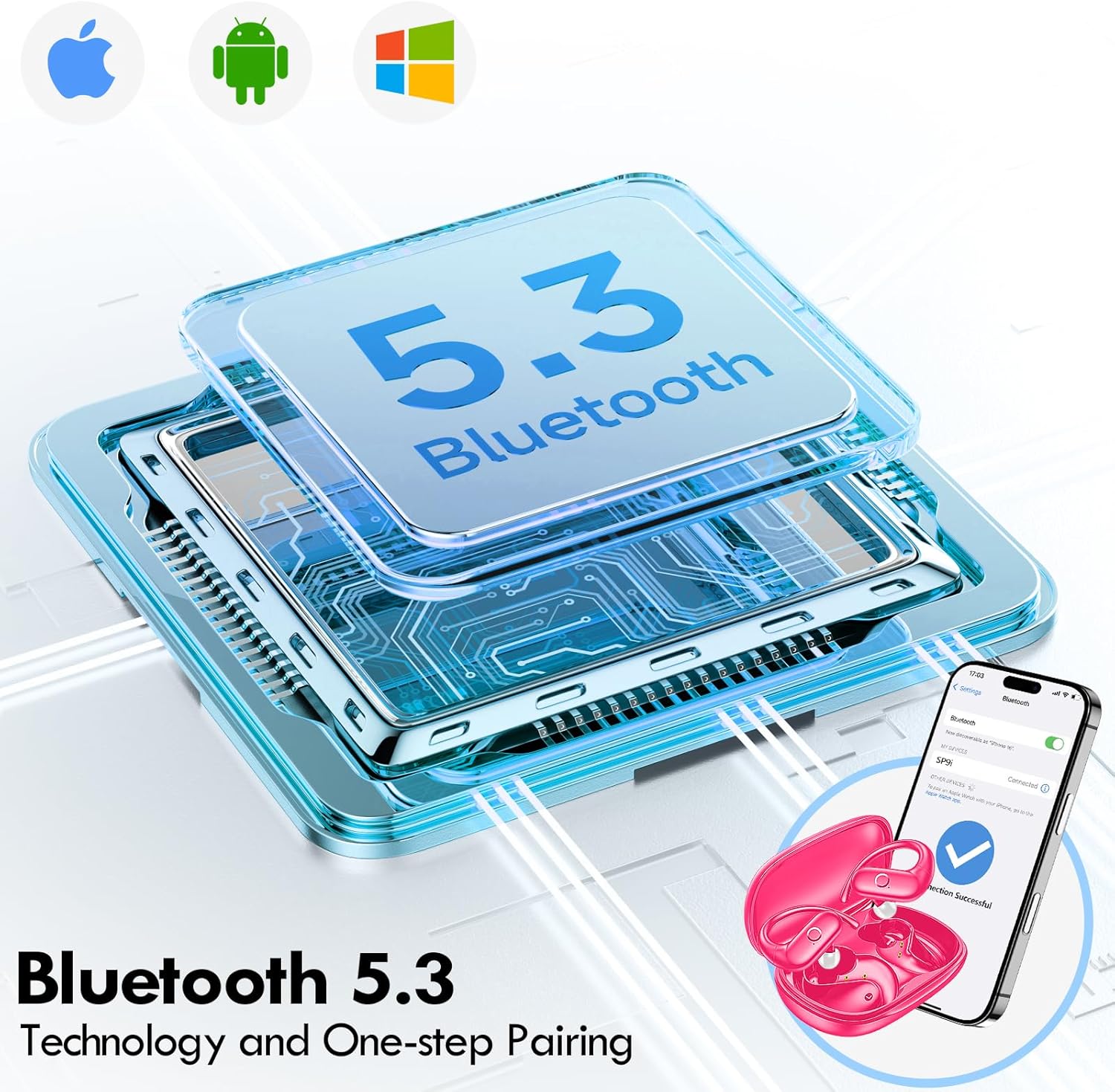
Image: Illustration of Bluetooth 5.3 technology and the one-step pairing process with a mobile device.
Əməliyyat Təlimatları
1. Qulaqlıqlarınızı taxmaq
The kurdene SP9i earbuds feature an over-ear design with soft silicone ear hooks for a secure and comfortable fit, especially during active use.
- Sol (L) və Sağ (R) qulaqlıqları müəyyənləşdirin.
- Gently place the earbud into your ear canal and hook the ear hook over the top of your ear.
- Adjust the earbud and hook until it feels snug and comfortable. The flexible design ensures a natural, pressure-free listening experience.
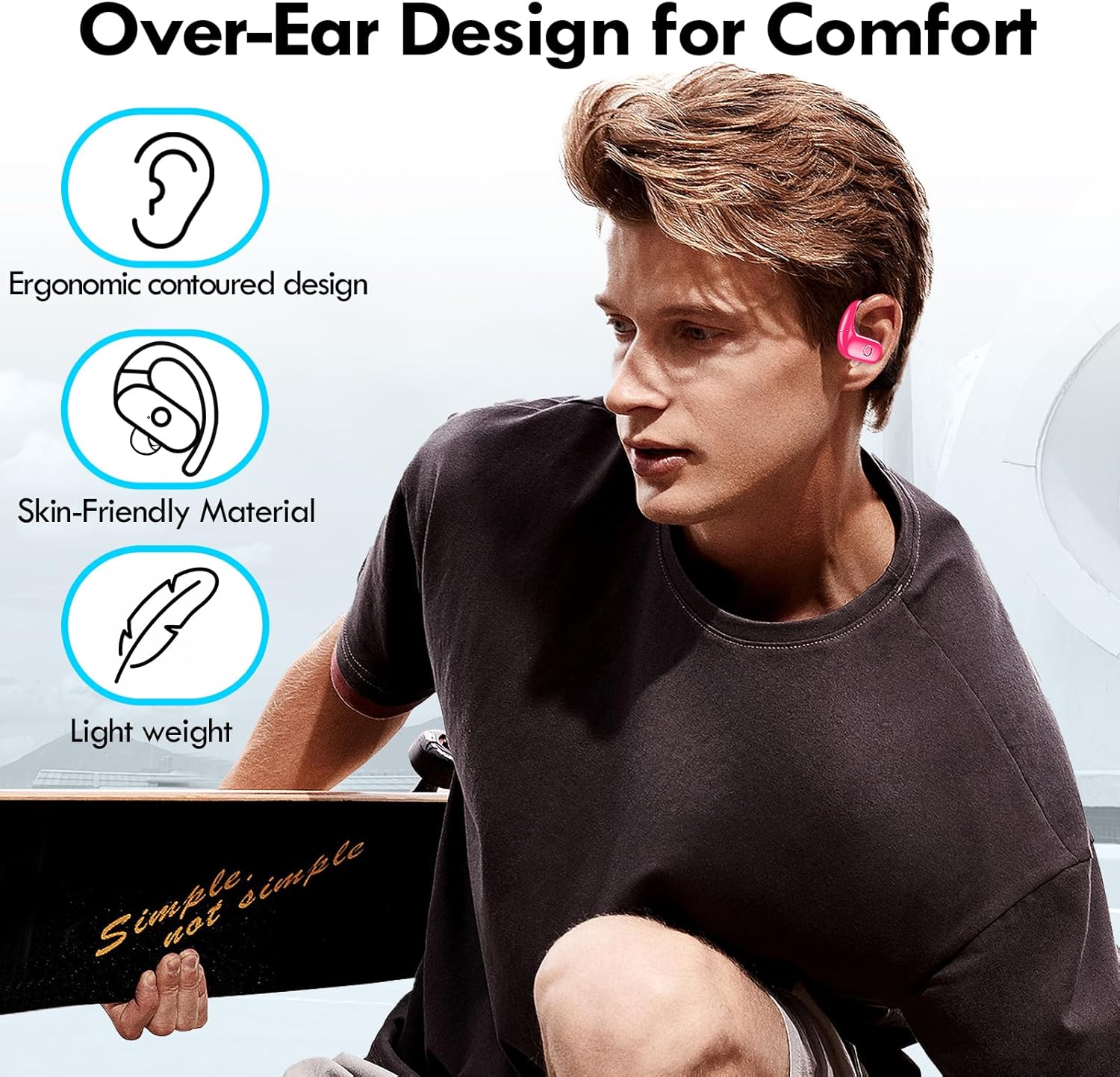
Image: Visual guide to the over-ear design, emphasizing comfort and secure fit.

Image: A user wearing the earbuds during physical activity, showcasing onların aktiv həyat tərzi üçün uyğunluğu.
2. Ağıllı Toxunuşlu İdarəetmələr
The earbuds feature intuitive touch controls for easy management of your audio and calls:
- Oynat/Pauza: Hər iki qulaqcığa bir dəfə toxunun.
- Növbəti trek: Sağ qulaqcığa iki dəfə toxunun.
- Əvvəlki Track: Sol qulaqcığa iki dəfə toxunun.
- Həcmi artır: Sağ qulaqcığa üç dəfə toxunun.
- Səs azaldı: Sol qulaqcığa üç dəfə toxunun.
- Zəngə Cavab Vermək/Bitirmək: Daxil olan zəng zamanı hər hansı qulaqcığa bir dəfə toxunun.
- Zəngi rədd edin: Daxil olan zəng zamanı qulaqcıqlardan birini 2 saniyə basıb saxlayın.
- Səs köməkçisini aktivləşdirin: İstənilən qulaqcığı 3 saniyə basıb saxlayın.
3. Sound Quality and Microphones
Equipped with 16.1mm vibrating diaphragm drivers, these earbuds deliver powerful bass, crisp mids, and clear treble for a rich, immersive sound. The built-in microphones are designed to isolate your voice, ensuring crystal-clear call quality even in noisy environments.
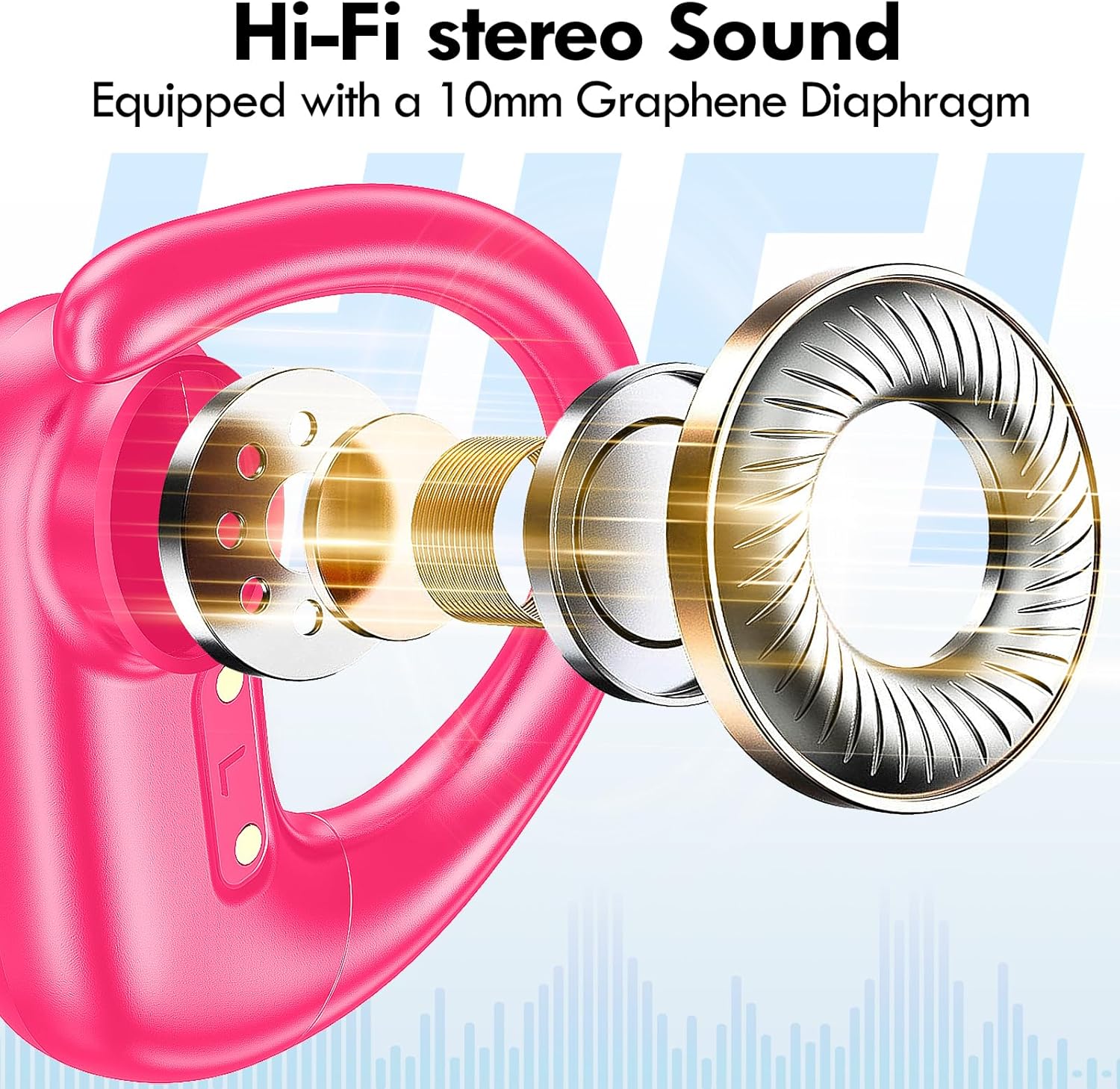
Şəkil: partladı view of the earbud's internal structure, emphasizing the Hi-Fi stereo sound components.
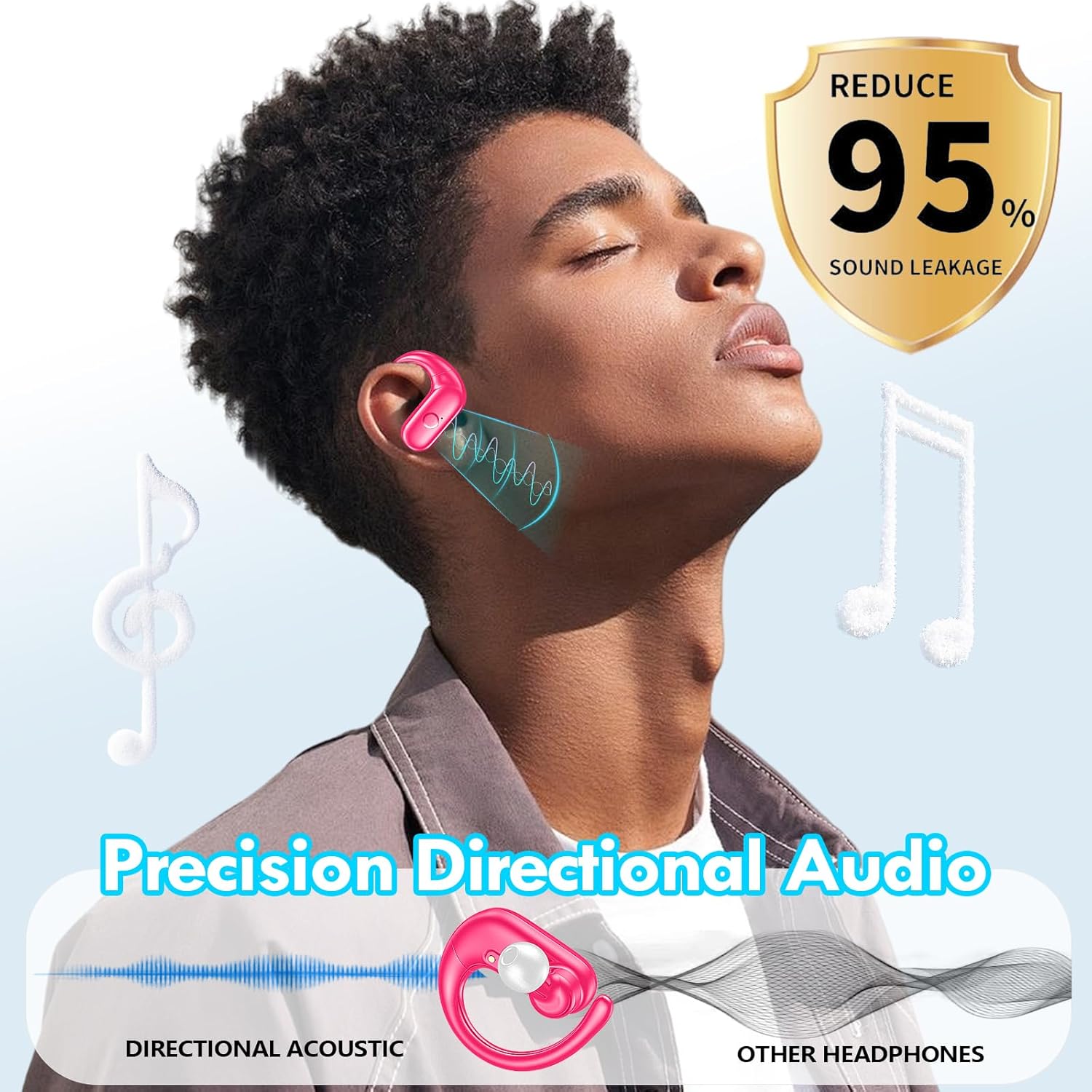
Image: Depiction of precision directional audio and 95% sound leakage reduction for an enhanced listening experience.
Baxım
To ensure the longevity and optimal performance of your kurdene SP9i earbuds, follow these maintenance guidelines:
- Təmizləmə: Qulaqcıqları və şarj qutusunu mütəmadi olaraq yumşaq, quru və tüksüz bir parça ilə silin. Sərt kimyəvi maddələrdən və ya aşındırıcı materiallardan istifadə etməyin.
- Qulaq məsləhətləri: Remove and clean the ear tips periodically with mild soap and water. Ensure they are completely dry before reattaching them to the earbuds.
- Doldurma Portları: Keep the charging contacts on the earbuds and inside the case clean and free of debris. Use a dry cotton swab if necessary.
- Yaddaş: İstifadə edilmədikdə, qulaqcıqları tozdan, zədədən qorumaq və doldurulmuş vəziyyətdə saxlamaq üçün onları şarj qutusunda saxlayın.
- Ekstremal şərtlərdən qaçın: Do not expose the earbuds to extreme temperatures, humidity, or direct sunlight for extended periods.
Problemlərin aradan qaldırılması
If you encounter any issues with your kurdene SP9i earbuds, please refer to the following common solutions:
- Qulaqlıqlar qoşalaşmır:
- Hər iki qulaqcığın tam doldurulduğundan əmin olun.
- Cihazınızda Bluetooth-u söndürün, sonra yenidən yandırın.
- Forget/delete "kurdene SP9i" from your device's Bluetooth list and attempt to pair again.
- Qulaqlıqları qutuya geri yerləşdirin, qapağı bağlayın, bir neçə saniyə gözləyin, sonra cütləşmə rejiminə yenidən daxil olmaq üçün açın.
- Səs yoxdur və ya aşağı səs:
- Həm cihazınızda, həm də qulaqlıqlarınızda səs səviyyələrini yoxlayın.
- Qulaqlıqların qulaqlarınıza düzgün oturduğundan əmin olun.
- Try cleaning the ear tips and speaker mesh to remove any obstructions.
- Qulaqlıqları cihazınıza yenidən qoşun.
- Qulaqlıqlar doldurulmur:
- Doldurma kabelinin həm korpusa, həm də enerji mənbəyinə etibarlı şəkildə qoşulduğundan əmin olun.
- Qulaqlıqlardakı və qutunun içərisindəki şarj kontaktlarının təmiz və zibilsiz olduğundan əmin olun.
- Fərqli USB-C kabelindən və ya güc adapterindən istifadə etməyə çalışın.
- Fasiləli əlaqə:
- Ensure your device is within the 33-foot Bluetooth range.
- Cihazınız və qulaqlıqlar arasında fiziki maneələrdən çəkinin.
- Digər simsiz cihazların müdaxiləsini minimuma endir.
If these steps do not resolve your issue, please contact kurdene customer support for further assistance.
Məhsulun spesifikasiyası
| Xüsusiyyət | Spesifikasiya |
|---|---|
| Model Adı | SP9i |
| Brend | kurdene |
| Bağlantı texnologiyası | Simsiz (Bluetooth 5.3) |
| Simsiz Rabitə Texnologiyası | Bluetooth |
| Bluetooth versiyası | 5.3 |
| Bluetooth diapazonu | 10 Metr (33 fut) |
| Qulaqların Yerləşdirilməsi | Qulaq üstü |
| Forma faktoru | Qulaq üstü |
| Səs-küyə Nəzarət | Sound Isolation, Passive Noise Isolation |
| Audio sürücü növü | Dinamik sürücü |
| Batareya Ömrü (Qulaqcıqlar) | 12 saat |
| Ümumi oyun vaxtı (doldurma qutusu ilə) | 60 saat |
| Nəzarət metodu | Toxun |
| Material | Silikon |
| Maddə Çəkisi | 3.52 unsiya (0.1 Kiloqram) |
| Rəng | İsti çəhrayı |
| Daxil olan komponentlər | Microphone Earphones (Earbuds, Charging Case, USB-C Cable, Ear Tips) |
Zəmanət və Dəstək
kurdene products are manufactured with high-quality standards. For information regarding warranty coverage and customer support, please refer to the warranty card included in your product packaging or visit the official kurdene website. If you require assistance with your SP9i earbuds, our customer support team is ready to help.
Ən son məlumat və dəstək üçün zəhmət olmasa, ziyarət edin: kurdene Official Store on Amazon