
1. Məhsul bitdiview
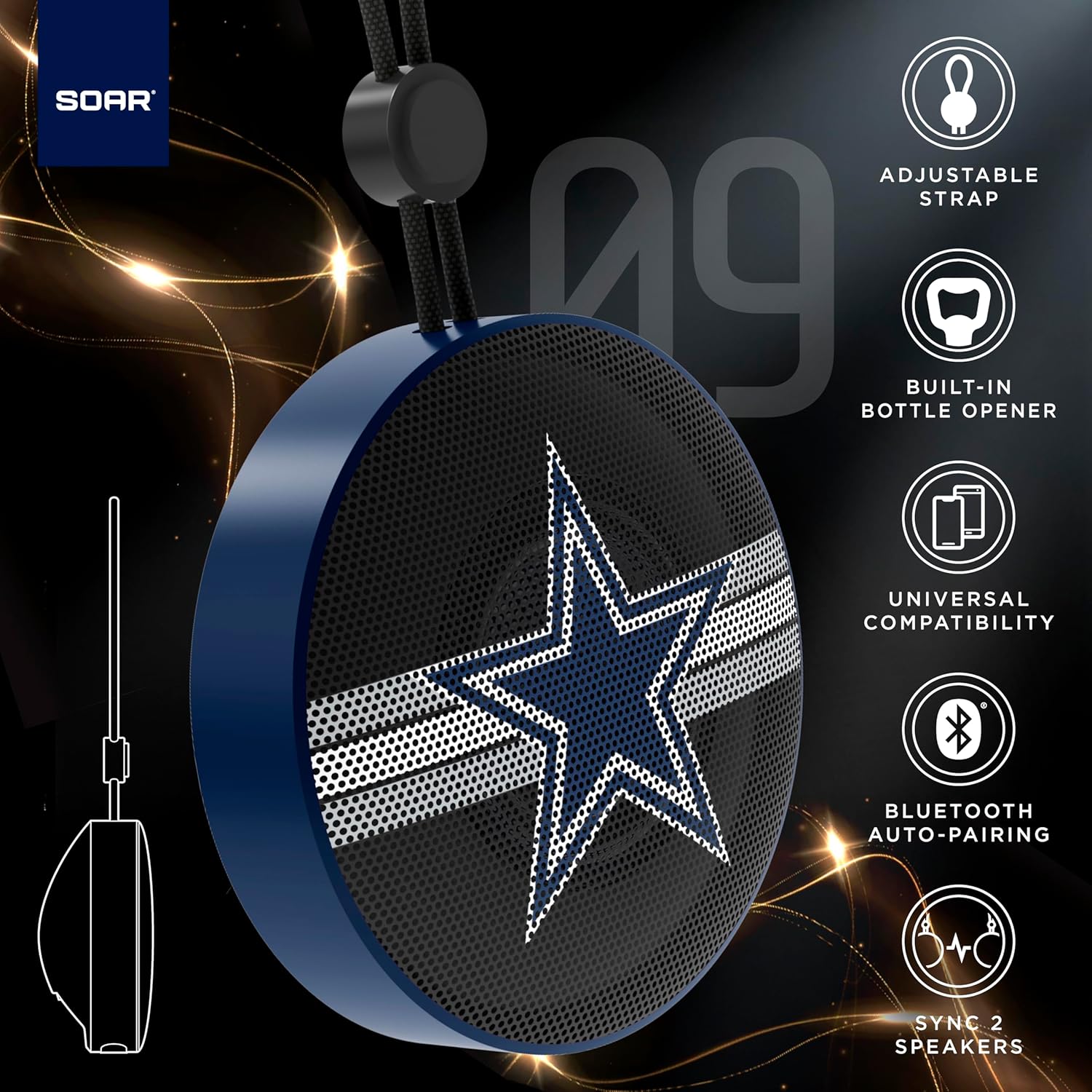
The SOAR NFL Bluetooth Bottle Opener Speaker is a compact and portable audio device designed for convenience and entertainment. It features 5W sound output, Bluetooth connectivity for wireless audio streaming, and a built-in bottle opener. The speaker includes an adjustable lanyard for easy carrying and offers up to 10 hours of playback on a single charge. It also supports dual pairing for an immersive stereo experience and has a built-in microphone for hands-free calls.

Ön view of the SOAR NFL Bluetooth Bottle Opener Speaker featuring the Arizona Cardinals logo.

The product packaging highlighting features like adjustable strap, 10-hour battery life, and built-in bottle opener.
2. Paketin məzmunu
- SOAR NFL Bluetooth Bottle Opener Speaker
- USB-C şarj kabeli
- İstifadəçi təlimatı
3. Quraşdırma
3.1 Dinamikin doldurulması
Before first use, fully charge the speaker. Use the provided USB-C cable to connect the speaker's charging port to a compatible USB power source (e.g., wall adapter, computer USB port).
- Şarj zamanı şarj göstəricisi işığı yanacaq.
- The light will change or turn off once charging is complete.
Detail of the USB-C charging port and control buttons on the speaker.
3.2 Yandırma/Söndürmə
To power on the speaker, press and hold the power button until you hear an audible prompt or see the LED lights activate. To power off, press and hold the power button again.
3.3 Bluetooth Qoşulması
- Dinamikin qoşulduğundan və qoşma rejimində olduğundan əmin olun (yanıb-sönən LED işığı ilə göstərilir).
- Mobil cihazınızda (smartfon, planşet və s.) Bluetooth-u aktivləşdirin.
- axtarın available Bluetooth devices. The speaker will appear as "SOAR POP" or a similar name.
- Select the speaker from the list to connect. A confirmation tone or voice prompt will indicate successful pairing.
4. Əməliyyat
4.1 Audionun səsləndirilməsi
Once paired, you can stream audio from your device to the speaker. Use your device's controls to manage playback (play, pause, skip tracks) and adjust volume. The speaker itself may have basic playback controls (e.g., play/pause, next/previous track) as shown near the charging port.
4.2 Dual Pairing (True Wireless Stereo)
For an enhanced audio experience, two SOAR POP speakers can be paired together to create a stereo sound system. Refer to the specific instructions provided with your speakers for dual pairing mode activation.
4.3 Built-in Bottle Opener
The speaker features a discreetly integrated bottle opener. Position the bottle cap under the metal opener and apply upward pressure to remove the cap.

The speaker demonstrating its built-in bottle opener function.
4.4 Adjustable Lanyard
The speaker includes a 10-inch adjustable lanyard for convenient portability. Attach it to a backpack, belt loop, or other gear for easy transport.

Image showing the speaker's dimensions and the adjustable lanyard for portability.
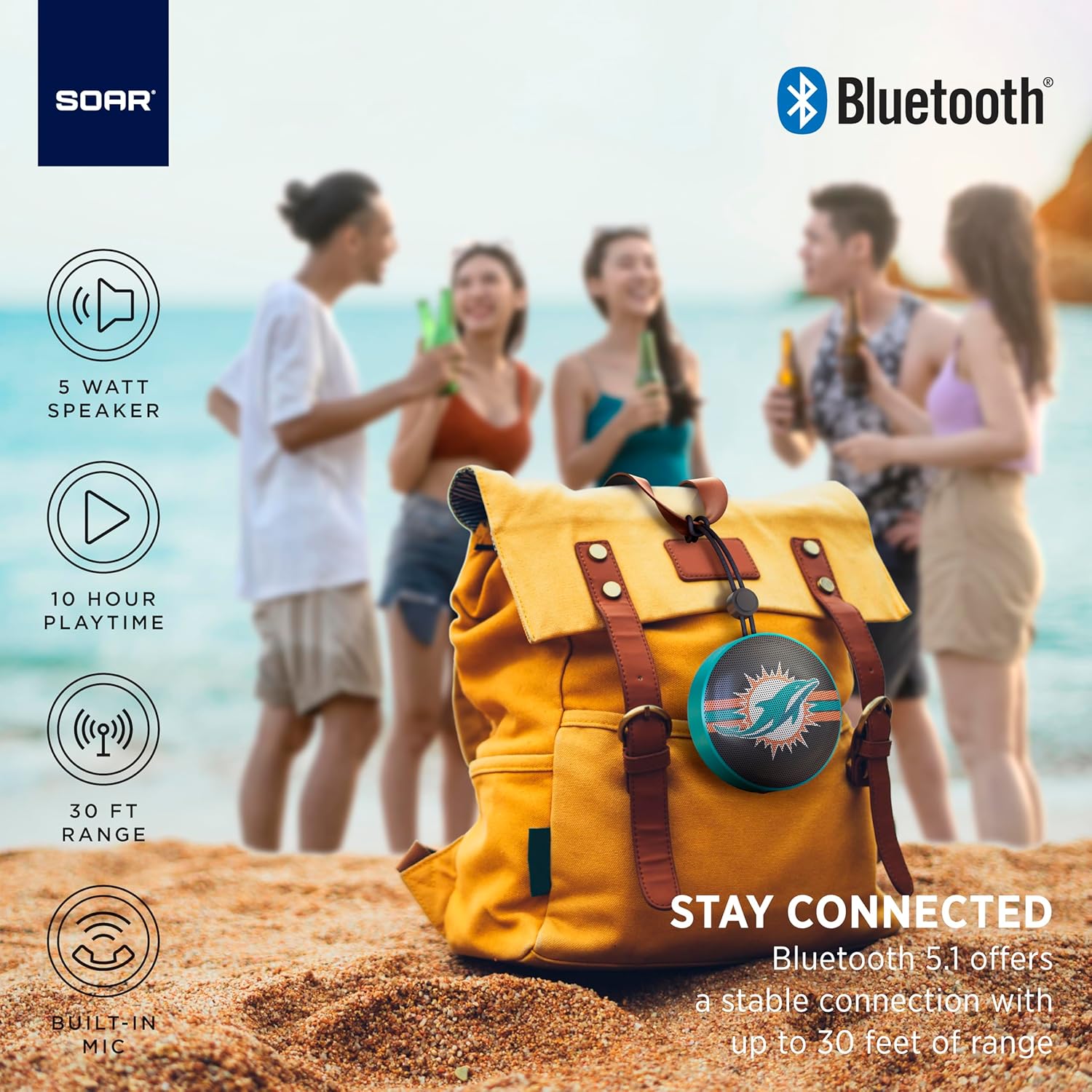
The portable speaker attached to a backpack, illustrating its on-the-go use.
4.5 Əllər Sərbəst Zəng
With the built-in microphone, you can answer calls directly through the speaker when connected to your smartphone. Press the play/pause button to answer or end a call.
5. Baxım və qulluq
- Təmizləmə: Use a soft, dry cloth to clean the speaker. Do not use harsh chemicals or abrasive cleaners.
- Suya davamlılıq: The speaker is designed with IPX4 water resistance, meaning it is protected against splashing water from any direction. It is not intended for submersion in water. Ensure the charging port cover is securely closed to maintain water resistance.
- Yaddaş: Dinamiki birbaşa günəş işığından və həddindən artıq temperaturdan uzaq sərin, quru yerdə saxlayın.
6. Giderme
- Güc yoxdur: Dinamikin tam doldurulduğundan əmin olun. USB-C kabelindən istifadə edərək onu enerji mənbəyinə qoşun.
- Bluetooth vasitəsilə qoşalana bilmir:
- Dinamikin qoşalaşma rejimində olduğundan əmin olun (LED yanıb-sönür).
- Ensure Bluetooth is enabled on your device and it is within range (up to 30 feet).
- Cihazı telefonunuzun Bluetooth parametrlərindən unudun və yenidən cütləşdirməyə cəhd edin.
- Həm dinamiki, həm də cihazınızı yenidən başladın.
- Səs yoxdur:
- Həm dinamikdə, həm də qoşulmuş cihazınızda səs səviyyələrini yoxlayın.
- Dinamikin uğurla qoşulduğundan və cihazınıza qoşulduğundan əmin olun.
- Başqa bir tətbiqdən və ya mənbədən səs oxutmağa çalışın.
- Zəif səs keyfiyyəti:
- Müdaxiləni azaltmaq üçün dinamiki cihazınıza yaxınlaşdırın.
- Dinamik və cihazınız arasında heç bir maneə olmadığından əmin olun.
- Check if the speaker is fully charged. Low battery can affect sound quality.
7. Spesifikasiyalar
| Brend | Uçmaq |
| Model nömrəsi | NFL-BTX9-CARD |
| Material | Polimer |
| Məhsul Ölçüləri | 3.6"U x 1.8"W |
| Maddə Çəkisi | 9.4 unsiya |
| Dinamik Gücü | 5W |
| Batareya Ömrü | 10 saata qədər |
| Bluetooth versiyası | 5.1 |
| Suya davamlılıq | IPX4 (Protected against splashing of water) |
| UPC | 192129183983 |
8. Zəmanət və Dəstək
For warranty information and customer support, please refer to the documentation included with your product or visit the official SOAR webSayt. Zəmanət iddiaları üçün alış qəbzini saxlayın.