
1. Məhsul bitdiview
The AJAZZ AJ139 V2 MC is a versatile tri-mode gaming mouse designed for precision and responsiveness. It features a PAW3311 sensor for accurate tracking, a 1000Hz return rate for smooth performance, and a long-lasting 500mAh battery. Its compact and lightweight design makes it suitable for extended use and portability.
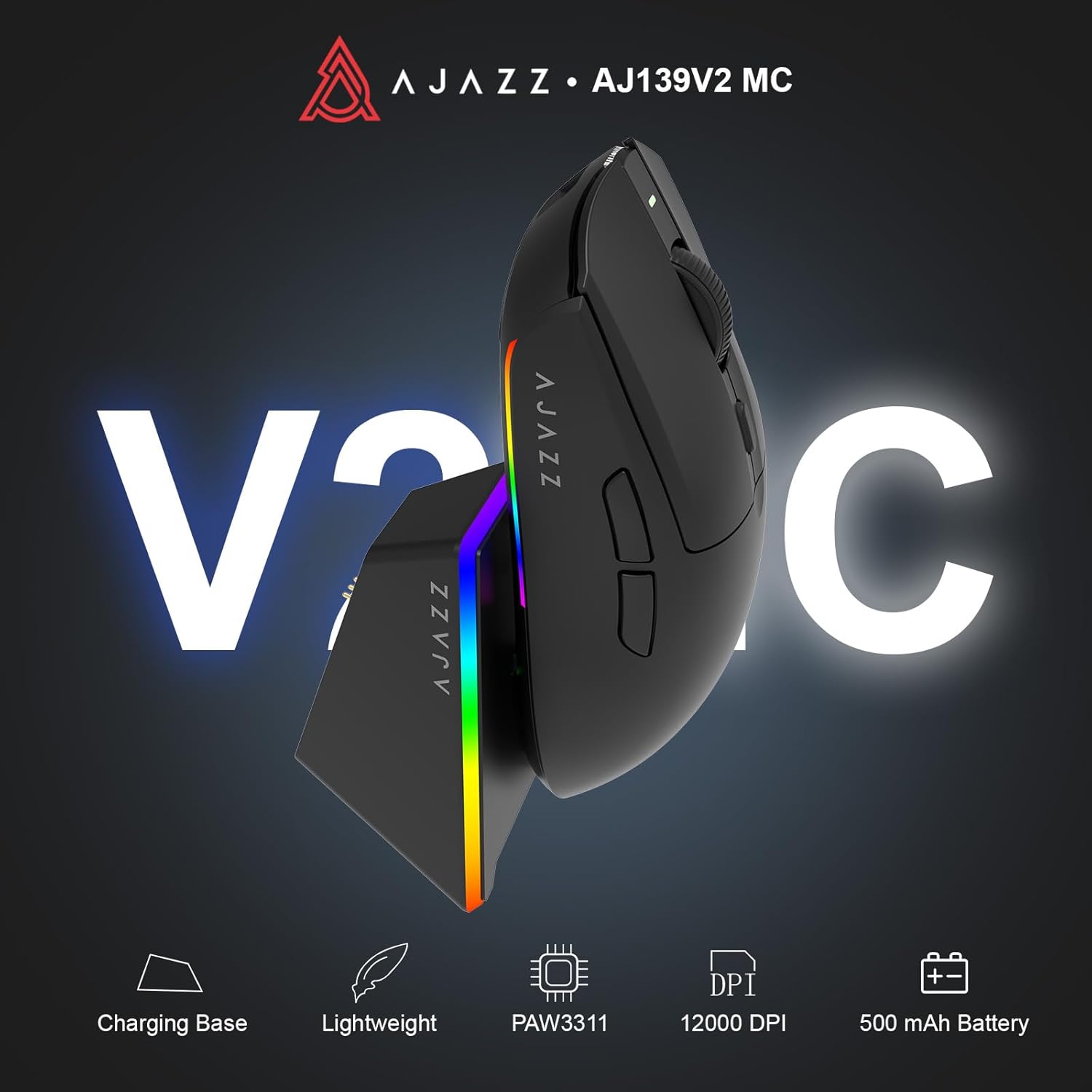
Figure 1.1: AJAZZ AJ139 V2 MC Gaming Mouse and Charging Dock.
Video 1.1: Bitdiview of the AJAZZ AJ139 V2 MC Gaming Mouse, highlighting its features and design.
2. Paketin məzmunu
Bütün əşyaların paketdə olduğundan əmin olun:
- AJAZZ AJ139 V2 MC Gaming Mouse
- Doldurma Dok
- USB-C şarj kabeli
- 2.4G USB Receiver (Dongle)
- İstifadəçi təlimatı
3. Əsas Xüsusiyyətlər
- PAW3311 Sensor Technology: Equipped with the PAW3311 sensor, this mouse ensures precise tracking and accurate cursor control for optimal performance.
- High 1000Hz Return Rate: Experience smooth and responsive performance with a 1000Hz return rate, enhancing your gaming or work experience.
- Uzunömürlü 500mAh Batareya: The integrated 500mAh battery provides extended power, ensuring uninterrupted use for prolonged periods.
- Üç rejimli əlaqə: Supports versatile connectivity options including Wired, 2.4G Wireless, and Bluetooth, adapting to various devices and setups.
- Kompakt və Yüngül Dizayn: Weighing approximately 66 grams, the mouse features a compact design for easy portability and comfortable use during long sessions.
- Fərdiləşdirilə bilən RGB İşıqlandırma: Features integrated RGB lighting for personalized aesthetics.
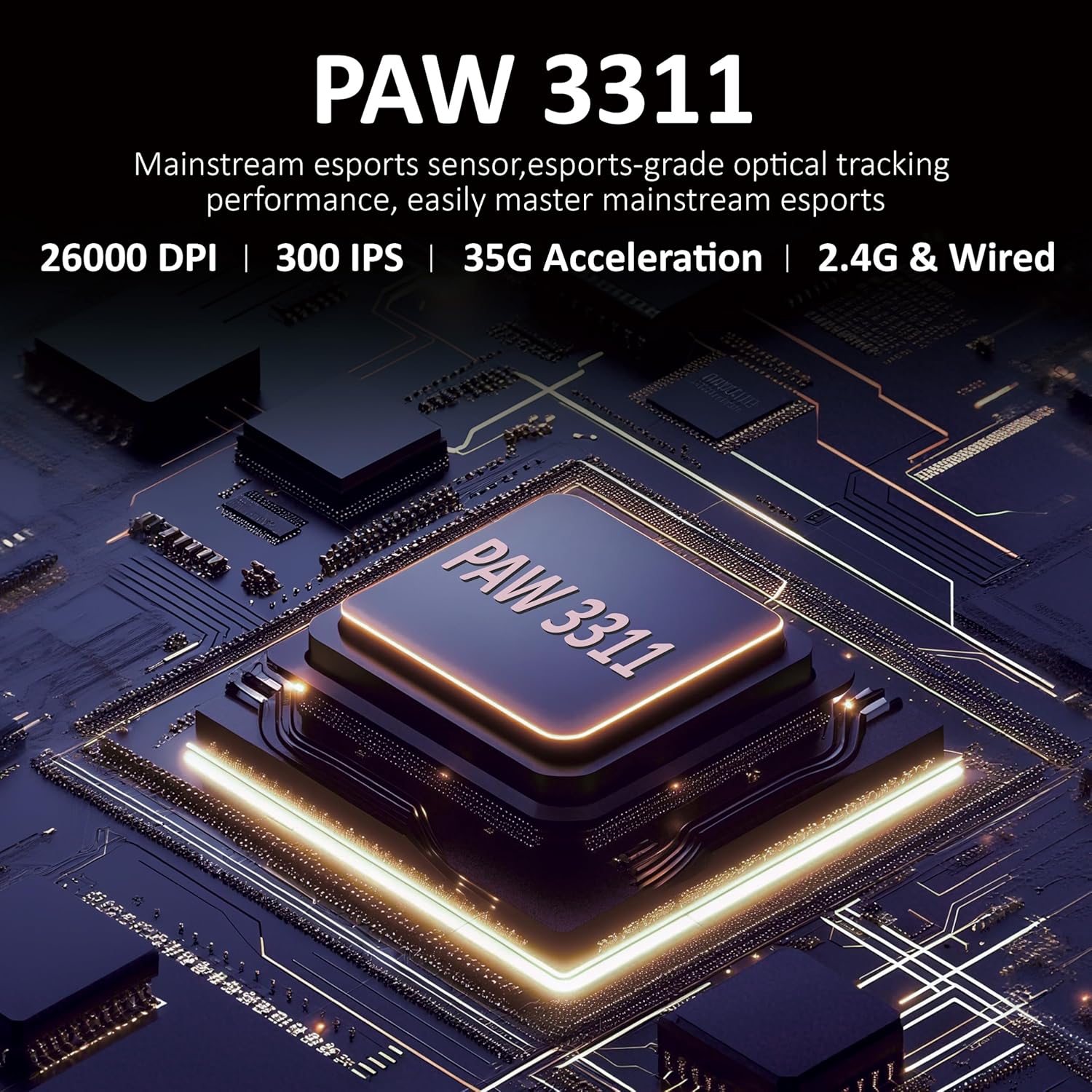
Şəkil 3.1: Ətraflı view of the PAW3311 sensor technology.
Video 3.1: Demonstration of the mouse's 500mAh battery life.
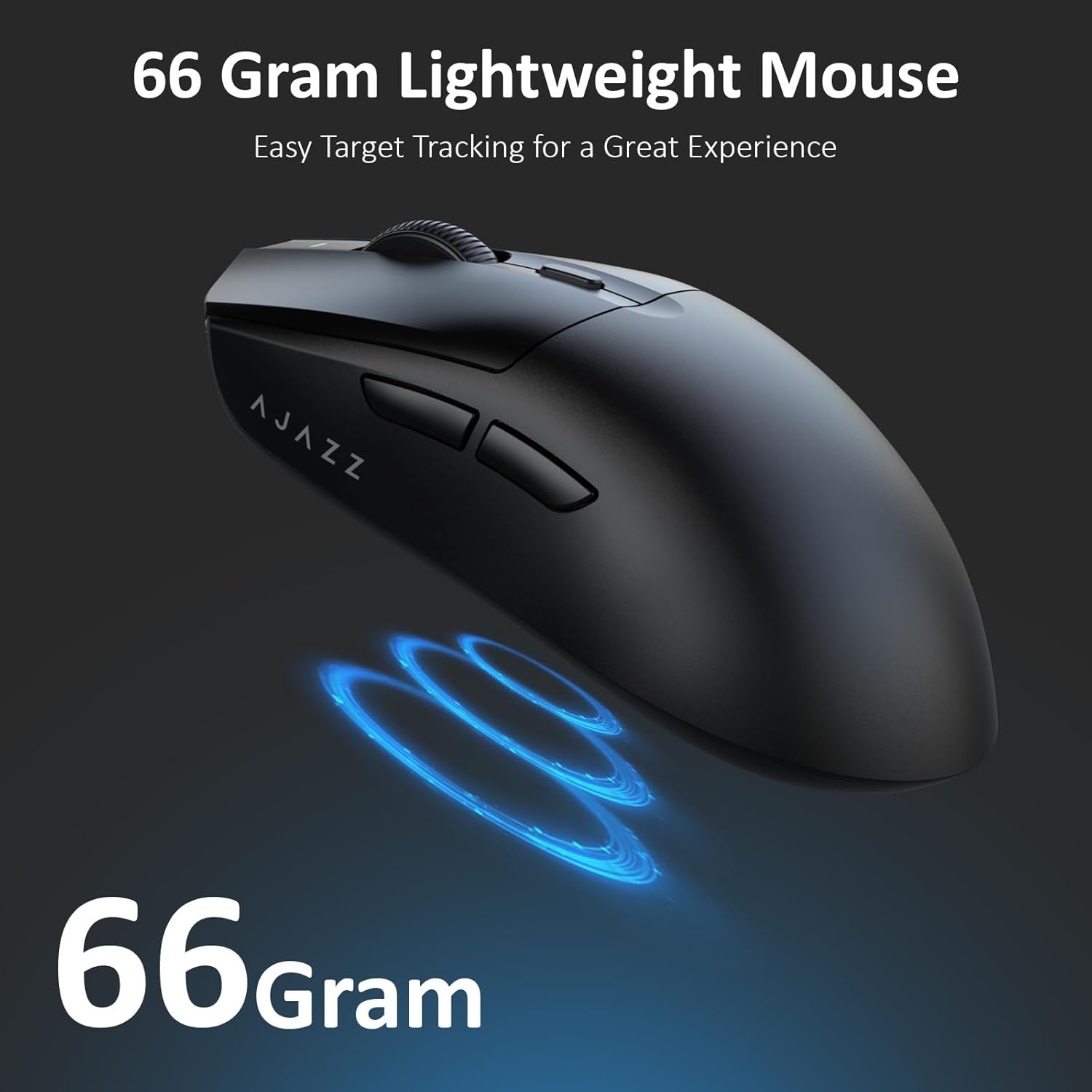
Figure 3.2: The lightweight design of the AJAZZ AJ139 V2 MC mouse.
4. Quraşdırma Bələdçisi
4.1. Siçanın qoşulması
The AJAZZ AJ139 V2 MC offers three connection modes:
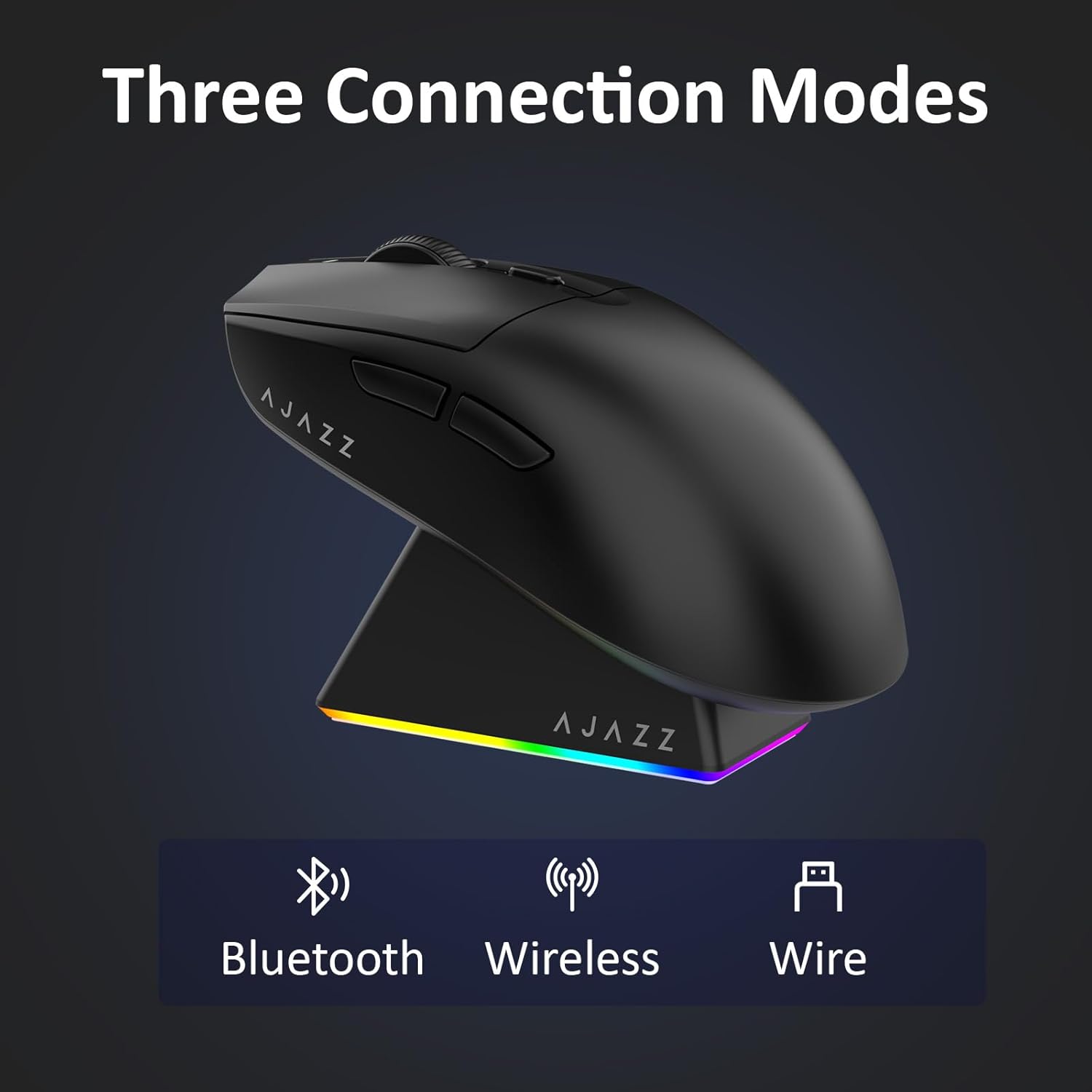
Figure 4.1: Visual representation of the three connection modes.
- 2.4G Simsiz rejimi:
- Locate the 2.4G USB receiver stored in the compartment on the underside of the mouse.
- USB qəbuledicisini kompüterinizdə mövcud olan USB portuna qoşun.
- Slide the switch on the bottom of the mouse to the '2.4G' position. The mouse will automatically connect.
- Bluetooth rejimi:
- Slide the switch on the bottom of the mouse to the 'BT' position.
- On your device, open Bluetooth settings and search for new devices.
- Select 'AJAZZ AJ139 V2 MC' from the list to pair.
- Simli Rejim:
- Connect the USB-C charging cable to the mouse and the other end to your computer's USB port.
- The mouse will function as a wired device and charge simultaneously.
4.2. Siçanın doldurulması
The mouse can be charged using the included charging dock or directly via the USB-C cable.
- Doldurma Dokundan istifadə:
- Connect the USB-C charging cable to the charging dock and then to a power source (e.g., computer USB port, USB wall adapter).
- Place the mouse onto the charging dock, aligning the magnetic contacts. The RGB lighting on the dock and mouse will indicate charging status.
- Birbaşa USB-C şarjı:
- Connect the USB-C charging cable directly to the mouse and a power source.
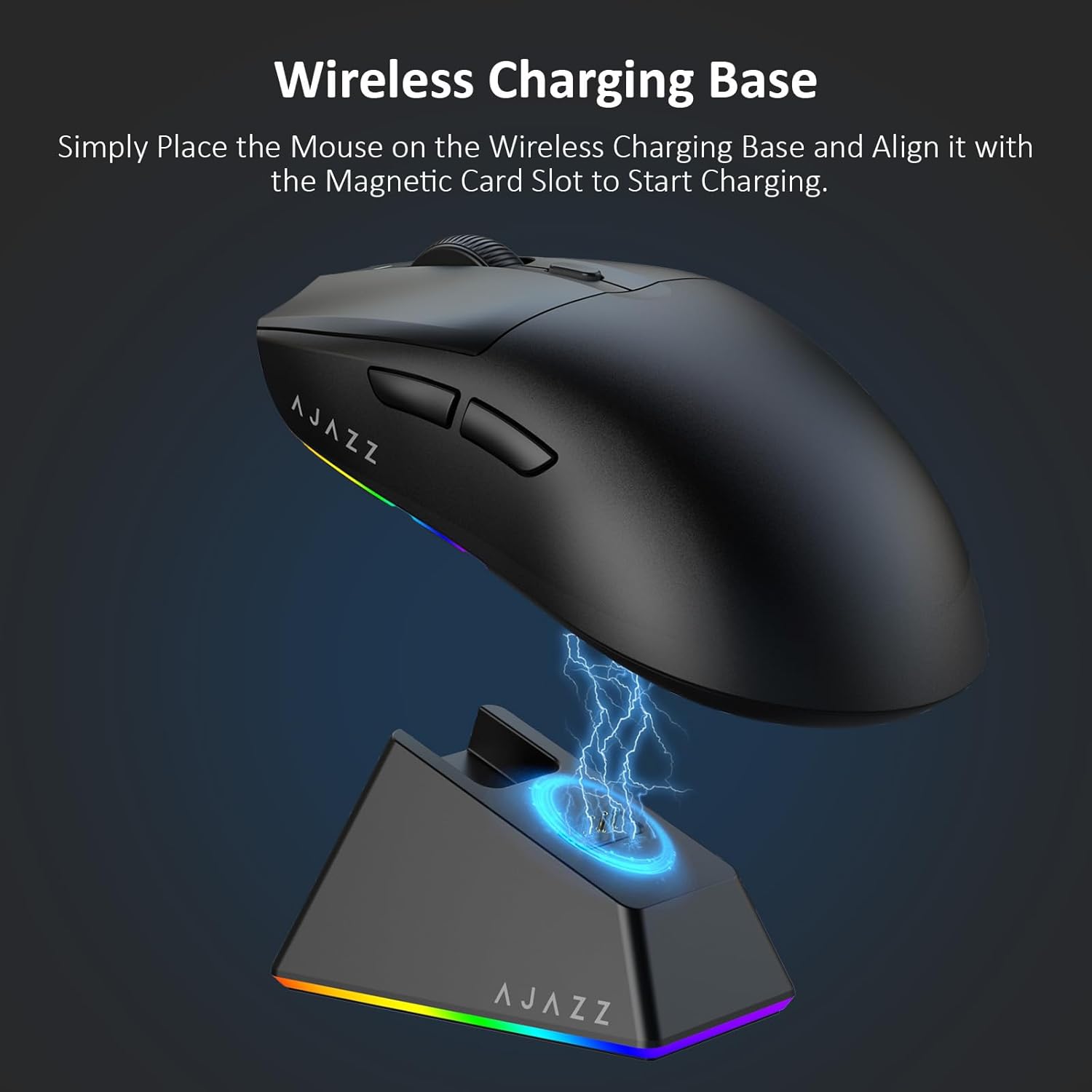
Figure 4.2: The mouse being charged on its wireless charging base.
5. Əməliyyat Təlimatları
5.1. DPI Tənzimlənməsi
The mouse features a dedicated DPI adjustment button on its underside, allowing you to cycle through different sensitivity levels. Press the button to change the DPI setting to suit your preference.
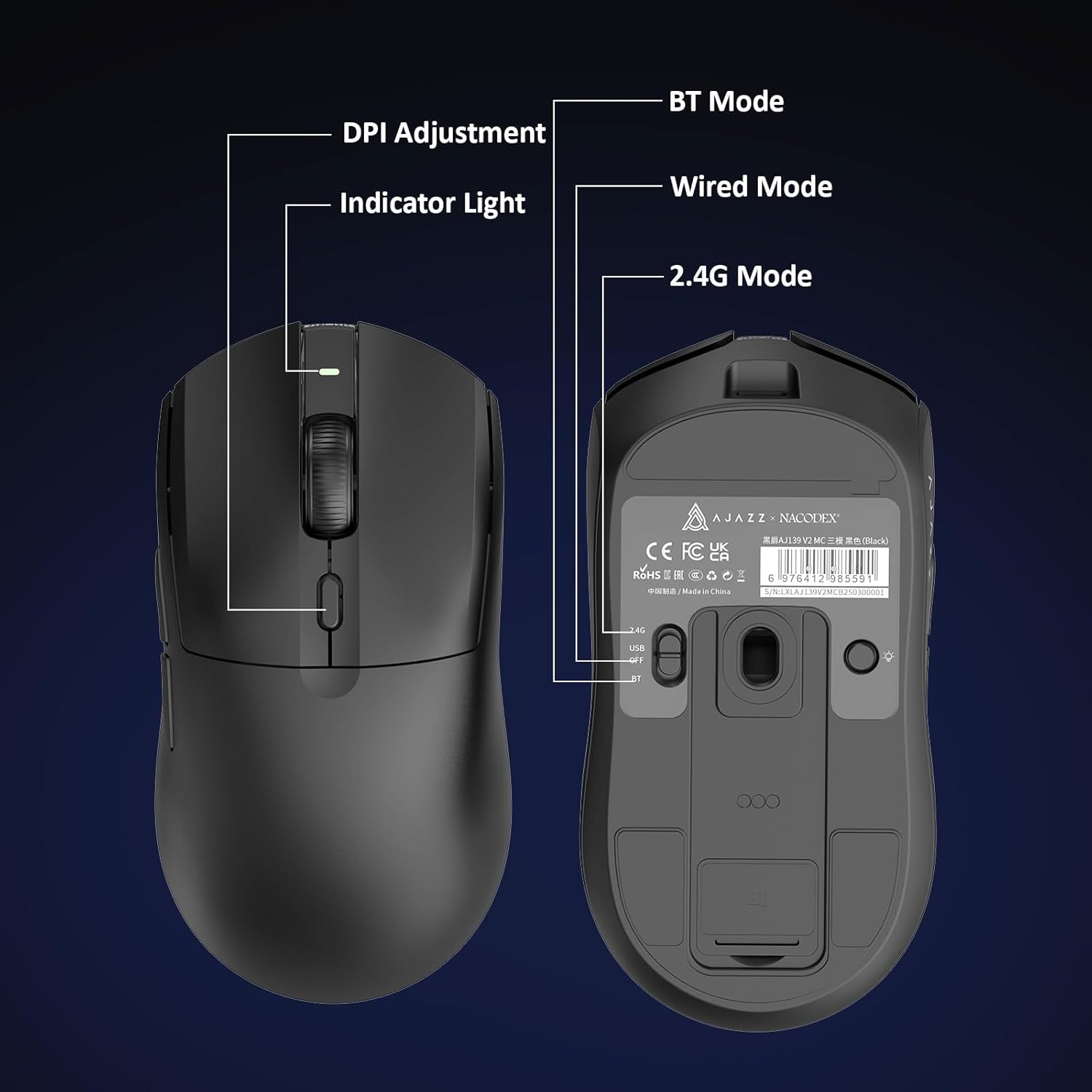
Figure 5.1: Location of the DPI adjustment button and connection mode switch on the mouse underside.
5.2. Düymə funksiyaları
The mouse is equipped with 6 programmable buttons:
- Sol Klik Düyməsi
- Sağ Klik Butonu
- Sürüşdürmə Təkəri (Kliklənə bilən)
- DPI Adjustment Button (on underside)
- Two Side Buttons (typically for forward/backward navigation)
For advanced customization of button functions and macros, please refer to the official AJAZZ software (downloadable from the manufacturer's webSayt).
5.3. RGB İşıqlandırma Nəzarəti
The mouse and charging dock feature customizable RGB lighting. Specific controls for lighting modes and colors are typically managed through the official AJAZZ software. A dedicated light button on the underside of the mouse allows for basic cycling or turning off the lighting.
6. Baxım
- Təmizləmə: Siçan səthini təmizləmək üçün yumşaq, quru bir parça istifadə edin. İnadkar çirk üçün bir az təmizləyin.amp Daxili hissələrə nəmin daxil olmamasını təmin etmək üçün parça istifadə edilə bilər.
- Sensor Baxımı: Keep the optical sensor on the underside of the mouse clean and free from dust or debris to maintain tracking accuracy.
- Batareyanın ömrü: To prolong battery life, avoid fully discharging the mouse frequently. Charge it when the battery indicator is low.
7. Giderme
| Problem | Mümkün Həll |
|---|---|
| Mouse not responding in 2.4G Wireless mode. | Ensure the 2.4G USB receiver is securely plugged into a USB port and the mouse switch is set to '2.4G'. Try a different USB port. |
| Mouse not pairing via Bluetooth. | Ensure the mouse switch is set to 'BT' and your device's Bluetooth is enabled and discoverable. Try unpairing and re-pairing the device. |
| Mouse not charging. | Verify the USB-C cable is properly connected to both the dock/mouse and the power source. Ensure the mouse is correctly seated on the charging dock's magnetic contacts. |
| Inconsistent tracking or cursor movement. | Clean the optical sensor on the underside of the mouse. Ensure you are using the mouse on a suitable surface (e.g., a mouse pad). |
| RGB işıqlandırma işləmir. | Check the mouse's software settings for lighting control. Ensure the mouse has sufficient battery charge. |
8. Texniki spesifikasiyalar
| Xüsusiyyət | Spesifikasiya |
|---|---|
| Brend | AJAZZ |
| Model Adı | Aj139 V2 MC |
| Rəng | V2 MC Black |
| Bağlantı texnologiyası | Bluetooth, USB, 2.4G Wireless |
| Hərəkətin aşkarlanması texnologiyası | Optik (PAW3311 Sensor) |
| Mouse Maximum Sensitivity | 12000 Dots per Inch (DPI) |
| Qaytarma dərəcəsi | 1000Hz |
| Batareya Tutumu | 500 mAh |
| Düymə Miqdarı | 6 |
| Əl istiqaməti | Sağ |
| Uyğun Cihazlar | Masaüstü kompüter |
| Əməliyyat sistemi | Windows |
| Aralığı | 10 metr |
| Maddə Çəkisi | 4 unsiya (təxminən 113 qram) |
| Element Ölçüləri L x W | 5"L x 2.5"W (approx. 12.7cm x 6.35cm) |
| Bəzək Xüsusiyyəti | RGB İşıqlandırma |
| Qoruyucu material | plastik |
| Bitir | Tutqun |
9. Zəmanət və Dəstək
This product comes with a standard manufacturer's warranty. For detailed warranty information, please refer to the official AJAZZ websayta daxil olun və ya satıcınızla əlaqə saxlayın.
For technical support, troubleshooting assistance, or any product-related inquiries, please visit the AJAZZ official support page or contact their customer service team.
Onlayn Resurslar:
AJAZZ Official Store