
1. Giriş
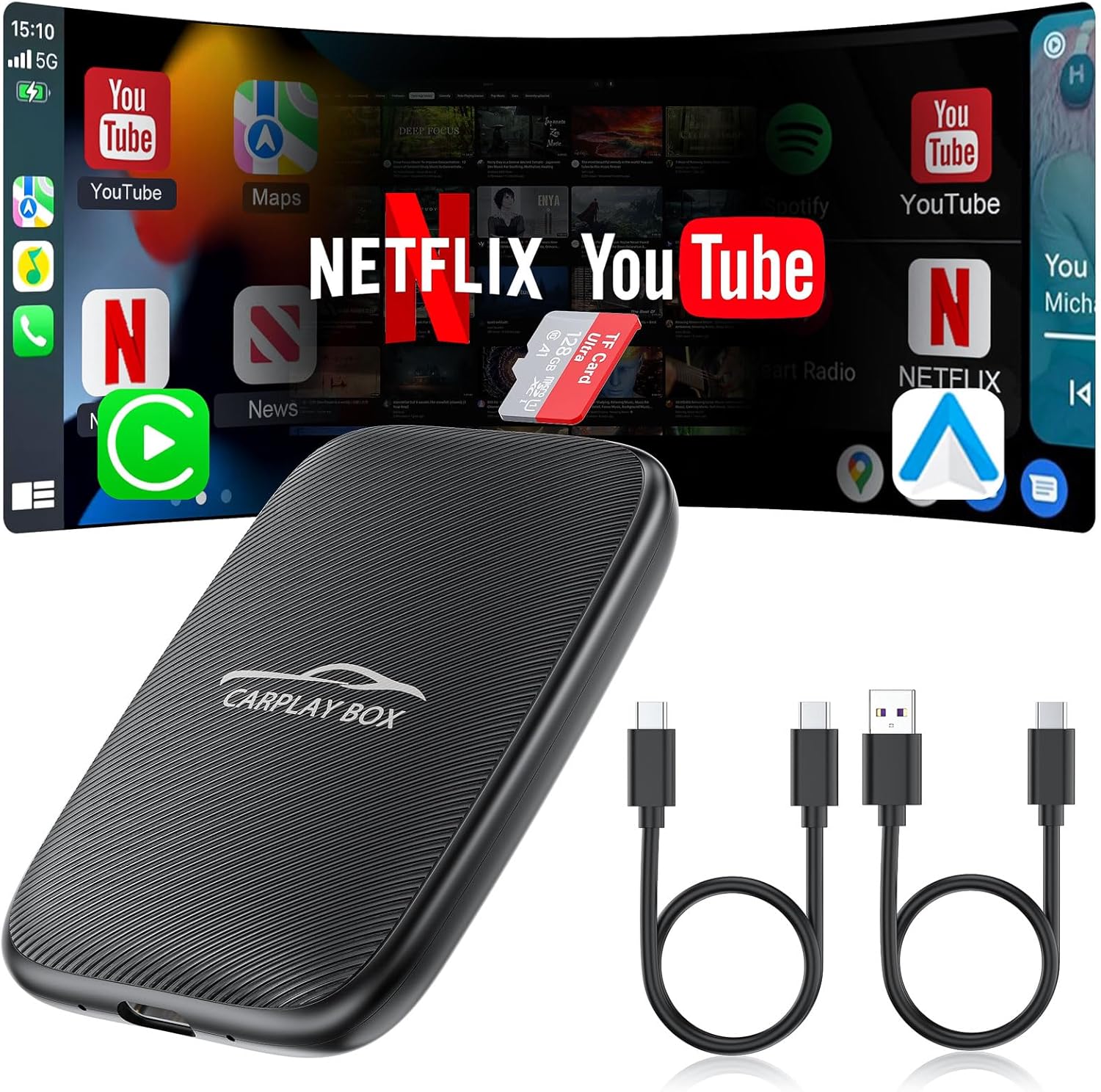
The Rocketek 5-in-1 Wireless CarPlay and Android Auto Adapter (Model: Small-GT4S) is designed to enhance your in-car entertainment and connectivity experience. This device converts your vehicle's existing wired CarPlay or Android Auto system into a wireless one, offering seamless integration with your smartphone. Additionally, it provides access to streaming services like Netflix and YouTube, and supports local media playback via TF card or USB.
2. Paketin məzmunu
Zəhmət olmasa, paketdə bütün əşyaların olduğundan əmin olun:
- Rocketek 5-in-1 Wireless CarPlay Adapter (Small-GT4S)
- USB-C-dən USB-A kabelinə
- USB-C-dən USB-C kabelinə
- TF Card (pre-installed or included separately)
- İstifadəçi Təlimatı (bu sənəd)
3. Spesifikasiyalar
| Xüsusiyyət | Detal |
|---|---|
| Model | Small-GT4S |
| Brend | Rocketek |
| Əməliyyat sistemi | Android |
| Yaddaş Saxlama Tutumu | 16 GB (TF card support up to 256GB) |
| Bağlantı texnologiyası | USB, 4.2GHz Wi-Fi, Bluetooth BLE 5.0 |
| Xüsusi Xüsusiyyət | Touchscreen, Voice Control, Steering Wheel Control, Knob Operation |
| Daxil olan komponentlər | Adapter, USB-C to USB-A cable, USB-C to USB-C cable, TF Card |
| Maddə Çəkisi | 3.2 unsiya (0.09 Kiloqram) |
| Paket Ölçüləri | 5.39 x 3.94 x 0.87 düym |
4. Uyğunluq
This adapter is designed for wide compatibility with vehicles and smartphones:
- Avtomobil Uyğunluğu: Suitable for over 800 car models manufactured after 2016 that come with factory-installed wired CarPlay.
- Vacib Qeyd: Not compatible with BMW or Tesla vehicles.
- Smartfon Uyğunluğu: Supports mobile phones with Apple iOS version 10.0 and above, and Android version 11.0 and above.

For detailed compatibility information for Android Auto, please visit the official Android Auto websayt.
5. Quraşdırma Təlimatları
İlkin quraşdırma və əlaqə üçün bu addımları yerinə yetirin:
- Adapteri birləşdirin: Plug the Rocketek 5-in-1 Wireless CarPlay Adapter into your car's USB data port using the appropriate USB-C to USB-A or USB-C to USB-C cable.
- İlkin Yükləmə: The device will power on, and your car's screen should display an Android or CarPlay interface.
- Enable Bluetooth & Wi-Fi on Phone: Smartfonunuzda həm Bluetooth, həm də Wi-Fi-ın açıq olduğundan əmin olun.
- Adapterlə qoşun: On your car's screen, navigate to the Bluetooth settings or the adapter's main interface. Select the adapter's Bluetooth name (e.g., "AIBox-BT_b054" or similar) from your phone's Bluetooth device list and pair. Confirm any pairing codes if prompted.
- Avtomatik qoşulma: After successful Bluetooth pairing, the adapter will automatically connect to your phone via Wi-Fi for wireless CarPlay or Android Auto functionality.

Quraşdırma Video Təlimatları:
Video 5.2: This video demonstrates the process of using the Magic Link CarPlay AI Box, including initial connection steps.
Video 5.3: A quick demonstration of the Wireless CarPlay Adapter supporting Netflix and YouTube, showing the connection process.
Video 5.4: Bu video bir başa təqdim edirview of the 2024 upgraded wireless Android Auto and CarPlay adapter, including its features and connection.
Video 5.5: A step-by-step guide on how to connect the wireless CarPlay/Android Auto feature.
6. Əməliyyat Təlimatları
6.1. Simsiz CarPlay və Android Auto
Once connected, the adapter allows you to use wireless CarPlay or Android Auto, mirroring your phone's essential apps (navigation, music, calls) directly onto your car's display. The system supports original car control methods, including voice control, steering wheel controls, touch screen, and knob operation.

6.2. Streaming Media (Netflix, YouTube, TF Card)
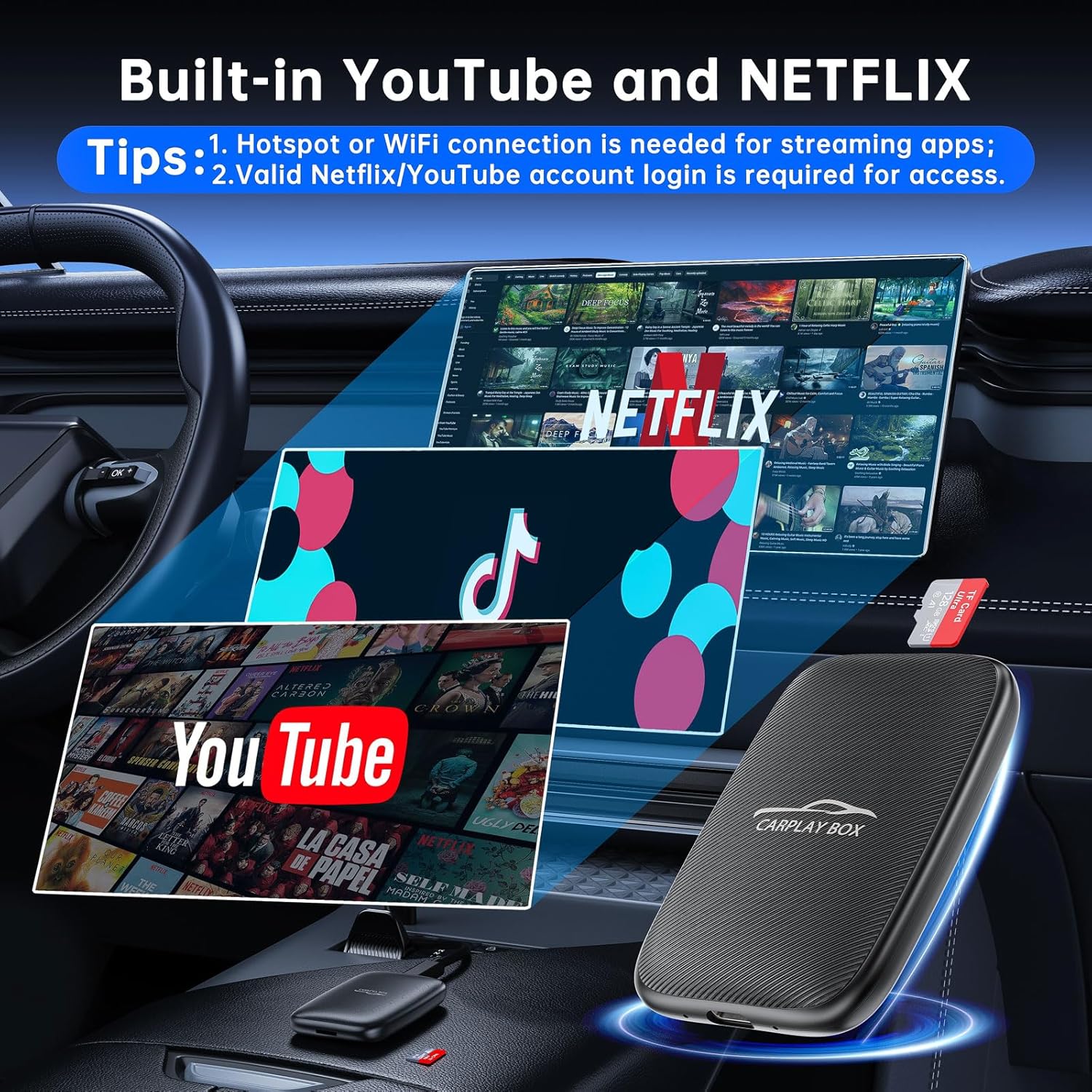
The adapter comes with built-in Netflix and YouTube applications. To use these, ensure the adapter is connected to a stable Wi-Fi network or your phone's mobile hotspot. You can also play videos and music offline by inserting a microSD card (up to 256GB) into the TF card slot or using the USB port.

6.3. Ekran Yansıtma
The screen mirroring feature allows you to display your smartphone's screen directly onto your car's infotainment system. This is useful for apps not natively supported by CarPlay or Android Auto.
Operating Video Guides:
Video 6.4: Learn how to play videos using the AI Box, covering both online streaming and local media playback.
Video 6.5: This video provides instructions on how to stream Netflix and YouTube online through the adapter.
Video 6.6: A guide on how to use the screen mirroring function to display your phone's content.
Video 6.7: This video offers a detailed setup guide for the screen mirroring feature.
Video 6.8: A comprehensive video demonstrating the features of the 4-in-1 Wireless CarPlay Android Auto Adapter.
Video 6.9: This video highlights the features of the All New Wireless CarPlay & Android Auto Adapter.
7. Giderme
Refer to the following tips for common issues:
- Sinxron Bağlantı: You cannot connect to Apple CarPlay/Android Auto and streaming services (like YouTube/Netflix) simultaneously. Switch between modes as needed.
- Hotspot Connection Issues: When setting up a connection to your phone's hotspot, remember to turn off Bluetooth on your phone first.
- Lag-Free Streaming: For optimal performance and to avoid playback delays, do not open multiple apps while streaming videos.
- Uyğunluq yoxlanışı: Ensure your car model (post-2016 with factory wired CarPlay) and phone OS (iOS 10+ or Android 11+) meet the compatibility requirements.

8. Zəmanət və Dəstək
Your Rocketek 5-in-1 Wireless CarPlay Adapter comes with 24 months of worry-free after-sales customer service. If you have any questions or require assistance, please contact us through Amazon, and we will reply within 24 hours to provide a satisfactory solution.