
1. Giriş
The Microsoft Surface Pro 12" is a versatile 2-in-1 device designed for productivity and entertainment. It functions as both a powerful laptop and a flexible tablet, adapting to various tasks and environments. This manual provides essential information for setting up, operating, maintaining, and troubleshooting your device.
Key features include a 12-inch PixelSense Flow Touch Display, a Snapdragon X Plus (8 Core) processor with an integrated AI engine, and up to 16 hours of battery life. It operates on Windows 11 Home and supports various accessories for enhanced functionality.
2. Qutuda nə var
Məhsulun qablaşdırmasında bütün komponentlərin olduğunu yoxlayın:
- Microsoft Surface Pro 12" Device
- USB-C şarj kabeli
- Tez Başlanğıc Bələdçisi
- Təhlükəsizlik və Zəmanət Sənədləri

Image: Contents of the Microsoft Surface Pro 12" box, including the device, USB-C charging cable, and documentation.
3. Quraşdırma
3.1 İlkin Doldurma
Before first use, ensure your Surface Pro 12" is adequately charged. Connect the provided USB-C charging cable to the device and a compatible USB-C power adapter (minimum 45W recommended, sold separately). The device will indicate charging status.
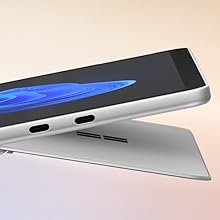
Image: The ports you need. The Surface Pro 12" features two USB-C 3.2 ports for charging, data transfer, and connecting external displays.
3.2 Yandırma və İlkin Konfiqurasiya
Press and hold the power button located on the side of the device until the Microsoft logo appears. Follow the on-screen instructions to complete the initial Windows 11 Home setup, including language selection, network connection, and user account creation.
4. Əməliyyat Təlimatları
4.1 Device Modes: Laptop and Tablet
The Surface Pro 12" offers flexibility as a tablet or a laptop. Use the integrated kickstand to prop up the device for viewing or attach a Surface Pro Keyboard (sold separately) to transform it into a full laptop experience.
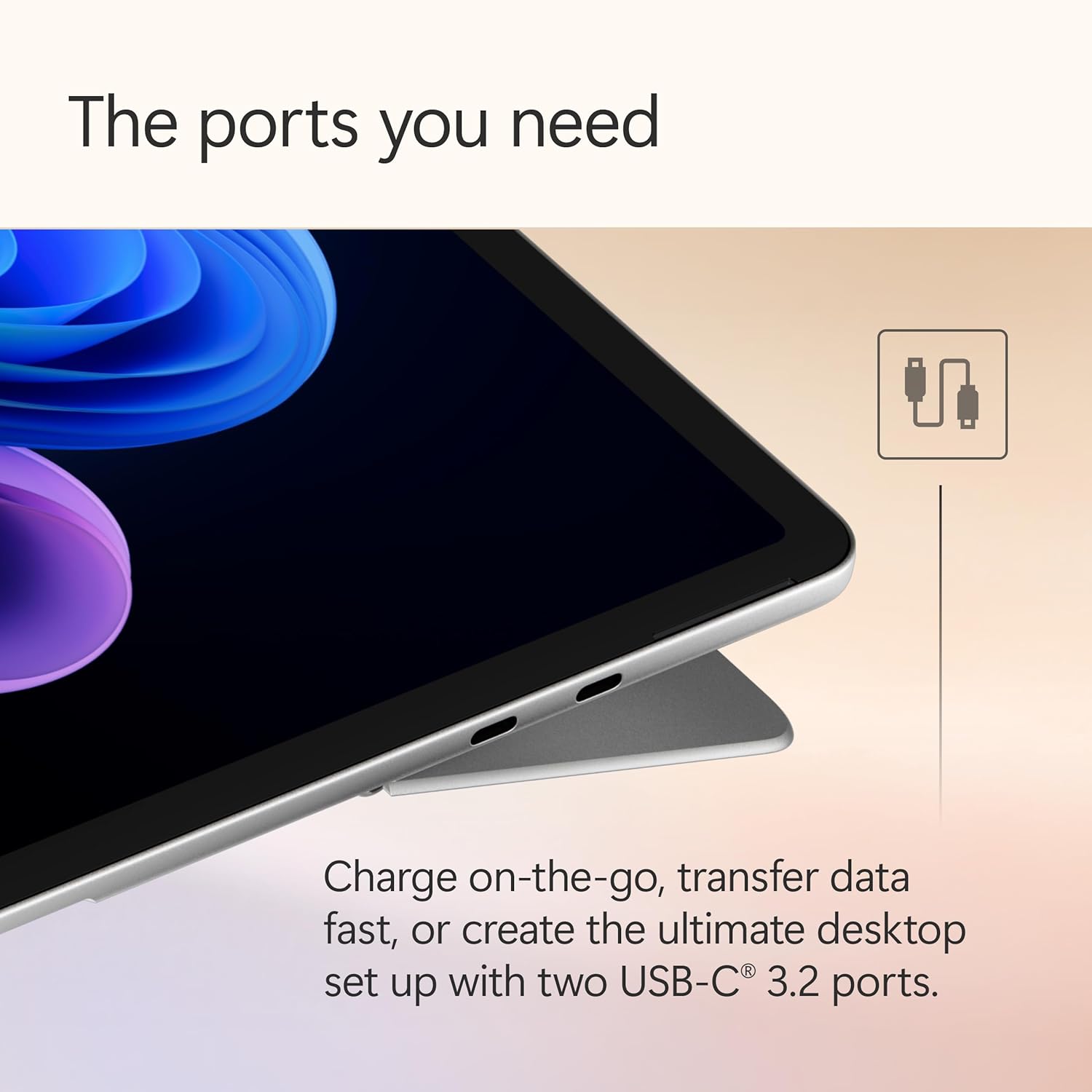
Image: The Surface Pro 12" configured in laptop mode with an attached keyboard, demonstrating its flexible design.
4.2 Ekran Xüsusiyyətləri
The device features a 12-inch PixelSense Flow Touch Display with a resolution of 2196 x 1464 pixels and an adaptive refresh rate of up to 90Hz. This display is optimized for touch input and visual clarity.
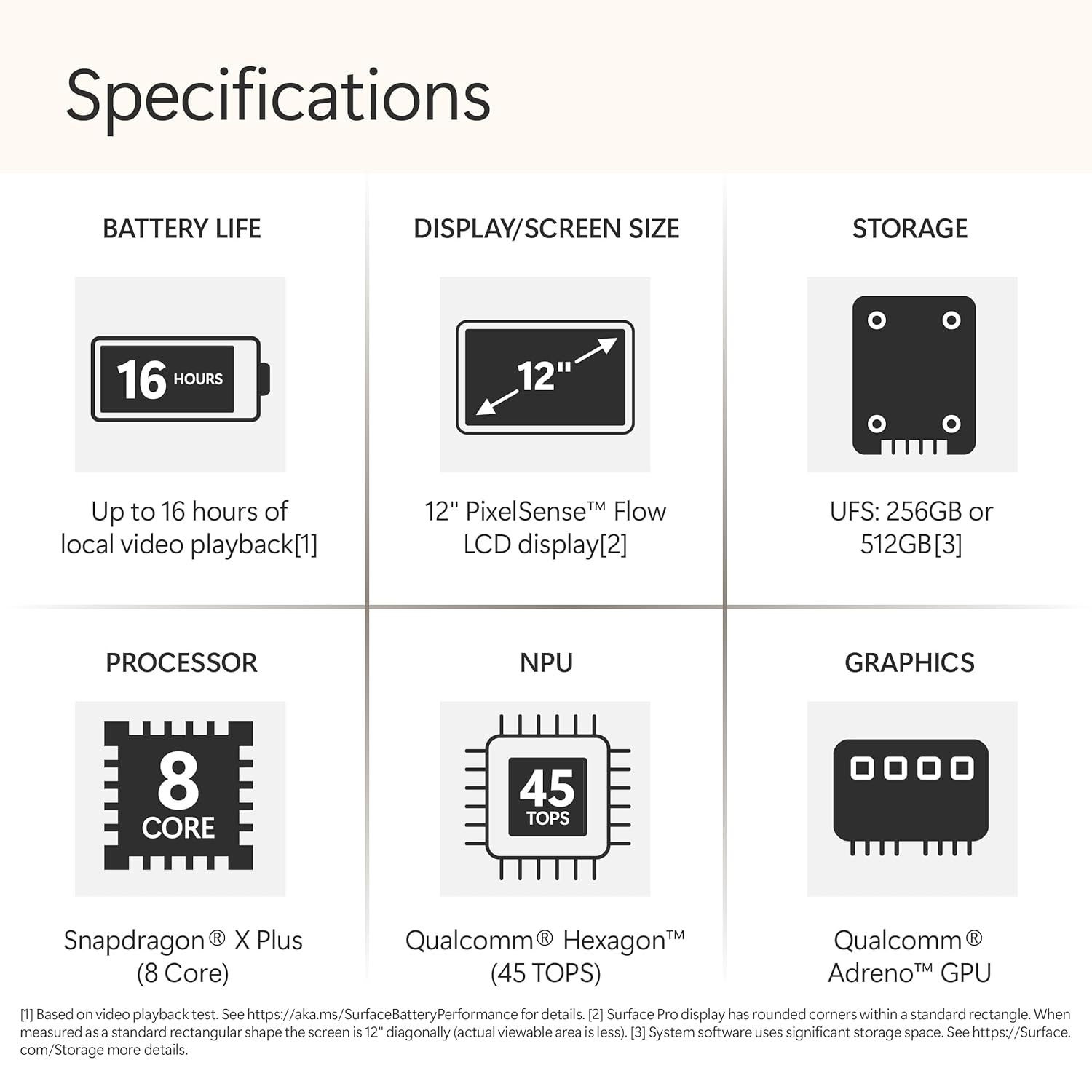
Image: Brilliant 12" PixelSense LCD touchscreen. The display is ideal for streaming and media consumption.
4.3 Bağlantı
The Surface Pro 12" includes two USB-C 3.2 ports for connecting peripherals, external displays, and charging. It also supports Wi-Fi (802.11a/b/g/n/ac/ax) and Bluetooth for wireless connectivity.
4.4 AI Features with Copilot+ PC
As a Copilot+ PC, your device integrates advanced AI capabilities powered by the Snapdragon X Plus processor and its NPU (Neural Processing Unit). These features enhance productivity and creativity:
- Kopilot: Your AI companion accessible from the taskbar to assist with tasks, provide answers, and offer creative inspiration.
- Xatırlayın: A feature that allows you to find anything you've seen on your PC by describing it, enabling instant retrieval of past activities.
- Cocreator: An AI-powered tool for generating and refining images based on text prompts and sketches.
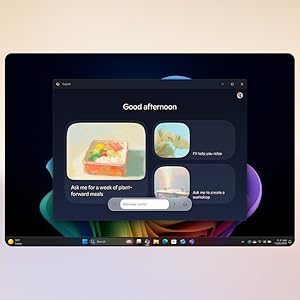
Image: Copilot: Your AI companion. The Copilot interface provides personalized assistance and creative tools.
4.5 Accessories (Sold Separately)
Enhance your Surface Pro 12" experience with compatible accessories:
- Surface Pro Keyboard: Transforms your tablet into a laptop, offering a comfortable typing experience.
- Surface Slim Pen: For natural writing, drawing, and note-taking directly on the touchscreen. The device includes a dedicated storage area on the back for charging and securing the pen.
- Surface Arc Mouse: A portable and ergonomic mouse.
- Surface 45W USB-C Wall Charger: For fast charging.
- Surface Dock USB4: For expanded connectivity options.

Image: Ink anywhere. The Surface Slim Pen allows for natural writing and drawing on the Surface Pro 12" screen.

Image: Always charged and ready. The Surface Slim Pen stores and charges directly on the back of the Surface Pro 12".
4.6 Təhlükəsizlik Xüsusiyyətləri
The Surface Pro 12" supports Windows Hello, enabling password-less sign-in through facial recognition for enhanced security and convenience.

Image: You are the security. Windows Hello provides secure, password-less sign-in using facial recognition.
5. Baxım
5.1 Cihazınızın təmizlənməsi
Ekranı təmizləmək üçün yumşaq, tüysüz parçadan yüngülcə istifadə edin dampened with water or a screen cleaner specifically designed for electronics. Avoid harsh chemicals or abrasive materials. For the body of the device, use a soft, dry cloth.
5.2 Batareya Baxımı
To maximize battery lifespan, avoid exposing the device to extreme temperatures. For long-term storage, charge the battery to approximately 50% and store in a cool, dry place.
6. Giderme
6.1 Cihaz işə düşmür
- Ensure the device is charged. Connect it to a power source using the USB-C charging cable and a compatible adapter.
- Məcburi yenidən başlatmaq üçün güc düyməsini ən azı 10-15 saniyə basın və saxlayın.
6.2 Ekran problemləri
- Ekran cavab vermirsə, cihazı yenidən başladın.
- Check for available Windows updates, as display drivers are often included in these updates.
6.3 Bağlantı Problemləri
- For Wi-Fi issues, restart your router and the Surface Pro.
- For Bluetooth issues, ensure the accessory is in pairing mode and within range.
7. Spesifikasiyalar
Detailed technical specifications for the Microsoft Surface Pro 12" (Model EP2-27670):
| Xüsusiyyət | Spesifikasiya |
|---|---|
| Brend | Microsoft |
| Model Adı | Surface Pro |
| Model nömrəsi | EP2-27670 |
| Ekran Ölçüsü | 12 düym |
| Ekran növü | LCD PixelSense Touchscreen |
| Maksimum Ekran Çözünürlüğü | 2196 x 1464 (220 PPI) Pixels |
| Yeniləmə dərəcəsini göstərin | 90 Hz-ə qədər |
| Prosessor | Qualcomm Snapdragon X Plus (8 Core) |
| Prosessor sürəti | 3.4 GHz |
| Qrafik koprosessor | Qualcomm Adreno GPU |
| RAM Yaddaşı Quraşdırılıb | 16 GB |
| Yaddaş Saxlama Tutumu | 512 GB SSD |
| Əməliyyat sistemi | Windows 11 Home |
| Batareyanın Orta Ömrü | Up to 16 hours (local video playback) |
| Bağlantı | Wi-Fi (802.11a/b/g/n/ac/ax), Bluetooth |
| USB Portları | 2 x USB-C |
| Biometrik Təhlükəsizlik | Face Recognition (Windows Hello) |
| Maddə Çəkisi | 685 qram |
| Element Ölçüləri (U x G x Qalınlıq) | 27.4L x 19W x 0.8Th Centimeters |
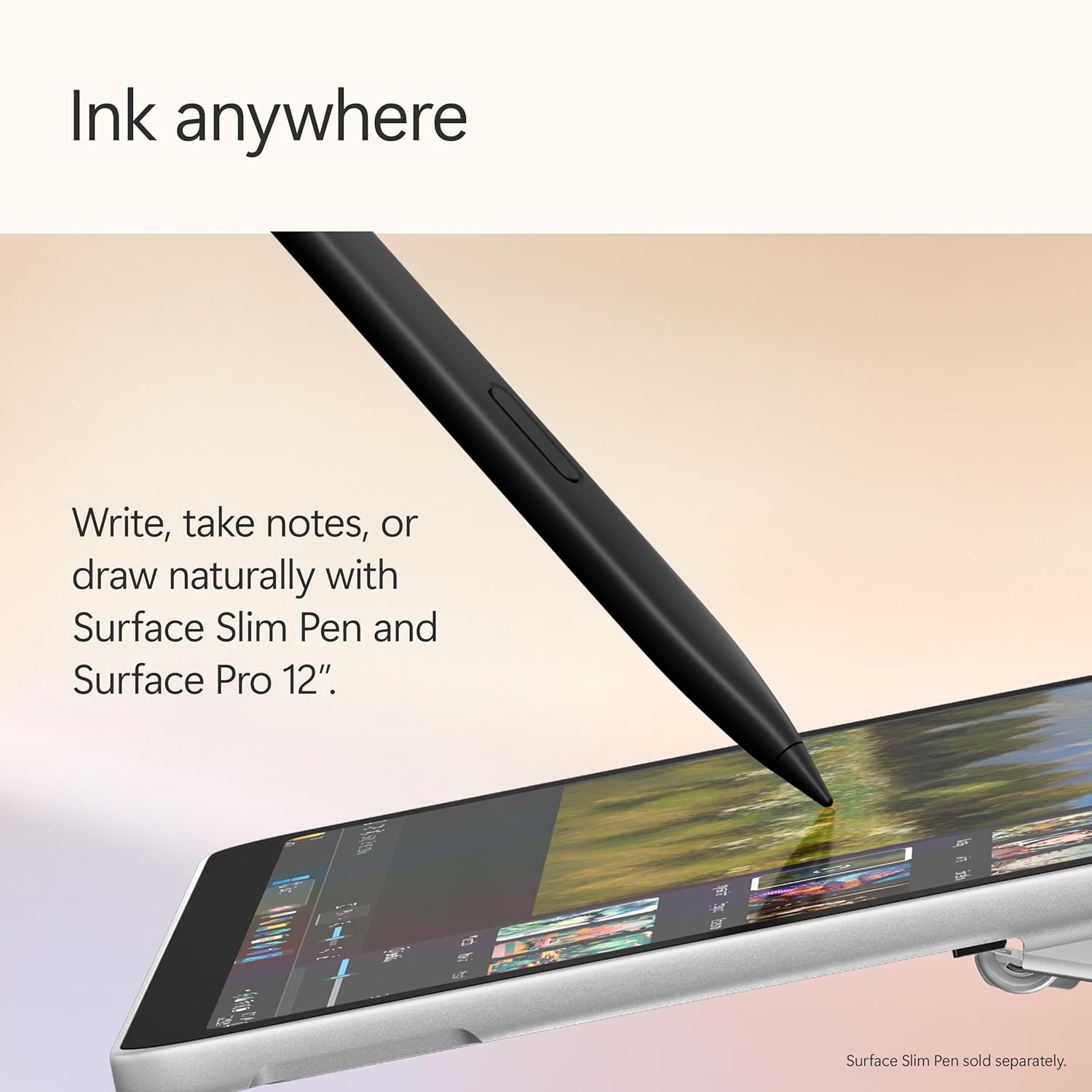
Image: Surface Pro 12" dimensions. The diagram illustrates the physical measurements of the device.
8. Zəmanət və Dəstək
8.1 İstehsalçı zəmanəti
The Microsoft Surface Pro 12" comes with a 1-Year Manufacturer Warranty. Please refer to the included Safety and Warranty Documents for full terms and conditions.
8.2 Dəstəklə əlaqə saxlamaq
For technical assistance or warranty claims, please contact Microsoft Support. Visit the official Microsoft support webəlaqə məlumatları və resurslar üçün sayt.