
1. Giriş
Thank you for choosing the MINISO MS216 Sleep Earbuds. These earbuds are designed to provide comfort for side sleepers, advanced noise reduction, and real-time AI translation across 135 languages. This manual will guide you through the features, setup, and operation to ensure an optimal user experience.

Figure 1.1: MINISO MS216 Sleep Earbuds and Charging Case.
2. Məhsulun xüsusiyyətləri
- Comfort for Side Sleepers: Aşağı peşəkar xüsusiyyətlərə malikdirfile, ergonomic design that fits snugly within the ear canal, minimizing pressure and discomfort when sleeping on your side.
- Təkmil səs-küyün azaldılması: Utilizes Active Noise Cancellation (ANC) technology to reduce background noise, suitable for sleep, calls, or music in various environments.
- 3-in-1 AI Translation: Combines real-time translation, high-definition call clarity, and premium audio playback. Offers near-instant translation (<0.5s delay) with 98% accuracy.
- Çoxdilli Dəstək: Supports real-time translation across 135 languages, including Spanish, Chinese, English, Japanese, Korean, German, and French.
- Multiple Translation Modes: Includes Hands-Free, Touch Control, Photo Translate, AI Chat Mode, Meeting Mode, Hybrid Mode, and Voice Notes.
- Uzadılmış Batareya Ömrü: Provides up to 8 hours of playtime on a single charge, with the compact charging case extending total playtime to 48 hours. Supports Type-C fast charging.
- Bluetooth 6.0 Bağlantısı: Sabit və səmərəli simsiz əlaqəni təmin edir.

Figure 2.1: Ergonomic design and lightweight construction for comfortable sleep.

Figure 2.2: Active Noise Cancellation (ANC) for reduced ambient sound.
3. Quraşdırma
3.1 İlkin Doldurma
Before first use, fully charge the earbuds and the charging case. Connect the provided Type-C charging cable to the charging case and a power source. The indicator lights on the case will show charging status.

Figure 3.1: Charging the MINISO MS216 Earbuds and Case.
3.2 Bluetooth Qoşulması
- Qulaqlıqların şarj qutusunda və qutunun qapağının açıq olduğundan əmin olun.
- On your device (smartphone, tablet), enable Bluetooth.
- Select "MINISO MS216" from the list of available Bluetooth devices.
- Qoşulduqdan sonra qulaqcıqlar istifadəyə hazırdır.
4. Əməliyyat Təlimatları
4.1 Qulaqlıqların taxılması
Gently insert each earbud into your ear canal. Adjust for a comfortable and secure fit. The ergonomic design is intended to remain comfortable even when lying on your side.
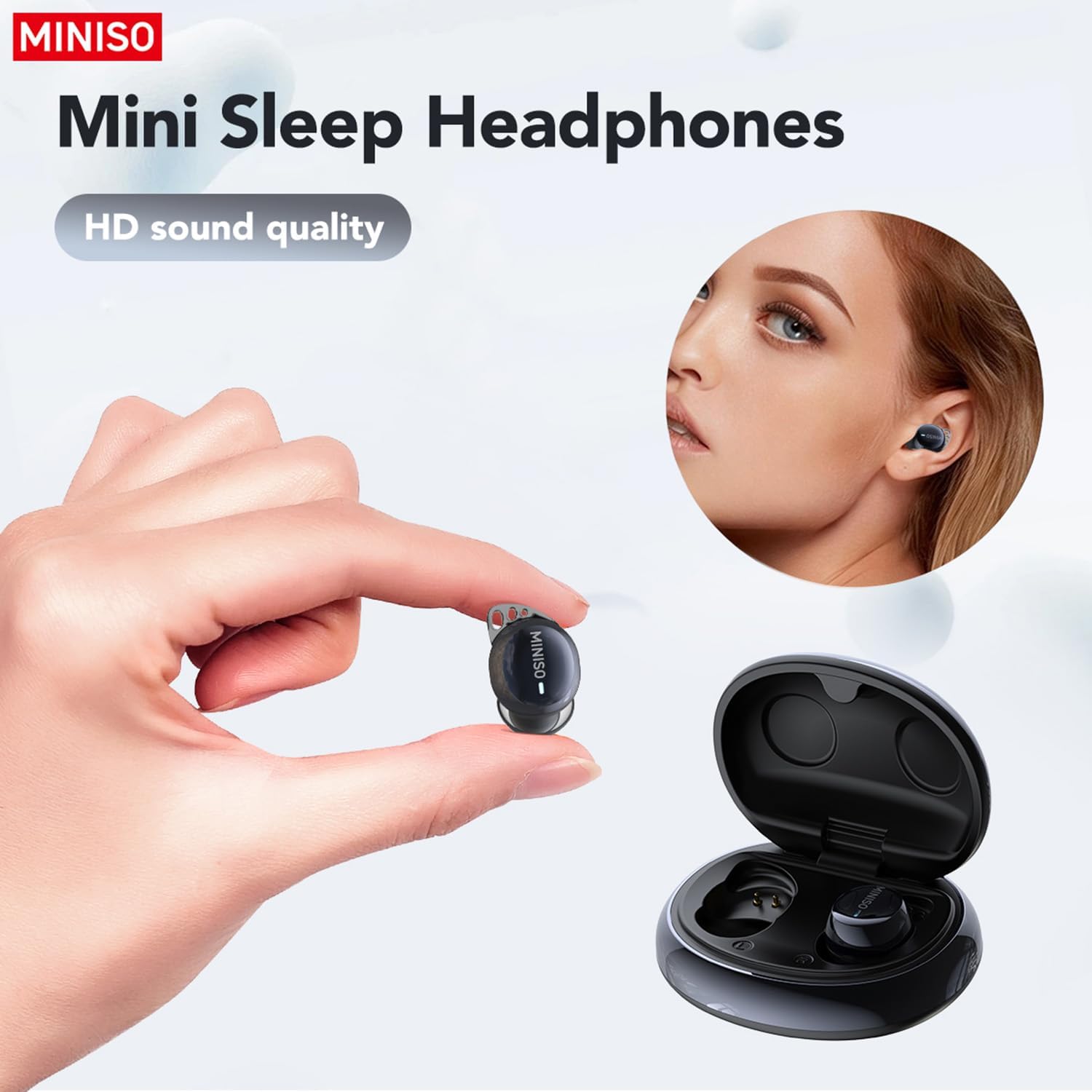
Figure 4.1: Proper placement of the earbud for a secure fit.
4.2 Basic Controls (Touch)
- Oynat/Pauza: Hər iki qulaqcığa bir dəfə toxunun.
- Növbəti trek: Sağ qulaqcığa iki dəfə toxunun.
- Əvvəlki Track: Sol qulaqcığa iki dəfə toxunun.
- Zəngə Cavab Vermək/Bitirmək: Hər iki qulaqcığa bir dəfə toxunun.
- Zəngi rədd edin: İstənilən qulaqcığa basıb saxlayın.
- Səs köməkçisini aktivləşdirin: Hər iki qulaqcığa üç dəfə toxunun.
4.3 AI Translation Function (Saymi App)
The AI translation feature requires the free Saymi app, available for both iPhone and Android devices. Download and install the app, then ensure your earbuds are connected via Bluetooth.
- Open the Saymi app on your smartphone.
- Select the desired translation mode (e.g., Hands-Free, Touch Control, Headphones+Phone Mode).
- Follow the on-screen instructions within the app to initiate translation.
- For 'Headphones+Phone Mode', one person speaks into the earbud, and the other speaks into the phone's microphone.
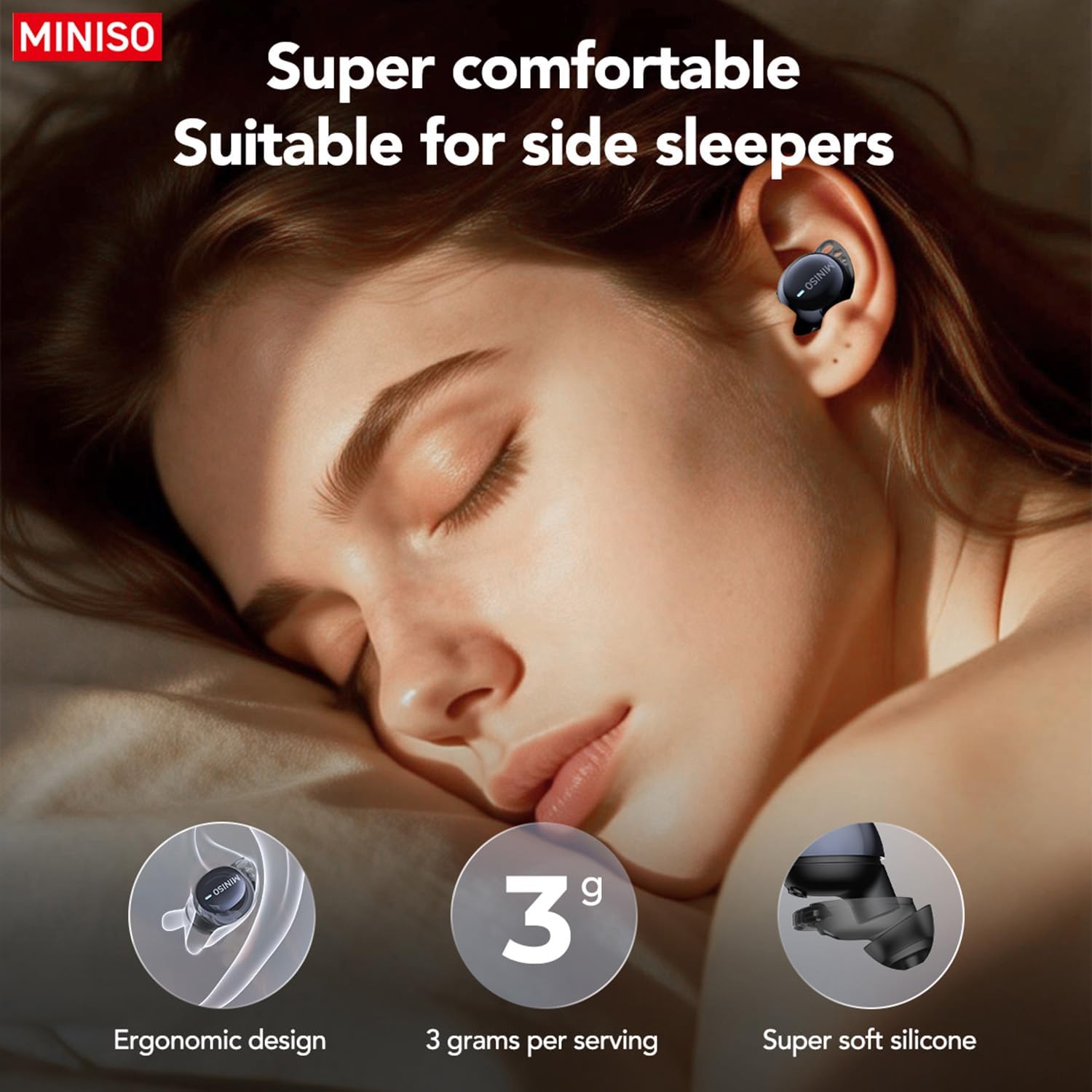
Figure 4.2: Using earbuds for clear communication.
5. Baxım
- Təmizləmə: Qulaqcıqları və şarj qutusunu mütəmadi olaraq yumşaq, quru parça ilə təmizləyin. Sərt kimyəvi maddələrdən və ya aşındırıcı materiallardan istifadə etməyin.
- Qulaq məsləhətləri: Silikon qulaq uclarını vaxtaşırı yumşaq sabun və su ilə çıxarın və təmizləyin. Yenidən taxmazdan əvvəl tamamilə quru olduğundan əmin olun.
- Yaddaş: Qulaqlıqları qorumaq və şarjda qalmasını təmin etmək üçün istifadə edilmədikdə onları şarj qutusunda saxlayın.
- Sudan çəkinin: Qulaqlıqlar suya davamlı deyil. Həddindən artıq nəmə məruz qalmaqdan və ya suya batmaqdan çəkinin.
6. Giderme
| Problem | Mümkün Səbəb | Həll |
|---|---|---|
| Qulaqlıqlar birləşdirilmir | Bluetooth is off; earbuds out of range; low battery. | Ensure Bluetooth is on. Place earbuds closer to device. Charge earbuds and case. |
| Səs yoxdur | Səs çox aşağıdır; qoşulmayıb; media dayandırılıb. | Increase device volume. Reconnect earbuds. Check media playback. |
| Tərcümə işləmir | Saymi app not open; incorrect mode selected; internet connection issue. | Open Saymi app. Select correct translation mode. Ensure stable internet connection. |
| Earbuds falling out during sleep | Incorrect ear tip size; improper fit. | Try different sized ear tips for a more secure fit. Adjust placement in ear. |
7. Spesifikasiyalar
- Model nömrəsi: MS216
- Bağlantı: Bluetooth 6.0
- Tərcümə Dilləri: 135 (via Saymi app)
- Playtime (Earbuds): 8 saata qədər
- Total Playtime (with Case): 48 saata qədər
- Doldurma Portu: Tip-C
- Maddə çəkisi: 3.52 unsiya
- Paket Ölçüləri: 4.21 x 3.19 x 1.73 düym
- İstehsalçı: MINISO
8. Zəmanət və Dəstək
MINISO products are covered by a limited warranty. For detailed warranty information, product support, or service inquiries, please refer to the warranty card included in your product packaging or visit the official MINISO website. You may also contact MINISO customer service directly for assistance.

Figure 8.1: Product packaging and included manual.