
1. Quraşdırma və Quraşdırma
1.1 Qutuda nə var
Carefully unpack your new TCL 55T6D television and ensure all components are present. The package should contain the following items:
- 1N LED televizor
- 1N Stand
- 1N Uzaqdan İdarəetmə
- 2N AAA Batteries

Image: Contents of the TCL 55T6D TV box, showing the television, remote control, and two AAA batteries.
1.2 Stendin quraşdırılması / Divara montaj
Your TCL 55T6D television supports both table-top stand installation and wall mounting. The table-top stand is included in the box. A fixed or adjustable wall mount is not included and must be purchased separately.

Image: Diagram illustrating the dimensions and weight of the TCL 55T6D television, both with and without its stand, for installation planning.
1.3 Qurğuların birləşdirilməsi
The TCL 55T6D TV offers various connectivity options for external devices:
- HDMI Portları: 3 ports for connecting devices like Blu-ray players, gaming consoles, or set-top boxes.
- USB Port: 1 port for connecting USB storage devices.
- Antenna Girişi: Yerüstü antenanı qoşmaq üçün.
- Peyk Girişi: Peyk antenini qoşmaq üçün.
- AV IN Adapter: Kompozit video/audiodan istifadə edən köhnə cihazlar üçün.
- Ethernet: Simli şəbəkə bağlantısı üçün.
- Wi-Fi: Built-in Wi-Fi 5 for wireless network connection.
- Bluetooth: Version 5.0 for wireless audio devices and remote control.

Şəkil: Ətraflı view of the TCL 55T6D television's connectivity ports, including HDMI, USB, Antenna/Cable In, and Satellite Input.
2. Əməliyyat Təlimatları
2.1 İlkin Yandırma və Google TV Quraşdırması
After connecting the power cable, press the power button on the remote control or the TV. Follow the on-screen instructions to complete the initial setup, including network connection, Google account login, and channel scanning. The TV runs on the Google TV operating system.

Image: The Google TV interface displayed on the TCL 55T6D, showing various streaming applications and content recommendations.
2.2 Uzaqdan İdarəetmə Funksiyaları
The included remote control allows for easy navigation and control of your TV. It features dedicated buttons for popular streaming services and integrates Google Assistant for voice commands.

Image: The TCL remote control, highlighting the Google Assistant button for voice commands and quick access buttons for streaming services like Netflix and Prime Video.
2.3 Smart TV Xüsusiyyətləri
The TCL 55T6D is equipped with advanced smart features:
- Prosessor: 64-bit Quad Core Processor for smooth performance.
- Yaddaş: 2GB RAM and 16GB ROM for apps and system operations.
- Yayım xidmətləri: Access to Prime Video, Netflix, Hotstar, Zee5, YouTube, and many more.
- Google köməkçisi: Use voice commands for search, control, and smart home integration.
- Ekran Yansıtma: Cast content from compatible devices.
- Alexa ilə işləyir: Integrate with Amazon Alexa-enabled devices.
- Oyun ustası: Optimized settings for an enhanced gaming experience.

Image: The 'Game Master' feature on the TCL 55T6D, designed to optimize the television for a responsive and immersive gaming experience.
2.4 Display and Audio Technologies
Experience superior picture and sound quality with the following technologies:
- 4K UHD QLED Panel: Delivers vibrant colors and sharp details.
- HDR 10+: Enhances contrast and color accuracy for a more dynamic picture.
- AiPQ Prosessoru: Intelligently optimizes picture and sound in real-time.
- Dolby Atmos: Provides immersive, three-dimensional audio.
- MEMC 60 Hz: Motion Estimation, Motion Compensation for smoother fast-moving scenes.
- Metallik Çərçivəsiz Dizayn: Offers a sleek, modern aesthetic with an expansive viewing sahəsi.
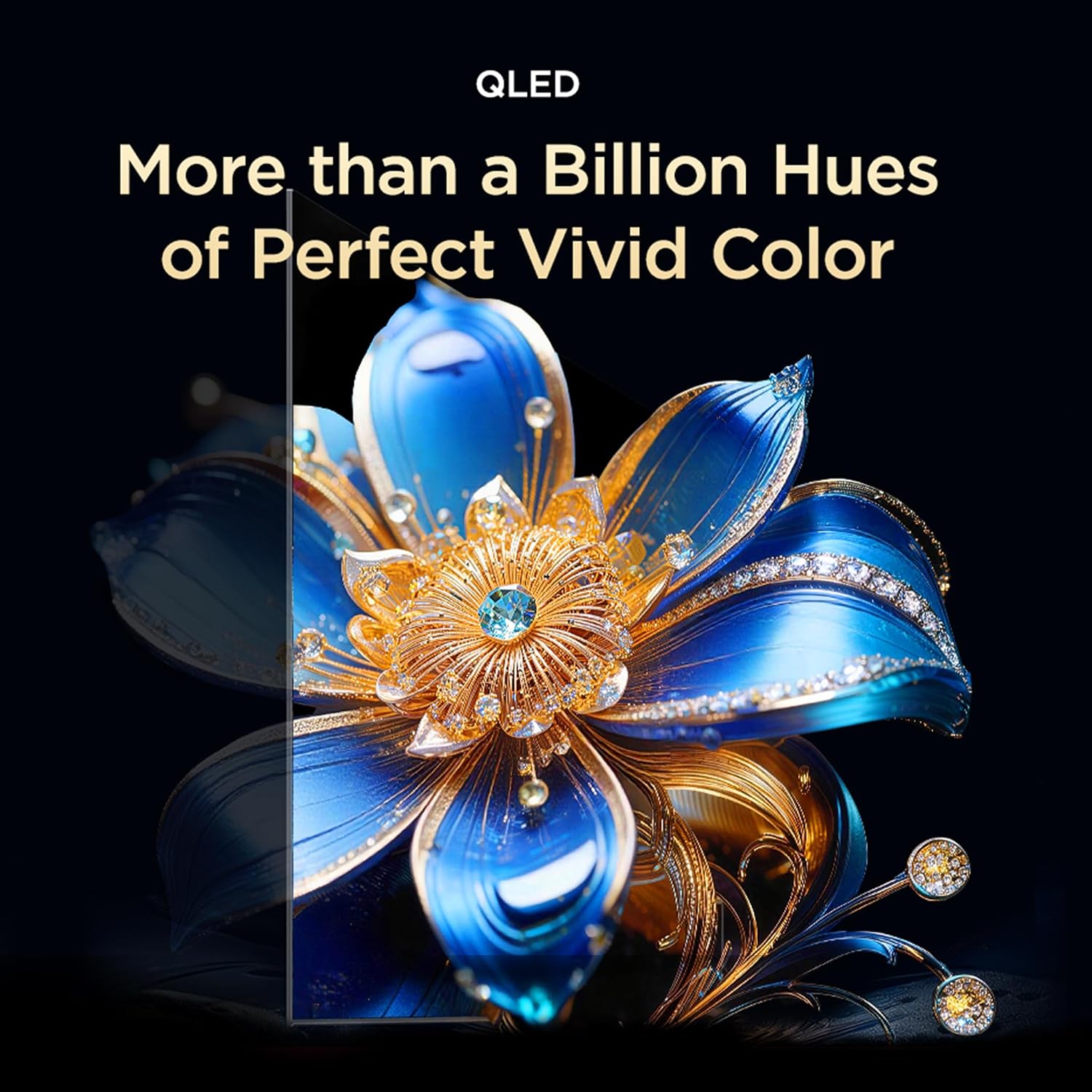
Image: Visual representation of QLED technology, emphasizing its ability to produce over a billion hues for vivid color reproduction.

Image: A graphic depicting the AiPQ Processor, highlighting its role in intelligent picture and sound processing.

Image: A visual demonstrating the immersive audio experience provided by Dolby Atmos, with sound waves emanating from the screen.
3. Baxım
3.1 Televizorunuzun təmizlənməsi
Ekranı təmizləmək üçün onu yumşaq, quru, tüysüz parça ilə yumşaq bir şəkildə silin. İnadkar izlər üçün yüngülcə dampen the cloth with water or a specialized screen cleaner. Avoid using harsh chemicals or abrasive materials. For the TV body, use a soft, dry cloth.
3.2 Gözə Qulluq Xüsusiyyətləri
The TCL 55T6D includes Multiple Eye Care features designed to reduce eye strain during prolonged viewing. These features include low blue light emission and natural light protection technology.
4. Giderme
Televizorunuzla bağlı problemlərlə qarşılaşsanız, dəstək xidməti ilə əlaqə saxlamazdan əvvəl aşağıdakı ümumi həllərə baxın:
- Güc yoxdur: Ensure the power cable is securely plugged into both the TV and a working power outlet. Try a different outlet.
- Şəkil/Səs yoxdur: Check all cable connections (HDMI, antenna, etc.). Ensure the correct input source is selected on the TV. Restart the TV by unplugging it for a few minutes and plugging it back in.
- Pult İşləmir: Pultdakı AAA batareyalarını dəyişdirin. Pultla televizorun infraqırmızı sensoru arasında heç bir maneə olmadığından əmin olun.
- Şəbəkə Bağlantısı Problemləri: For Wi-Fi, ensure your router is working and within range. For Ethernet, check the cable connection. Try restarting your router and the TV.
- Şəkil Keyfiyyəti Problemləri: Check the source content resolution. Adjust picture settings (brightness, contrast, color) in the TV menu.
Davamlı problemlər üçün əlaqə məlumatı üçün Zəmanət və Dəstək bölməsinə müraciət edin.
5. Spesifikasiyalar
| Xüsusiyyət | Detal |
|---|---|
| Model Adı | 55T6D |
| Ekran Ölçüsü | 55 düym (139 sm) |
| Ekran Texnologiyası | QLED |
| Qətnamə | 4K UHD (3840 x 2160) |
| Yeniləmə dərəcəsi | 60 Hz |
| Əməliyyat sistemi | Google TV |
| Prosessor | 64-bit Quad Core |
| RAM | 2 GB |
| ROM | 16 GB |
| Bağlantı | 3 HDMI Ports, 1 USB Port, Ethernet, Wi-Fi 5, Bluetooth 5.0 |
| Audio Çıxış | 28 Vatt, Dolby Atmos |
| Məhsulun Ölçüləri (D x G x Y) | 25.5D x 122.6W x 75H Centimeters (with stand) |
| Çəki | 9.2 Kilograms (with stand) |
| Enerji reytinqi | 3 Ulduz |
| İllik Enerji İstehlakı | 160 kWh / il |
| Daxil olan komponentlər | 1N LED TV, 1N Stand, 1N Remote Control, 2N Batteries |

Image: Energy rating label for the TCL 55T6D television, indicating a 3-star rating and an annual energy consumption of 160 kWh.
6. Zəmanət və Dəstək
6.1 Zəmanət Məlumatı
The TCL 55T6D television comes with a 2 il zəmanət provided by the manufacturer from the date of purchase. The remote control has a 6 ay zəmanət.
To avail warranty services, please retain your purchase invoice. Warranty claims can be processed using the Amazon e-invoice.
6.2 Müştəri dəstəyi
For assistance, service requests, or any queries regarding your TCL TV, please contact the brand's customer support:
- Ödənişsiz Nömrələr: 180-0102-0622 / 180-0419-0622
- E-poçt: indiasupport@tcl.com
When contacting support, please provide the product's model name (55T6D) and the seller's details as mentioned on your invoice. The service center will schedule a convenient slot for service.
6.3 İstehsalçı haqqında məlumat
İstehsalçı: TTE ELECTRONICS INDIA PRIVATE LIMITED, Vikruthamala Village, Papanaidupeta Post, Yerpedu Mandal, Tirupati, Vikruthamala Village, Chittoor, Andhra Pradesh, INDIA-517527
Mənşə ölkəsi: Hindistan