1. Giriş
This manual provides comprehensive instructions for the Bud Light Beer Bluetooth Bottle Speaker, Model BL-BBS-002. Designed for portable audio playback, this wireless speaker connects to Bluetooth-enabled devices, offering a unique design and clear sound for various indoor and outdoor activities.
Məhsulun düzgün işləməsini təmin etmək və ömrünü maksimum dərəcədə artırmaq üçün istifadə etməzdən əvvəl bu təlimatı diqqətlə oxuyun.

Şəkil 1.1: Ön view of the Bud Light Beer Bluetooth Bottle Speaker.
2. Paketin məzmunu
Aşağıda sadalanan bütün maddələrin məhsulun qablaşdırmasında olduğunu yoxlayın:
- Bud Light Bluetooth Speaker Bottle
- Şarj Kabeli (Micro USB)
- İstifadəçi Təlimatı (bu sənəd)
3. Məhsul bitdiview
Familiarize yourself with the various components and controls of your Bud Light Bluetooth Bottle Speaker.

Şəkil 3.1: Yan view of the speaker highlighting the control buttons and ports.
- Açma/Söndürmə düyməsi: Dinamiki yandırır və ya söndürür.
- Aux 3.5mm Port: For wired audio connection using a 3.5mm audio cable (not included).
- Mikro USB Şarj Portu: Şarj etmək üçün dinamiki enerji mənbəyinə qoşur.
4. Quraşdırma
4.1. Dinamikin doldurulması
Before initial use, fully charge the speaker. Use the provided Micro USB charging cable.
- Connect the Micro USB end of the charging cable to the Micro USB Charging Port on the speaker.
- Connect the USB-A end of the charging cable to a USB power adapter (e.g., smartphone charger, computer USB port) or a power bank.
- The charging indicator light (if present, refer to product for exact location) will illuminate during charging and turn off or change color when fully charged.
- Tam şarj adətən təxminən 2-3 saat çəkir.
Note: Do not use damaged charging cables or adapters. Ensure the charging port is dry before connecting the cable.
4.2. Açma / Söndürmə
- Yandırmaq üçün: Press and hold the On/Off Button for approximately 3 seconds. You will hear an audible tone, and an indicator light will flash, indicating it is ready for pairing.
- Söndürmək üçün: Press and hold the On/Off Button for approximately 3 seconds. You will hear an audible tone, and the indicator light will turn off.
5. Əməliyyat Təlimatları
5.1. Bluetooth Cütləşdirmə
To connect the speaker to your Bluetooth-enabled device (smartphone, tablet, laptop):
- Ensure the speaker is powered on and in pairing mode (indicator light flashing).
- Cihazınızda Bluetooth parametrlərinə keçin.
- Bluetooth-u aktivləşdirin və mövcud cihazları axtarın.
- Select "Bud Light Speaker" (or similar name) from the list of found devices.
- Once paired, you will hear a confirmation tone, and the indicator light on the speaker will stop flashing and remain solid.
- Dinamik işə salındıqda avtomatik olaraq sonuncu qoşalaşmış cihaza yenidən qoşulmağa çalışacaq.
Note: The effective Bluetooth range is approximately 30 feet (9 meters). Obstacles may reduce this range.
5.2. Audio Çalma
- After successful Bluetooth pairing, play audio from your connected device.
- Adjust the volume directly from your connected device. The speaker does not have independent volume controls.
- For wired connection, insert a 3.5mm audio cable into the Aux 3.5mm Port on the speaker and the other end into your audio source. Bluetooth will be disabled when the Aux cable is connected.
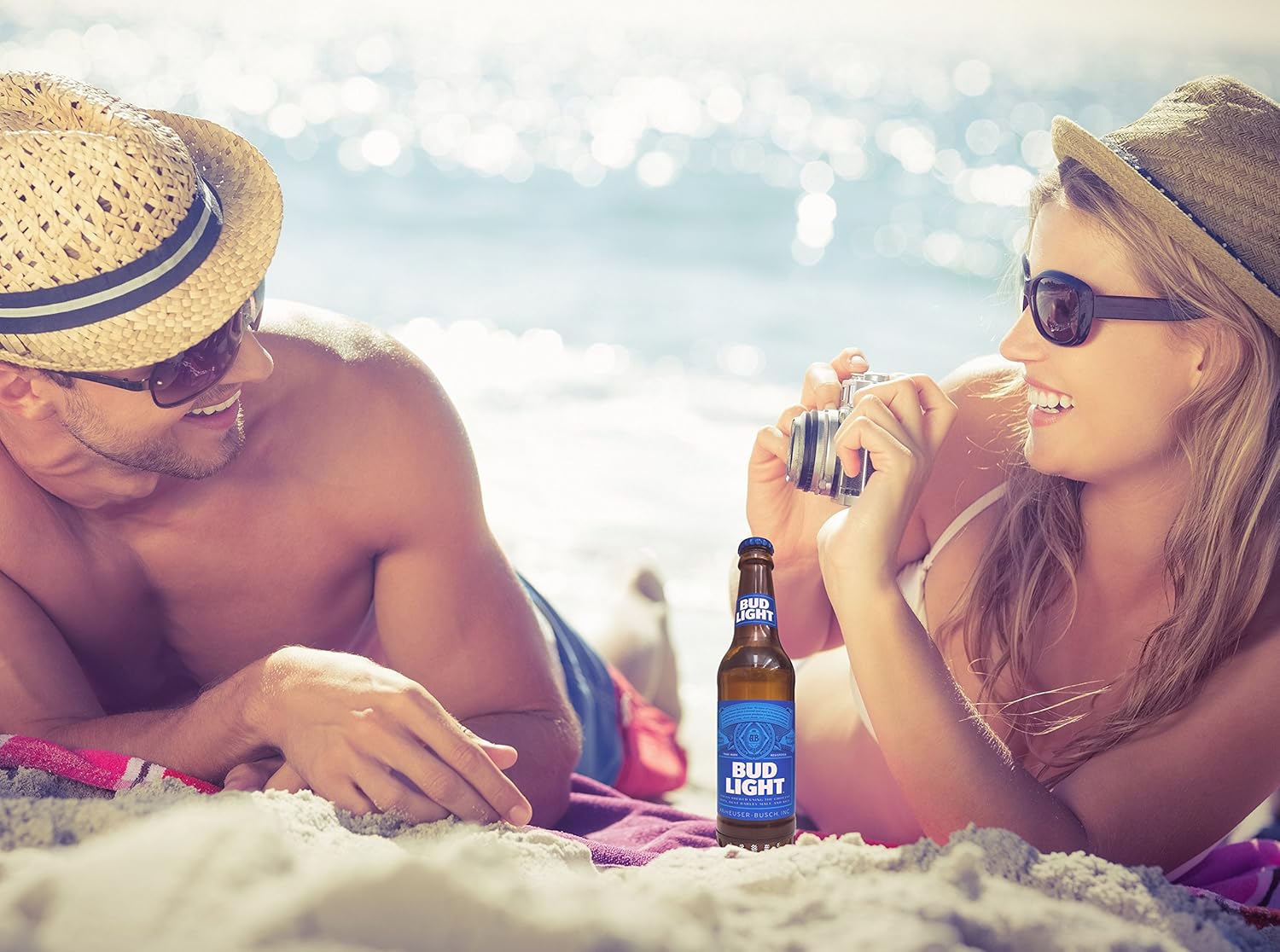
Image 5.1: The portable speaker in an outdoor setting, demonstrating its use for entertainment.
6. Baxım
- Təmizləmə: Wipe the speaker with a soft, dry cloth. Do not use abrasive cleaners, alcohol, or solvents.
- Yaddaş: Dinamiki birbaşa günəş işığından və həddindən artıq temperaturdan uzaq sərin, quru yerdə saxlayın.
- Suya məruz qalma: This speaker is NOT waterproof. Avoid exposing it to water, rain, or excessive moisture.
- Batareyaya qulluq: To preserve battery life, charge the speaker at least once every three months if not in regular use.
7. Giderme
| Problem | Mümkün Səbəb | Həll |
|---|---|---|
| Dinamik işə düşmür. | Batareya bitib. | Verilən USB kabeldən istifadə edərək dinamiki doldurun. |
| Bluetooth cihazı ilə qoşalana bilməz. | Bluetooth is off on your device; speaker is not in pairing mode; speaker is already paired to another device; device is out of range. | Ensure Bluetooth is enabled on your device. Power cycle the speaker to enter pairing mode. Disconnect from other devices. Move device closer to speaker (within 30 ft). |
| Oynatma zamanı səs yoxdur. | Volume on device is too low; speaker is not connected; audio source issue. | Increase volume on your connected device. Re-pair the Bluetooth connection. Check if the audio source is playing correctly. |
| Səs keyfiyyəti zəifdir və ya təhrif olunur. | Device is out of Bluetooth range; interference; low battery. | Move device closer to the speaker. Avoid sources of strong electromagnetic interference. Charge the speaker. |
8. Spesifikasiyalar
| Model Adı | BL-BBS-002 |
| Brend | Bud Light |
| Bağlantı texnologiyası | Bluetooth 5.0 |
| Wireless Range | 30 fut (9 metr) qədər |
| Güc mənbəyi | Batareya ilə işləyir (1 Lityum Polimer batareya daxildir) |
| Dinamik Çıxış Gücü | 3 Vt |
| Səs Çıxış Modu | Stereo |
| Məhsulun Ölçüləri (U x G x Y) | 2.5"D x 2.5"W x 9"H (6.35 sm x 6.35 sm x 22.86 sm) |
| Maddə Çəkisi | 1 funt (0.45 kq) |
| Suya davamlı | yox |
| Uyğun Cihazlar | Smartphones, Tablets, Laptops, Personal Computers |
9. Zəmanət və Dəstək
This Bud Light Bluetooth Speaker comes with a 1 illik məhdud zəmanət satın alındığı tarixdən. Zəmanət iddiaları üçün satınalma sübutunuzu özündə saxlayın.
The manufacturer is M&S Accessory Network. For support or warranty inquiries, please contact the retailer or manufacturer directly with your proof of purchase and product model number (BL-BBS-002).
Note: Warranty does not cover damage caused by misuse, accidents, unauthorized modifications, or exposure to water.


