Giriş
This manual provides essential instructions for the safe and efficient use of your itel it2160 dual SIM mobile phone. Please read this guide thoroughly before operating the device and retain it for future reference.
Paketin məzmunu
Məhsul paketinizdə bütün elementlərin olduğunu yoxlayın:
- itel it2160 Mobile Phone
- Batareya
- Şarj cihazı
- İstifadəçi Təlimatı (bu sənəd)
Cihaz Düzəlişi
Familiarize yourself with the key components of your itel it2160 phone.

Şəkil: Ön view of the itel it2160 mobile phone, showing the display, keypad, and navigation buttons.
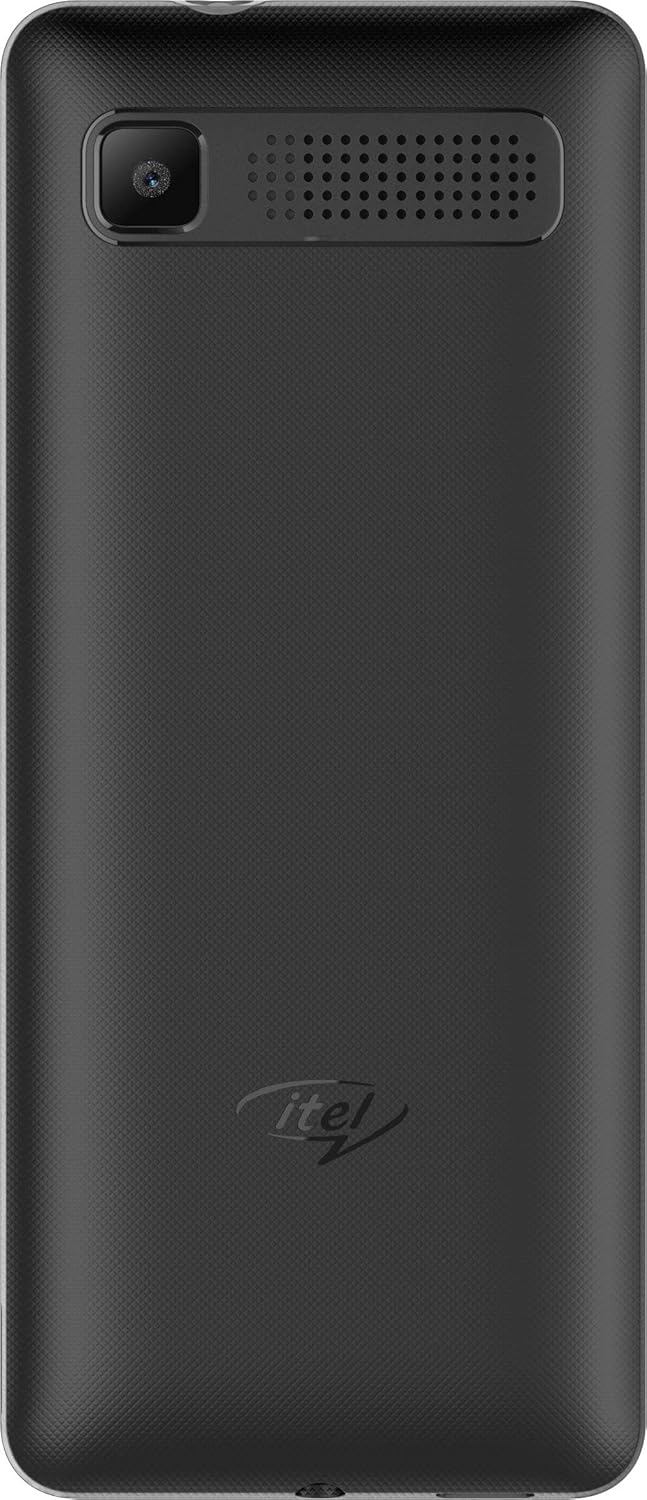
Şəkil: Arxa view of the itel it2160 mobile phone, showing the camera and speaker grille.
- Ekran: 1.77-inch screen for viewməlumat daxil etmək.
- Klaviatura: Alphanumeric keys for dialing and text input.
- Naviqasiya düymələri: Menyu naviqasiyası və seçimi üçün.
- Zəng/Bitmə Düymələri: To initiate and terminate calls.
- Arxa Kamera: Located on the back for capturing photos.
- Natiq: Audio çıxış üçün.
Quraşdırma
1. Installing SIM Cards and Battery
- Telefonun arxa qapağını çentikdən yumşaq bir şəkildə açaraq çıxarın.
- Insert your SIM card(s) into the designated SIM slots. Ensure the gold contacts face downwards. This phone supports dual SIM cards.
- If applicable, insert a microSD card into the memory card slot for expanded storage.
- Batareyanı daxil edin, kontaktları düzgün şəkildə yerləşdirin.
- Arxa qapağı etibarlı şəkildə yerinə oturana qədər dəyişdirin.
2. Batareyanın doldurulması
- Şarj cihazını telefonunuzun şarj portuna qoşun.
- Şarj cihazını elektrik rozetkasına qoşun.
- İlk istifadə etməzdən əvvəl telefonun tamamilə doldurulmasına icazə verin. Ekrandakı batareya göstəricisi doldurulma vəziyyətini göstərəcək.
3. Açma / Söndürmə
- Yandırmaq üçün: Press and hold the Power/End key until the screen lights up.
- Söndürmək üçün: Press and hold the Power/End key until the power-off options appear, then select "Power off".
Əməliyyat Təlimatları
1. Zənglərin edilməsi və qəbulu
- Zəng etmək üçün: Enter the phone number using the keypad and press the Call key. If using dual SIM, select the desired SIM for the call.
- Zəngi qəbul etmək üçün: Telefon zəng çaldıqda Zəng düyməsini basın.
- Zəngi bitirmək üçün: Bitir düyməsini basın.
2. SMS göndərmək və qəbul etmək
- To Send SMS: Go to "Menu" > "Messages" > "Write message". Enter your message and the recipient's number, then send.
- To Read SMS: New messages will be indicated on the screen. Go to "Menu" > "Messages" > "Inbox" to view.
3. Kameradan istifadə
- Navigate to "Menu" > "Camera".
- Ekrandan istifadə edərək çəkilişinizi çərçivəyə salın.
- Press the center navigation key or a designated camera key to capture the image.
4. FM Radio
- Connect headphones to the phone's audio jack (headphones act as an antenna).
- Go to "Menu" > "FM Radio".
- Stansiyaları skan etmək və ya əl ilə tənzimləmək üçün naviqasiya düymələrindən istifadə edin.
Baxım
- Batareyaya qulluq:
- Həddindən artıq temperaturdan çəkinin.
- Batareyanı tez-tez həddindən artıq doldurmayın və ya tamamilə boşaltmayın.
- Yalnız cihazla birlikdə verilən orijinal şarj cihazından istifadə edin.
- Təmizləmə:
- Wipe the phone with a soft, dry cloth.
- Avoid using liquid cleaners or aerosols.
- Yaddaş:
- Telefonu birbaşa günəş işığından uzaq, sərin, quru yerdə saxlayın.
- Uşaqların və ev heyvanlarının əli çatmayan yerdə saxlayın.
Problemlərin aradan qaldırılması
| Problem | Mümkün Həll |
|---|---|
| Telefon açılmır. | Batareyanın düzgün daxil edildiyinə və doldurulduğuna əmin olun. Adapteri qoşun və yenidən cəhd edin. |
| Şəbəkə siqnalı yoxdur. | Check if SIM cards are properly inserted. Move to an area with better network coverage. Contact your service provider. |
| Zəng etmək və ya qəbul etmək mümkün deyil. | Verify network signal. Check if call barring is active. Ensure sufficient balance on your SIM card. |
| Batareya tez tükənir. | Ekran parlaqlığını azaldın. İstifadə olunmamış tətbiqləri bağlayın. Arxa fon fəaliyyətlərini məhdudlaşdırın. |
Spesifikasiyalar
| Xüsusiyyət | Detal |
|---|---|
| Model Adı | IT2160 |
| Ekran Ölçüsü | 1.77 düym |
| Ekran Çözünürlüğü | 128 x 160 piksel |
| Arxa Kamera | 1.3 meqapiksel |
| Ön kamera | Heç biri |
| Sistem RAM | 4 Megabytes |
| Saxlama Tutumu | 256 Gigabytes (Expandable) |
| Əməliyyat sistemi | Proprietary Feature Phone OS |
| CPU Modeli | Basic Feature Phone Processor |
| CPU Sürəti | 260 MHz |
| Məhsul Ölçüləri | 11.2 x 4.8 x 1.43 sm; 80 qram |
Zəmanət Məlumatı
Your itel it2160 mobile phone comes with a warranty. Please review aşağıdakı şərtlər:
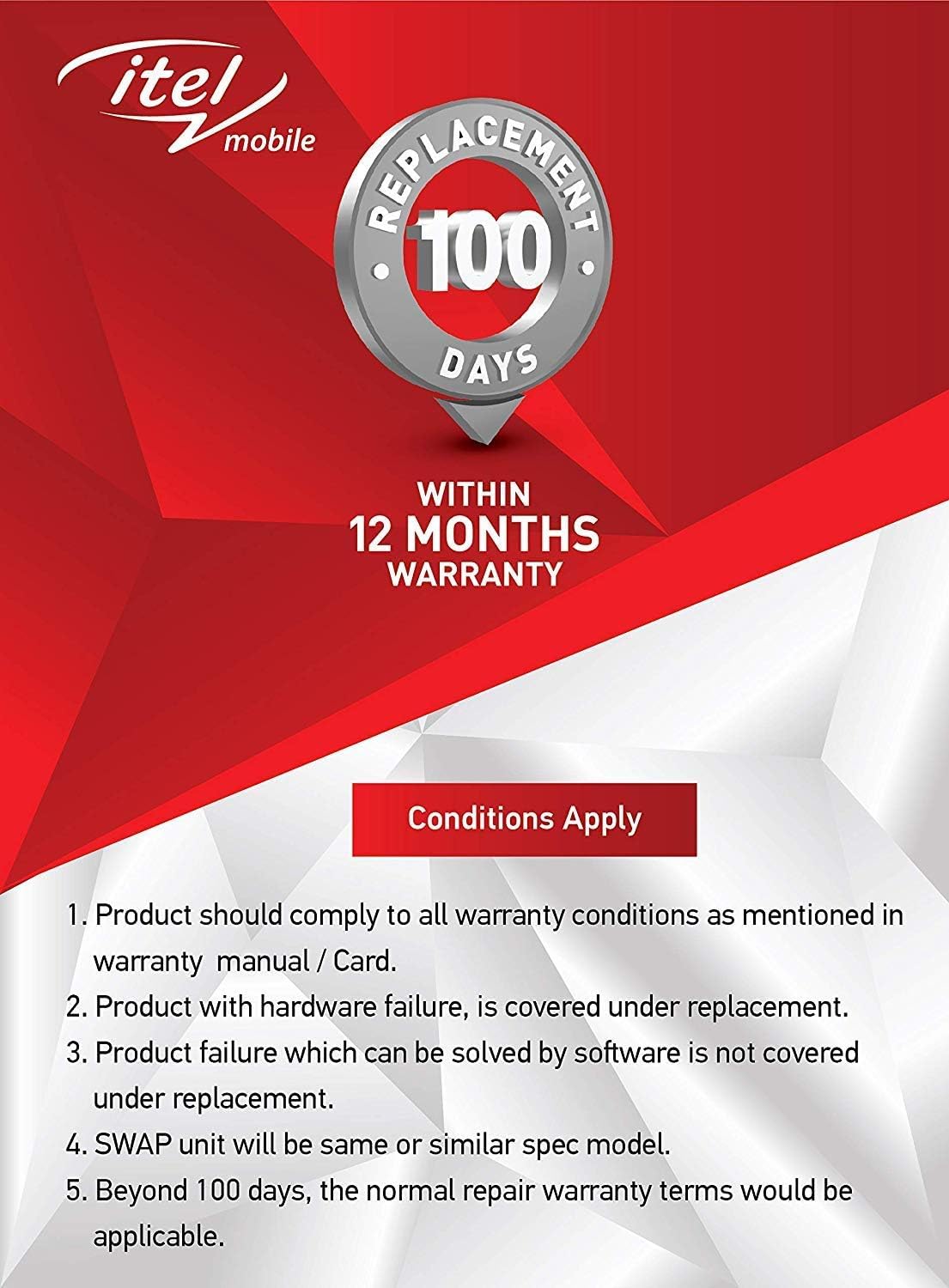
Şəkil: Warranty details for itel mobile products, indicating 100 days replacement and 12 months warranty.
- Product must comply with all warranty conditions as mentioned in the warranty manual/card.
- Product with hardware failure is covered under replacement.
- Product failure which can be solved by software is not covered under replacement.
- A SWAP unit will be the same or a similar spec model.
- Beyond 100 days, the normal repair warranty terms would be applicable.
- The warranty period is typically 12 months from the date of purchase.
For detailed warranty terms and conditions, refer to the warranty card included in your package or contact itel customer support.
Dəstək
For further assistance, technical support, or service inquiries, please contact itel customer service. Contact details can typically be found on the official itel websaytda və ya zəmanət kartınızda.
Onlayn Resurslar: You may find additional support and FAQs on the official itel brand store.