Giriş
Thank you for choosing the Thomson WT040 Filter Coffee Machine. This appliance is designed to brew delicious filter coffee efficiently. With a 1.25-liter capacity, it can prepare 10 to 12 cups, making it suitable for both home and office use. This manual provides essential information for safe operation, proper setup, maintenance, and troubleshooting to ensure optimal performance and longevity of your coffee machine.
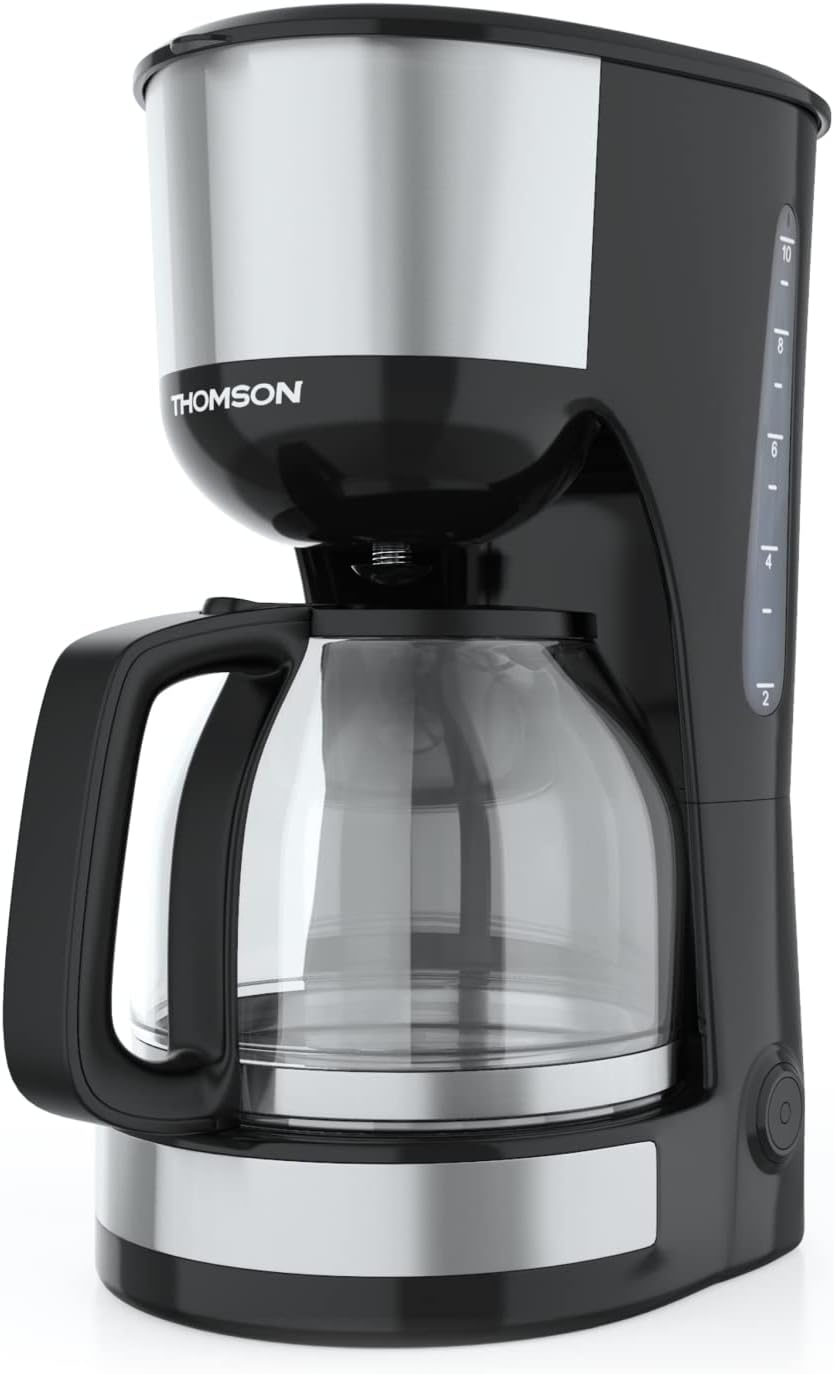
Şəkil: Ön view of the Thomson WT040 Filter Coffee Machine, showcasing its black and silver design with the glass carafe.
Əhəmiyyətli Təhlükəsizlik Təlimatları
Cihazı istifadə etməzdən əvvəl bütün təhlükəsizlik təlimatlarını diqqətlə oxuyun. Bu təlimatlara əməl edilməməsi elektrik şoku, yanğın və ya ciddi xəsarətlə nəticələnə bilər.
- Həcmi təmin edintagcihazda göstərilən e yerli şəbəkə voltage qoşulmadan əvvəl.
- Cihazı, elektrik kabelini və ya elektrik kabelini suya və ya hər hansı digər mayeyə batırmayın.
- Always unplug the coffee machine from the power outlet before cleaning and when not in use.
- Heç bir cihazı zədələnmiş kabel və ya tıxacla və ya cihaz nasaz olduqdan və ya hər hansı şəkildə zədələndikdən sonra işlətməyin.
- Cihazı uşaqların əli çatmayan yerdə saxlayın. Bu cihaz fiziki, duyğu və ya əqli imkanları zəif olan və ya təcrübəsi və biliyi olmayan şəxslərin (uşaqlar da daxil olmaqla) istifadəsi üçün nəzərdə tutulmayıb, əgər onların təhlükəsizliyinə cavabdeh olan şəxs tərəfindən nəzarət və ya cihazın istifadəsi ilə bağlı təlimat verilməyibsə.
- Cihazı yalnız məişət məqsədləri üçün istifadə edin.
- İsti səthlərlə təmasdan çəkinin. Tutacaqlardan və ya düymələrdən istifadə edin.
- Cihazı isti qaz və ya elektrik ocağının üzərinə və ya yaxınına və ya qızdırılan sobaya qoymayın.
- Şnurun masanın və ya sayğacın kənarından asılmasına və ya isti səthlərə toxunmasına icazə verməyin.
- Always ensure the carafe lid is securely in place during brewing.
- Do not open the filter basket cover during the brewing cycle.
Məhsulun komponentləri
Familiarize yourself with the parts of your Thomson WT040 coffee machine:
- Səviyyə Göstəricisi olan Su Anbarı
- Qapaq
- Filtr Səbəti
- Daimi Filtr
- Dəstəkli Şüşə Karafe
- İstilik Plitəsi
- Göstərici İşıqlı Yandırma/Söndürmə
- Damlamağa qarşı sistem

Image: Close-up of the water tank with a transparent fill scale, indicating water levels for brewing.
Quraşdırma
- Qablaşdırma: Carefully remove the coffee machine from its packaging. Retain the packaging for future transport or storage. Remove all protective films and stickers.
- İlkin Təmizləmə: Before first use, clean all removable parts (glass carafe, permanent filter, filter basket) with warm soapy water. Rinse thoroughly and dry. Wipe the exterior of the appliance with a damp parça.
- İlk dəmləmə dövrü (qəhvə olmadan): Fill the water tank to the maximum level with fresh cold water. Place the empty permanent filter in the filter basket and close the lid. Place the empty glass carafe on the heating plate. Plug the appliance into a suitable power outlet and press the On/Off switch. Allow the full cycle to complete. Discard the water. Repeat this process 2-3 times to clean the internal components.
- Yerləşdirmə: Place the coffee machine on a stable, flat, heat-resistant surface, away from the edge of the countertop and out of reach of children. Ensure there is adequate ventilation around the appliance.
Əməliyyat Təlimatları
- Su çənini doldurun: Open the lid and fill the water tank with fresh, cold water up to the desired number of cups indicated on the water level indicator. Do not exceed the "MAX" mark.
- Qəhvə zəmiləri əlavə edin: Place the permanent filter into the filter basket. Add the desired amount of ground coffee into the permanent filter. A general guideline is one level tablespoon of coffee per cup (150ml), but adjust to your taste.
- Qrafın yeri: Ensure the glass carafe is placed correctly on the heating plate. The anti-drip system will prevent coffee from dripping when the carafe is removed during brewing, but it is recommended to keep the carafe in place until brewing is complete.
- Pivə hazırlamağa başlayın: Close the lid securely. Plug the power cord into a wall outlet. Press the On/Off switch. The indicator light will illuminate, and brewing will begin.
- İsti saxlamaq funksiyası: After brewing is complete, the coffee machine will automatically switch to a keep-warm function for approximately 40 minutes. The heating plate will keep the coffee at an optimal serving temperature.
- Qəhvə verin: Carefully remove the carafe from the heating plate to pour coffee. The anti-drip system will temporarily stop the flow of coffee.
- Söndürmək: After serving or when the keep-warm cycle is finished, press the On/Off switch to turn off the appliance and unplug it from the power outlet.
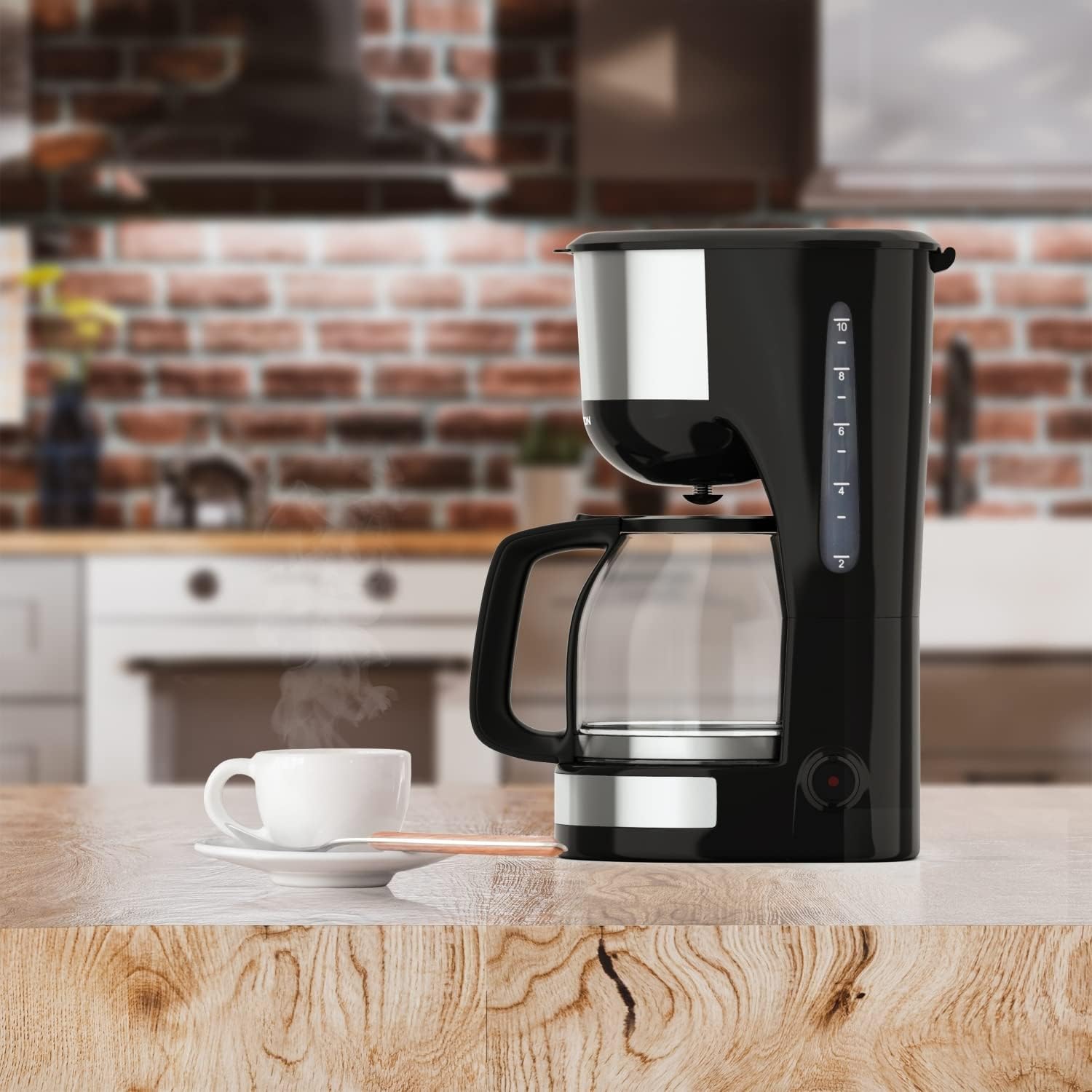
Image: The Thomson WT040 coffee machine in a kitchen, actively brewing coffee into the glass carafe.
Baxım və Təmizlik
Regular cleaning ensures optimal performance and extends the lifespan of your coffee machine. Always unplug the appliance and allow it to cool completely before cleaning.
- Permanent Filter and Filter Basket: After each use, remove the permanent filter and filter basket. Discard used coffee grounds. Rinse both thoroughly under running water. They can also be washed in warm soapy water.
- Şüşə Qraf: Wash the glass carafe and its lid with warm soapy water after each use. Rinse well. The carafe is generally dishwasher safe, but hand washing is recommended for longevity.
- Xarici: Qəhvə maşınının xarici səthlərini yumşaq, d ilə silinamp parça. Aşındırıcı təmizləyicilər və ya ovucu yastiqciqlardan istifadə etməyin, çünki onlar səthi cızır.
- Qızdırıcı lövhə: Qızdırıcı plitəni reklamla silinamp cloth. If coffee has dripped onto it, clean immediately to prevent staining and burning.
- Nəmləndirici: Depending on water hardness and frequency of use, mineral deposits (limescale) can build up. Descale your coffee machine every 2-4 months.
- Fill the water tank with a descaling solution (e.g., white vinegar and water in a 1:2 ratio, or a commercial descaling agent following its instructions).
- Boş qrafini qızdırıcının üzərinə qoyun.
- Run a brewing cycle. After about half the solution has brewed through, turn off the machine and let it stand for 15-20 minutes to allow the solution to work.
- Maşını yenidən yandırın və qalan məhlulun dəmlənməsinə icazə verin.
- Discard the solution and rinse the carafe and filter.
- Run 2-3 cycles with fresh, clean water to flush out any residual descaling solution.

Şəkil: Yaxından view of the permanent filter, designed to eliminate the need for paper filters.
Problemlərin aradan qaldırılması
| Problem | Mümkün Səbəb | Həll |
|---|---|---|
| Qəhvə dəmlənmir. | Appliance not plugged in; On/Off switch not pressed; No water in tank. | Ensure plug is securely in outlet; Press On/Off switch; Fill water tank. |
| Qəhvə çox zəif və ya çox güclüdür. | Qəhvə-su nisbəti səhvdir; Qəhvə çox iri/incə üyüdülüb. | Adjust amount of coffee grounds; Use medium grind coffee. |
| Filtr səbətindən su daşır. | Həddindən artıq qəhvə üyüdülmüşdür; Filtr tıxanmışdır; Qrafin düzgün yerləşdirilməyib. | Reduce coffee grounds; Clean permanent filter; Ensure carafe is centered on heating plate. |
| Qəhvənin dadı pisdir. | Appliance needs cleaning/descaling; Stale coffee; Poor water quality. | Clean and descale the machine; Use fresh coffee beans; Use filtered water. |
| Machine makes loud noises. | Normal during heating/pumping; Limescale buildup. | Some noise is normal. If excessive, descale the machine. |
Spesifikasiyalar
- Brend: Tomson
- Model nömrəsi: WT040
- Rəng: Qara/Gümüş
- Ölçülər (U x G x Y): 22 x 16 x 29.5 sm
- Çəki: 1.3 kiloqram
- Tutum: 1.25 litr (təxminən 10-12 stəkan)
- Güc: 1000 Vt
- Cildtage: 240 volt
- Material: Glass (carafe), Plastic, Metal
- Xüsusi Xüsusiyyət: Permanent Filter, Anti-Drip System, Keep-Warm Function (40 minutes)

Image: Visual representation of the coffee machine's dimensions (18cm width, 23cm depth, 30cm height), power (1000 Watts), and keep-warm duration (40 minutes).
Zəmanət və Dəstək
Information regarding specific warranty terms and conditions for the Thomson WT040 Filter Coffee Machine is not provided in the product details. For warranty claims or technical support, please refer to the documentation included with your purchase or contact Thomson customer service directly through their official websayt və ya səlahiyyətli pərakəndə satıcılar.
Zəmanətlə bağlı hər hansı bir sorğu üçün həmişə alış-veriş sənədinizi saxlayın.


