Giriş
This manual provides essential information for the proper setup, operation, and maintenance of your Schubert Preludio 88-Key Digital Piano. Please read this manual thoroughly before using the instrument to ensure optimal performance and longevity. Keep this manual for future reference.
Təhlükəsizlik Təlimatları
- Güc adapterinin səsini təmin edintage yerli enerji təchizatınıza uyğun gəlir.
- Do not expose the instrument to rain, moisture, or extreme temperatures.
- Cihazı istilik mənbələrinə yaxın və ya birbaşa günəş işığı düşən yerə qoymayın.
- c açmayınasing; bütün xidməti ixtisaslı işçilərə yönləndirin.
- Qəzaların qarşısını almaq üçün kiçik uşaqların əli çatmayan yerdə saxlayın.
- Disconnect power during thunderstorms or when not in use for extended periods.
Quraşdırma
Qablaşdırma və Quraşdırma
Carefully remove all components from the packaging. Ensure all items listed in the "Included in Delivery" section are present.
- Place the keyboard on a stable, flat surface or a compatible keyboard stand.
- Attach the music stand to the designated slot on the keyboard.
- Connect the sustain pedal to the "PEDAL" input on the rear panel of the keyboard.
- Connect the power adapter to the "DC 12V" input and then to a power outlet.

Şəkil 1: Daxil edilən aksesuarlar. The image displays the Schubert Preludio keyboard's accessories, including the music stand, sustain pedal, power adapter, and various USB cables for connectivity.

Figure 2: Connection Options. This image shows the various input/output ports on the rear of the keyboard, including Audio In, Audio Out, USB, pedal input, and two 6.3mm headphone jacks.
Əməliyyat Təlimatları
Gücü yandırın/söndürün
düyməsini basın GÜC klaviaturanı yandırmaq və ya söndürmək üçün düymə.
Səs səviyyəsinə nəzarət
Əsas səs səviyyəsini istifadə edərək tənzimləyin MASTER VƏZİFƏSİ knob. Individual volumes for Upper and Lower voices can be adjusted via the VOL+ və həcmdə buttons in Function mode.
Selecting Voices (Sounds)
The Schubert Preludio offers 140 different voices. To select a voice:
- düyməsini basın SƏS düyməsi.
- Rəqəm panelindən və ya +/- buttons to select the desired voice number. The selected voice number will be displayed on the LED screen.

Figure 3: Control Panel and Voice Selection. The image highlights the control panel with buttons for voice selection, layering, splitting, and reverb, along with categories like Piano, Organ, Guitar, and Strings.
Layer and Split Functions
- Layer: düyməsini basın LAYER button to combine two voices simultaneously. Select the second voice using the voice selection method.
- Bölün: düyməsini basın Ayrılmaq button to divide the keyboard into two sections, each with a different voice. The split point can be adjusted. This is useful for teaching or playing duets.
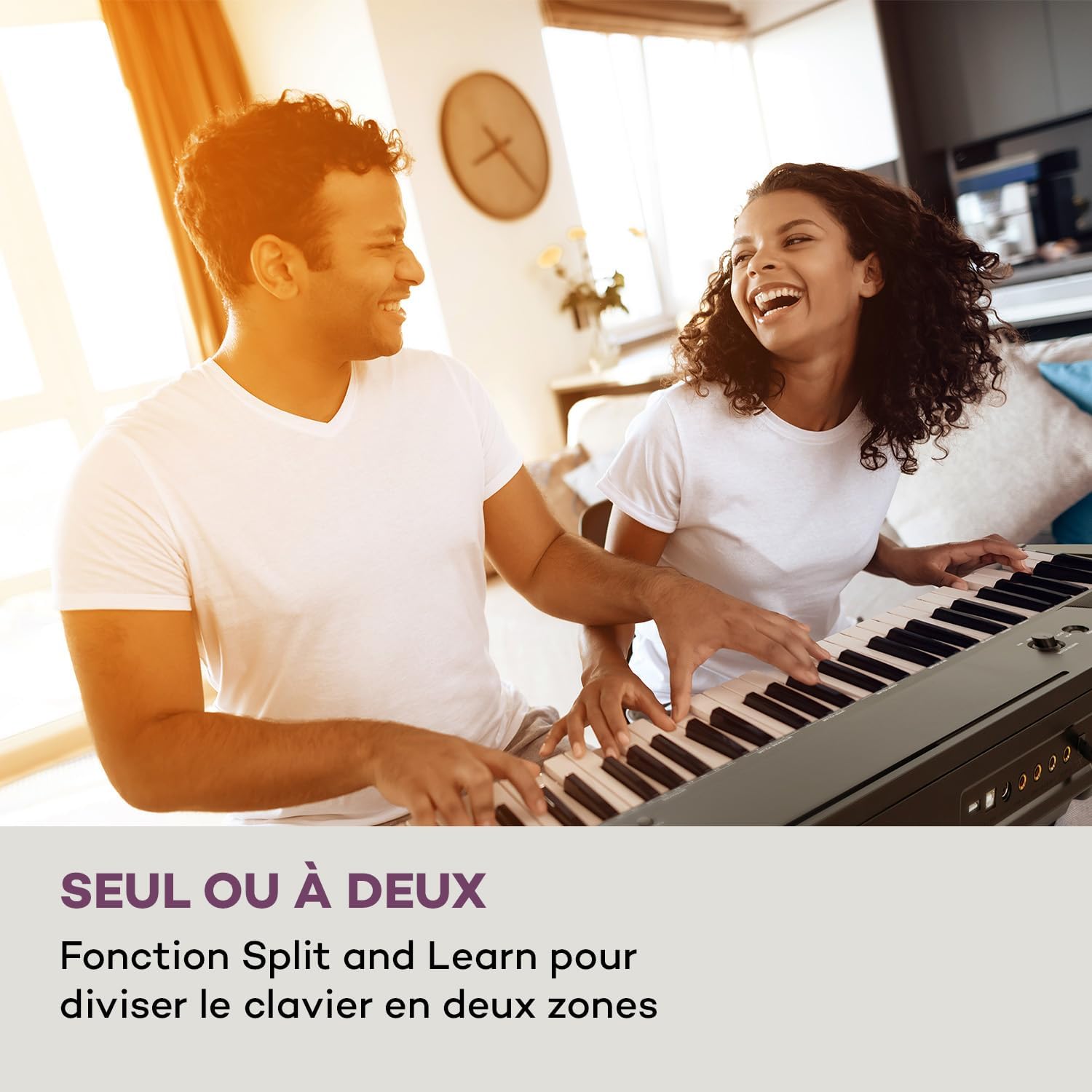
Figure 4: Split and Learn Function. This image shows two individuals playing the keyboard simultaneously, demonstrating the Split function which divides the keyboard into two playable zones.
Metronome and Tempo
Activate the metronome by pressing the METRO button. Adjust the tempo using the TEMPO düymələri.
Yazma və Oynatma
The keyboard features a recording function:
- düyməsini basın QEYD EDİN button to start recording your performance.
- basın OYNA to listen to your recorded track.
USB Bağlantısı
The integrated USB port allows for MP3 playback and MIDI connectivity:
- MP3 Oynatma: MP3 olan USB sürücüsünü daxil edin files into the USB port. Use the MAHNI buttons to navigate and play tracks.
- USB-MIDI: Connect the keyboard to a computer using the provided USB-MIDI cable for use with educational and recording software.

Figure 5: Recording and USB Playback. The image depicts the keyboard's capability for recording performances and playing MP3 files via its integrated USB port, enhanced by its 5-watt RMS speakers.
Baxım
- Təmizləmə: Klaviaturanın səthini təmizləmək üçün yumşaq, quru parça istifadə edin. Aşındırıcı təmizləyicilərdən və ya həlledicilərdən istifadə etməyin.
- Yaddaş: When not in use, store the keyboard in a dry, dust-free environment. If storing for a long period, disconnect the power adapter.
- Açar Baxım: Avoid excessive force on the keys. Clean keys gently with a slightly damp Lazım gələrsə, parça ilə silin, sonra dərhal qurulayın.
Problemlərin aradan qaldırılması
| Problem | Mümkün Səbəb | Həll |
|---|---|---|
| Səs yoxdur | Power not connected, volume too low, headphones connected. | Check power connection, increase master volume, disconnect headphones. |
| Açarlar cavab vermir | Function mode active, internal error. | Exit Function mode, power cycle the instrument. |
| Dayanma pedalı işləmir | Pedal not fully inserted, pedal polarity issue. | Ensure pedal is firmly connected. Some pedals require the keyboard to be powered on with the pedal already pressed to set polarity. |
| USB oxutma problemləri | Dəstəklənmir file format, corrupted USB drive. | təmin etmək files MP3 formatıdır. Fərqli USB sürücüsünü sınayın və ya carisini yenidən formatlayın. |
Spesifikasiyalar
- Model Adı: Preludio
- Açarların sayı: 88
- Açar Növü: Full-size, touch-sensitive (3 levels)
- Sounds (Voices): 140
- Demo Mahnılar: 16
- Funksiyalar: Sustain, Vibrato, Transposition, Octave, Split, Layer, Metronome, Record, Playback, Learning Function
- Bağlantı: 1 x 6.3 mm Audio In, 1 x 6.3 mm Audio Out, 2 x 6.3 mm Headphone Outputs, 1 x USB (Type A for MP3), 1 x USB-MIDI (Type B)
- Enerji təchizatı: AC adapter (220-240 V~ | 50/60 Hz)
- Ölçülər (U x Y x D): təqribən. 130 x 29 x 35 sm (51.2 x 11.4 x 13.8 düym)
- Çəki: təqribən. 6.2 kq (13.7 funt)
- Material: plastik

Şəkil 6: Məhsulun Ölçüləri. A visual representation of the keyboard's length, height, and depth measurements.
Zəmanət və Dəstək
For detailed warranty information and technical support, please refer to the warranty card included with your product or visit the official Schubert websayt. Hər hansı bir zəmanət iddiası üçün satınalma sübutunuzu saxlayın.
Məhsul Videoları
Sustain Pedal Overview
This video provides a close-up view and demonstration of the M-Audio SP-2 sustain pedal, which is compatible with digital pianos like the Schubert Preludio. It shows how the pedal functions to extend notes, similar to an acoustic piano.
Keyboard Features Overview
This video offers a detailed close-up view of the digital piano, showcasing its keys, control panel, and various functions. It provides a visual guide to the instrument's design and user interface.


