1. Giriş
This manual provides essential information for the safe and efficient use of your Wipro Next Smart Wi-Fi 20W CCT+RGB LED Batten. Please read these instructions carefully before installation and operation. Keep this manual for future reference.
2. Təhlükəsizlik Məlumatı
Məhsulun zədələnməsinin və ya zədələnməsinin qarşısını almaq üçün aşağıdakı təhlükəsizlik tədbirlərinə əməl edin:
- Quraşdırma və ya texniki xidmətdən əvvəl enerji təchizatının ayrıldığından əmin olun.
- Bu məhsul yalnız daxili istifadə üçün nəzərdə tutulmuşdur.
- Do not expose the batten to water or high humidity.
- Məhsulu sökməyə və ya dəyişdirməyə çalışmayın. Bu, zəmanəti ləğv edəcək.
- Yalnız göstərilən cildlə istifadə edintage (100-120 Volts AC, 60 Hertz).
- Uşaqların əli çatmayan yerdə saxlayın.
3. Paketin məzmunu
Paketə daxildir:
- 1 x Wipro Next Smart Wi-Fi 20W CCT+RGB LED Batten
- 1 x Təlimat kitabçası
4. Məhsulun xüsusiyyətləri
The Wipro Next Smart Wi-Fi LED Batten offers advanced lighting capabilities:
- 16 Milyon Rəng: Customize your lighting with a vast spectrum of colors.
- Color Tunable: Adjust white light from 2700K (warm white) to 6500K (cool white).
- Dimləşdirilə bilən: Control brightness levels from 10% to 100%.
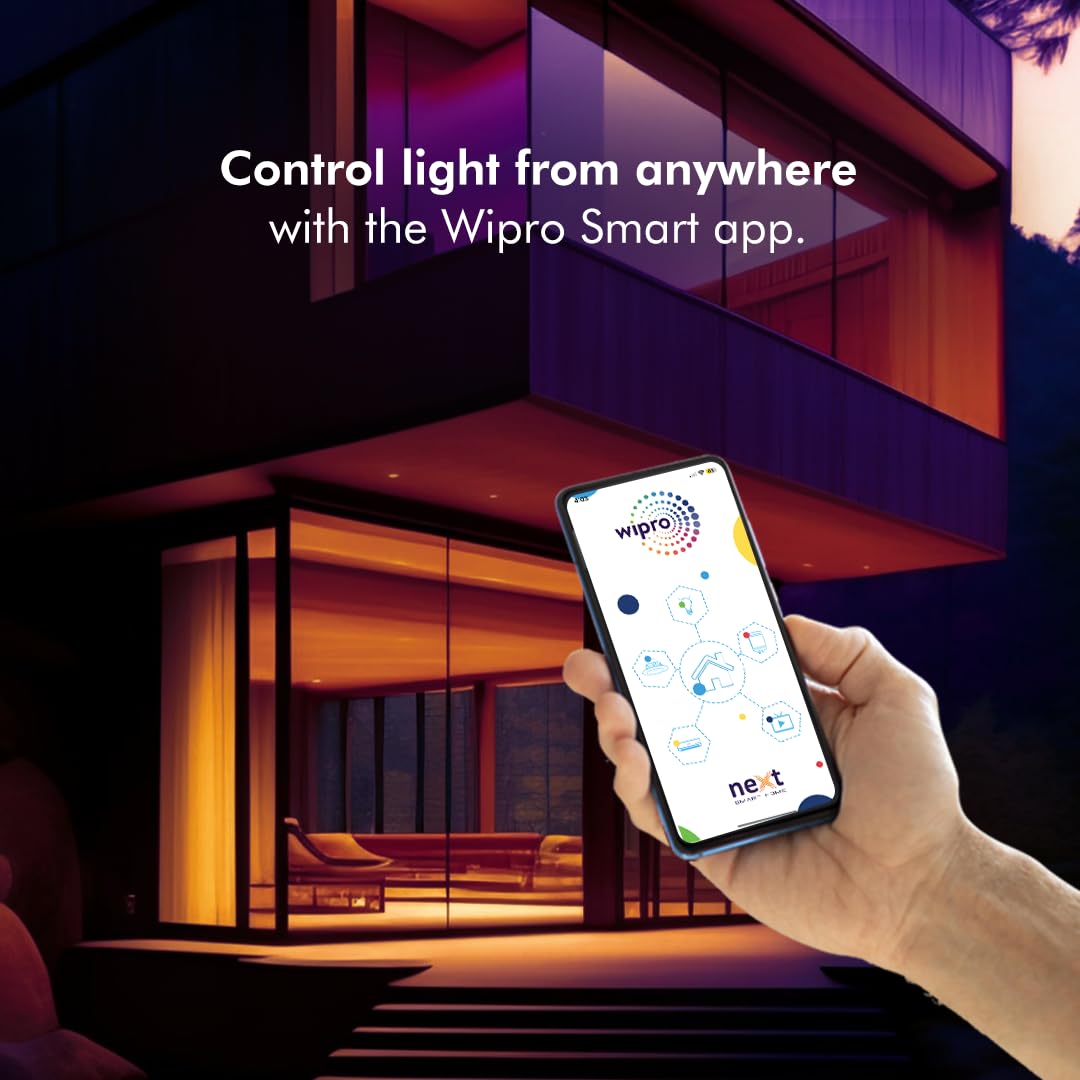
- İstənilən yerdən nəzarət: Manage your lighting remotely via the Wipro Smart app.
- Səslə Nəzarət: Amazon Alexa və Google Assistant ilə uyğun gəlir.
- Planlaşdırma: İşıqları yandırmaq/söndürmək üçün avtomatlaşdırılmış cədvəllər təyin edin.
- Music Sync Function: Lights can change color in rhythm with music.
- Səhnənin yaradılması: Create and save custom lighting scenes for different moods or activities.

5. Quraşdırma Bələdçisi
5.1 Quraşdırma
- Ensure the main power supply is switched off at the circuit breaker.
- Mount the batten securely to a wall or ceiling using appropriate fasteners (not included).
- Connect the batten to your electrical wiring according to local electrical codes. If unsure, consult a qualified electrician.
- Restore power to the circuit. The batten should light up, indicating it is ready for pairing.
5.2 App Pairing and Wi-Fi Connection
To control your smart batten, download the Wipro Smart app on your smartphone.
- yükləyin Wipro Smart App Store (iOS) və ya Google Play Store (Android)-dən proqram.
- Register or log in to your Wipro Smart account.
- Ensure your smartphone is connected to a 2.4 GHz Wi-Fi network. The batten requires a 2.4 GHz network for initial setup and operation.
- Tətbiqdə yeni cihaz əlavə etmək üçün "+" işarəsinə toxunun.
- Select 'Lighting' and then 'LED Batten' or similar option.
- Follow the on-screen instructions to put the batten into pairing mode (usually by cycling power 3-5 times until it blinks).
- Tələb olunduqda Wi-Fi şəbəkə parolunuzu daxil edin.
- Once connected, you can rename your device for easier control.
5.3 Səsli köməkçinin inteqrasiyası
The Wipro Next Smart Batten is compatible with Amazon Alexa and Google Assistant.
- Ensure your batten is successfully paired with the Wipro Smart app.
- Amazon Alexa və ya Google Home tətbiqinizi açın.
- Navigate to the 'Skills' (Alexa) or 'Works with Google' (Google Home) section.
- axtarın 'Wipro Smart Home' and enable the skill/service.
- Link your Wipro Smart account when prompted.
- Discover devices. Your batten should now appear and be controllable via voice commands.

6. Əməliyyat Təlimatları
6.1 Color Control (RGB)
Use the Wipro Smart app to select from 16 million colors. Navigate to the color selection interface within the app to choose your desired hue.

6.2 Color Temperature Tuning (CCT)
Adjust the white light temperature from warm (2700K) to cool (6500K) using the app. This allows you to set the ambiance from a cozy warm glow to a bright, energetic cool white.
6.3 Qaralma
The batten's brightness can be adjusted from 10% to 100% via the Wipro Smart app or voice commands. This feature allows for precise control over illumination levels.

6.4 Music Sync
Activate the music sync feature in the Wipro Smart app to make your batten's colors change in rhythm with music playing in your environment. This feature enhances the atmosphere for parties or entertainment.
6.5 Scheduling and Scene Creation
Use the Wipro Smart app to set schedules for your batten to turn on/off at specific times. You can also create custom scenes, combining specific colors, brightness, and color temperatures, and activate them with a single tap or voice command.
7. Giderme
If you encounter issues with your Wipro Next Smart Batten, refer to the following common solutions:
| Problem | Mümkün Səbəb | Həll |
|---|---|---|
| Batten not connecting to Wi-Fi/App | Incorrect Wi-Fi band (not 2.4 GHz), incorrect password, batten not in pairing mode, network interference. | Ensure your router is broadcasting a 2.4 GHz network. Cycle power to the batten 3-5 times to enter pairing mode (blinking light). Re-enter Wi-Fi password carefully. Move closer to the router. |
| Voice control not working (Alexa/Google Assistant) | Skill/service not enabled, account not linked, device not discovered, temporary connectivity issue. | In the Alexa/Google Home app, disable and re-enable the 'Wipro Smart Home' skill/service. Re-link your Wipro Smart account. Ask the voice assistant to 'Discover devices'. |
| RGB colors appear inaccurate or limited | Hardware limitation, software glitch. | Ensure the Wipro Smart app is updated to the latest version. If a specific color is not working (e.g., red), contact customer support. |
| Batten frequently disconnects from Wi-Fi | Weak Wi-Fi signal, network congestion, router issues. | Ensure the batten is within good range of your 2.4 GHz Wi-Fi router. Restart your router. Check for firmware updates for the batten via the app. |
8. Baxım
The Wipro Next Smart Wi-Fi LED Batten requires minimal maintenance:
- Təmizləmədən əvvəl enerjinin söndürüldüyünə əmin olun.
- Wipe the batten with a soft, dry cloth. Do not use abrasive cleaners or solvents.
- Do not immerse the batten in water.
- Regularly check for any loose connections or physical damage.
9. Spesifikasiyalar
| Spesifikasiya | Dəyər |
|---|---|
| Model Adı | Wipro Garnet 20W CCT+RGB Batten |
| Element Model nömrəsi | DS22000 |
| Brend | Wipro |
| İşıq növü | LED |
| Wattage | 20 Vt |
| Parlaqlıq | 2400 lümen |
| Rəng temperaturu | 2700K - 6500K (Tənzimlənən Ağ) |
| Açıq Rəng | RGB + Ağ |
| Cildtage | 100 ilə 120 volt AC |
| Tezlik | 60 Hertz |
| Material | Polikarbonat (PC) |
| Maddə Çəkisi | 299 qram |
| Ölçülər (UxGxY) | 90 x 3 x 4 Santimetre |
| Nəzarət metodu | Səs, Tətbiq (Wi-Fi) |
| Daxili / Xarici İstifadə | Daxili |

10. Zəmanət və Dəstək
Zəmanət: The Wipro Next Smart Wi-Fi 20W CCT+RGB LED Batten comes with a 6-month warranty. A one-year replacement policy is offered on defective products.
İstehsalçı: Wipro Enterprises Private Ltd, Bangaluru-560 035
Müştəri Dəstəyi:
- Pulsuz: 1-800-425-1969
- Email: feedback.wcc@wipro.com
For further assistance or technical support, please contact the manufacturer directly.