Giriş
Aldığınız üçün təşəkkür edirikasing the AZATOM A2 Portable DAB/DAB+ Digital Radio. This compact and versatile device is designed to provide high-quality digital and FM radio reception, offering a superior listening experience on the go. Please read this manual carefully to understand the features and operation of your new radio.

The AZATOM A2 radio, showcasing its stylish and compact design, perfect for portability.
Qutuda nə var
- AZATOM A2 Portable DAB/DAB+ Digital Radio
- USB-C kabeli
- İdman qulaqlıqları
- İstifadəçi Təlimatı (bu sənəd)
- Zəmanət kartı
Məhsul Bitdiview
Familiarize yourself with the buttons and ports on your AZATOM A2 radio:

Ön view of the AZATOM A2 radio, highlighting the display and control buttons.
- Güc düyməsi: Radionu yandırır/söndürür.
- MENU düyməsi: Menyu seçimlərinə daxil olur.
- VOL+ / VOL- Buttons: Səs səviyyəsini tənzimləyir.
- ENTER/SCAN Button: Confirms selections or initiates station scanning.
- PRESET Buttons (1/2, 3/4): Recalls stored preset stations.
- MODE düyməsi: Switches between DAB/DAB+ and FM modes.
- Qulaqlıq Jakı: Connects the included earphones, which also function as the antenna.
- USB-C portu: Cihazı doldurmaq üçün.
Quraşdırma
1. Batareyanın doldurulması
Before first use, fully charge the radio. Connect the supplied USB-C cable to the radio's USB-C port and the other end to a USB power adapter (not included) or a computer's USB port. The display will indicate charging status. A full charge provides up to 24 hours of playtime.

The AZATOM A2 features a long-lasting rechargeable battery for extended use.
2. Connecting Earphones (Antenna)
The included earphones serve as the radio's antenna for both DAB/DAB+ and FM reception. It is essential to connect the earphones to the 3.5mm jack before operating the radio to ensure proper signal reception.
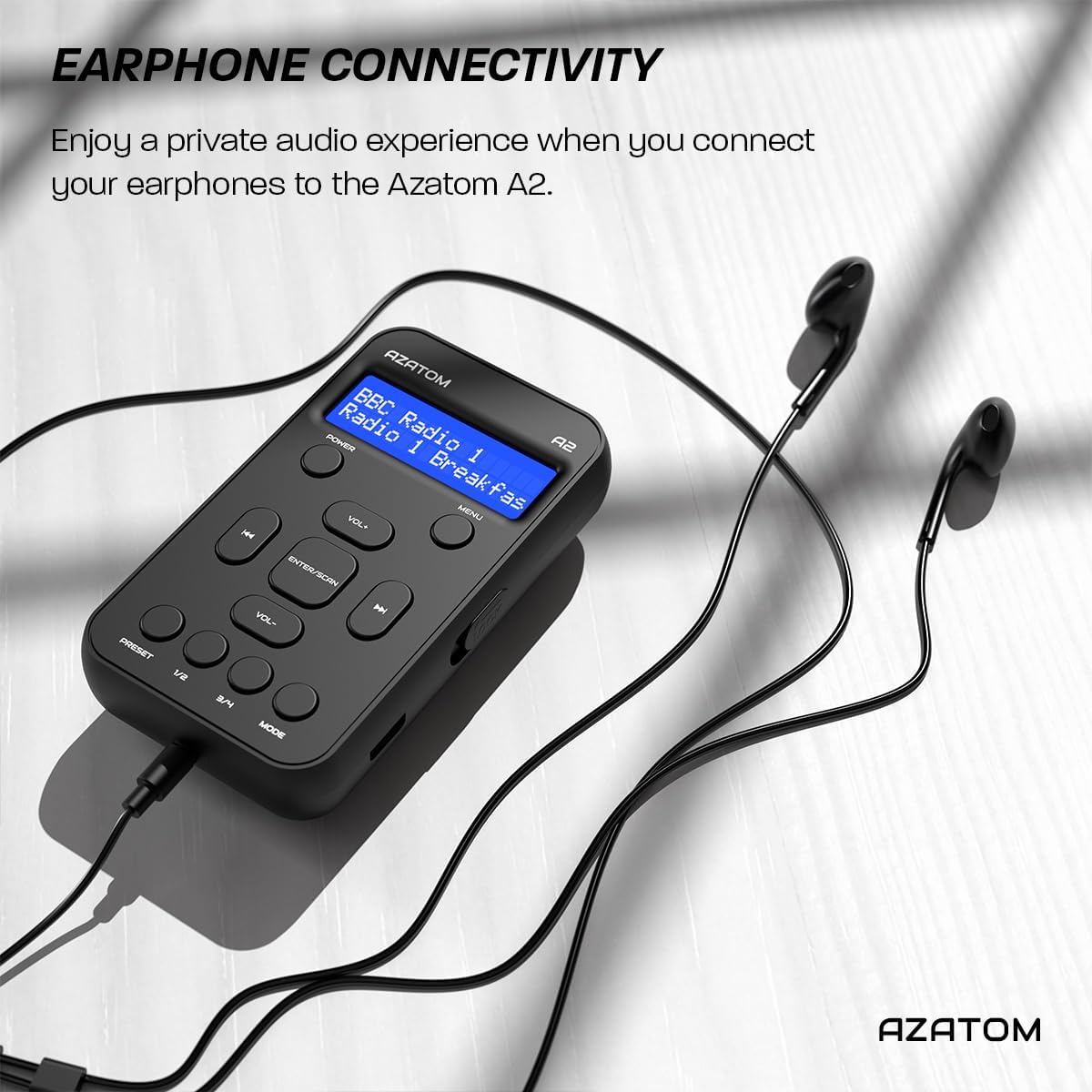
Connect the supplied earphones to the radio for optimal reception and a private listening experience.
Əməliyyat Təlimatları
Gücü yandırın/söndürün
- basın və saxlayın GÜC radionu yandırmaq və ya söndürmək üçün düymə.
DAB/DAB+ Radio Əməliyyatı

The AZATOM A2 supports both DAB/DAB+ and FM radio technologies.
- Ensure the earphones are connected.
- düyməsini basın MODE button until 'DAB' or 'DAB+' is displayed.
- The radio will automatically perform a full scan for available DAB/DAB+ stations upon first use or if no stations are found. To manually scan, press and hold the GİRİN/TARANIN düyməsi.
- istifadə edin VOL+ or həcmdə tapılan stansiyaların siyahısında hərəkət etmək üçün düymələr.
- basın GİRİN/TARANIN stansiya seçmək.
FM Radio əməliyyatı
- Ensure the earphones are connected.
- düyməsini basın MODE 'FM' göstərilənə qədər düyməni basın.
- FM stansiyalarını avtomatik skan etmək üçün düyməni basıb saxlayın GİRİN/TARANIN düyməsinə basın. Radio mövcud stansiyaları skan edəcək və yadda saxlayacaq.
- Əl ilə tənzimləmək üçün qısa müddətə basın VOL+ or həcmdə buttons to adjust the frequency in small increments.
Əvvəlcədən qurma və geri çağırma
The AZATOM A2 allows you to store up to 40 DAB+ and 40 FM favorite stations.

The AZATOM A2 allows for easy recall of your favorite preset stations.
Əvvəlcədən ayarı saxlamaq üçün:
- İstədiyiniz stansiyaya kökləyin.
- Onlardan birini basıb saxlayın ÖNCƏDƏN AYARLA buttons (1/2 or 3/4) until the display shows 'Preset Store'.
- istifadə edin VOL+ or həcmdə istədiyiniz əvvəlcədən təyin edilmiş nömrəni (1-40) seçmək üçün düymələr.
- basın GİRİN/TARANIN stansiyanı təsdiqləmək və saxlamaq üçün.
Əvvəlcədən təyinatı geri çağırmaq üçün:
- düymələrindən birini qısaca basın ÖNCƏDƏN AYARLA buttons (1/2 or 3/4).
- istifadə edin VOL+ or həcmdə buttons to navigate through your stored presets.
- basın GİRİN/TARANIN to select and play the desired preset station.
Səs səviyyəsinə nəzarət
- basın VOL+ həcmi artırmaq üçün.
- basın həcmdə həcmi azaltmaq üçün.
Ekran Parlaqlığı
The XL digital display's brightness can be adjusted to your preference. Access this setting through the MENU options.

Yaxın plan view of the AZATOM A2's clear digital display.
Baxım
- Təmizləmə: Radionun səthini təmizləmək üçün yumşaq, quru bir parça istifadə edin. Aşındırıcı təmizləyicilərdən və ya həlledicilərdən istifadə etməyin.
- Batareyaya qulluq: Batareyanın ömrünü uzatmaq üçün batareyanı tez-tez tam boşaltmaqdan çəkinin. Uzun müddət istifadə edilməsə belə, radionu müntəzəm olaraq doldurun.
- Yaddaş: Radionu birbaşa günəş işığından və həddindən artıq temperaturdan uzaq sərin, quru yerdə saxlayın.
Problemlərin aradan qaldırılması
| Problem | Mümkün Səbəb | Həll |
|---|---|---|
| No power/Radio won't turn on. | Batareya bitib. | Charge the radio using the supplied USB-C cable. |
| Zəif radio qəbulu (DAB/FM). | Earphones not connected or not fully inserted. Weak signal area. | Ensure earphones are securely connected. Try moving to an open area or near a window. Perform a new scan. |
| Səs yoxdur. | Volume is too low or muted. Earphones not connected. | Increase the volume using VOL+. Ensure earphones are connected. |
| Radio freezes or becomes unresponsive. | Müvəqqəti proqram xətası. | Press and hold the POWER button to force a restart. If issue persists, allow battery to fully discharge then recharge. |
Spesifikasiyalar

Dimensions of the AZATOM A2 radio.
| Xüsusiyyət | Detal |
|---|---|
| Model | A2 |
| Ölçülər (U x G x Y) | 9 x 4 x 11 cm (approx. 90mm x 50mm x 24mm) |
| Çəki | 90 q |
| Radio Qrupları Dəstəklənir | DAB, DAB+, FM |
| Əvvəlcədən təyinlər | 40 DAB+, 40 FM |
| Batareya növü | Rechargeable Lithium Ion (1800mAh) |
| Oyun vaxtı | 24 saata qədər |
| Ekran növü | LCD |
| Bağlantı | USB-C (for charging), 3.5mm Earphone Jack |
| Material | plastik |
Zəmanət və Dəstək
AZATOM products are designed and engineered in the UK. The AZATOM A2 comes with a premium 3-year warranty (registration required). For any questions or support, please contact our dedicated customer service team. Lifetime customer support is provided to assist you with any queries.
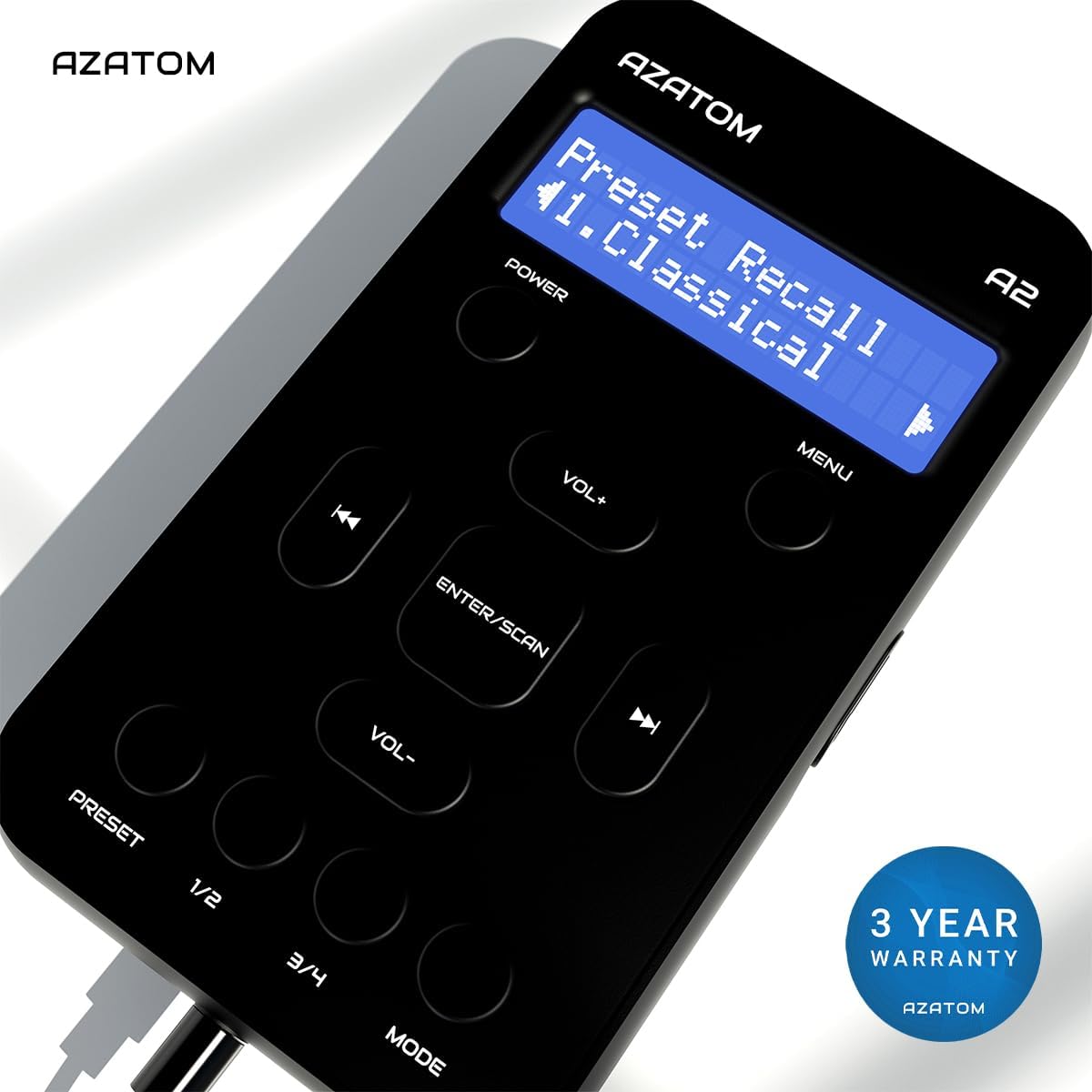
The AZATOM A2 is backed by a 3-year warranty.


