1. Giriş
Aldığınız üçün təşəkkür edirikasing the Edifier X3s True Wireless Stereo Earbuds. This manual provides detailed instructions on how to set up, operate, and maintain your earbuds to ensure optimal performance and longevity. Please read this manual thoroughly before use.

Image: The Edifier X3s earbuds, one removed from the open charging case, showcasing onların kompakt dizaynı.
2. Paketin məzmunu
- Edifier X3s True Wireless Earbuds (Left and Right)
- Doldurma qutusu
- USB şarj kabeli
- Qulaq ucları (müxtəlif ölçülərdə)
- İstifadəçi təlimatı
3. Quraşdırma
3.1 Qulaqlıqların və qutunun doldurulması
İlk istifadə etməzdən əvvəl qulaqcıqları və doldurma qutusunu tam doldurun.
- Place the earbuds into the charging case. Ensure they are correctly seated; the indicator lights on the earbuds will illuminate.
- Connect the charging case to a power source using the provided USB cable. The indicator light on the charging case will show charging status.
- A full charge for the charging case typically takes approximately 8 hours. The earbuds will charge automatically when placed in the case.
3.2 Bluetooth Qoşulması
Follow these steps to pair your Edifier X3s earbuds with your device:
- Qulaqlıqların doldurulduğundan əmin olun.
- Şarj qutusunu açın. Qulaqlıqlar avtomatik olaraq qulaqcıqlarda yanıb-sönən işıqla göstərilən qoşalaşma rejiminə keçəcək.
- Cihazınızda (smartfon, planşet və s.) Bluetooth-u aktivləşdirin və yeni cihazlar axtarın.
- Select "EDIFIER X3s" from the list of available devices.
- Once connected, a voice prompt will confirm successful pairing, and the earbud indicator lights will turn off.
Qulaqcıqlar dəstəkləyir TrueWireless Mirroring, allowing seamless switching between single and dual earbud use.
4. Əməliyyat Təlimatları
4.1 Toxunma İdarəetmələri
The Edifier X3s earbuds feature intuitive touch controls on each earbud. Refer to the diagram below for specific functions:

Image: A diagram illustrating the touch control functions for the left and right Edifier X3s earbuds.
- Single Tap (L/R): Play/Pause music, Answer an Incoming Call
- Double Tap (L): Əvvəlki Mahnı
- Double Tap (R): Növbəti Mahnı
- Triple Tap (L): Switch On Game Mode
- Triple Tap (R): Səsli köməkçini aktivləşdirin
- Long Press for 2-3 Seconds (L/R): Hang Up/Reject a Call
- Long Press (L): Səsi azaldın
- Long Press (R): Səs artır
4.2 Oyun rejimi
To enhance your gaming experience, the Edifier X3s features a dedicated Game Mode. Triple-tap the sol earbud to activate or deactivate Game Mode. This mode optimizes audio-visual synchronization for gaming.
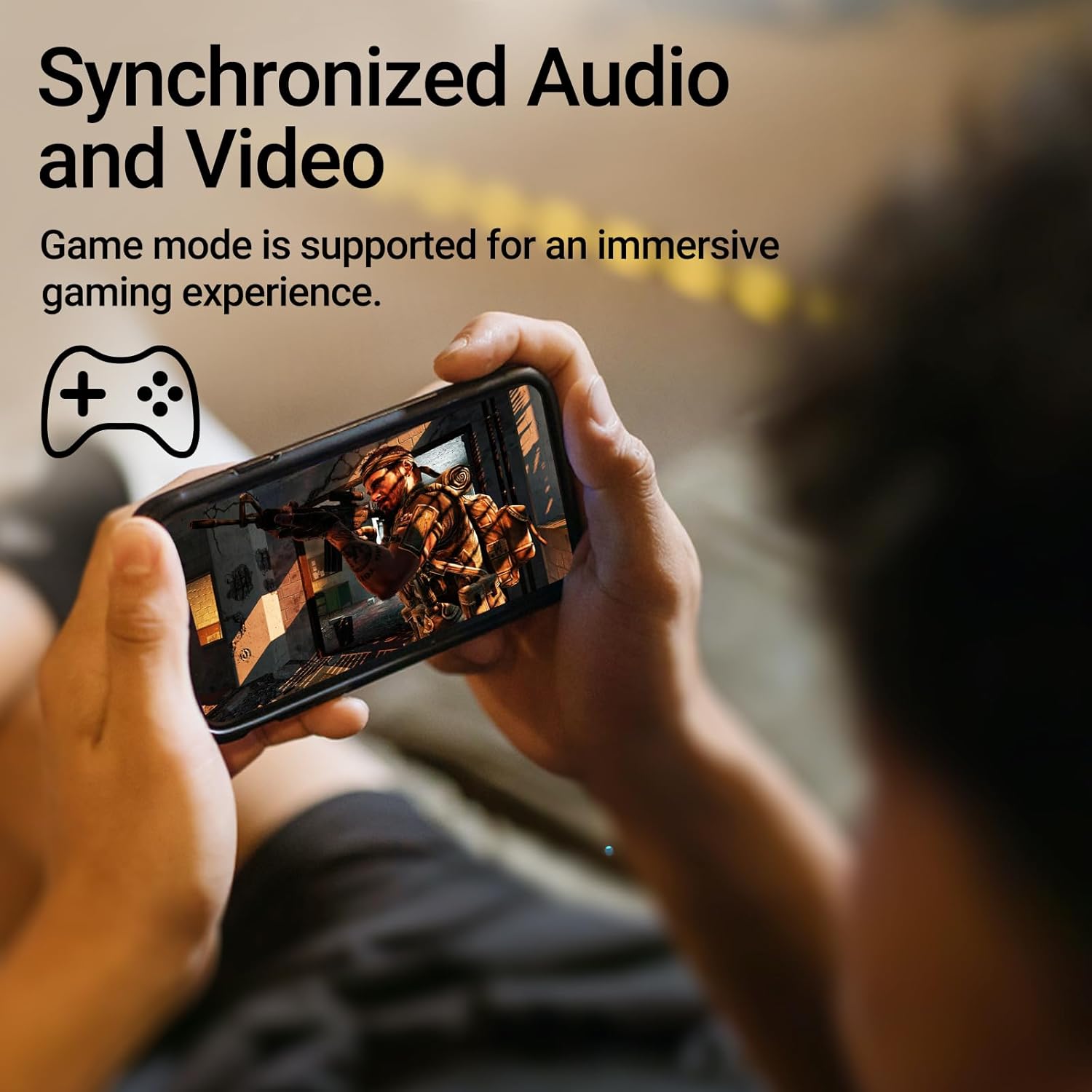
Image: A person holding a smartphone, playing a game, with the text "Synchronized Audio and Video. Game mode is supported for an immersive gaming experience."
5. Əsas Xüsusiyyətlər
- True Wireless Experience: Bluetooth V5.2 with Qualcomm aptX audio decoding for high-fidelity sound and stable connections.
- Genişləndirilmiş Oyun vaxtı: Up to 28 hours of total playtime, with 8 hours from the earbuds and an additional 20 hours from the charging case.
- Superior Call Clarity: Equipped with Qualcomm cVc 8.0 noise cancellation technology for crystal clear calls.
- IP55 Rated Protection: Dust and water resistance make these earbuds suitable for outdoor activities and various weather conditions.
- Rahat və Yüngül Dizayn: Weighing only 62g, these earbuds provide a secure and comfortable fit for extended wear.

Image: A close-up of the Qualcomm aptX QCC3040 chip, highlighting Bluetooth V5.2 with aptX audio decoding for lossless audio transmission.

Image: Hands holding the Edifier X3s charging case, with an overlay indicating "Up to 28 hours of playback in total: 8 hours (earbuds), 20 hours (charging case)".

Image: A graphic illustrating cVc 8.0 noise reduction, showing how ambient noise is reduced while voice remains clear during calls.

Image: A woman exercising, with an overlay indicating "Dust and water resistant. Feel free to use them at the gym or on a rainy day. IP55-Rated."
6. Baxım
6.1 Təmizləmə
- Qulaqlıqları və şarj qutusunu mütəmadi olaraq yumşaq, quru, tüysüz parça ilə təmizləyin.
- Qulaq uclarını çıxarın və lazım olduqda yumşaq sabun və su ilə təmizləyin. Yenidən bağlamadan əvvəl onların tamamilə quruduğundan əmin olun.
- Həm qulaqcıqların, həm də korpusundakı şarj kontaktlarını yumşaq bir şəkildə təmizləmək üçün pambıq çubuqdan istifadə edin.
6.2 Saxlama
- İstifadə edilmədikdə qulaqcıqları qorumaq və doldurulmuş vəziyyətdə saxlamaq üçün onları doldurma qutusunda saxlayın.
- Sərin, quru yerdə həddindən artıq temperaturdan və birbaşa günəş işığından uzaq saxlayın.
6.3 Suya və toza davamlılıq
The earbuds are IP55 rated, meaning they are protected against dust ingress and low-pressure water jets from any direction. While they can withstand sweat and light rain, they are not designed for submersion in water. Do not use them while swimming or showering.
7. Giderme
- Qulaqlıqlar qoşalaşmır: Hər iki qulaqlığın şarj qutusunda olduğundan əmin olun, sonra qoşma rejimini başlatmaq üçün qapağı açın. Cihazınızın Bluetooth parametrlərini yoxlayın və yenidən qoşulmağa çalışın.
- Yalnız bir qulaqcıq işləyir: Hər iki qulaqcığı şarj qutusuna yerləşdirin, qapağı bağlayın, bir neçə saniyə gözləyin və sonra yenidən açın. Bu, tez-tez onları yenidən sinxronlaşdırır.
- Səs yoxdur: Check the volume level on both your device and the earbuds. Ensure the earbuds are properly paired and connected.
- Doldurma problemləri: Verify that the charging cable is securely connected and the power source is active. Clean the charging contacts on the earbuds and case.
- Zəng keyfiyyətinin aşağı olması: Ensure the earbuds are clean and positioned correctly in your ears. Check for any obstructions to the microphone.
8. Spesifikasiyalar
- Model: EDIFIER X3S
- Bağlantı: Simsiz (Bluetooth V5.2)
- Audio deşifrə: Qualcomm aptX
- Səs -küyün ləğvi: Qualcomm cVc 8.0 (for calls)
- Oyun vaxtı: Earbuds: 8 hours, Total with Charging Case: 28 hours
- Doldurma Müddəti (Kütlə): Təxminən 8 saat
- Su/toza davamlılıq: IP55 reytinqi
- Nəzarət metodu: Toxun
- Çəki: 62 qram (ümumi)
- Material: Polikarbonat (PC), Termoplastik Elastomer (TPE)
- Uyğun Cihazlar: Smartphones, Gaming Devices, Tablets
9. Zəmanət və Dəstək
For warranty information and customer support, please refer to the warranty card included with your product or visit the official Edifier websayt. Hər hansı bir zəmanət iddiası üçün satınalma sübutunuzu saxlayın.


