1. Giriş
This manual provides comprehensive instructions for the installation, operation, and maintenance of your TOPXCDZ SP621E Mini Bluetooth RGB LED Controller. This device is designed to control various addressable LED strip lights, offering dynamic lighting effects and app-based control.
2. Təhlükəsizlik Məlumatı
- Enerji təchizatı voltage matches the controller's operating voltage (DC5V~24V).
- Do not expose the controller to moisture or extreme temperatures (-20℃ to 60℃).
- Hər hansı bir əlaqə qurmazdan və ya texniki xidmət göstərməzdən əvvəl enerjini ayırın.
- Bu məhsul yalnız daxili istifadə üçün nəzərdə tutulmuşdur.
3. Paketin məzmunu
Bütün əşyaların paketinizdə olduğunu yoxlayın:
- 1 x SP621E Mini Bluetooth RGB LED Controller
- (Note: LED strip adapter is not included and must be purchased separately.)
4. Məhsul bitdiview
The SP621E is a compact Bluetooth controller for addressable LED lights. It features a data input, ground, and power connection for seamless integration with compatible LED strips.
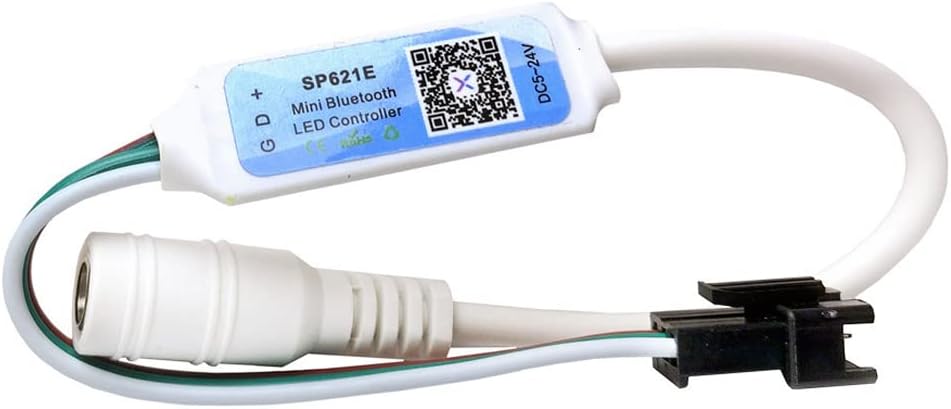
Şəkil 1: Ön view of the SP621E Mini Bluetooth LED Controller, showing the model number and QR code for app download.

Şəkil 2: Bucaqlı view of the SP621E Mini Bluetooth LED Controller, highlighting its compact size and wiring connections.
5. Quraşdırma və Bağlantı
Follow these steps to connect your SP621E controller to your LED strip and power supply:
- Komponentləri hazırlayın: Ensure you have the SP621E controller, a compatible WS2811/WS2812/WS2813 LED strip, and a suitable DC5V-24V power supply.
- LED şeridini qoşun: Connect the data (D), ground (G), and positive (+) wires from your LED strip to the corresponding terminals on the SP621E controller. Ensure correct polarity.
- Enerji təchizatını birləşdirin: Connect the DC5V-24V power supply to the power input of the SP621E controller.
- Bağlantıları yoxlayın: Double-check all connections before applying power. Incorrect wiring can damage the controller or LED strip.
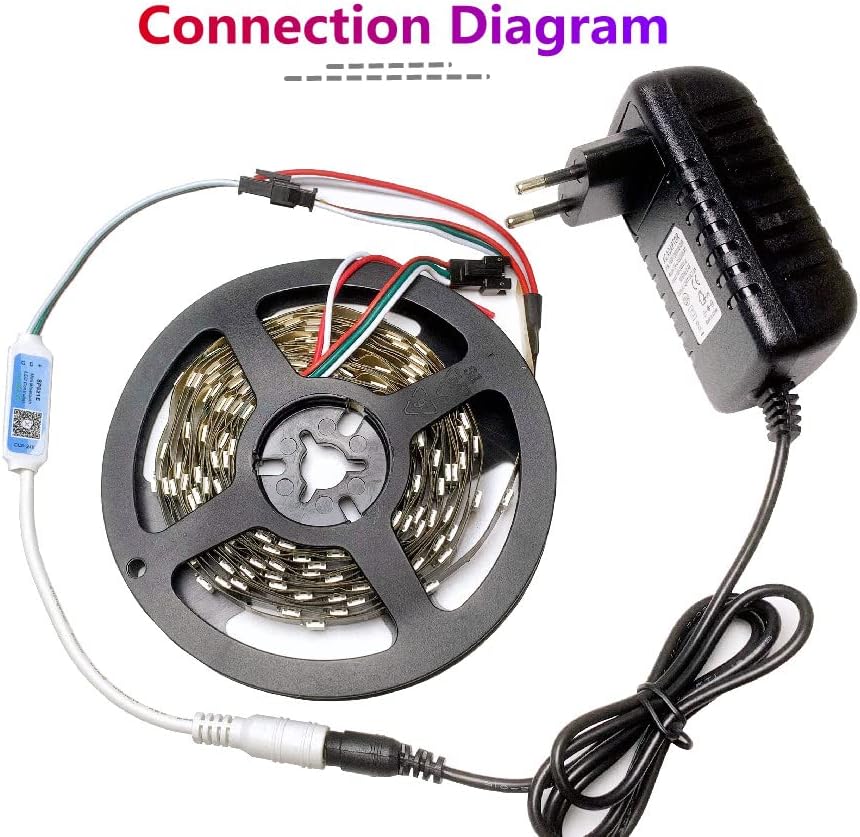
Image 3: A visual diagram illustrating the connection of the SP621E controller to an LED strip and a power adapter.
6. Proqramın quraşdırılması
The SP621E controller is managed via the 'SceneX' mobile application.
- Tətbiqi yükləyin: axtarın "SceneX" in the Apple App Store (for iOS 10.0 or later) or Google Play Store (for Android 4.4 or later).
- Quraşdırın: Download and install the application on your smartphone or tablet.
- Bluetooth Cütləşmə: Ensure Bluetooth is enabled on your device. The app supports automatic device connection and re-connection.
7. Əməliyyat Təlimatları
Once the app is installed and connected to your controller, you can access various features:
7.1. App Control Interface

Image 4: Screenshot of the 'SceneX' app interface, showing color selection, brightness control, and various dynamic modes for different occasions.
7.2. Dynamic Effects
- The controller has 142 built-in dynamic effects.
- tənzimləyin effect length to customize the speed and duration of dynamic patterns.
- istifadə edin favorite effects collecting function to save your preferred lighting sequences.
7.3. Music Effects
- Xüsusiyyətlər 18 built-in music effects that synchronize with audio.
- Sound Collection Methods: Choose between your phone's microphone or player streaming for audio input.
- tənzimləyin effect length və həssaslıq to fine-tune the music synchronization.
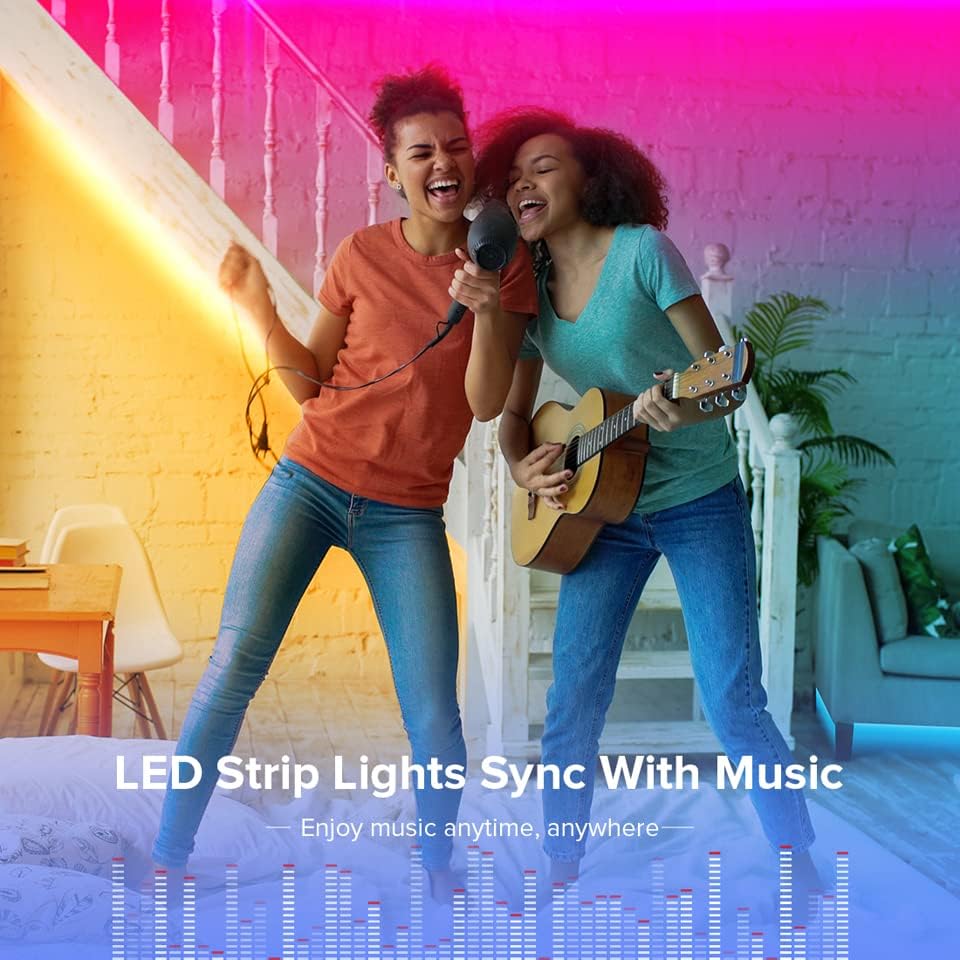
Image 5: An illustration of LED strip lights synchronizing with music, creating an immersive audio-visual experience.
7.4. Additional App Functions
- Cihaz Adı: Modify the device name for easy identification, especially when controlling multiple units.
- RGB Channel Sequence Calibration: Adjust the RGB channel order if colors appear incorrect.
- Taymer funksiyası: Set schedules for your lights to turn on or off automatically.
- Qruplaşmaya nəzarət: Control multiple SP621E devices simultaneously by grouping them within the app.
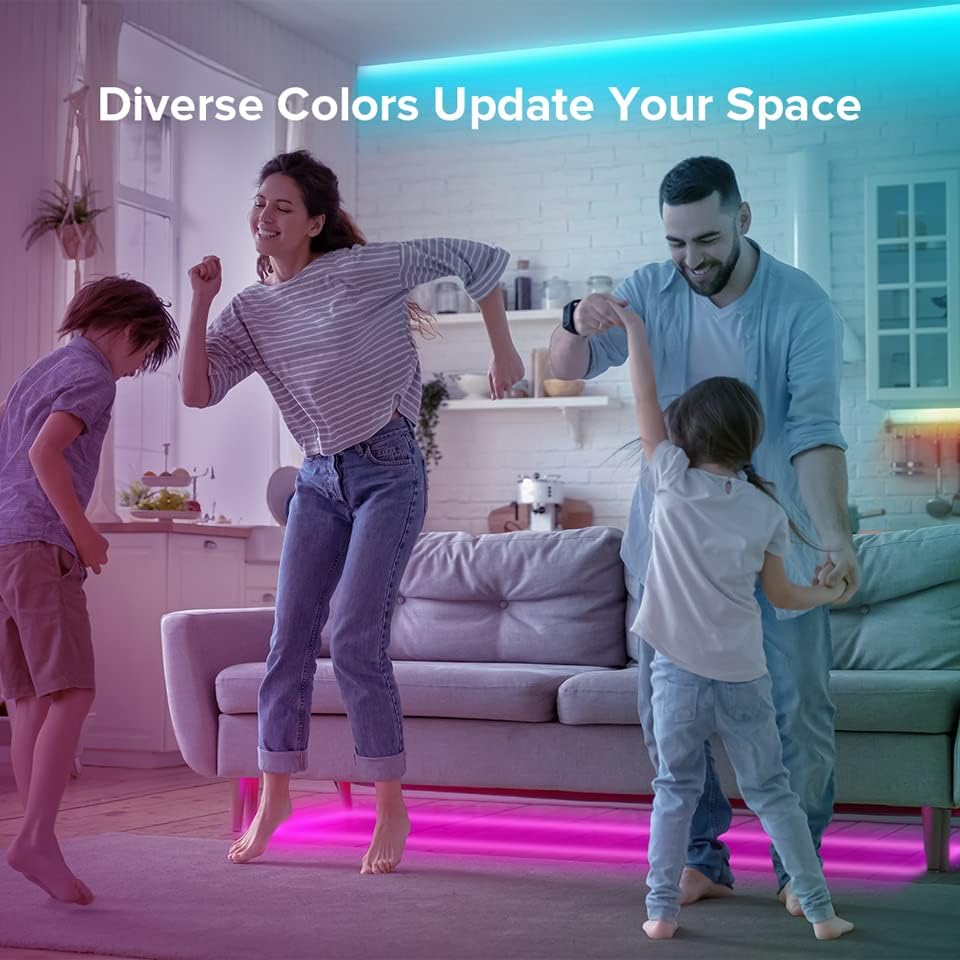
Image 6: A family enjoying a living space illuminated with diverse, vibrant LED colors, demonstrating the aesthetic versatility of the controller.
8. Uyğunluq
The SP621E controller is compatible with common single-line LED driver ICs, including:
- WS2811
- WS2812B
- WS2812
- WS2813
It can drive up to 600 pixels, supporting various LED strip, module, and lamp konfiqurasiyalar.
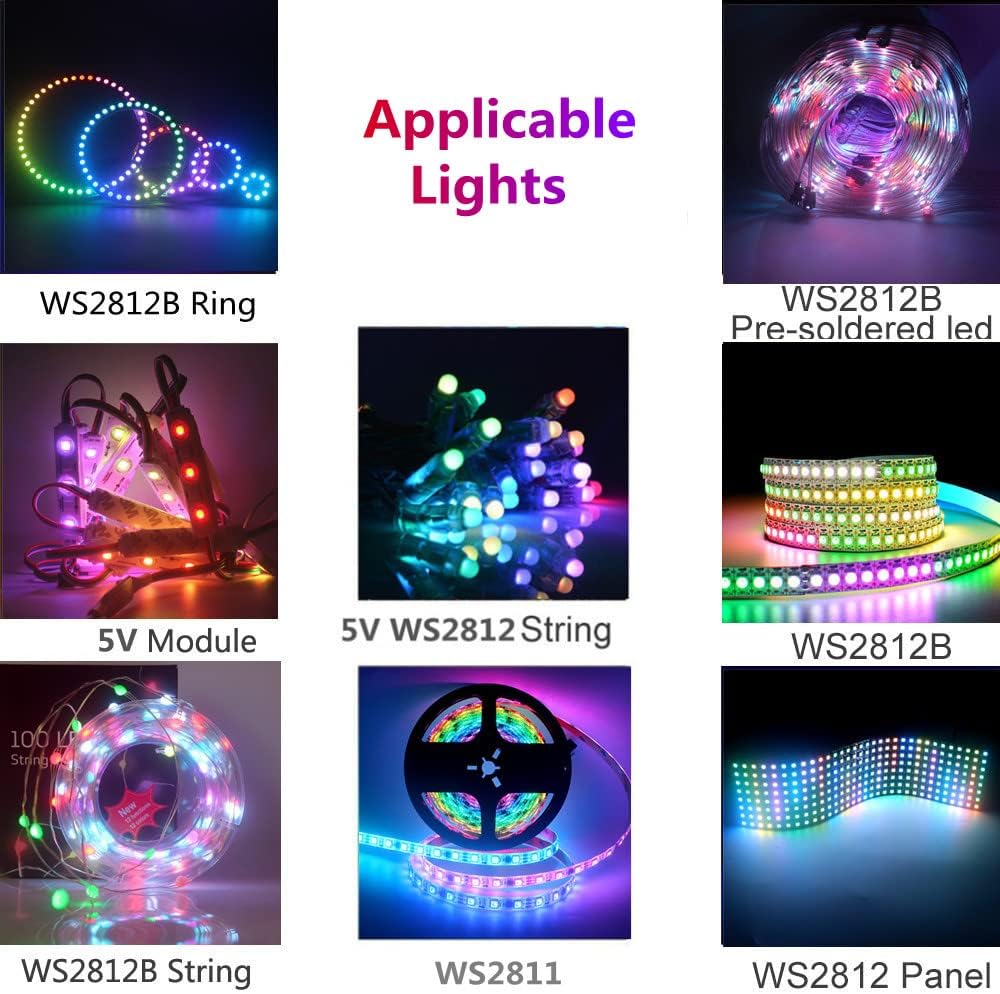
Image 7: A collage showing various types of addressable LED lights compatible with the SP621E controller, such as WS2812B rings, pre-soldered LEDs, 5V modules, and LED panels.
9. Spesifikasiyalar
| İşləmə temperaturu | -20℃ ~ 60℃ |
| İşçi cildtage | DC5V ~ 24V |
| Onboard Current | 2.9A |
| Max Pixels Driven | 600 piksel |
| Nəzarət metodu | Bluetooth App (SceneX) |
| Tətbiq Uyğunluğu | iOS 10.0+, Android 4.4+ |
| Dinamik effektlər | 142 daxili |
| Music Effects | 18 daxili |
10. Giderme
- İşıqlar yanmır: Enerji təchizatı bağlantısını və səsini yoxlayıntage. Ensure LED strip is correctly wired to the controller.
- Yanlış rənglər: Use the RGB channel sequence calibration function in the 'SceneX' app to adjust the color order.
- Tətbiq qoşulmur: Ensure Bluetooth is enabled on your phone. Restart the app and the controller. Verify your phone meets the minimum OS requirements.
- Effects not working: Check if the LED strip type is compatible with the controller. Ensure the app is properly connected and commands are being sent.
11. Baxım
The SP621E controller requires minimal maintenance:
- Cihazı təmiz və tozdan təmiz saxlayın.
- Avoid exposing it to direct sunlight or high humidity.
- Do not attempt to open or repair the controller yourself, as this may void any potential warranty.
12. Zəmanət və Dəstək
For warranty information or technical support, please refer to the retailer's policy or contact TOPXCDZ customer service. Keep your purchase receipt for proof of purchase.

