1. Giriş
The MAUL Commercial Calculator MXL16 is designed for commercial use, offering a stable and resilient build with an extra-large case (20.5 x 15.5 cm) for comfortable operation. It features a large, angled 16-digit display for improved readability and large, distinctively colored buttons for quick and accurate input. This calculator combines precision and reliability for both desk and mobile use.
Əsas xüsusiyyətlərə aşağıdakılar daxildir:
- 16-digit LCD display with 1 line.
- Angled display for optimal viewing.
- Solar and battery powered (LR44 battery included).
- Automatic shut-off to conserve energy.
- Comprehensive functions including tax calculation, 3-button memory, root calculation, and percentage.
- Durable plastic buttons for easy cleaning.
2. Quraşdırma
2.1 Enerji Mənbəyi
The MAUL MXL16 calculator operates using both solar power and a single LR44 battery. The solar panel provides power in well-lit environments, while the battery ensures operation when light is insufficient. An LR44 battery is included with the calculator.

Şəkil 2.1: Aşağı view of the calculator, indicating the battery compartment.
2.2 İlkin İstifadə
Upon first use, ensure the calculator is exposed to adequate light for solar power or that the included LR44 battery is correctly installed. The calculator features an automatic shut-off function to conserve power when not in use.

Şəkil 2.2: Yan view showing the angled display for better reading.
3. Əməliyyat Təlimatları
The MAUL MXL16 calculator provides a range of functions for commercial calculations. The buttons are color-coded for easier identification and faster operation.
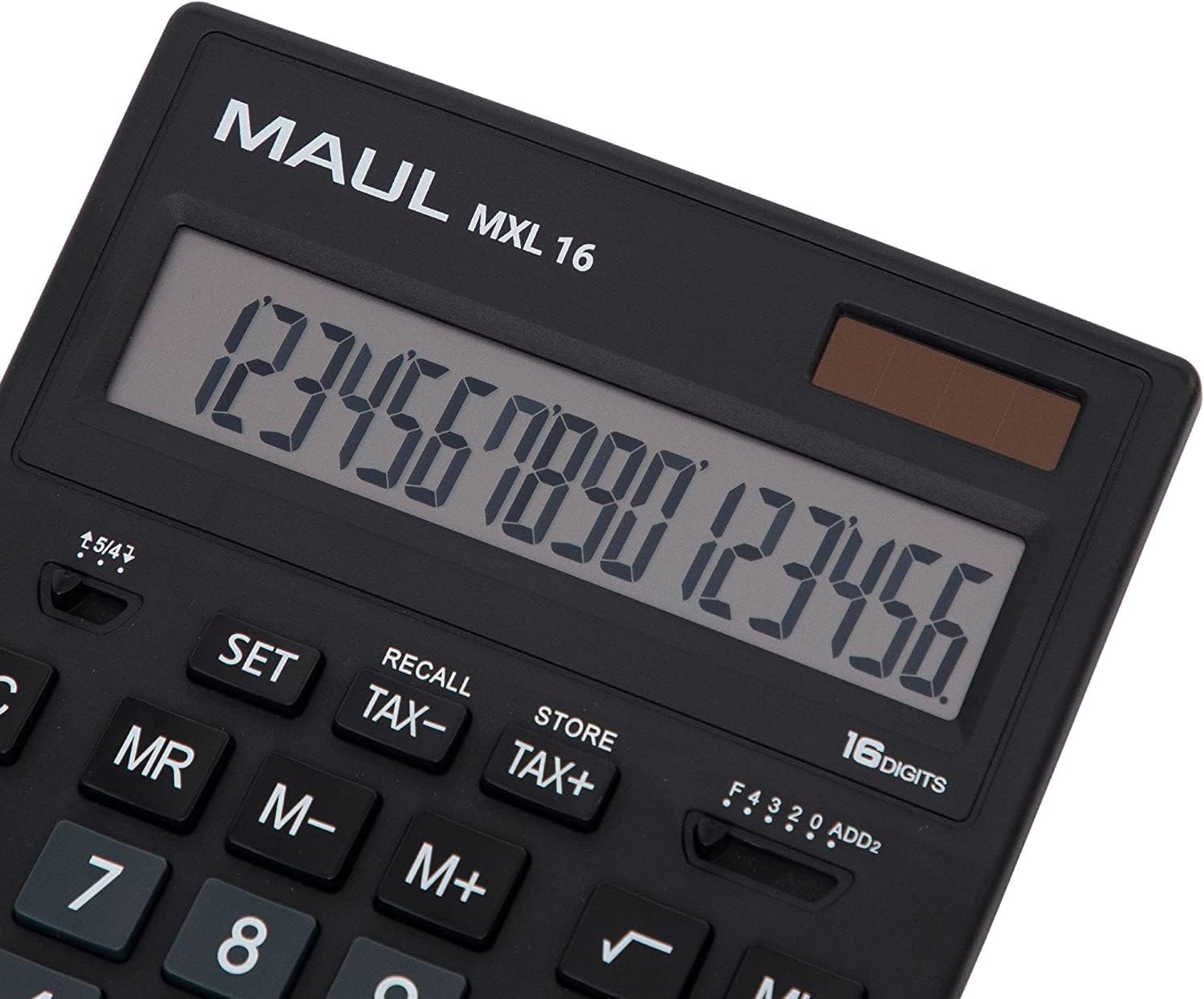
Şəkil 3.1: Display and key layout of the MAUL MXL16.
3.1 Əsas əməliyyatlar
- ON/AC: Turns the calculator on or clears all entries and memory.
- CE/C: Clears the last entered number or the current calculation without affecting memory. Pressing twice may clear all.
- Nömrə Düymələri (0-9): Input numerical values.
- Decimal Point (.): Onluq nöqtəni daxil edir.
- Arithmetic Operators (+, -, ×, ÷): Perform addition, subtraction, multiplication, and division.
- Bərabərlər (=): Displays the result of a calculation.
3.2 Xüsusi funksiyalar
- Vergi hesablanması (VERGİ+, TAX-): Allows for easy calculation of prices with or without tax. Use the SET button to configure the tax rate.
- Memory Functions (MR, M-, M+):
- M+: Göstərilən dəyəri yaddaşa əlavə edir.
- M-: Göstərilən dəyəri yaddaşdan çıxarır.
- MR: Recalls the value stored in memory.
- MC: Clears the memory (often by pressing MR twice or a dedicated MC button).
- Root Calculation (√): Göstərilən ədədin kvadrat kökünü hesablayır.
- Faiztage (%): Faiz yerinə yetirirtage hesablamalar.
- İşarənin dəyişdirilməsi (+/-): Changes the sign of the displayed number (positive to negative, or vice versa).
- Double Zero (00) / Triple Zero (000): For quick entry of multiple zeros.
- Comma Selector Switch: Adjusts the decimal point display.
- Automatic Rounding: Allows selection of how numbers are rounded (e.g., up, down, or standard).
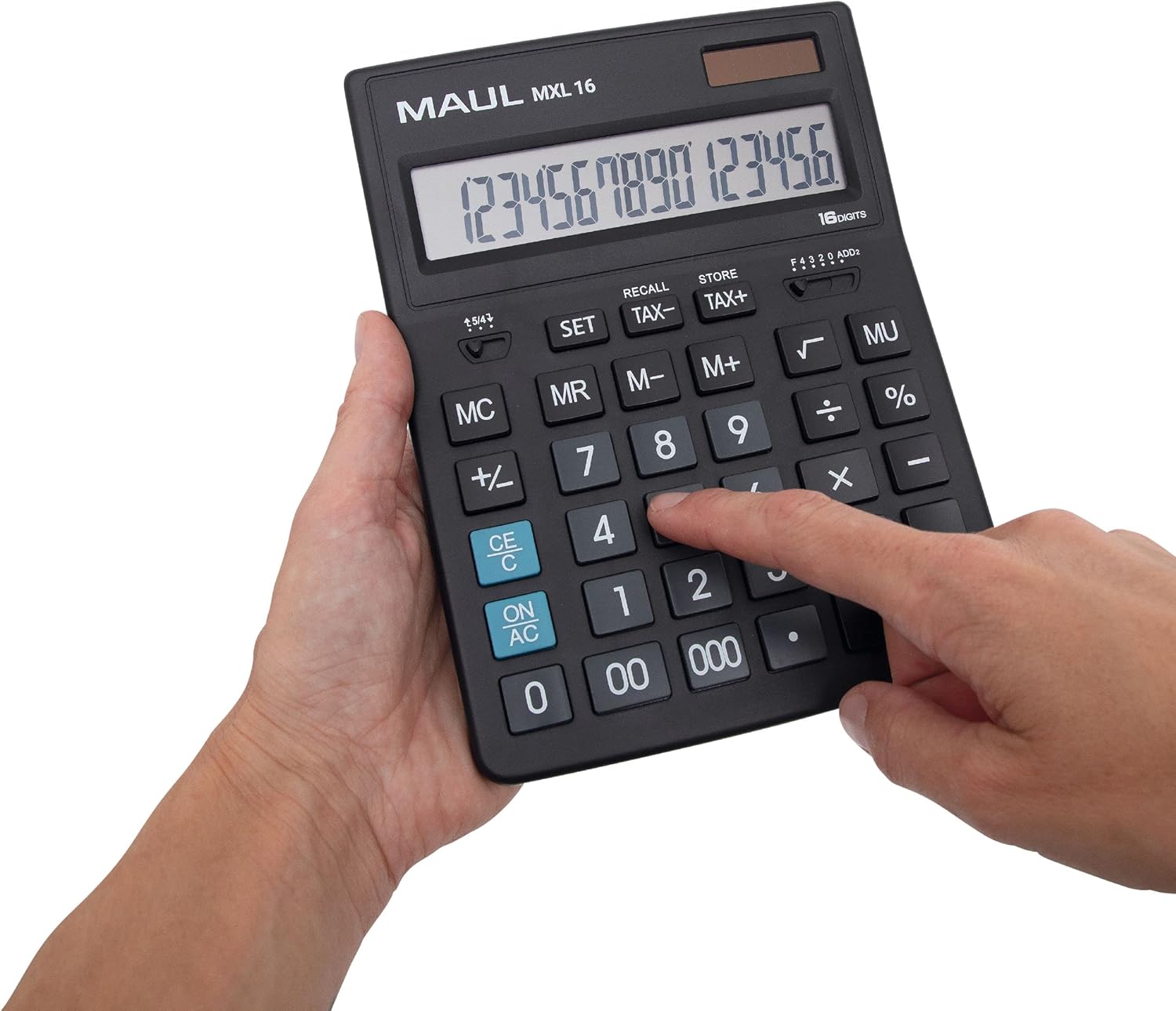
Şəkil 3.2: User interacting with the calculator keys.
4. Baxım
The MAUL MXL16 calculator is designed for durability with sturdy plastic buttons that are easy to clean.
- Təmizləmə: Use a soft, dry cloth to wipe the calculator's surface and keys. For stubborn dirt, a slightly damp Cihaza mayenin daxil olmamasını təmin etmək üçün yumşaq sabunlu parça istifadə edilə bilər.
- Yaddaş: Kalkulyatoru birbaşa günəş işığından və həddindən artıq temperaturdan uzaq sərin, quru yerdə saxlayın.
- Batareyanın dəyişdirilməsi: If the display becomes dim or the calculator functions intermittently in low light, the LR44 battery may need replacement. Refer to the battery compartment on the underside of the calculator for access.
5. Giderme
- Kalkulyator açılmır:
- Ensure the calculator is exposed to sufficient light for solar power.
- Check if the LR44 battery is correctly installed and has sufficient charge. Replace if necessary.
- Incorrect calculations:
- Press the ON/AC button to clear all previous entries and memory, then re-enter the calculation.
- Verify the correct input of numbers and operations.
- Ekran tutqun və ya titrəyir:
- Ensure adequate lighting for the solar panel.
- LR44 batareyasını dəyişdirin.
6. Spesifikasiyalar
| Model Adı | MXL16 |
| Model nömrəsi | 7267890 |
| Ekran | 16 Digits, 1 Line LCD, Angled |
| Ölçülər (U x W) | 20.5 x 15.5 sm |
| Güc mənbəyi | Solar and 1 x LR44 Battery (included) |
| Material | Plastic (housing and buttons) |
| Funksiyalar | Tax calculation, 3-button memory, Root, Percent, Sign change, Automatic rounding, Double/Triple zero buttons, Comma selector switch |
| Avtomatik bağlanma | Bəli |
7. Zəmanət
The MAUL Commercial Calculator MXL16 comes with a 5 il zəmanətZəmanət tələbləri üçün alış sənədinizi saxlayın. Zəmanət normal istifadə şəraitində istehsal qüsurlarını əhatə edir.
8. Dəstək
For further assistance, technical support, or warranty inquiries, please contact your retailer or the MAUL customer service department. Refer to the product packaging or the MAUL official webəlaqə məlumatı üçün sayt.


