1. Giriş
This manual provides comprehensive instructions for the safe and efficient use of your MARKLIFE P50 Portable Bluetooth Thermal Label Printer. Please read this manual thoroughly before operating the device and retain it for future reference.
2. Təhlükəsizlik Məlumatı
- Cihazı sökməyin, təmir etməyin və ya dəyişdirməyin.
- Cihazı sudan, nəmdən və yüksək temperaturdan uzaq saxlayın.
- Use only MARKLIFE approved labels and accessories.
- Çapdan dərhal sonra çap başlığına toxunmaqdan çəkinin, çünki isti ola bilər.
- Uşaqların əli çatmayan yerdə saxlayın.
3. Paketin məzmunu
Bütün əşyaların paketinizdə olduğunu yoxlayın:
- MARKLIFE P50 etiket printeri
- 3 Rolls of Labels (2x 1.57"x1.18" white gap labels, 1x 2"x2" circle gap label)
- USB-C şarj kabeli
- İstifadəçi Təlimatı (bu sənəd)
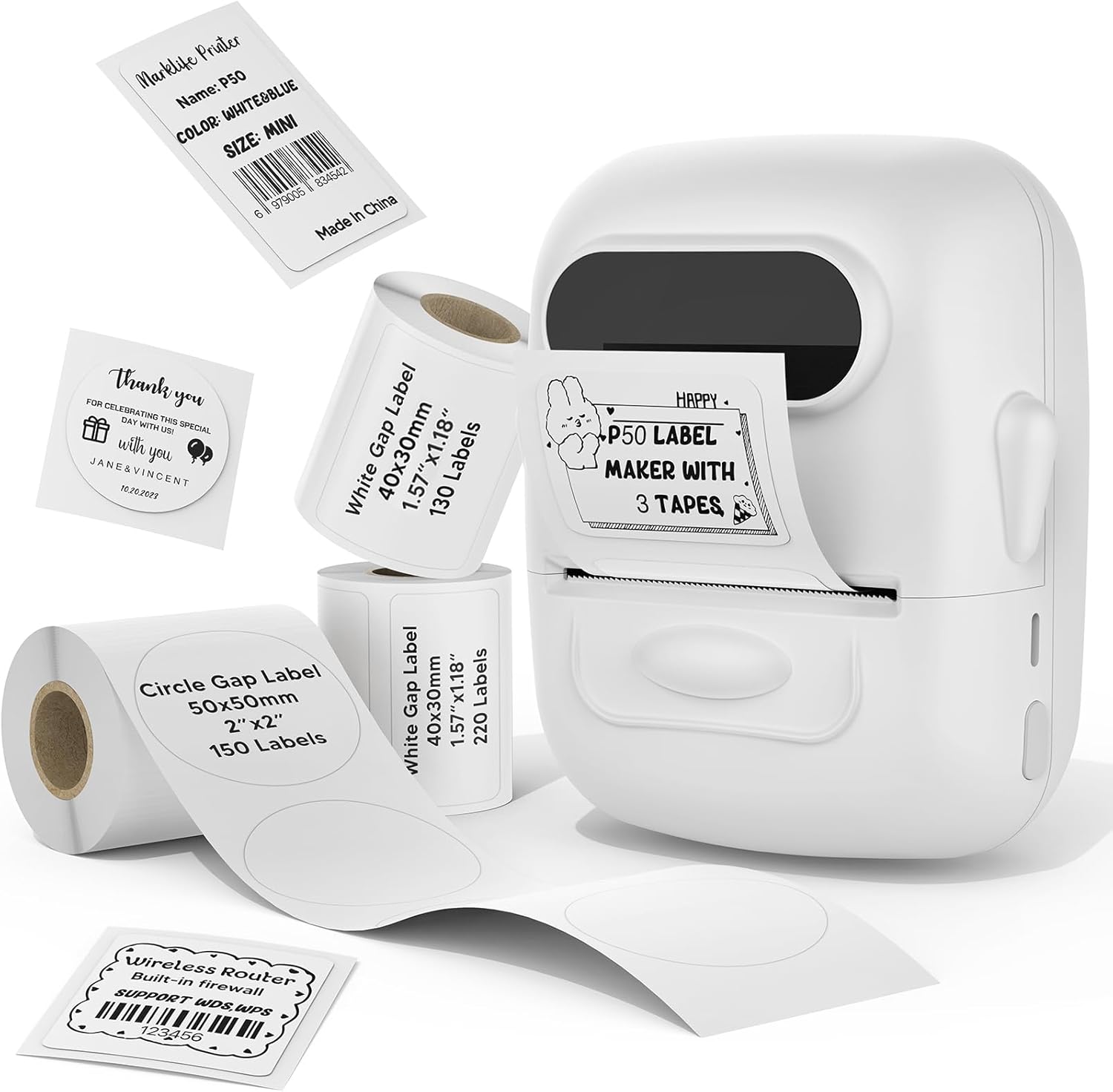
Image: MARKLIFE P50 Label Printer and various label rolls included in the package.
4. Məhsul bitdiview
The MARKLIFE P50 is a compact, portable thermal label printer designed for various labeling needs. It connects wirelessly via Bluetooth to your smartphone or tablet and can also connect to a Windows PC via USB. It utilizes thermal printing technology, requiring no ink, and supports black and white printing only.

Image: The MARKLIFE P50 printer being placed into a handbag, highlighting its portable design and built-in 1200mAh battery with Type-C charging.
5. Quraşdırma
5.1 Cihazın doldurulması
Before first use, fully charge the printer using the provided USB-C cable and a compatible power adapter (not included). The charging indicator light will show the charging status.
5.2 Etiketlərin yüklənməsi
- Open the label compartment cover.
- Insert the label roll with the printing surface facing upwards.
- Ensure the label edge is aligned and extends slightly out of the printer slot.
- Close the cover firmly. The printer will automatically detect the label type and size.

Image: Illustration of label loading and compatible label widths (0.59 to 2.24 inches) for the P50 printer.
5.3 App Installation and Bluetooth Pairing (for Mobile Devices)
- Download the "Marklife" app from your device's app store (iOS or Android).
- Turn on the P50 printer.
- Smartfonunuzda və ya tabletinizdə Bluetooth -u aktiv edin.
- Open the Marklife app and follow the on-screen instructions to connect to your P50 printer. The app will typically detect the printer automatically.
5.4 PC Connection (for Windows)
For Windows PC connectivity, download the official software from the MARKLIFE website. Connect the printer to your PC using the USB-C cable. The software will guide you through the printing process.

Image: The P50 label printer connected to both a laptop and a smartphone, illustrating its support for mobile and PC devices.
6. Əməliyyat
6.1 Basic Printing (via App)
- Ensure the printer is powered on and connected to the Marklife app.
- Select a template or create a new label design within the app.
- Enter your desired text, add images, barcodes, or QR codes.
- Adjust print settings (e.g., quantity, density) as needed.
- Tap the "Print" button in the app to initiate printing.

Image: Various label applications, such as clothing tags with barcodes, handmade soap labels, and price tags for baked goods, demonstrating the printer's versatility.
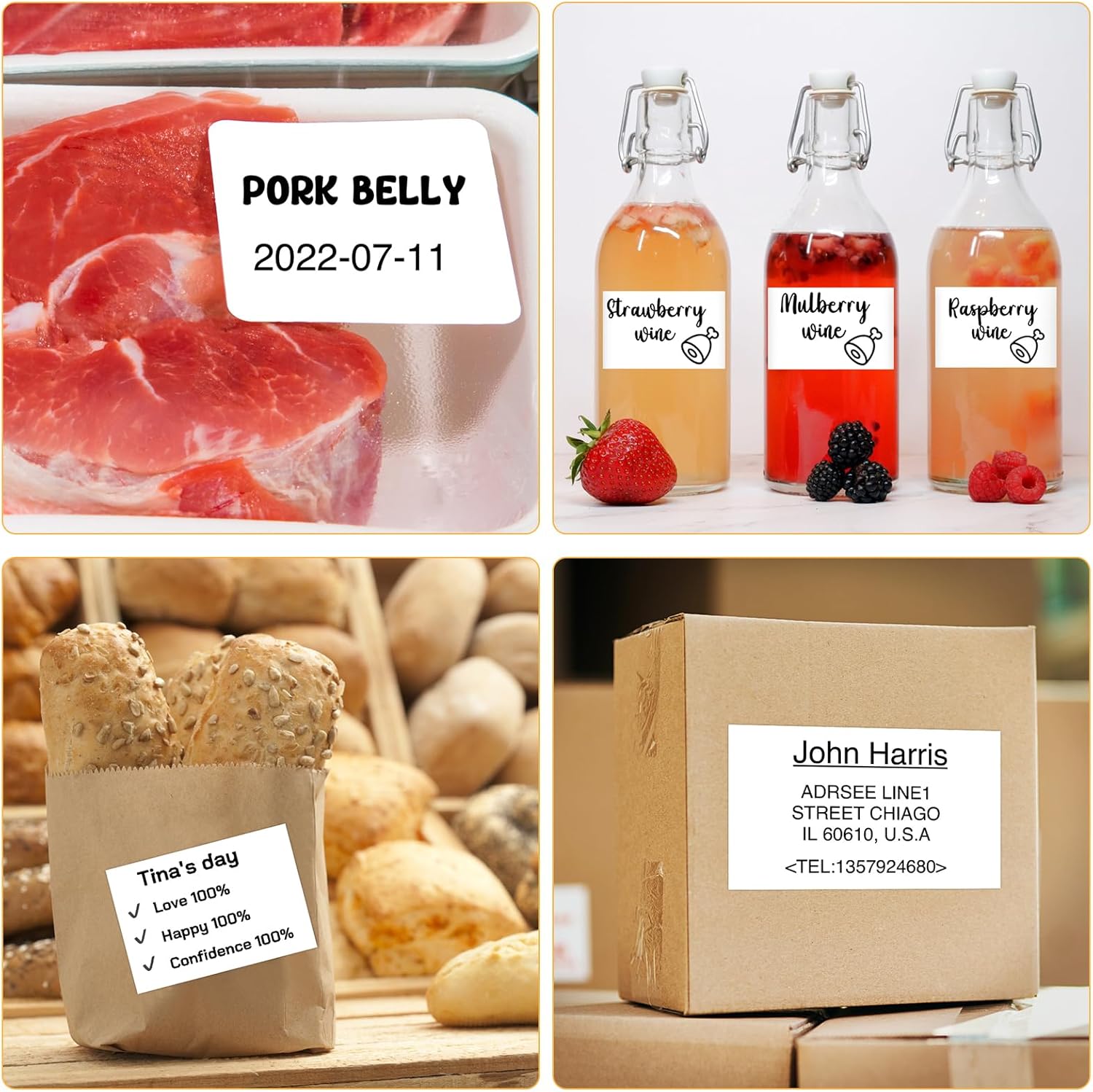
Şəkil: Məsamples of labels for food items (pork belly, beverages) and a shipping address label, showcasing different label content possibilities.
6.2 Toplu çap
The Marklife app supports batch printing for multiple copies of the same label or sequential labels. Refer to the app's specific instructions for detailed steps on batch printing functionality.

Image: The MARKLIFE P50 printer actively printing multiple barcode labels in a batch, demonstrating stable printing over a long duration.
7. Baxım
- Çap başlığının təmizlənməsi: Yumşaq, tüysüz parçadan yüngülcə istifadə edin dampened with alcohol to gently wipe the print head. Ensure the printer is off and cooled down before cleaning.
- Xarici Təmizləmə: Wipe the printer's exterior with a soft, dry cloth. Do not use harsh chemicals.
- Etiket Yaddaşı: Store label rolls in a cool, dry place away from direct sunlight to preserve their quality.
8. Giderme
| Problem | Mümkün Səbəb | Həll |
|---|---|---|
| Printer açılmır | Aşağı batareya və ya enerji problemi | Charge the printer using the USB-C cable. |
| Bluetooth vasitəsilə qoşulmaq mümkün deyil | Bluetooth off, app issue, or printer not discoverable | Ensure Bluetooth is enabled on your device. Restart the printer and the app. Try re-pairing. |
| Zəif çap keyfiyyəti | Dirty print head, incorrect label loading, or low print density setting | Clean the print head. Re-load labels correctly. Adjust print density in the app. |
| Etiketlər düzgün qidalanmır | Improper label loading or label jam | Open the cover, re-seat the label roll, ensuring it's aligned. Clear any jammed labels. |
9. Spesifikasiyalar
| Xüsusiyyət | Detal |
|---|---|
| Model | P50 |
| Çap texnologiyası | Termal |
| Bağlantı | Bluetooth, USB |
| Uyğun Cihazlar | Android, iOS, Windows PC |
| Maksimum Media Ölçüsü | 2 düym (57 mm) |
| Print Width Range | 0.59" - 2.24" (15mm - 57mm) |
| Printer Çıxışı | Monochrome (Black & White) |
| Batareya | Built-in 1200mAh (rechargeable) |
| Doldurma Portu | USB-C |
| Məhsul Ölçüləri | 4"D x 3"W x 2"H (təxminən) |
| Maddə Çəkisi | 6 unsiya (təxminən) |
10. Zəmanət və Dəstək
The MARKLIFE P50 Label Printer comes with a limited warranty. For warranty details, technical support, or customer service inquiries, please refer to the official MARKLIFE websaytına daxil olun və ya birbaşa müştəri dəstəyi ilə əlaqə saxlayın. Satınalma qəbzini alışın sübutu olaraq saxlayın.
İstehsalçı: MARKLIFE


