1. Giriş
The BuzzTV B5 is an advanced Android 11 TV Box designed to deliver a superior 4K UHD streaming experience. This device allows you to access a wide range of entertainment, including movies, TV shows, and applications, directly on your television. This manual provides essential information for the proper setup, operation, maintenance, and troubleshooting of your BuzzTV B5.
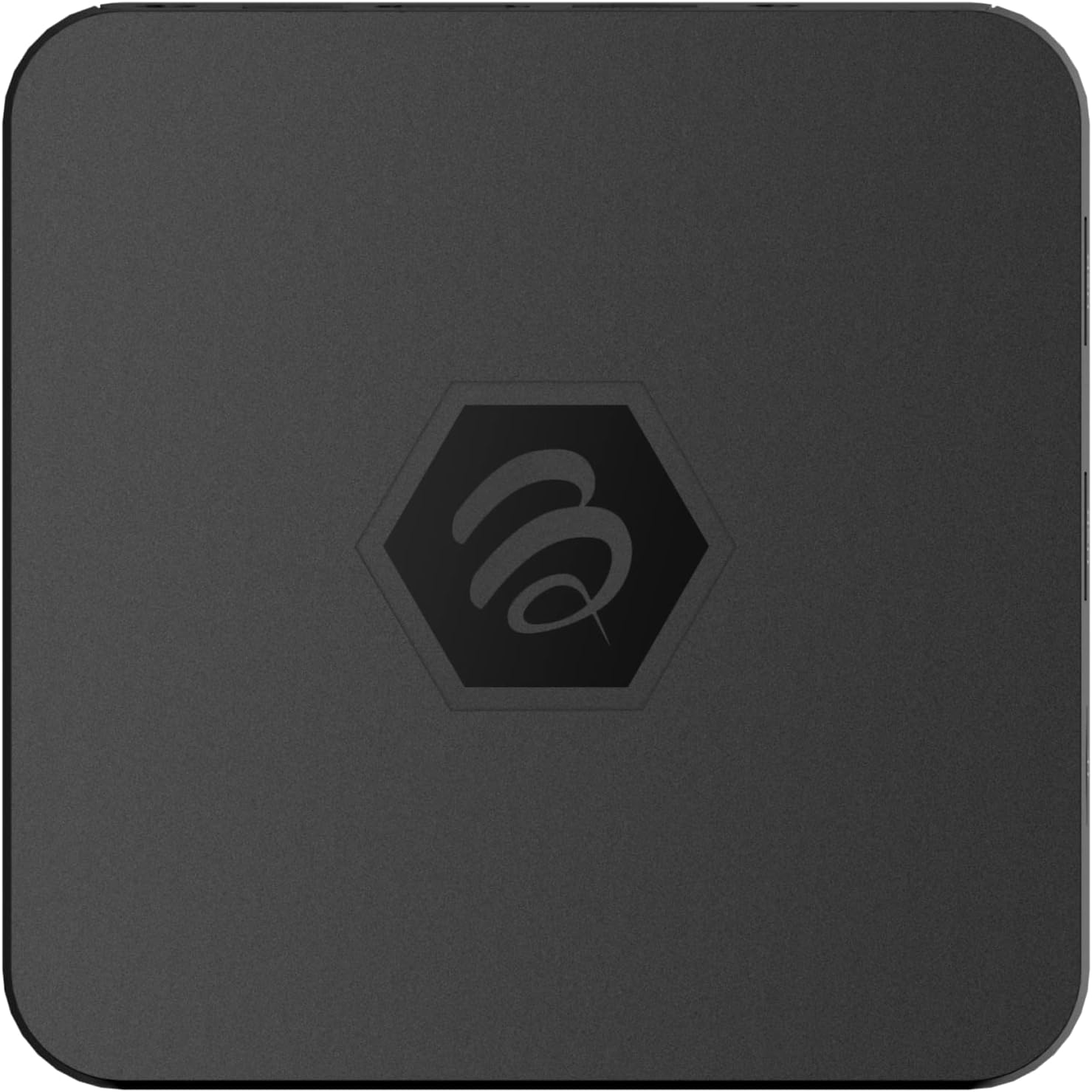
Şəkil 1.1: Yuxarı view of the BuzzTV B5 Android 11 TV Box.
2. Paketin məzmunu
Please verify that all items listed below are included in your BuzzTV B5 package:
- BuzzTV B5 Set Top Box
- IR-100 Remote Control
- Elektrik təchizatı Adapteri
- 2x AAA Batareyalar (uzaqdan idarəetmə üçün)
- HDMI Kabel
- İstifadəçi Təlimatı (bu sənəd)

Image 2.1: Contents included in the BuzzTV B5 retail package.
3. Quraşdırma Bələdçisi
Follow these steps to set up your BuzzTV B5 TV Box:
- TV-yə qoşulun: Connect one end of the provided HDMI cable to the HDMI port on the BuzzTV B5 and the other end to an available HDMI input on your television.
- Güc bağlayın: Plug the power supply adapter into the DC 5V port on the BuzzTV B5, then plug the adapter into a wall outlet. The device should power on automatically or can be powered on using the remote control.
- Batareyaları Uzaqdan Pulta Yerləşdirin: Open the battery compartment on the back of the IR-100 Remote Control and insert the two AAA batteries, ensuring correct polarity (+/-).
- Şəbəkə bağlantısı: Once the device boots up, follow the on-screen instructions to connect to your network. You can choose between Wi-Fi (wireless) or Ethernet (wired) connection. For a wired connection, connect an Ethernet cable from your router to the Ethernet port on the BuzzTV B5.
- İlkin Quraşdırma: Complete the initial Android setup process, which may include language selection, Google account login, and time zone settings.

Image 3.1: Rear ports of the BuzzTV B5 for connectivity.
4. Əməliyyat Təlimatları
The BuzzTV B5 operates on Android 11, providing a user-friendly interface for navigation and content access.
4.1 Uzaqdan İdarəetmə Funksiyaları
The IR-100 Remote Control is your primary interface for the BuzzTV B5. Key functions include:
- Güc düyməsi: Cihazı yandırır və ya söndürür.
- Naviqasiya paneli (yuxarı/aşağı/sol/sağ/OK): Menyularda naviqasiya etmək və elementləri seçmək üçün istifadə olunur.
- Geri düyməsi: Əvvəlki ekrana və ya menyuya qayıdır.
- Ev düyməsi: Əsas Android ana ekranına qayıdır.
- Səs Düymələri: Səs səviyyəsini tənzimləyir.
- App/Menu Buttons: Accesses specific applications or context menus.

Image 4.1: Layout of the IR-100 Remote Control.
4.2 Proqramlara daxil olmaq
From the home screen, you can access pre-installed applications like Netflix and YouTube, or download new applications from the Google Play Store. Use the navigation pad on your remote to select and launch applications.
4.3 4K UHD Streaming
The BuzzTV B5 supports 4K UHD resolution. Ensure your television is 4K compatible and that you are using a high-speed HDMI cable for optimal picture quality. Streaming quality will also depend on your internet connection speed and the content source.
5. Baxım
To ensure the longevity and optimal performance of your BuzzTV B5, consider the following maintenance tips:
- Təmizləmə: Cihazın xarici hissəsini təmizləmək üçün yumşaq, quru bir parça istifadə edin. Maye təmizləyicilərdən və ya aşındırıcı materiallardan istifadə etməyin.
- Havalandırma: Həddindən artıq istiləşmənin qarşısını almaq üçün cihazın yaxşı havalandırılan bir yerə qoyulduğundan əmin olun. Havalandırma dəliklərini örtməyin.
- Proqram təminatı yeniləmələri: Periodically check for and install system updates to benefit from new features, performance improvements, and security patches. These can usually be found in the device's settings menu.
- Güc dövrü: Cihaz cavab verməzsə, enerji adapterini ayırın, 10 saniyə gözləyin və sonra enerji dövrəsini yerinə yetirmək üçün yenidən qoşun.
6. Giderme
If you encounter issues with your BuzzTV B5, refer to the following common problems and solutions:
| Problem | Mümkün Səbəb | Həll |
|---|---|---|
| Güc yoxdur | Elektrik adapteri qoşulmayıb; rozetka işləmir. | Elektrik adapterinin cihaza və işləyən elektrik rozetkasına etibarlı şəkildə qoşulduğundan əmin olun. Başqa bir rozetka sınayın. |
| Televizorda siqnal yoxdur | Incorrect HDMI input selected; faulty HDMI cable. | Select the correct HDMI input on your TV. Check HDMI cable connections or try a different HDMI cable. |
| Uzaqdan İdarəetmə Cavab Vermir | Ölü batareyalar; pult qoşalaşdırılmayıb (əgər varsa); maneə. | Replace AAA batteries. Ensure no obstructions between remote and device. |
| Şəbəkə Bağlantısı Problemləri | Yanlış Wi-Fi parolu; router problemləri; zəif siqnal. | Verify Wi-Fi password. Restart your router. Move the device closer to the router or use an Ethernet cable. |
| Applications Crashing/Freezing | Insufficient memory; outdated app; software glitch. | Close background apps. Update the app or the device's firmware. Clear app cache/data in settings. |
7. Spesifikasiyalar
Detailed technical specifications for the BuzzTV B5 Android 11 TV Box:
- Əməliyyat sistemi: Android OS 11
- CPU: Amlogic S905W2 Quad-Core A-35
- GPU: Mali-G31 MP2
- RAM: 2 GB DDR
- Yaddaş: 16 GB eMMC
- Wi-Fi: Dual Band AC
- LAN: 10/100 Mbps Ethernet
- Bluetooth: 4.2
- USB Portları: 2x USB 2.0
- MicroSD yuvası: 1
- Güc interfeysi: DC 5V
- HDMI çıxışı: 1
- Optik Audio Çıxış: 1
- Çıxış qətnaməsi: 4K (32 FPS)
- Ölçülər: 9.06 x 5.63 x 2.32 düym
- Maddə çəkisi: 1.01 funt sterlinq

Image 7.1: BuzzTV B5 with a summary of its technical specifications.
8. Zəmanət Məlumatı
For detailed warranty information regarding your BuzzTV B5, please refer to the warranty card included in your product packaging or visit the official BuzzTV websayt. Zəmanət şərtləri regiona və satıcıya görə dəyişə bilər.
9. Dəstək
If you require further assistance or have questions not covered in this manual, please contact BuzzTV customer support or visit their official website for FAQs, software downloads, and additional resources.
BuzzTV Official Websayt: www.buzztv.com


