Giriş
This manual provides detailed instructions for the safe and efficient use of your LENRUE F13 Portable Bluetooth Speaker. Please read this manual thoroughly before operating the device and retain it for future reference.
Məhsul Bitdiview
Paketin məzmunu
- LENRUE F13 Portable Bluetooth Speaker
- USB şarj kabeli
- Çıxarılan Lanyard
- İstifadəçi təlimatı
Dinamik Komponentləri və İdarəetmələri
Familiarize yourself with the various parts and controls of your LENRUE F13 speaker:

Şəkil 1: Ön view of the LENRUE F13 speaker, showcasing its compact design and metal grille.

Şəkil 2: Üst view of the speaker, highlighting the sound output grille.

Şəkil 3: Yan view showing the control buttons for volume, track navigation, and power.
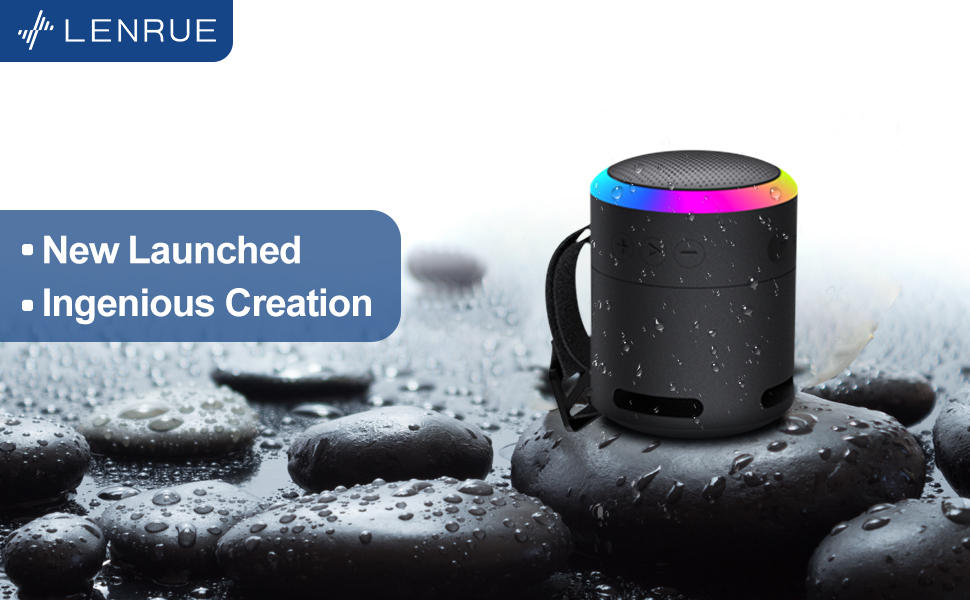
Şəkil 4: Partladı view illustrating the internal 5W high-performance driver and passive subwoofer for clear sound.
The speaker features a sleek metal design with a stainless steel line around its body. The top surface is metal, where the sound is emitted. On the bottom, you will find the main control buttons:
- Güc düyməsi: Located in the center, used to power the device on/off.
- Oynat/Pauza düyməsi: Audionun səsləndirilməsinə nəzarət edir.
- Səs Artırma / Növbəti Track Düyməsi: Increases volume or skips to the next song.
- Səs azaltma / Əvvəlki trek düyməsi: Decreases volume or goes to the previous song.
- İşıq rejimi düyməsi: Changes the colorful LED light modes.
On the rear side of the speaker, you will find the charging input (USB-C) and an auxiliary input port. A small slot is also present for attaching the included lanyard, allowing for easy portability.
Quraşdırma
Dinamikin doldurulması
- Verilən USB şarj kabelini dinamikin USB-C portuna qoşun.
- USB kabelin digər ucunu uyğun USB güc adapterinə (daxil deyil) və ya kompüterin USB portuna qoşun.
- The LED indicator will show charging status. Allow sufficient time for a full charge before first use.
Yandırılır/Söndürülür
- Yandırmaq üçün: Press and hold the Power button (center button on the bottom) for a few seconds until the LED lights illuminate and an audible prompt is heard.
- Söndürmək üçün: Press and hold the Power button again for a few seconds until the LED lights turn off and an audible prompt is heard.
Əməliyyat Təlimatları
Bluetooth Cütləşdirmə
The LENRUE F13 speaker uses Bluetooth 5.0 for stable wireless connection up to 33 feet (10 meters).
- Ensure the speaker is powered on and in pairing mode (LED lights will typically flash).
- Smartfon və ya planşetinizdə Bluetooth-u aktiv edin və mövcud cihazları axtarın.
- Select "LENRUE F13" (or similar name) from the list of devices.
- Once paired, the speaker will indicate a successful connection, and the LED lights may change to a steady pattern.
Audio Oynatma
- Oynat/Pauza: Play/Pause düyməsini bir dəfə basın.
- Həcmi artır: "+" düyməsini basın.
- Səs azaldı: "-" düyməsini basın.
- Növbəti trek: "+" düyməsini basıb saxlayın.
- Əvvəlki Track: "-" düyməsini basıb saxlayın.
Rəngli İşıq Rejimləri
The speaker features colorful LED lights to enhance your listening experience.
- Dəyişiklik rejimi: Press the Light Mode button (located on the bottom, opposite the Power button) to cycle through different light patterns and colors.
- İşıqları söndürün: Press and hold the Light Mode button to turn off the LED lights.
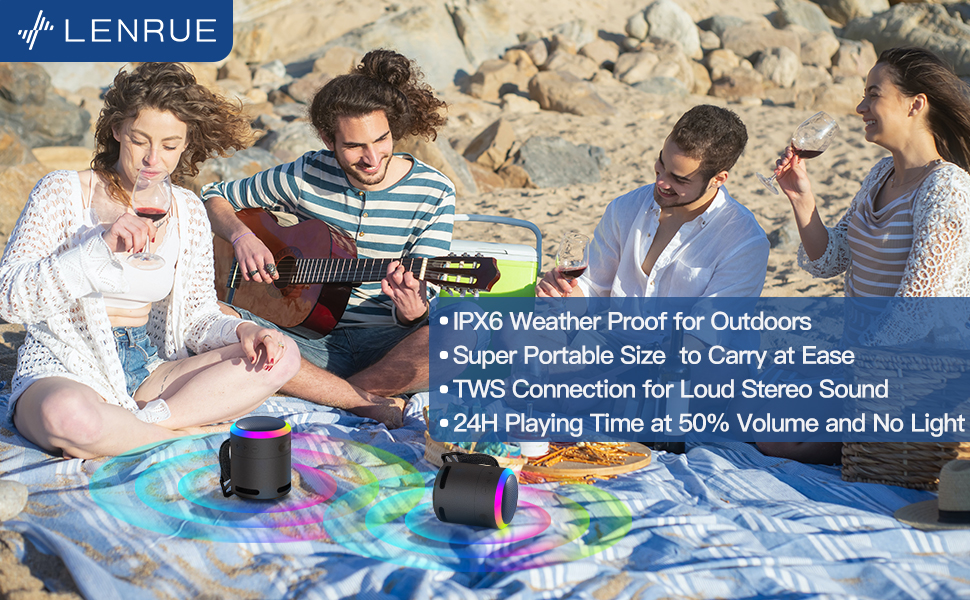
Şəkil 5: The speaker's colorful lights create an ambient atmosphere, ideal for relaxation or social gatherings.
Həqiqi Simsiz Stereo (TWS) Cütləşmə
If you have two LENRUE F13 speakers, you can pair them together for a true wireless stereo experience.
- Hər iki dinamikin işə salındığından və başqa Bluetooth cihazına qoşulmadığından əmin olun.
- On one speaker (the master speaker), press and hold the Light Mode button for 3 seconds to enter TWS pairing mode.
- Dinamiklər avtomatik olaraq bir-birinə qoşulacaq. Qoşulduqdan sonra onlar stereo cütlük kimi fəaliyyət göstərəcəklər.
- Connect your device to the master speaker via Bluetooth as described above.

Şəkil 6: Two speakers connected via TWS for an enhanced stereo audio experience.
Baxım
Təmizləmə
- Dinamiki yumşaq, quru parça ilə silin.
- Aşındırıcı təmizləyicilərdən və ya həlledicilərdən istifadə etməyin.
Suya davamlılıq (IPX6)
The LENRUE F13 speaker is IPX6 waterproof, making it resistant to strong jets of water. It is suitable for use in environments like showers, by the pool, or during light rain.
- Ensure all port covers are securely closed to maintain water resistance.
- Dinamiki suya batırmayın.
- Suya məruz qaldıqdan sonra, doldurmadan əvvəl dinamiki qurulayın.
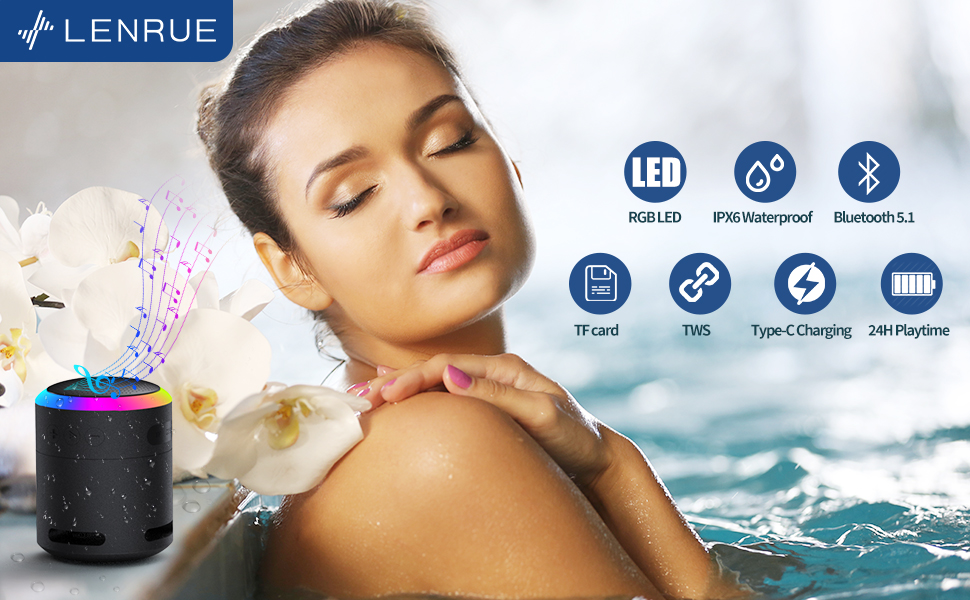
Şəkil 7: The IPX6 water resistance allows for worry-free use in various wet environments.
Problemlərin aradan qaldırılması
| Problem | Mümkün Səbəb | Həll |
|---|---|---|
| Dinamik işə düşmür | Aşağı batareya | Dinamiki tam doldurun. |
| Bluetooth vasitəsilə cütləşdirmək mümkün deyil | Dinamik qoşalaşma rejimində deyil / Cihazın Bluetooth-u söndürülüb / Cihazdan çox uzaqdadır | Ensure speaker is in pairing mode, Bluetooth is enabled on your device, and device is within 33 feet (10 meters). |
| Oynatma zamanı səs yoxdur | Volume too low / Paused / Not connected | Increase volume on both speaker and device, check if playback is paused, ensure successful Bluetooth connection. |
| TWS cütləşməsi uğursuz oldu | Speakers already paired to other devices / Too far apart | Ensure both speakers are disconnected from other devices. Place them close together and retry TWS pairing. |
Spesifikasiyalar
- Model Adı: F13
- Dinamik növü: Portativ Bluetooth Dinamik
- Dinamikin Maksimum Çıxış Gücü: 5 Vt
- Bağlantı texnologiyası: Bluetooth 5.0
- Bluetooth Aralığı: 10 Metr (33 fut)
- Suya davamlı reytinq: IPX6
- Oyun vaxtı: Up to 24 hours (at 50% volume, no LED light); 5 hours (typical use)
- Doldurma Portu: USB-C
- Xüsusi Xüsusiyyətlər: Colorful LED Lights, Metal Construction, Detachable Lanyard, TWS Pairing
- Məhsul Ölçüləri: 2.8"D x 2.8"W x 3.6"H
- Maddə çəkisi: 10.5 unsiya
Zəmanət və Dəstək
For any questions, concerns, or support needs regarding your LENRUE F13 Portable Bluetooth Speaker, please contact LENRUE customer service through the retailer where the product was purchased. Keep your purchase receipt for warranty claims.


