1. Məhsul bitdiview
Thank you for choosing the PDP AIRLITE GLOW Wired Headset. This headset is designed to provide an immersive audio experience and clear communication for gaming on Xbox Series X|S, Xbox One, and Windows 10/11 PC. Its lightweight design and comfortable earcups ensure extended use without discomfort.
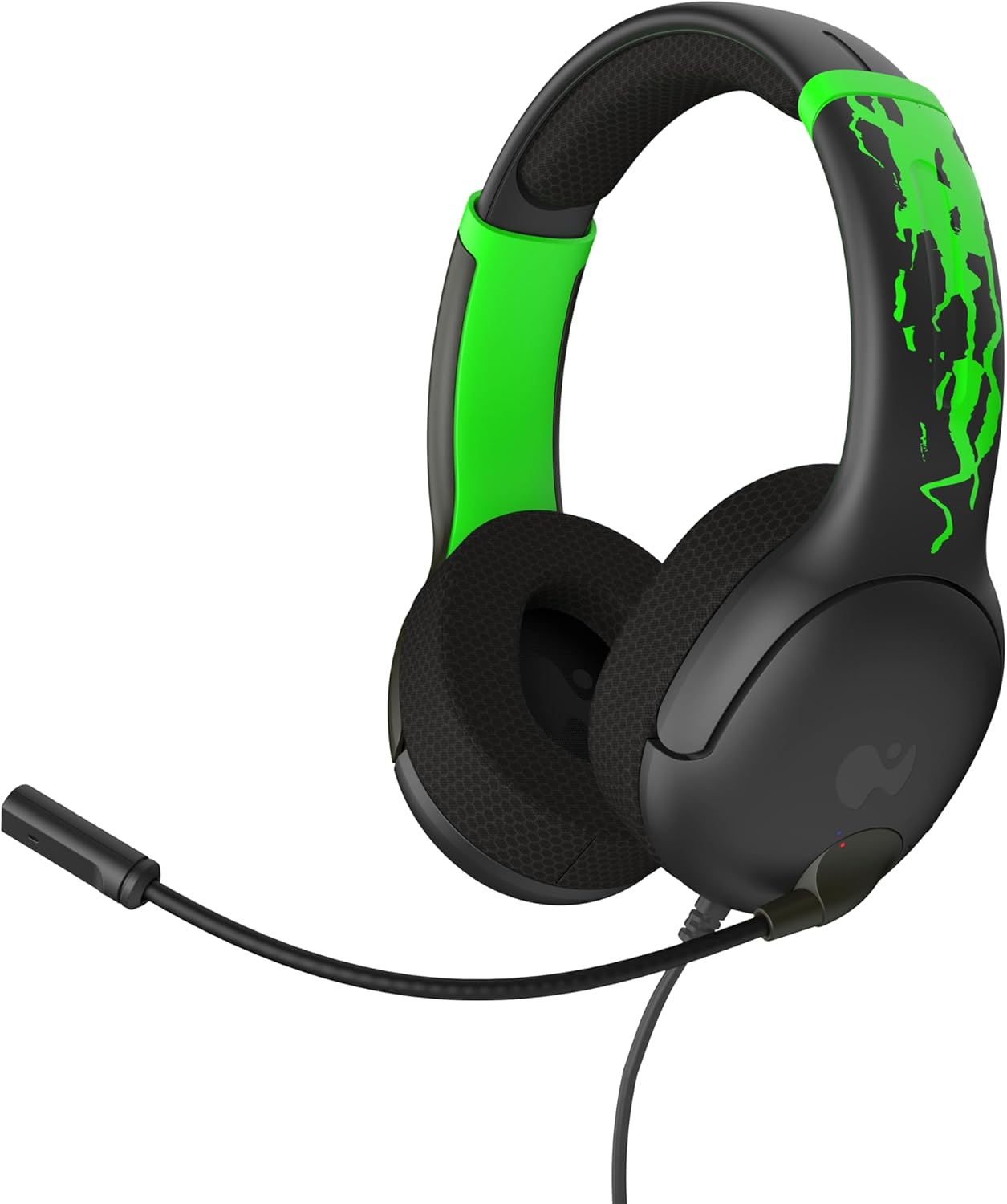
Şəkil 1: Ön view of the PDP AIRLITE GLOW Wired Headset.
Əsas Xüsusiyyətlər:
- Unique design glows in the dark after exposure to light (for best results use UV light).
- Lightweight construction (7 oz) and soft padded earcups for all-day comfort.
- 40mm drivers with fine-tuned audio for immersive gameplay.
- Sleek, noise-canceling mic with flip-to-mute feature.
- Officially licensed by Xbox.
2. Quraşdırma Təlimatları
The PDP AIRLITE GLOW Wired Headset connects directly to your gaming controller or compatible device via a 3.5mm audio jack.
Connecting to an Xbox Controller:
- Ensure your Xbox console and controller are powered on.
- Locate the 3.5mm audio jack port on the bottom of your Xbox controller.
- Insert the 3.5mm audio plug from the headset firmly into the controller's audio jack.
- The headset should now be connected and ready for use. You may need to adjust audio settings on your Xbox console or controller for optimal sound and microphone levels.
Connecting to PC (Windows 10/11):
- Locate the 3.5mm audio jack on your PC. If your PC has separate ports for microphone and headphones, you may need a 3.5mm splitter (not included).
- Insert the 3.5mm audio plug from the headset into the combined audio jack or the appropriate headphone/microphone jacks.
- Access your PC's sound settings to ensure the headset is selected as the default input and output device. Adjust volume and microphone levels as needed.
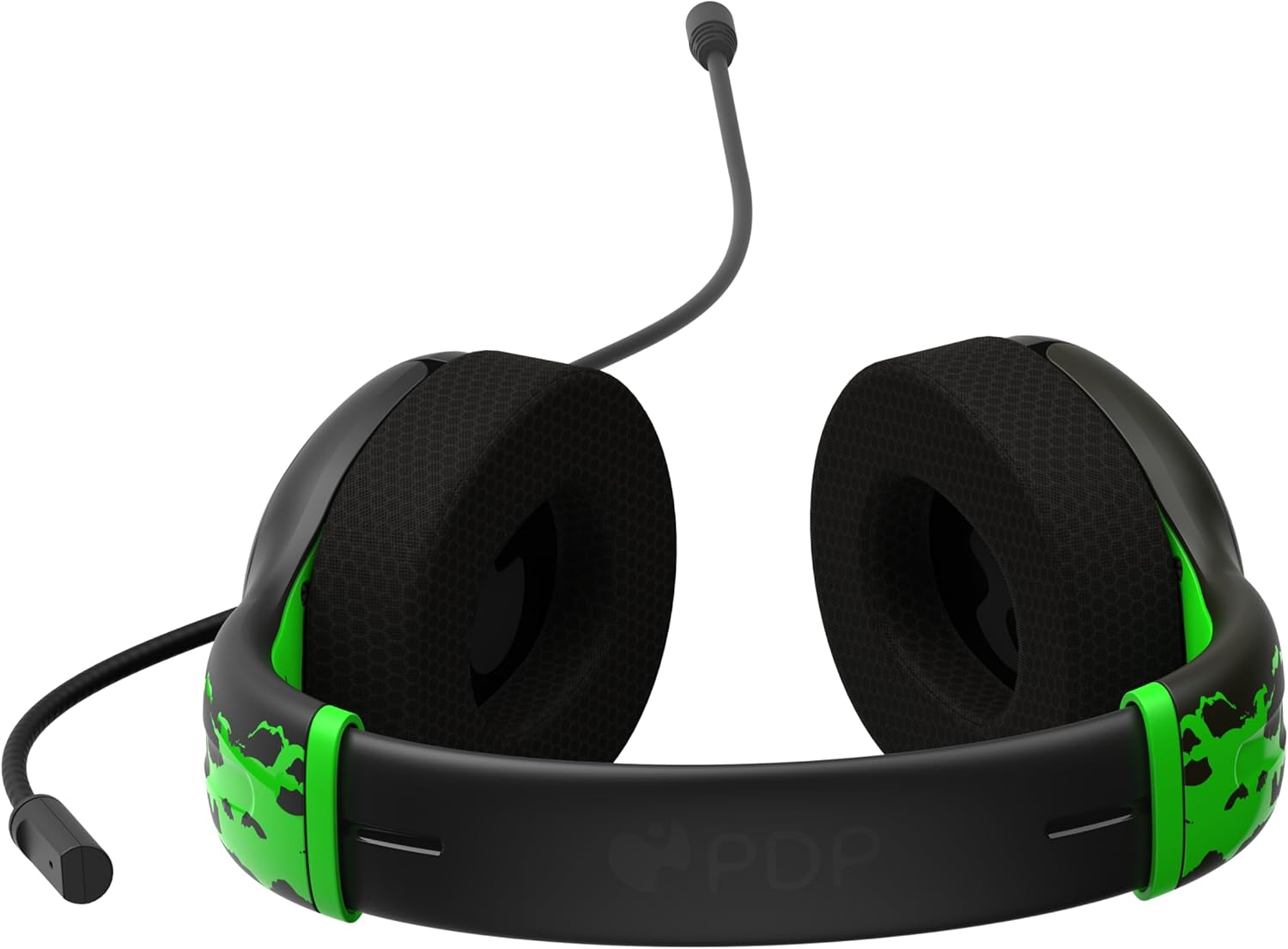
Figure 2: The 3.5mm audio jack for connecting the headset.
3. Əməliyyat Təlimatları
Mikrofonun funksionallığı:
- Flip-to-Mute: The headset features a convenient flip-to-mute microphone. To mute your microphone, simply flip the microphone boom arm upwards until it clicks into the vertical position. To unmute, flip the microphone boom arm back down to the speaking position.
- Tənzimlənən Mikrofon: The microphone arm is flexible and can be adjusted to your preferred speaking distance for optimal voice clarity.
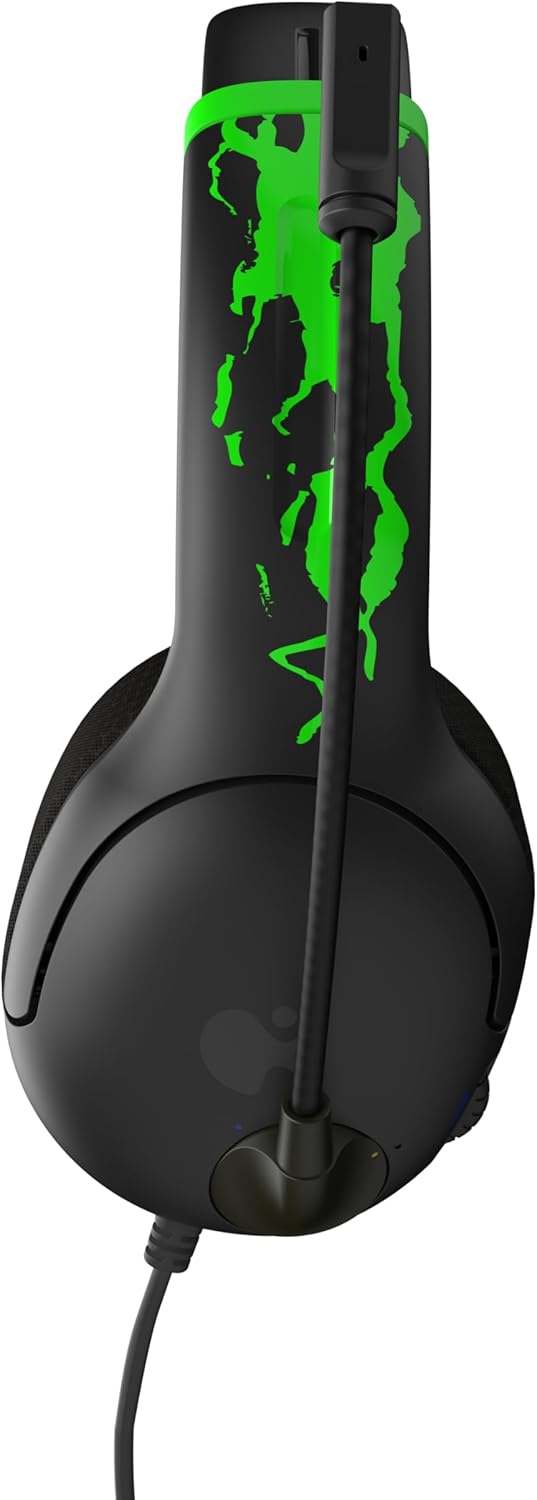
Figure 3: Microphone in the muted (upright) position.
Səs səviyyəsinə nəzarət:
- The headset includes an on-ear volume control dial. Rotate the dial to increase or decrease the audio volume to your desired level.

Figure 4: Volume control dial located on the earcup.
Adjusting Headset Fit:
- The headband is adjustable. Gently slide the earcups up or down to find a comfortable and secure fit on your head.

Figure 5: Adjustable headband for a personalized fit.
4. Qulluq və Baxım
- Təmizləmə: Qulaqlığı təmizləmək üçün yumşaq, quru parça istifadə edin. Sərt kimyəvi maddələrdən və ya aşındırıcı materiallardan istifadə etməyin.
- Yaddaş: Qulaqlığı birbaşa günəş işığından və həddindən artıq temperaturdan uzaq sərin, quru yerdə saxlayın.
- Kabel Baxımı: Avoid sharply bending or twisting the cable to prevent internal damage.
- Parıltı Xüsusiyyəti: For optimal glow effect, expose the headset's glow-in-the-dark elements to a light source (preferably UV light) before use in dark environments.
5. Giderme
| Problem | Həll |
|---|---|
| Qulaqlıqdan səs gəlmir. |
|
| Mikrofon işləmir. |
|
| Headset feels uncomfortable. |
|
6. Məhsulun Spesifikasiyası
| Xüsusiyyət | Detal |
|---|---|
| Model Adı | AIRLITE GLOW |
| Model nömrəsi | 049-015-JGR |
| Brend | PDP |
| Bağlantı texnologiyası | Simli (3.5 mm Jak) |
| Uyğun Cihazlar | Xbox Series X|S, Xbox One, Windows 10/11 PC, Gaming Consoles, Desktops, Laptops |
| Audio sürücü növü | Dinamik Sürücü (40 mm) |
| Mikrofon | Noise-canceling, Flip-to-mute |
| Nəzarət növü | Volume Control (on-ear dial) |
| Maddə Çəkisi | 0.018 ounces (approximately 7 oz as per feature bullet) |
| Material | plastik |
| Xüsusi Xüsusiyyət | Lightweight, Glow-in-the-dark design |
7. Zəmanət və Dəstək
For warranty information and customer support, please refer to the official PDP websaytına daxil olun və ya birbaşa müştəri xidmətləri ilə əlaqə saxlayın. Hər hansı bir zəmanət iddiası üçün satınalma sübutunuzu saxlayın.
Onlayn dəstək: ziyarət edin PDP Store on Amazon məhsul haqqında daha çox məlumat və dəstək resursları üçün.
8. Məhsul Videoları
AIRLITE GLOW Wired Headset for Xbox: Jolt Green 3D Video
This video provides a 3D view of the PDP AIRLITE GLOW Wired Headset in Jolt Green, showcasing its design and features. Note: This is a short preview video.
PDP Licensed Gaming Accessories Xbox Nintendo Playstation
Bir bitdiview video şouasing various PDP licensed gaming accessories for Xbox, Nintendo, and PlayStation, including the AIRLITE GLOW headset.


