1. Giriş
This manual provides detailed instructions for the setup, operation, maintenance, and troubleshooting of your HWWR U30 Professional UHF Dual Wireless Microphones. Designed for clear audio transmission and ease of use, these microphones are suitable for various applications including karaoke, public speaking, and live events.
Key features include a 50-meter transmission range, anti-howling technology for clear sound, durable metal construction with high-density sponge, and up to 12 hours of battery life. The system is designed for simple plug-and-play functionality.
2. Paketin məzmunu
Qutunu açarkən, aşağıdakı elementlərin hamısının mövcud olduğundan əmin olun:
- 2 Simsiz Mikrofon
- 1 Qəbuledici
- USB şarj kabeli
- 3.5 mm-dən 6.35 mm-ə qədər adapter
- Anti-roll Rings (color may vary)
- İstifadəçi təlimatı

Figure 2.1: HWWR U30 Dual Wireless Microphones and included accessories.
3. Məhsulun xüsusiyyətləri
- Seamless Duets with 50M Range: Enjoy an impressive 50-meter transmission range for unrestricted movement during performances or presentations.
- Crystal-Clear Sound with Anti-Howling: Engineered to prevent feedback and howling, ensuring pristine sound quality that accurately captures your voice.
- Davamlı Metal Konstruksiya: Mics feature a high-density sponge inside a robust metal head, balancing clarity with longevity.
- Uzadılmış 12 Saat Batareya Ömrü: The microphones offer up to 12 hours of continuous use on a full charge, ideal for long events.
- Plug-and-Play Sadəliyi: No complicated setup required; simply plug in the receiver and power on the microphones to begin.
- Çox yönlü uyğunluq: Ideal for various occasions including teaching, karaoke parties, live streaming, worship, weddings, meetings, and stage tamaşalar.
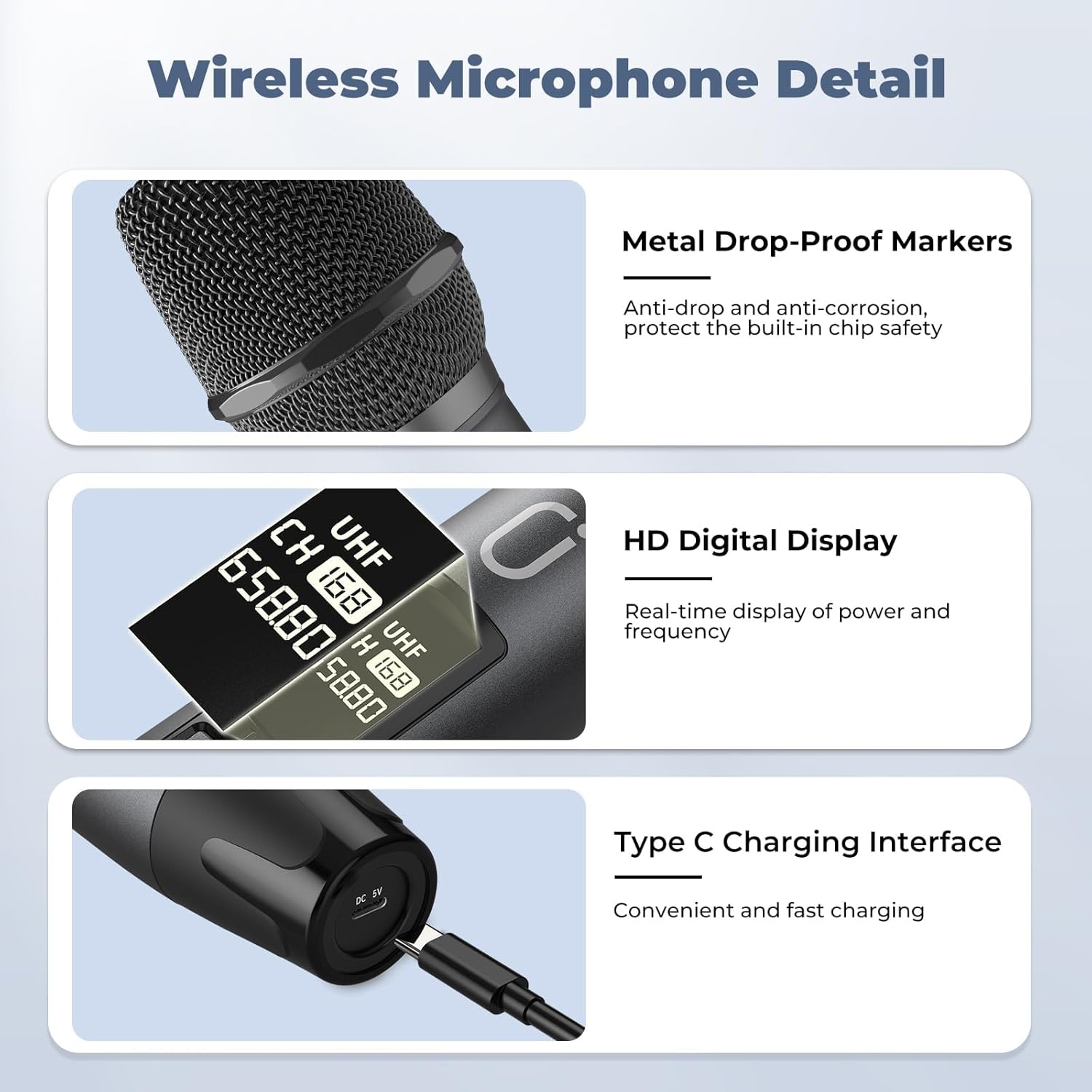
Figure 3.1: Wireless Microphone Detail - highlighting metal construction, HD digital display, and Type-C charging interface.

Figure 3.2: Rechargeable Large Capacity Battery - illustrating over 12 hours of operation.
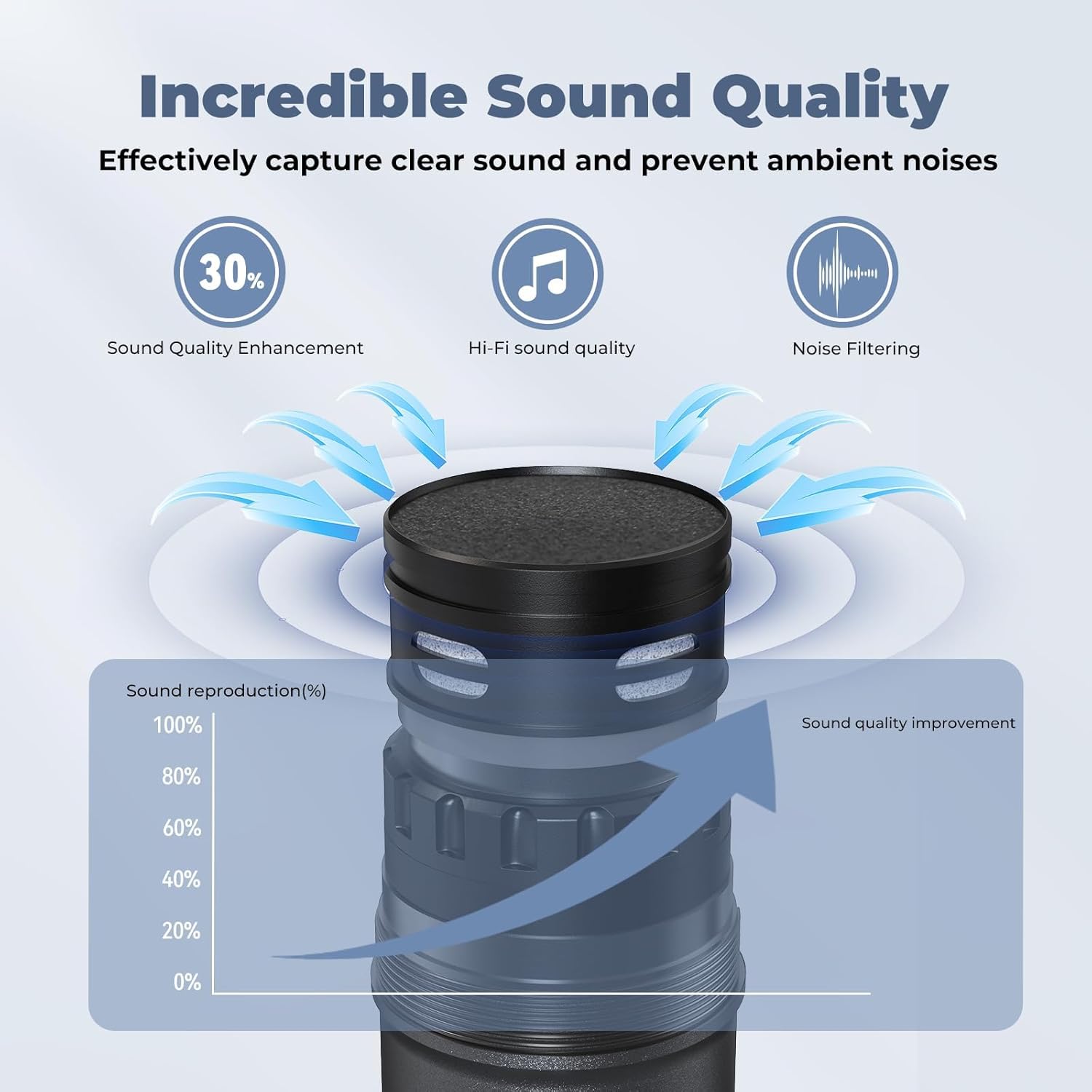
Figure 3.3: Incredible Sound Quality - demonstrating effective clear sound capture and ambient noise prevention.
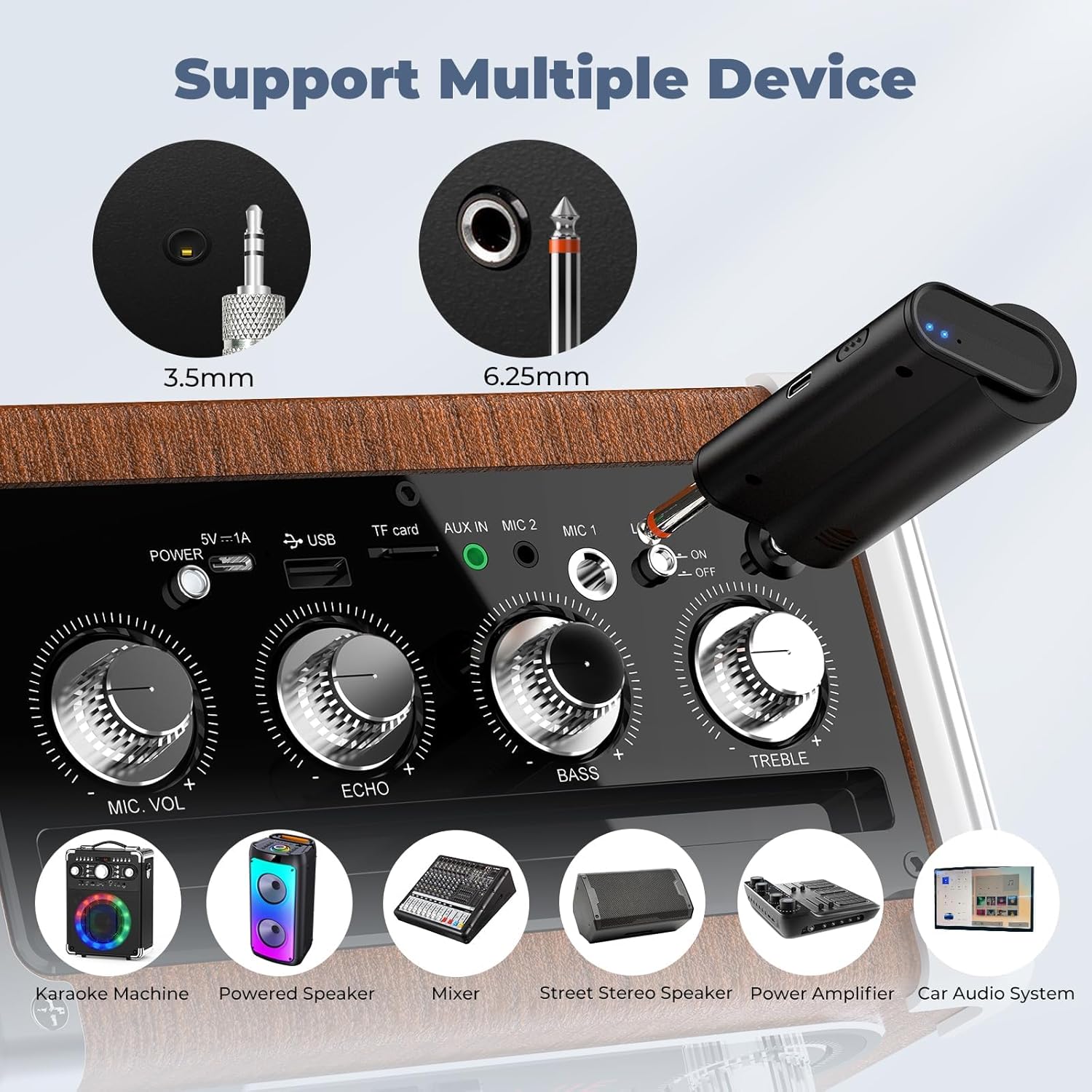
Figure 3.4: Support Multiple Devices - showing compatibility with various audio equipment.

Figure 3.5: Up to 100ft Range - highlighting the extensive wireless coverage.
4. Quraşdırma Bələdçisi
Follow these steps to set up your HWWR U30 Wireless Microphones:
- Charge the Microphones and Receiver: Use the provided USB charging cable to fully charge both wireless microphones and the receiver. The microphones feature a Type-C charging interface.
- Batareyalar daxil edin: Ensure the rechargeable batteries are correctly inserted into the microphones.
- Güc Aktivdir: Turn on both the microphones and the receiver. The devices are designed to automatically pair.
- Connect Receiver to Audio System: Plug the receiver into the microphone input (6.35mm or 3.5mm jack) of your speaker, PA system, karaoke machine, or mixer.
- Səs səviyyəsini tənzimləyin: Adjust the microphone volume and echo levels on your audio system or the receiver (if applicable) to your preference.

Figure 4.1: Plug and Play & Easy to Use Setup Guide.
Video 4.1: Demonstrates the unboxing and initial setup of the HWWR U50 wireless microphones, including connecting the receiver to a speaker.
Video 4.2: Shows the simple process of plugging in the receiver for quick setup.
5. Əməliyyat Təlimatları
Once set up, operating your HWWR U30 microphones is straightforward:
- Yandırma/Söndürmə: Use the power switch on each microphone to turn it on or off. The display will show the channel and battery status.
- Səs səviyyəsinə nəzarət: Adjust the individual microphone volumes (Vol. A, Vol. B) and the overall microphone volume on your connected audio system or the receiver unit.
- Echo Adjustment: Use the echo control on your audio system or receiver to add desired reverb effects.
- Musiqi Miksi: If connecting an external music source, use the music mix control on the receiver to balance the microphone audio with the background music.
- Kanal Seçimi: If experiencing interference, briefly press the channel button on the microphone to switch to a different UHF frequency.
Video 5.1: Demonstrates the use of the HWWR U30 microphones in a home setting, highlighting their ease of operation.
Video 5.2: Shows the HWWR wireless microphones in action, emphasizing their clear sound and wireless freedom.
Video 5.3: Illustrates the dual microphone functionality for karaoke duets.
Video 5.4: Showcases the product's performance and quality during use.
6. Baxım
To ensure the longevity and optimal performance of your HWWR U30 Wireless Microphones, please follow these maintenance guidelines:
- Doldurulur: Always use the included charging cable. Avoid fast-charging plugs as they are not supported and may damage the microphones.
- Batareyaya qulluq: Fully charge the microphones before first use and after each extended period of use.
- Təmizləmə: Gently wipe the microphones with a soft, dry cloth. Avoid using harsh chemicals or abrasive materials.
- Yaddaş: Store the microphones and receiver in a cool, dry place away from direct sunlight and extreme temperatures. Use the anti-roll rings to prevent damage when placing microphones on surfaces.
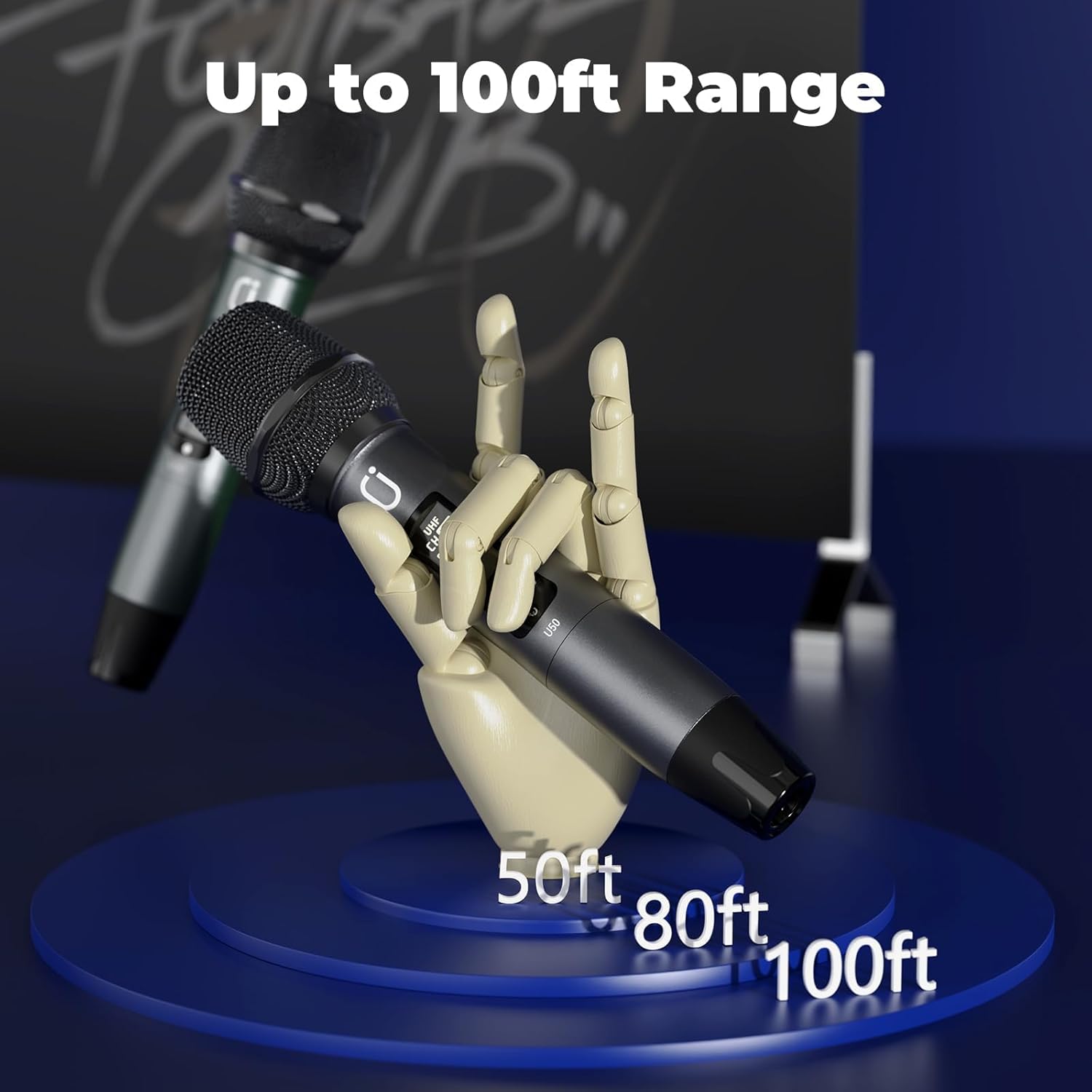
Figure 6.1: Type-C Charging Interface on the microphone.
7. Giderme
If you encounter any issues with your HWWR U30 Wireless Microphones, please refer to the following common solutions:
- Mikrofon İşləmir:
- Ensure the microphones and receiver are fully charged.
- Verify that the microphones and receiver are powered on and paired.
- Check the connection between the receiver and your audio system's microphone input.
- Try switching to a different channel on the microphone if interference is suspected.
- Doldurma Problemləri:
- Only use the charging cable included in the package. Fast-charging plugs are not compatible.
- Uyğunluq:
- The HWWR U30 microphones are compatible with speakers and PA systems. Ensure your device has a compatible microphone input (6.35mm or 3.5mm jack).
8. Spesifikasiyalar
| Xüsusiyyət | Detal |
|---|---|
| Element Ölçüləri (U x G x Y) | 2.68 x 4.02 x 9.84 düym |
| Güc mənbəyi | Batareya ilə işləyir |
| Material | Metal |
| Siqnal-to-küy nisbəti | 60 dB |
| Avadanlıq Platforması | Karaoke Maşın |
| Kanalların sayı | 1 |
| Maddə Çəkisi | 1.63 funt sterlinq |
| Element Model nömrəsi | U30 |
| Bağlantı texnologiyası | 6.35 mm Jack, 3.5 mm Jack |
| Xüsusi Xüsusiyyət | Rechargeable, UHF Dual Microphones, Plug and Play, Noise Reduction |
| Uyğun Cihazlar | Natiq |
| Daxil olan komponentlər | 2 Wireless microphones, Receiver |
| Qütb nümunəsi | Çox yönlü |
| Mikrofon Forma Faktoru | Əl |
9. Zəmanət və Dəstək
HWWR provides a 12-month warranty for any quality-related problems with the U30 Professional UHF Dual Wireless Microphones.
For any questions or issues not covered in this manual, please contact HWWR customer support through the Amazon platform or visit the official HWWR webyardım üçün sayt.


