1. Giriş
This manual provides essential information for the setup, operation, maintenance, and troubleshooting of your GenMachine Mini PC AMD Ryzen 5 3550H. Please read this manual thoroughly before using the product to ensure optimal performance and longevity.
The GenMachine Mini PC is a compact yet powerful computing solution designed for a variety of tasks, including gaming, office work, and design. It features an AMD Ryzen 5 3550H processor, 16GB DDR4 RAM, and a 512GB SSD with M.2 NVMe support, offering high performance in a small form factor.

Şəkil 1.1: Ön view of the GenMachine Mini PC, showcasing its compact white design with front USB ports and power button.
2. Quraşdırma
2.1 Qutunun qablaşdırılması
Carefully unpack all components from the packaging. Ensure all items listed in the packing list are present.

Figure 2.1: The packing list includes the Mini PC unit, user manual, packing box, power adapter, and HD line (HDMI cable).
2.2 Periferik qurğuların birləşdirilməsi
Connect your monitor(s), keyboard, mouse, and other necessary peripherals to the Mini PC. The device supports multiple display options via HDMI and DisplayPort.
- Connect your monitor(s) to the HDMI or DisplayPort outputs.
- Connect your keyboard and mouse to the available USB 3.0 ports.
- For wired network access, connect an Ethernet cable to the LAN port.
- Connect the power adapter to the Mini PC and then to a power outlet.
Şəkil 2.2: bitdiview of the Mini PC's interfaces, including power supply, network interface (LAN), DisplayPort (DP), HDMI interface, USB interfaces, and audio port.
2.3 İlkin işə salınma
Press the power button located on the front of the Mini PC. The system will boot up. Follow the on-screen instructions for initial operating system setup.
3. Əməliyyat
3.1 Ümumi istifadə
The GenMachine Mini PC is designed for versatile use, from demanding gaming sessions to professional design work and everyday office tasks. Its AMD Ryzen 5 3550H processor ensures smooth performance across various applications.
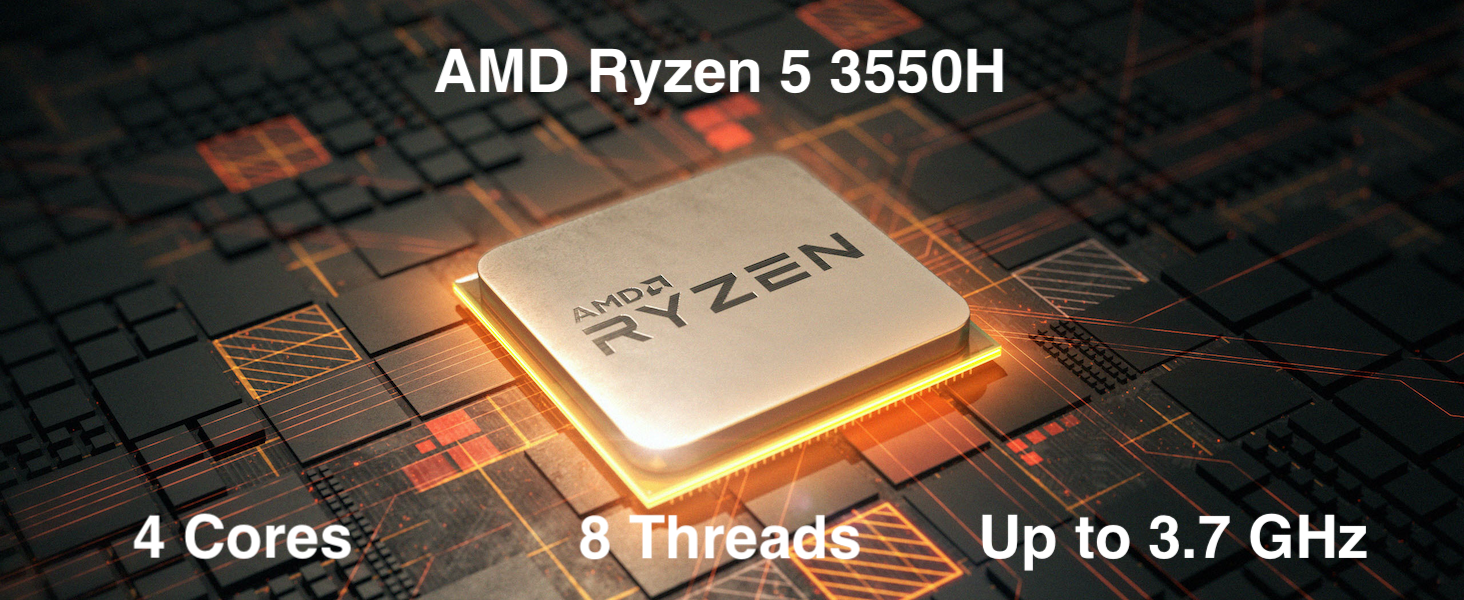
Figure 3.1: The AMD Ryzen 5 3550H processor features 4 cores, 8 threads, and a boost clock up to 3.7GHz, providing powerful performance for various computing needs.
3.2 Çox Ekranlı Quraşdırma
Utilize the HDMI and DisplayPort outputs to connect up to two 4K displays simultaneously, enhancing productivity and immersive experiences.
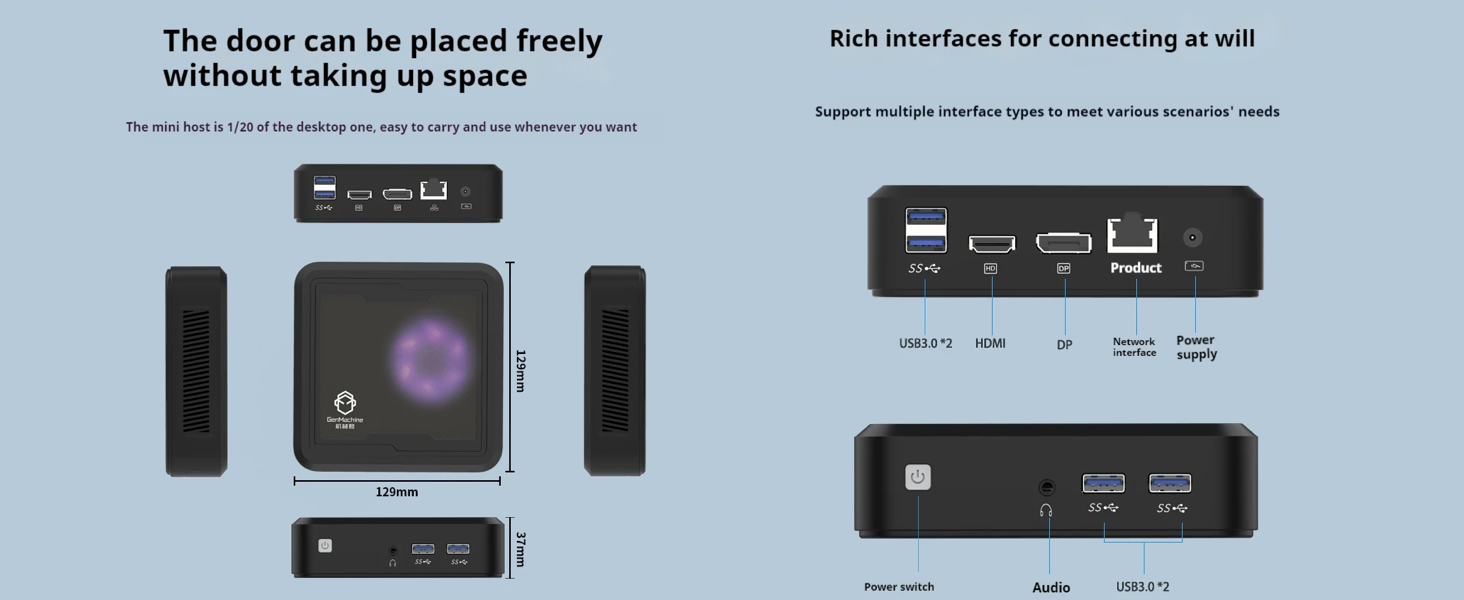
Figure 3.2: The Mini PC supports dual 4K displays via HD (HDMI) and DP (DisplayPort) outputs, allowing for an expanded workspace.
3.3 Yaddaş və Yaddaş Genişləndirilməsi
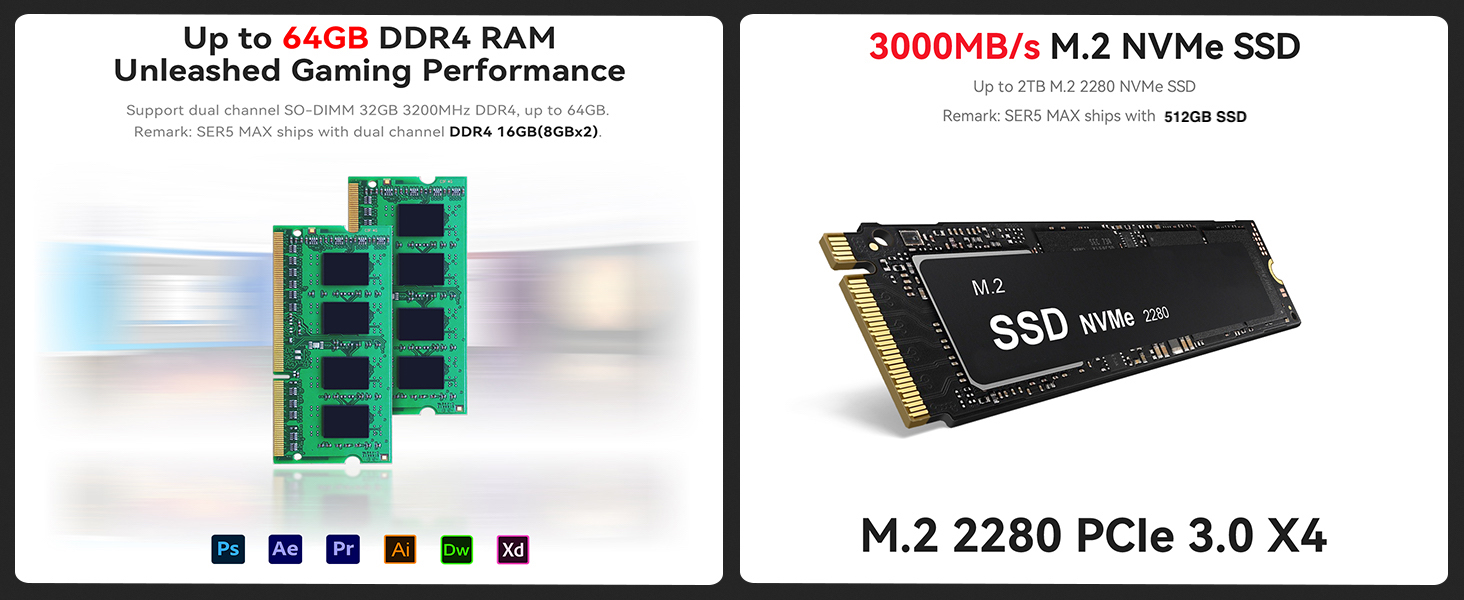
The Mini PC comes with 16GB DDR4 RAM and a 512GB SSD. It supports dual-channel DDR4 memory up to 64GB and M.2 NVMe SSDs up to 2TB for significant storage and performance upgrades.
Figure 3.3: Illustration showing support for up to 64GB DDR4 RAM and 3000MB/s M.2 NVMe SSD (PCIe 3.0 X4) for enhanced performance and storage.
3.4 Bağlantı
The Mini PC includes WiFi 5 and Bluetooth 4.2 for wireless connectivity, ensuring high-speed internet access and seamless pairing with wireless peripherals.
3.5 Video nümayişi
Watch this official video from GenMachine for a visual overview Mini PC-nin xüsusiyyətləri və imkanları haqqında.
Video 3.1: An official video demonstrating the GenMachine Mini Personal Desktop Computer, highlighting its compact size, various interfaces, and suitability for office and media server use.
4. Baxım
4.1 Təmizləmə
Regularly clean the exterior of the Mini PC with a soft, dry cloth. Use compressed air to gently clear dust from the ventilation grilles to ensure proper airflow and prevent overheating.
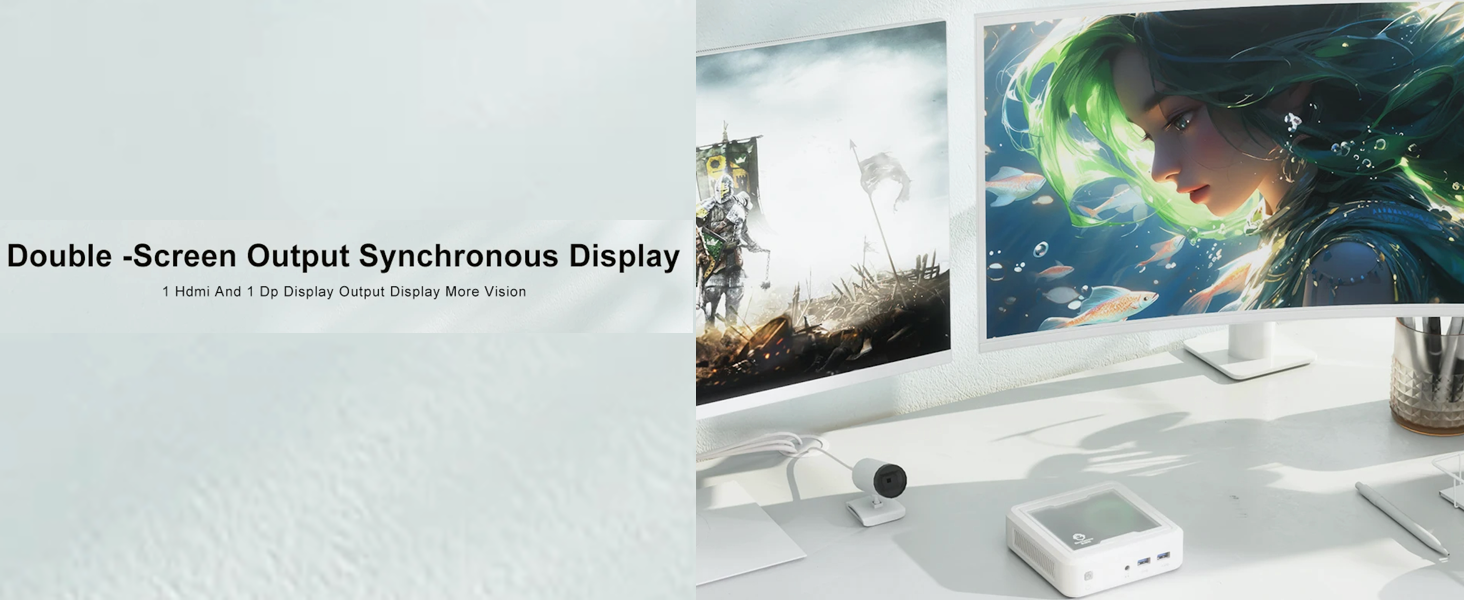
Figure 4.1: The Mini PC undergoes rigorous quality control, including vibration, drop, temperature/humidity, port, and noise tests, ensuring durability and reliability.
4.2 İstiliyin İdarə Edilməsi
Ensure the Mini PC is placed in a well-ventilated area. Avoid blocking the air vents to allow for efficient heat dissipation. The device is designed with mesh ventilated heat dissipation to maintain optimal operating temperatures.
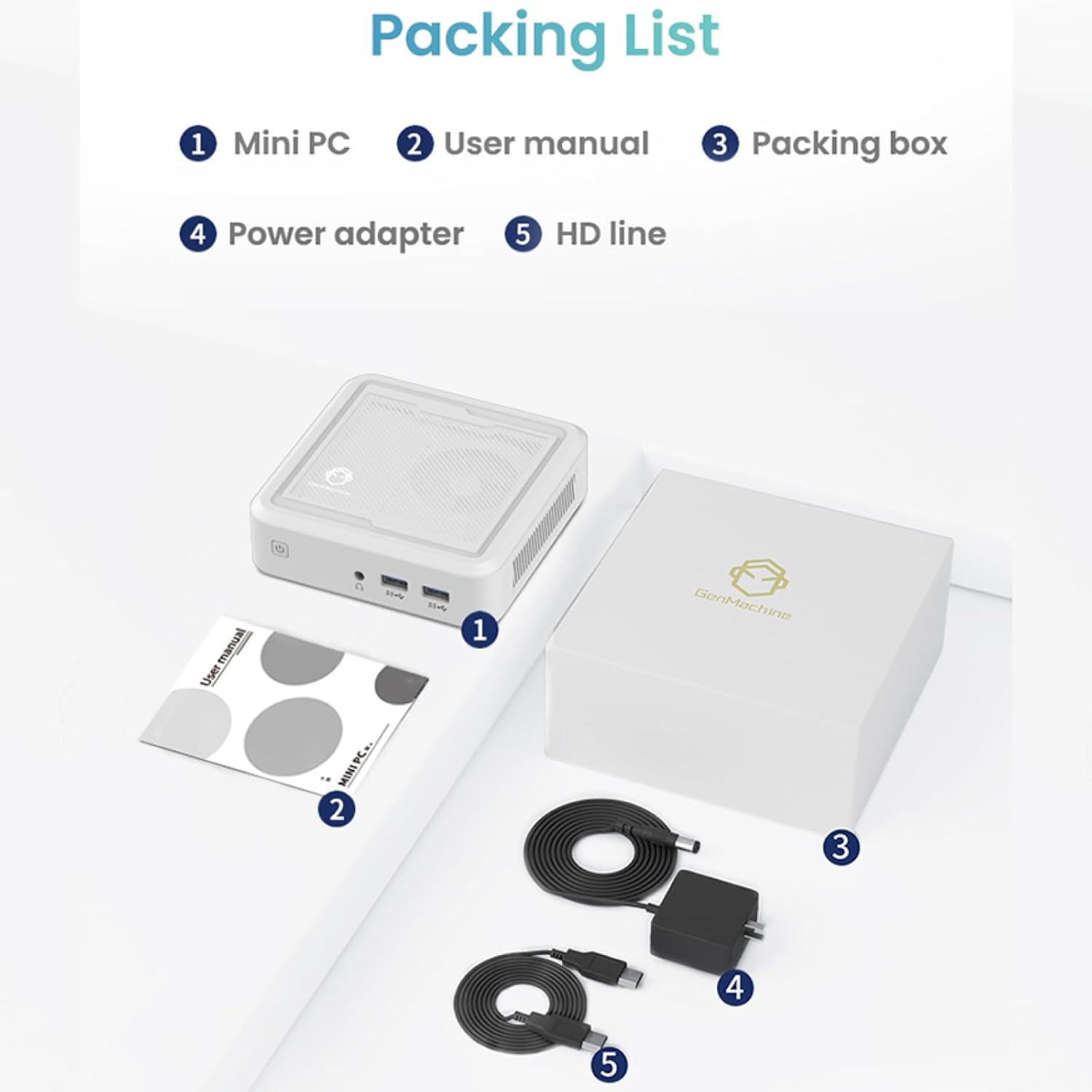
Figure 4.2: The GenMachine Mini PC operates at a low noise level of approximately 35 decibels, comparable to a quiet library environment.
5. Giderme
5.1 Ümumi məsələlər və həll yolları
- Güc yoxdur:
- Enerji adapterinin həm Mini PC-yə, həm də işləyən elektrik rozetkasına etibarlı şəkildə qoşulduğundan əmin olun.
- Elektrik rozetkasının işlək olduğunu başqa bir cihaza qoşaraq yoxlayın.
- Ekran yoxdur:
- HDMI və ya DisplayPort kabelinin həm Mini PC-yə, həm də monitora möhkəm qoşulduğunu yoxlayın.
- Monitorun işə salındığından və düzgün giriş mənbəyinə təyin olunduğundan əmin olun.
- Try a different cable or monitor if possible.
- Yavaş Performans:
- Arxa fonda işləyən lazımsız proqramları bağlayın.
- SSD-də kifayət qədər boş yer olub olmadığını yoxlayın.
- Ensure the Mini PC is well-ventilated to prevent thermal throttling.
- Consider upgrading RAM or SSD if performance issues persist (refer to Section 3.3).
- Wi-Fi/Bluetooth yoxdur:
- Check if Wi-Fi and Bluetooth are enabled in the operating system settings.
- Ensure drivers are correctly installed. Visit the manufacturer's webƏn son sürücülər üçün sayt.
- Mini kompüteri yenidən başladın.
6. Spesifikasiyalar
Below are the key technical specifications for the GenMachine Mini PC AMD Ryzen 5 3550H:
| Xüsusiyyət | Detal |
|---|---|
| Prosessor | AMD Ryzen 5 3550H (Up to 3.7GHz, 4 Cores, 8 Threads) |
| RAM | 16 GB DDR4 (64 GB-a qədər genişləndirilə bilər) |
| Saxlama | 512GB SSD (M.2 NVMe support up to 2TB) |
| Qrafik koprosessor | İnteqrasiya edilmiş qrafika |
| Əməliyyat sistemi | OS (Pre-installed or user-installable) |
| Bağlantı | WiFi 5, Bluetooth 4.2, LAN (Ethernet) |
| Video Çıxışı | HDMI, DisplayPort (Supports Dual 4K Displays) |
| USB Portları | 2x USB 2.0, 2x USB 3.0 |
| Audio | 3.5mm Audio Jack |
| Ölçülər (UxGxY) | 5 x 5 x 1.45 düym (12.9 x 12.9 x 3.7 sm) |
| Maddə Çəkisi | 1.7 funt sterlinq |
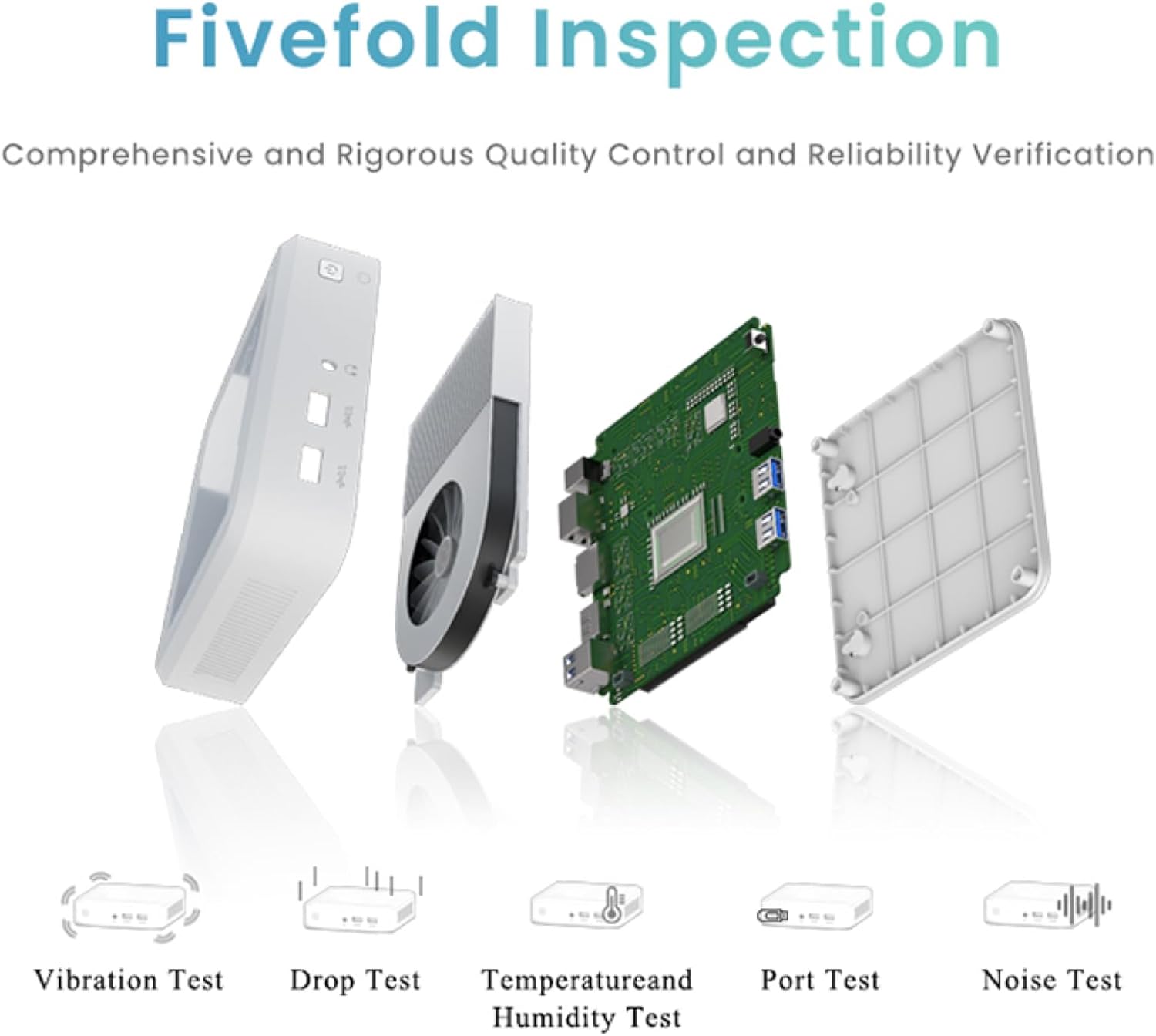
Figure 6.1: The compact dimensions of the GenMachine Mini PC, measuring 12.9 x 12.9 x 3.7 cm, making it suitable for various workspaces.
7. Zəmanət və Dəstək
For detailed warranty information and technical support, please refer to the official GenMachine websaytına daxil olun və ya birbaşa müştəri xidmətləri ilə əlaqə saxlayın. Satınalma qəbzinizi zəmanət iddiaları üçün satınalmanın sübutu kimi saxlayın.
The product typically includes a standard manufacturer's warranty. Additional protection plans may be available from your retailer at the time of purchase.
Əlaqə məlumatı: Please visit the official GenMachine website for the most up-to-date contact details for support and service.


