1. Giriş
This manual provides comprehensive instructions for the Unitronic 2-Channel Wireless Remote Control System. This system is designed for convenient and reliable remote control of various electronic devices, both indoors and outdoors. It features two transmitters and one receiver, operating on a stable 433.92 MHz frequency, offering energy-efficient operation and robust signal transmission.
The receiver is capable of storing up to 140 unique codes, allowing for extensive customization and control over devices such as blinds, lighting, and garage doors.
2. Məhsulun Komponentləri
The Unitronic 2-Channel Wireless Remote Control System includes the following components:
- 2 x Wireless Transmitters (Remote Controls)
- 1 x Simsiz Qəbuledici
- 1 x Xarici Antena
- Batteries (pre-installed or included for transmitters)


3. Quraşdırma və Quraşdırma
3.1. Receiver Placement
The receiver is rated IP55 for outdoor use and IP20 for indoor use. Choose a location that is suitable for the intended environment and provides optimal signal reception. Ensure the receiver is mounted securely.
3.2. Antena Bağlantısı
Connect the external antenna to the designated port on the receiver. Ensure the connection is secure to maximize signal range and reliability.
3.3. Güc Bağlantısı
Connect the receiver to a suitable power source according to its specifications. Refer to the wiring diagram if provided with the product packaging for specific electrical connections.
3.4. Transmitter Batareyasının Quraşdırılması
The transmitters come with batteries included. If replacement is needed, open the battery compartment (usually on the back or side) and insert the correct battery type, observing polarity.
3.5. Pairing Transmitters with Receiver
The receiver can store up to 140 unique codes. The exact pairing procedure may vary slightly based on the specific model and firmware version. Generally, the process involves:
- Öyrənmə rejiminə daxil olun: Press and hold the learning button on the receiver (refer to the receiver's physical layout for button location, often a small button or jumper). An indicator light on the receiver may illuminate or flash.
- Siqnal ötürmə: While the receiver is in learning mode, press the desired button on the transmitter that you wish to pair.
- Qoşulmanı təsdiqləyin: The indicator light on the receiver should change (e.g., flash rapidly, turn solid, or turn off) to confirm successful pairing.
- Öyrənmə Rejimindən Çıxın: The receiver may automatically exit learning mode after a short period, or you may need to press the learning button again briefly.
Repeat this process for each button on each transmitter you wish to pair. For detailed, model-specific pairing instructions, please refer to any supplementary documentation provided with your product.

4. Əməliyyat Təlimatları
Once the transmitters are successfully paired with the receiver, you can begin controlling your connected devices.
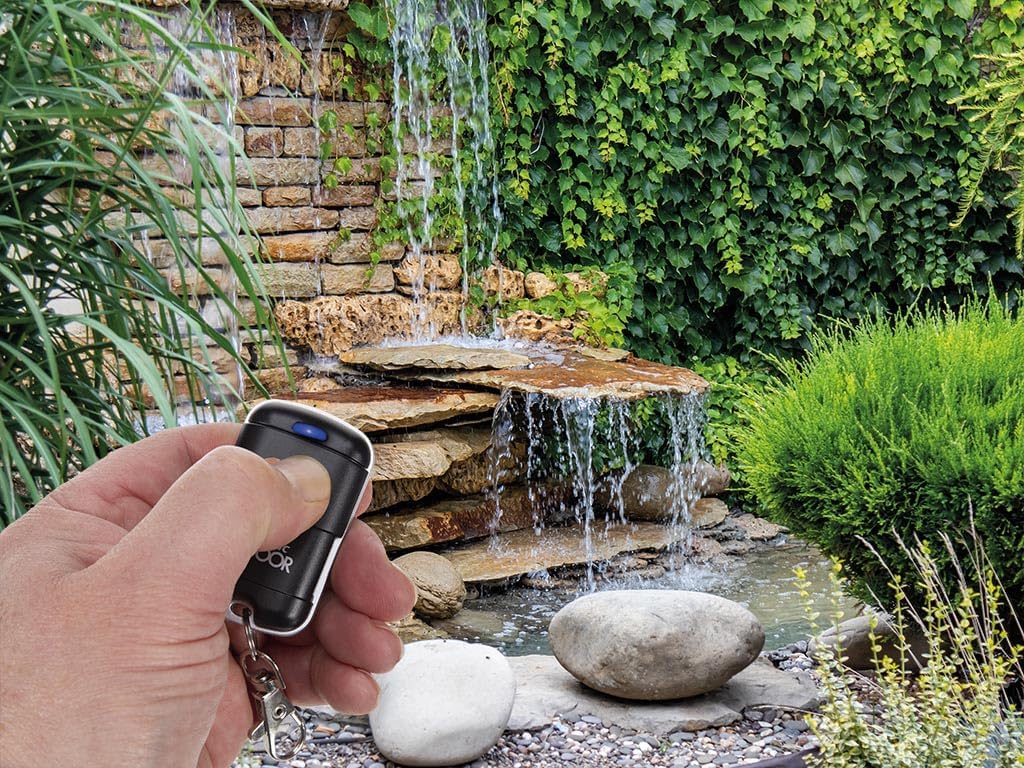
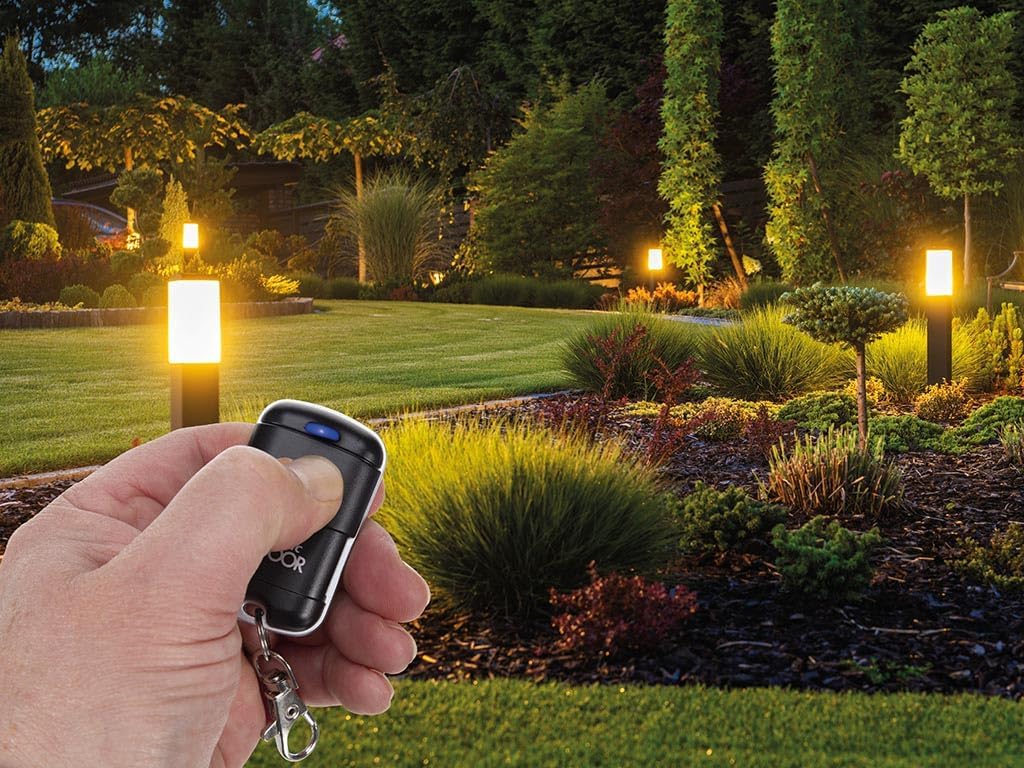
- Cihazı aktivləşdirin: Press the corresponding button on your paired transmitter to activate or deactivate the connected device (e.g., open/close a garage door, turn lights on/off).
- Aralığı: The system operates on a 433.92 MHz frequency, providing a reliable signal transmission range. Optimal range may vary depending on environmental factors and obstacles.

5. Baxım
- Təmizləmə: Clean the transmitters and receiver with a soft, dry cloth. Do not use abrasive cleaners or solvents.
- Batareyanın dəyişdirilməsi: If the transmitter's range decreases or the indicator light dims, it may be time to replace the battery. Use the specified battery type.
- Ətraf Mühitin Mühafizəsi: While the receiver is IP55 rated for outdoor use, ensure it is not submerged in water and is protected from extreme weather conditions where possible.
6. Giderme
| Problem | Mümkün Səbəb | Həll |
|---|---|---|
| Transmitter not controlling device. |
|
|
| Azaldılmış əməliyyat diapazonu. |
|
|
| Receiver indicator light not on. |
|
|
7. Spesifikasiyalar
| Xüsusiyyət | Detal |
|---|---|
| Brend | UNITRONIC |
| Model nömrəsi | 8023389773374 |
| Rəng | Qara |
| Bağlantı texnologiyası | Simsiz |
| Xüsusi Xüsusiyyət | Rəqəmsal ekran |
| Uyğun Cihazlar | Camera, Personal Computer, Television |
| İstehsalçı | Unitronic |
| Mənşə ölkəsi | Çin |
| Maksimum Dəstəklənən Cihazlar | 2 (Channels) |
| Düymələrin sayı | 2 (per transmitter) |
| Nəzarətçi növü | Radio Frequency Control |
| Tezlik | 433.92 MHz |
| Receiver Code Storage | Up to 140 unique codes |
| Maksimum Çıxış Gücü | 120 Vt |
| Qəbuledicinin IP reytinqi | IP55 (Outdoor), IP20 (Indoor) |
8. Zəmanət və Dəstək
Information regarding product warranty, spare parts availability, and software updates is not explicitly provided in the available product details.
For any support inquiries, troubleshooting beyond this manual, or warranty claims, please contact the retailer or manufacturer directly using the contact information provided at the point of purchase.


