1. Giriş
The NEDIS SmartLife Outdoor Pan-Tilt Spotlight Camera (WIFICO22CWT) is designed to enhance your home security with advanced features and seamless integration. This manual provides essential information for the proper installation, operation, and maintenance of your camera.
Key features include a 3MP (1296p) sensor for clear images, remote pan and tilt control, automatic tracking, color and infrared night vision, two-way audio, motion and sound detection with instant notifications, and an IP65 weatherproof rating for outdoor reliability.
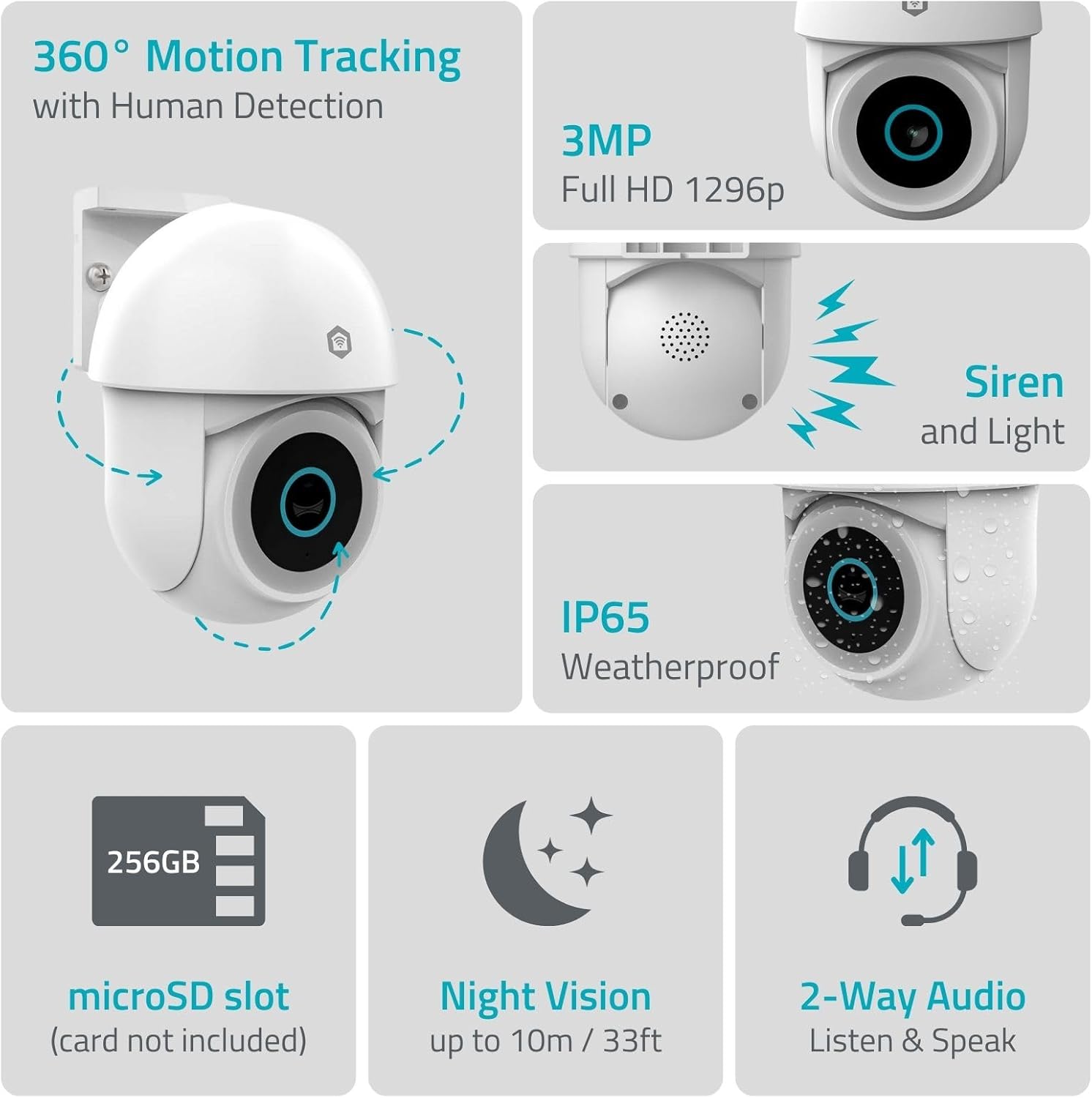
Şəkil 1.1: Bitdiview of NEDIS SmartLife Outdoor Camera features, including 360-degree motion tracking, 3MP resolution, siren and light, IP65 weatherproofing, microSD slot, night vision, and two-way audio.
2. Paketin məzmunu
Zəhmət olmasa paketi aşağıdakı maddələr üçün yoxlayın:
- NEDIS SmartLife Outdoor Pan-Tilt Spotlight Camera (WIFICO22CWT)
- Enerji Adapteri (5V DC)
- Montaj braketi və vintlər
- Tez Başlanğıc Bələdçisi (bu təlimat)
3. Quraşdırma
3.1. Proqramın quraşdırılması
- yükləyin Nedis SmartLife App Store (iOS) və ya Google Play Store (Android)-dən proqram.
- Yeni hesab üçün qeydiyyatdan keçin və ya artıq hesabınız varsa daxil olun.
3.2. Yandırma və İlkin Qoşulma
- Kameranı güc adapterinə qoşun və onu elektrik rozetkasına qoşun.
- Wait for the camera's indicator light to flash, indicating it is ready for pairing.
- Open the Nedis SmartLife app, tap '+' to add a new device, and follow the on-screen instructions to connect the camera to your 2.4 GHz Wi-Fi network.
3.3. MicroSD Kart Quraşdırması (İstəyə görə)
For local storage of recordings, install a microSD card (up to 256GB, not included).
- Locate the microSD card slot on the camera (refer to the camera diagram in the quick start guide).
- Carefully insert the microSD card into the slot until it clicks into place.
- Format the microSD card via the camera settings in the Nedis SmartLife app.
3.4. Kameranın quraşdırılması
The camera comes with a wall/ceiling mount. Choose a suitable location with a clear view and within Wi-Fi range.

Image 3.1: Camera dimensions for mounting reference.
- Qazma yerlərini şablon kimi montaj mötərizəsindən istifadə edərək qeyd edin.
- Delikləri qazın və lazım olduqda divar tıxaclarını daxil edin.
- Secure the mounting bracket to the wall or ceiling with screws.
- Attach the camera to the mounting bracket and adjust its initial angle.
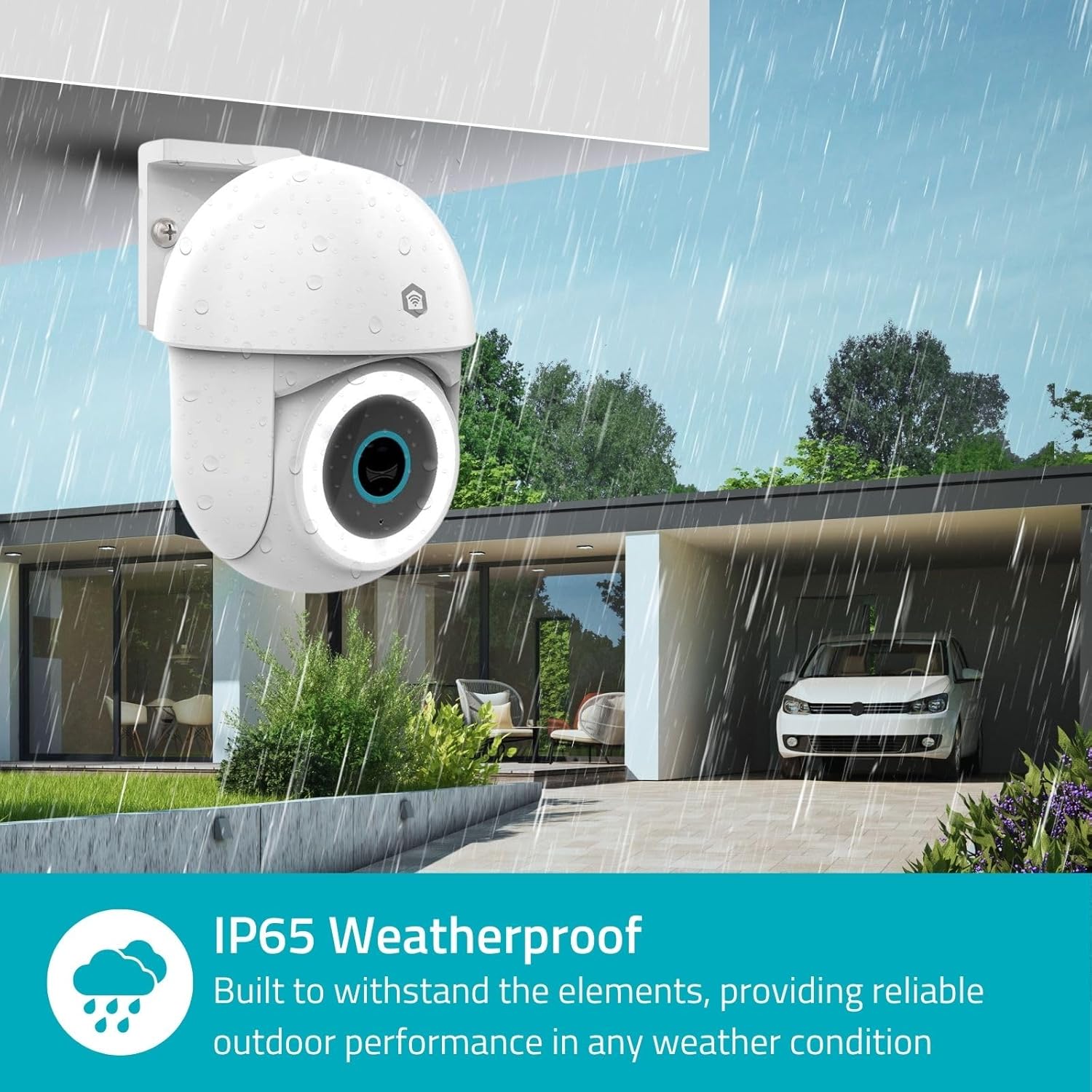
Image 3.2: The IP65 weatherproof design ensures reliable outdoor performance in various weather conditions.
4. Əməliyyat Təlimatları
4.1. Canlı View və Pan/Tilt Control
Access the live feed from your camera through the Nedis SmartLife app. Use the on-screen controls to remotely pan (horizontal) and tilt (vertical) the camera to monitor a wide area.
4.2. Hərəkətin aşkarlanması və izlənməsi
The camera features advanced motion detection, including human detection, to minimize false alarms. You can customize detection zones within the app.
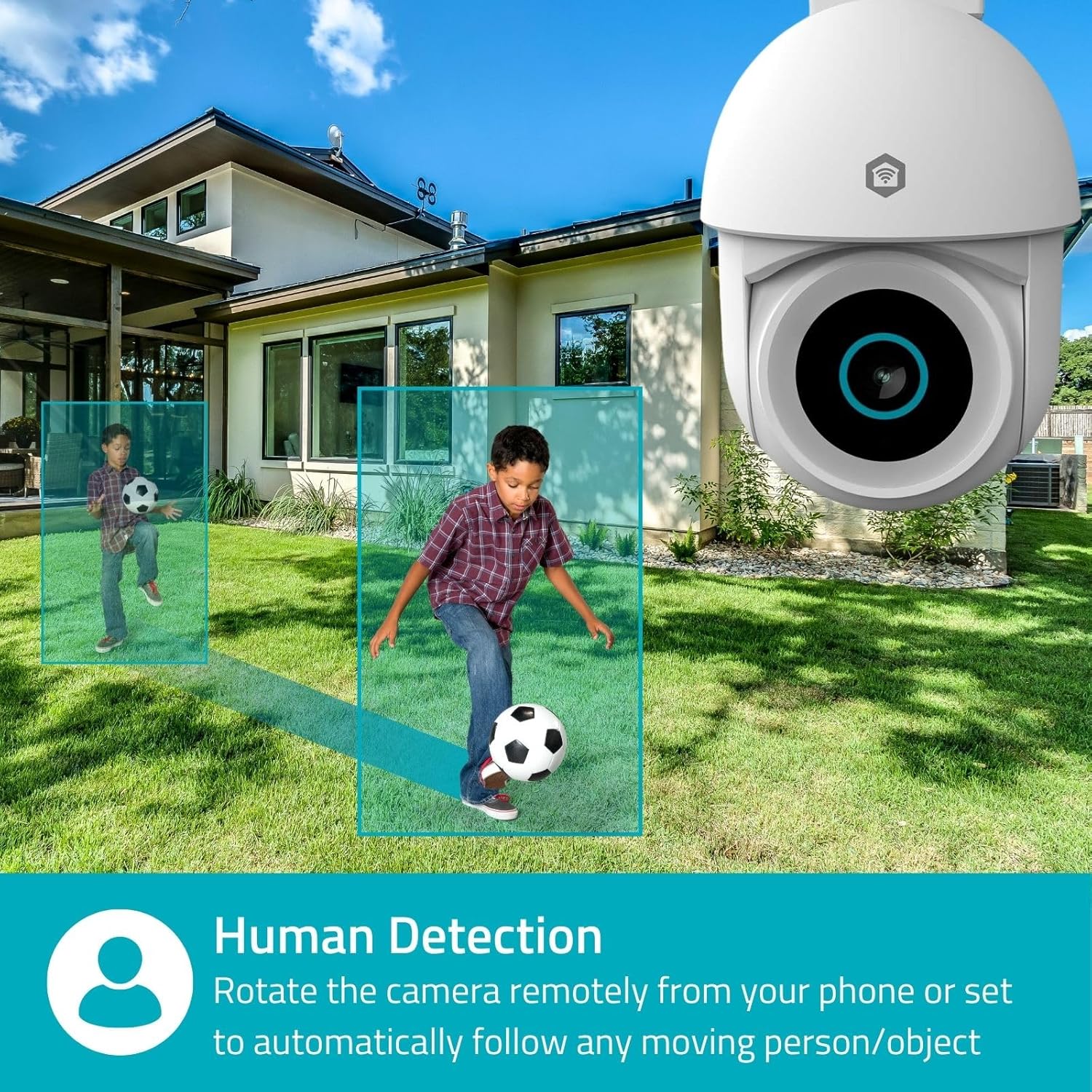
Image 4.1: Human Detection allows the camera to automatically follow moving persons or objects.
Aktivləşdirin Avtomatik İzləmə in the app settings to have the camera automatically follow detected movement.
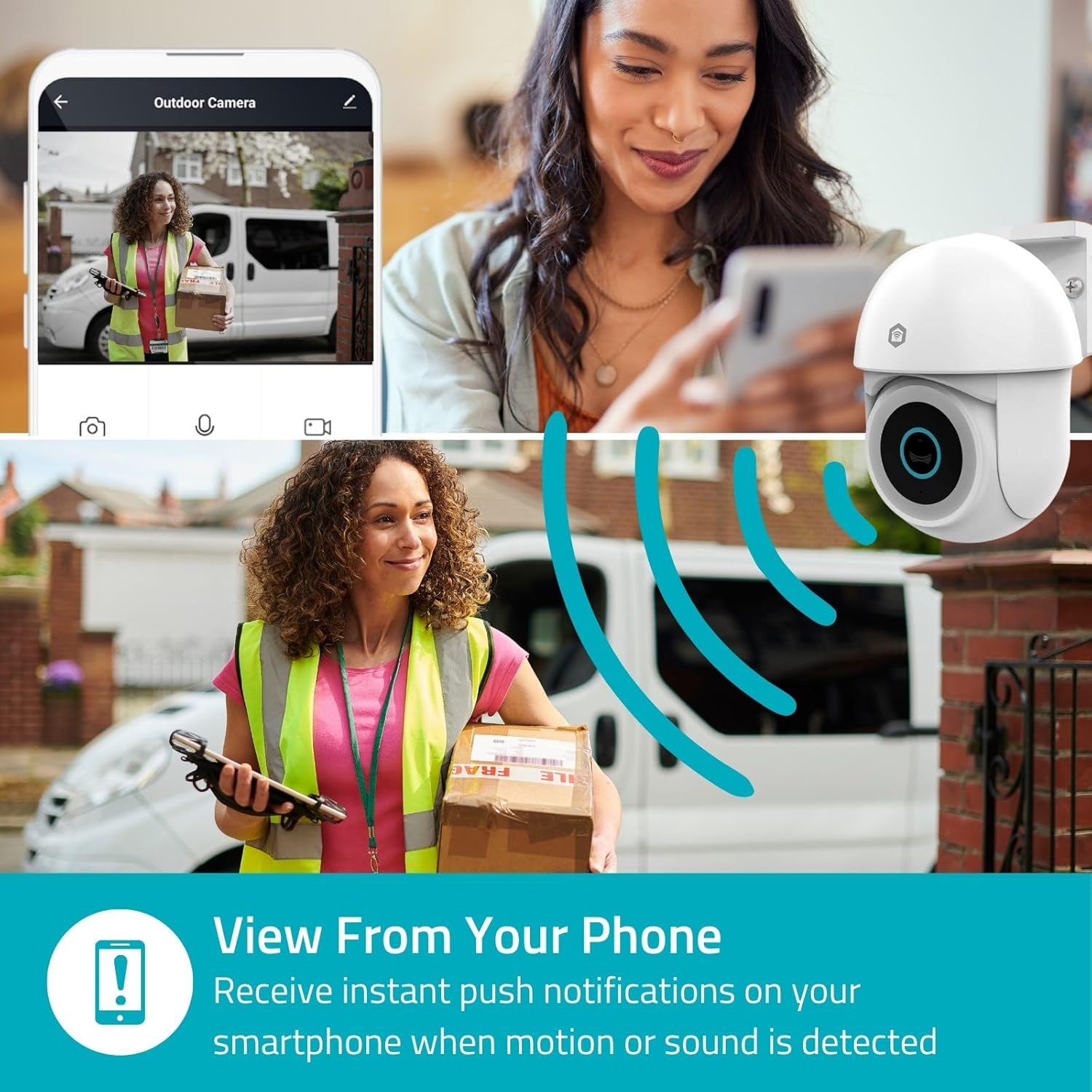
Image 4.2: Receive instant push notifications on your smartphone when motion or sound is detected.
4.3. İki tərəfli audio
Utilize the built-in microphone and speaker for two-way communication. You can listen to the environment and speak through the camera via the app.
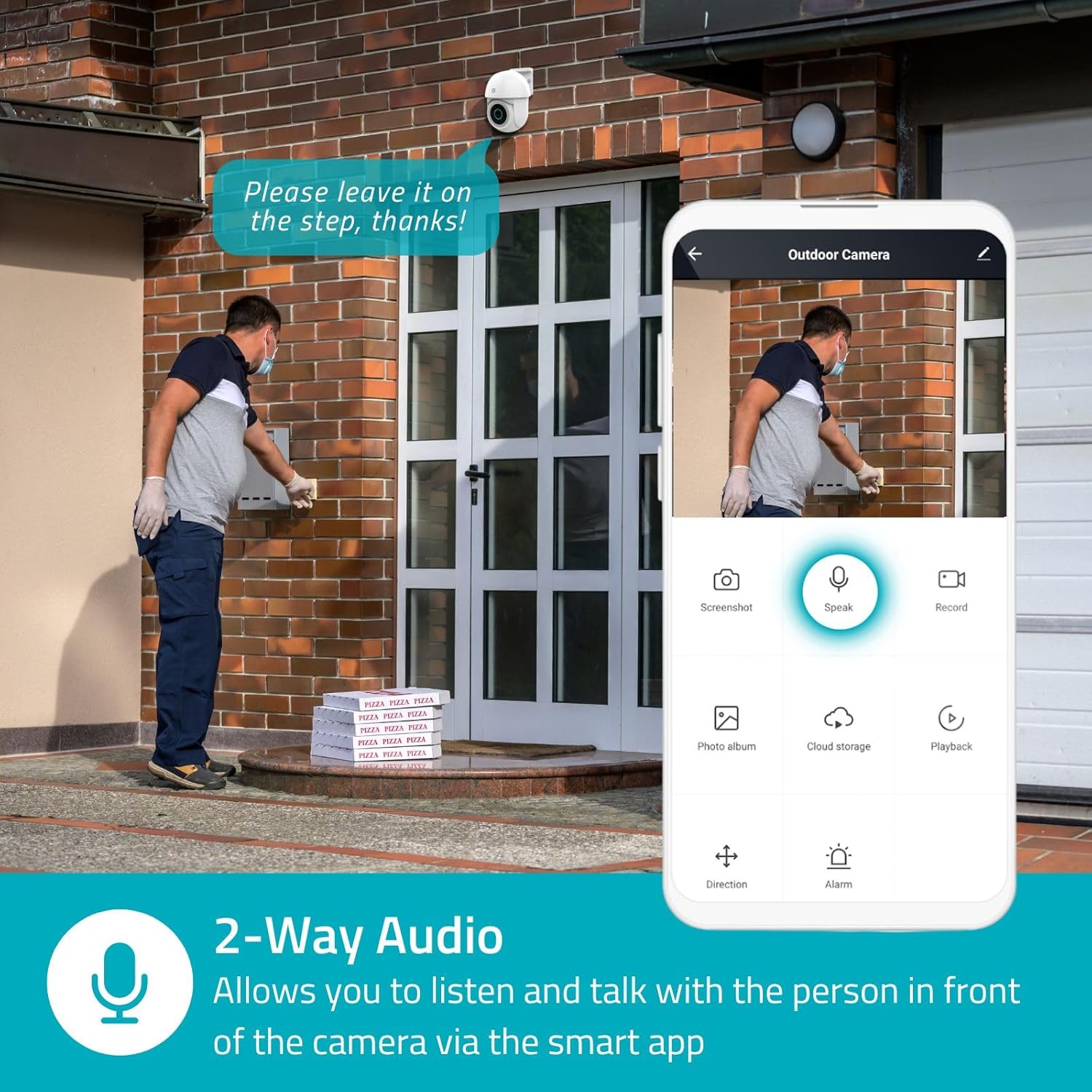
Image 4.3: Two-Way Audio allows you to listen and talk with individuals in front of the camera.
4.4. Gecə Görünüşü
The camera supports two night vision modes:
- Rəngli Gecə Görünüşü: Achieved using dimmable white LEDs, providing full-color images in low light.
- İnfraqırmızı Gecə Görünüşü: Standard black and white night vision using infrared LEDs, effective up to 10 meters (33 feet).

Image 4.4: Comparison of Day Mode and Night Mode, illustrating the camera's 3MP resolution and 10m night vision capability.
4.5. Spotlight and Siren
When motion is detected, you can configure the camera to activate its white LEDs (spotlight) and/or a siren. This can deter intruders or provide illumination.

Image 4.5: The camera's light and siren can be activated upon motion detection to deter unwanted visitors.
4.6. Yazma və Oynatma
Recordings can be stored on a microSD card (up to 256GB) or via optional cloud storage. Access and playback recorded footage through the Nedis SmartLife app.
4.7. Məxfilik rejimi
Activate Privacy Mode in the app to temporarily disable recording and live view when you are home, ensuring your privacy.
4.8. Ağıllı Ev İnteqrasiyası
The camera is compatible with Google Home and Amazon Alexa, allowing for voice control and integration into your smart home ecosystem.
5. Baxım
- Təmizləmə: Kamera linzasını və gövdəsini yumşaq, d ilə yavaşca silinamp parça. Sərt kimyəvi maddələrdən və ya aşındırıcı təmizləyicilərdən istifadə etməyin.
- Firmware Güncellemeleri: Regularly check the Nedis SmartLife app for available firmware updates to ensure optimal performance and security.
- Enerji təchizatı: Ensure the power adapter and cable are free from damage.
6. Giderme
6.1. Kamera Wi-Fi-a qoşulmur
- Wi-Fi şəbəkənizin 2.4 GHz olduğundan əmin olun. Kamera 5 GHz Wi-Fi-ı dəstəkləmir.
- Check that the Wi-Fi password is entered correctly.
- Quraşdırma zamanı kameranı Wi-Fi routerinizə daha yaxın yerləşdirin.
- Routerinizi və kameranı yenidən başladın.
6.2. Zəif Video Keyfiyyəti
- Wi-Fi siqnal gücünü yoxlayın. Zəif siqnal video keyfiyyətinə təsir göstərə bilər.
- Kamera obyektivinin təmiz və maneəsiz olduğundan əmin olun.
- Adjust the video resolution settings in the app if your network bandwidth is limited.
6.3. Motion Detection Not Working
- Tətbiq parametrlərində hərəkət aşkarlama funksiyasının aktiv olduğundan əmin olun.
- Check the sensitivity settings and detection zones.
- Kameranı bağlayan heç bir fiziki maneənin olmadığından əmin olun view.
6.4. No Audio or Two-Way Audio Issues
- Tətbiqdə mikrofon və dinamik səs parametrlərini yoxlayın.
- Ensure your smartphone's microphone is not muted when speaking through the app.
- Verify network connectivity for real-time audio transmission.
7. Spesifikasiyalar
| Xüsusiyyət | Spesifikasiya |
|---|---|
| Model nömrəsi | WIFICO22CWT |
| Qətnamə | 3 MP (1296p) |
| Bağlantı | Wi-Fi (2.4 GHz) |
| Pan/Tilt Function | Bəli |
| Havaya davamlı reytinq | IP65 |
| Gecə Görünüşü | Color (white LEDs) & IR (up to 10m) |
| İki tərəfli audio | Bəli |
| Saxlama Seçimləri | MicroSD (up to 256GB, not included), Cloud Storage (optional) |
| Güc Girişi | 5V DC |
| Ölçülər (U x G x Y) | 10 x 8.3 x 11 sm |
| Çəki | 292 qram |
| Xüsusi Xüsusiyyətlər | Human Detection, Auto-Tracking, Spotlight, Siren, Privacy Mode, Onvif support |
| Uyğunluq | Google Home, Amazon Alexa |
8. Zəmanət və Dəstək
This product comes with a standard manufacturer's warranty. For detailed warranty information, please refer to the warranty card included in your package or visit the official NEDIS websayt.
For technical support, troubleshooting assistance, or further inquiries, please contact NEDIS customer service through their official websayt və ya məhsulun qablaşdırmasında göstərilən əlaqə məlumatları.
Onlayn Resurslar:
- ziyarət edin NEDIS websayt for product updates and support.
- Check the Nedis SmartLife app for FAQs and in-app support options.


