Giriş
Thank you for choosing the CRUA 27-inch 4K UHD 144Hz IPS Gaming Monitor. This monitor is designed to deliver an immersive visual experience with its high resolution, fast refresh rate, and vibrant color reproduction. This manual provides essential information for the proper installation, operation, and maintenance of your new monitor. Please read it thoroughly before use and retain it for future reference.
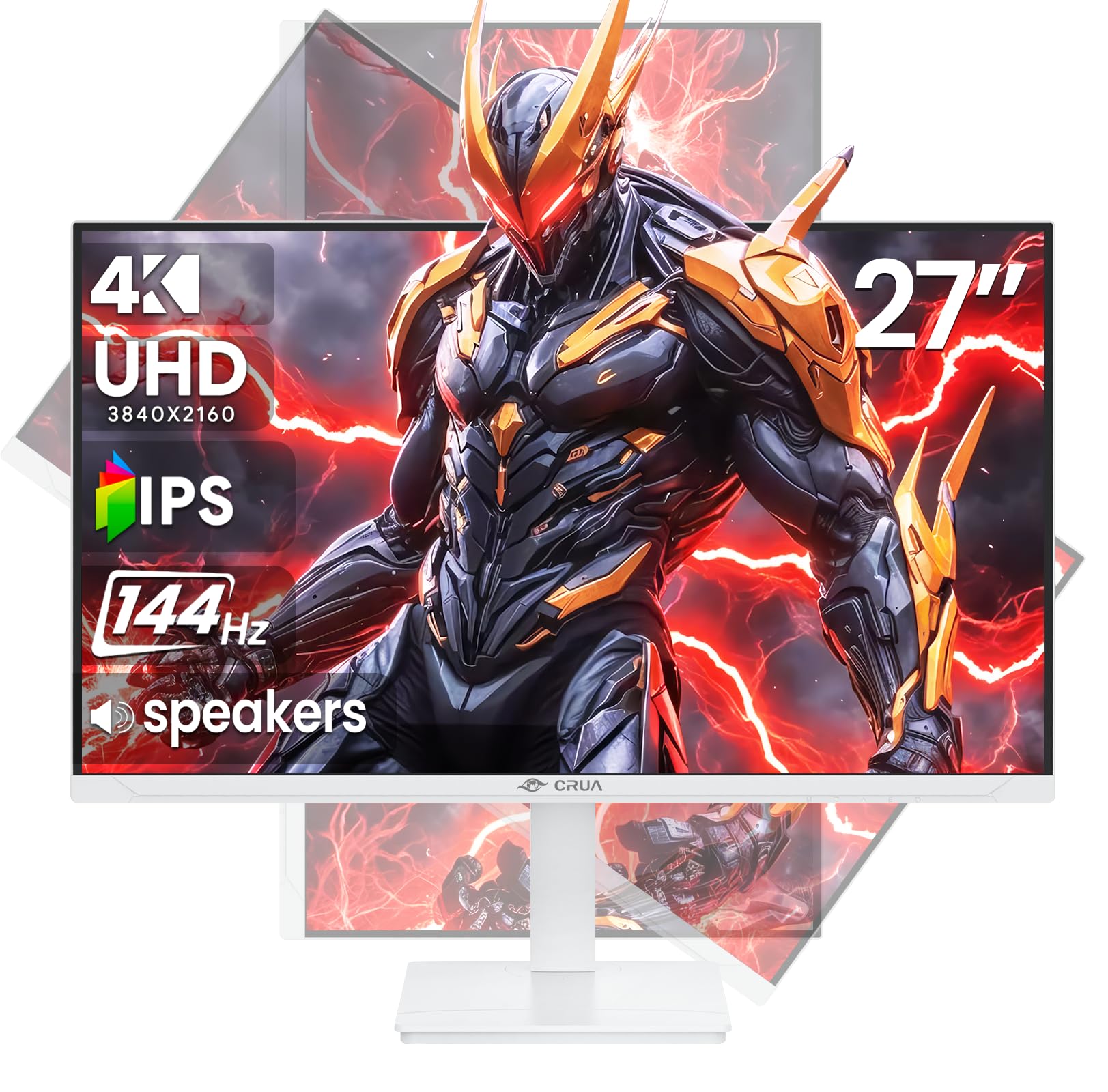
Şəkil: Ön view of the CRUA 27-inch 4K UHD 144Hz IPS Gaming Monitor.
Qutuda nə var
Zəhmət olmasa paketinizin məzmununu yoxlayın. Hər hansı əşyalar əskik və ya zədələnmişsə, satıcınızla əlaqə saxlayın.
- 27 düymlük monitor
- DP kabeli
- Base and Support
- İstifadəçi təlimatı
- Enerji təchizatı
Məhsul Xüsusiyyətləri
- 27" 4K Display with IPS Panel: Experience ultra-clear visuals with a 3840x2160P resolution.
- 144Hz Yeniləmə dərəcəsi: Enjoy fluid and sharp motion, ideal for competitive gaming and fast-paced content.
- 120% sRGB Color Accuracy: Delivers rich and accurate tones with 350cd/m² brightness and 1000:1 high-contrast.
- Quraşdırılmış Dinamiklər: Provides clear audio for daily use.
- Full Ergonomic Adjustment: Features height, pivot, tilt, and rotation adjustments for optimal viewbucaqlar.
- Çoxsaylı Bağlantı Seçimləri: Equipped with 2x HDMI 2.1 and 2x DP 1.4 ports.
- AMD FreeSync Dəstəyi: Göz yaşı tökmədən oyun üçün monitorun yeniləmə tezliyini GPU ilə sinxronlaşdırır.
- Divara quraşdırıla bilən: Supports VESA 75mm x 75mm wall mounts for flexible installation.
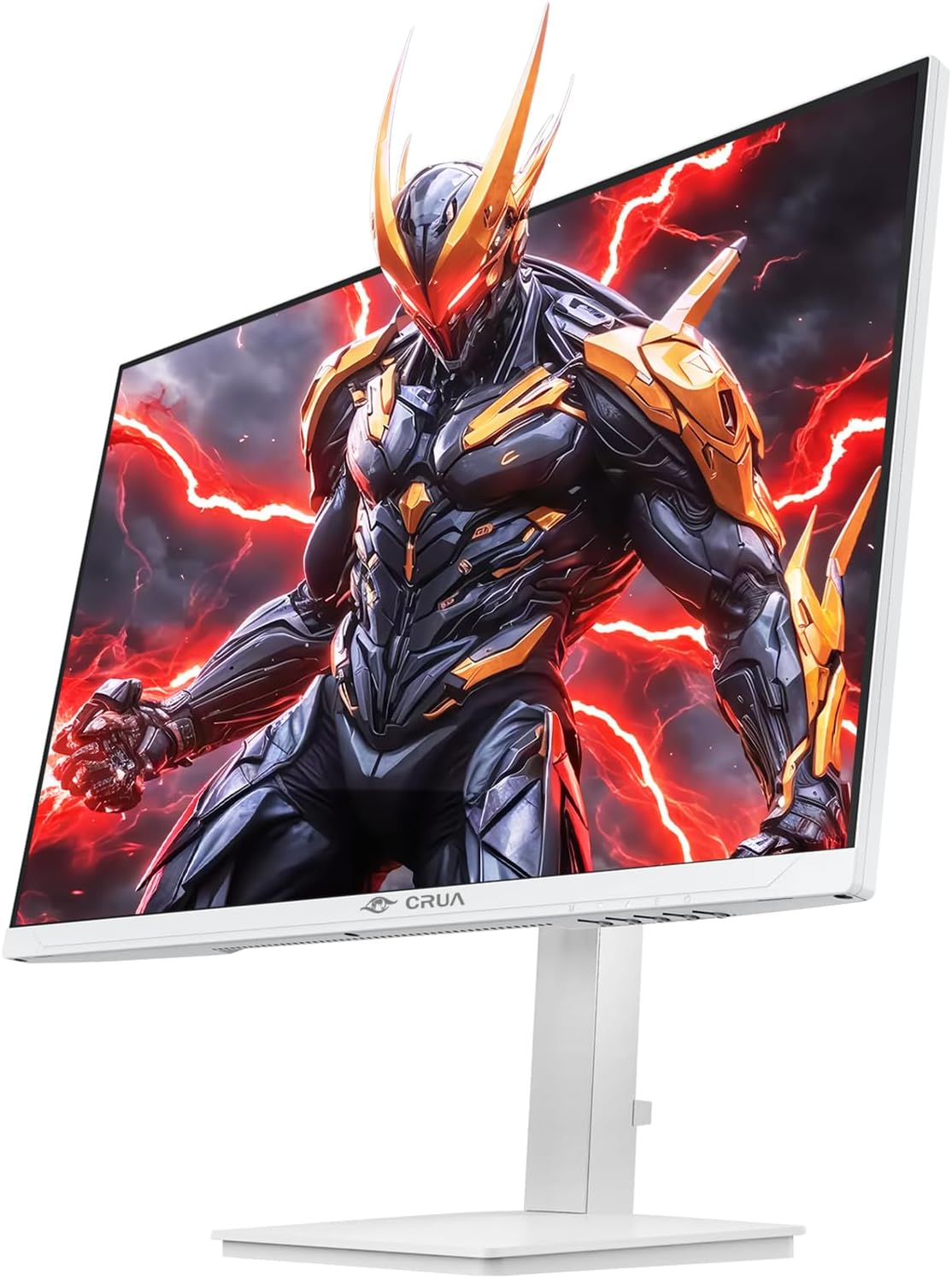
Şəkil: Ön view of the CRUA 27-inch 4K UHD 144Hz IPS Gaming Monitor displaying a game scene.

Şəkil: arxa view of the CRUA 27-inch 4K UHD 144Hz IPS Gaming Monitor showing the stand and RGB lighting.

Şəkil: arxa view of the CRUA 27-inch 4K UHD 144Hz IPS Gaming Monitor highlighting the input ports (2x DP 1.4, 2x HDMI 2.1, and 3.5mm Audio Port).

Image: Diagram illustrating the adjustable height (110mm), tilt (-5° to +15°), swivel (±30°), and pivot (90°) features of the CRUA 27-inch 4K UHD 144Hz IPS Gaming Monitor.
Quraşdırma Təlimatları
1. Stendin yığılması
- Monitor və dayaq komponentlərini qablaşdırmadan ehtiyatla çıxarın.
- Stend boynunu monitor panelinə bərkidin. Onun etibarlı şəkildə yerinə oturduğundan və ya təmin olunarsa vintlərlə bərkidildiyindən əmin olun.
- Attach the base to the stand neck, securing it with the thumb screw or other fasteners.
- Yığılmış monitoru sabit, düz bir səthə qoyun.
2. Divar montajı (İstəyə görə)
The monitor supports VESA 75mm x 75mm wall mounts. Remove the stand before attaching a compatible wall mount bracket (not included). Follow the instructions provided with your wall mount.
3. Birləşdirici kabellər
- Güc: Connect the power supply to the monitor's power input and then to a power outlet.
- Video Girişi: Connect one end of the provided DP cable (or an HDMI cable) to the corresponding port on your computer's graphics card and the other end to a DP 1.4 or HDMI 2.1 port on the monitor.
- Audio Çıxış (Könüllü): If using external speakers or headphones, connect them to the 3.5mm audio jack on the monitor.
4. İlkin işə salınma
Press the power button on the monitor. The monitor should automatically detect the input signal. If not, you may need to manually select the input source using the OSD menu.
Əməliyyat Təlimatları
1. Gücü yandırın/söndürün
Monitoru yandırmaq və ya söndürmək üçün üzərində yerləşən güc düyməsini basın.
2. OSD Menyu Naviqasiyası
The On-Screen Display (OSD) menu allows you to adjust various monitor settings. Navigate the menu using the joystick or buttons typically located on the back or bottom of the monitor.
- OSD menyusunu açmaq üçün joystick/düyməsini basın.
- Move the joystick up/down or use corresponding buttons to navigate through menu options.
- Move the joystick left/right or use corresponding buttons to adjust values or enter sub-menus.
- Press the joystick/button again to confirm selections or exit sub-menus.
3. Daxiletmə Mənbəsinin Seçimi
If the monitor does not automatically detect the correct input, open the OSD menu, navigate to "Input Source," and select the active input (e.g., HDMI1, HDMI2, DP1, DP2).
4. Ekran Parametrlərinin Tənzimlənməsi
Within the OSD menu, you can customize settings such as:
- Parlaqlıq/Kontrast: Ümumi parlaqlıq və kontrast səviyyələrini tənzimləyin.
- Rəng Parametrləri: Rəng temperaturu, qamma və fərdi RGB dəyərlərini incə tənzimləyin.
- Şəkil keyfiyyəti: Select preset modes (e.g., Standard, Game, Movie) or customize sharpness and dynamic contrast.
- Qətnamə və Yeniləmə Tezliyi: Ensure your computer's display settings match the monitor's native 4K UHD (3840x2160P) resolution and 144Hz refresh rate for optimal performance.
- AMD FreeSync: Enable FreeSync in the OSD menu and your graphics card control panel for adaptive synchronization.
5. Səs Ayarları
Adjust the volume of the built-in speakers or connected external audio devices through the OSD menu's audio section. You can also mute the audio if desired.
6. Erqonomik Düzəlişlər
Monitoru istədiyiniz kimi tənzimləyin viewmövqe:
- Hündürlük: Monitoru dayaq boyunca yavaşca yuxarı və ya aşağı çəkin və ya itələyin.
- Əymək: Tilt the screen forward or backward.
- Fırlanan: Monitoru onun əsasında sola və ya sağa çevirin.
- Pivot: Rotate the screen 90 degrees for vertical orientation.
Baxım
Ekranın Təmizlənməsi
- Təmizləmədən əvvəl həmişə monitoru söndürün və elektrik kabelini ayırın.
- Yumşaq, tüysüz parçadan yüngülcə istifadə edin dampsu və ya xüsusi ekran təmizləyicisi ilə tamamlanır.
- Təmizləyicini birbaşa ekrana səpməyin.
- Aşındırıcı təmizləyicilərdən, spirtdən və ya ammonyak əsaslı məhlullardan istifadə etməkdən çəkinin, çünki onlar ekran səthinə zərər verə bilər.
Ümumi Baxım
- Monitoru birbaşa günəş işığından, istilik mənbələrindən və həddindən artıq tozdan uzaq tutun.
- Həddindən artıq istiləşmənin qarşısını almaq üçün monitorun ətrafında adekvat havalandırma təmin edin.
- Monitorun və ya onun kabellərinin üzərinə ağır əşyalar qoymayın.
- Ekrana iti əşyalarla toxunmaqdan çəkinin.
Problemlərin aradan qaldırılması
| Problem | Mümkün Həll |
|---|---|
| Ekranda şəkil yoxdur |
|
| Dinamiklərdən səs gəlmir |
|
| Təsvirin titrəməsi və ya təhrif olunması |
|
| Düymələr cavab vermir |
|
For further assistance, please refer to the CRUA support websayt və ya müştəri xidməti ilə əlaqə saxlayın.
Spesifikasiyalar
| Xüsusiyyət | Detal |
|---|---|
| Model nömrəsi | CR270E |
| Ekran Ölçüsü | 27 düym |
| Qətnamə | 4K UHD (3840 x 2160 Piksel) |
| Yeniləmə dərəcəsi | 144Hz |
| Panel növü | IPS |
| Aspekt nisbəti | 16:9 |
| Rəng Gamutu | 120% sRGB |
| Parlaqlıq | 350 Candela (cd/m²) |
| Kontrast nisbəti | 1000:1 |
| Bağlantı | 2x DP 1.4, 2x HDMI 2.1, 1x 3.5mm Audio Jack |
| Adaptiv Sinxronizasiya | AMD FreeSync |
| Erqonomika | Height, Pivot, Tilt, Rotate Adjustable |
| Divar montajı | VESA 75mm x 75mm |
| Quraşdırılmış Dinamiklər | Bəli |
| Məhsul Ölçüləri | 2.5 x 24 x 14 düym |
| Maddə Çəkisi | 11.38 funt sterlinq |
Zəmanət və Dəstək
CRUA provides high-quality computer monitors and premium services. For warranty information, technical support, or any questions regarding your monitor, please visit the official CRUA website or contact their customer service team. Details can typically be found on the product packaging or the CRUA brand store on Amazon.
Əlaqə məlumatı: Refer to your purchase documentation or the CRUA official webən son dəstək əlaqə məlumatları üçün sayt.


