1. Giriş
The EMEET Piko 4K Webcam is an advanced dual-camera AI-powered device designed for high-quality video streaming, conferencing, and content creation. It features a 4K main camera for ultra-clear visuals and an AI-assisted camera for rapid autofocus and precise face lighting, even in challenging low-light conditions. Equipped with a 3-microphone array and multiple sound modes, it ensures clear audio capture. This manual provides essential information for setting up, operating, and maintaining your EMEET Piko 4K Webkamera
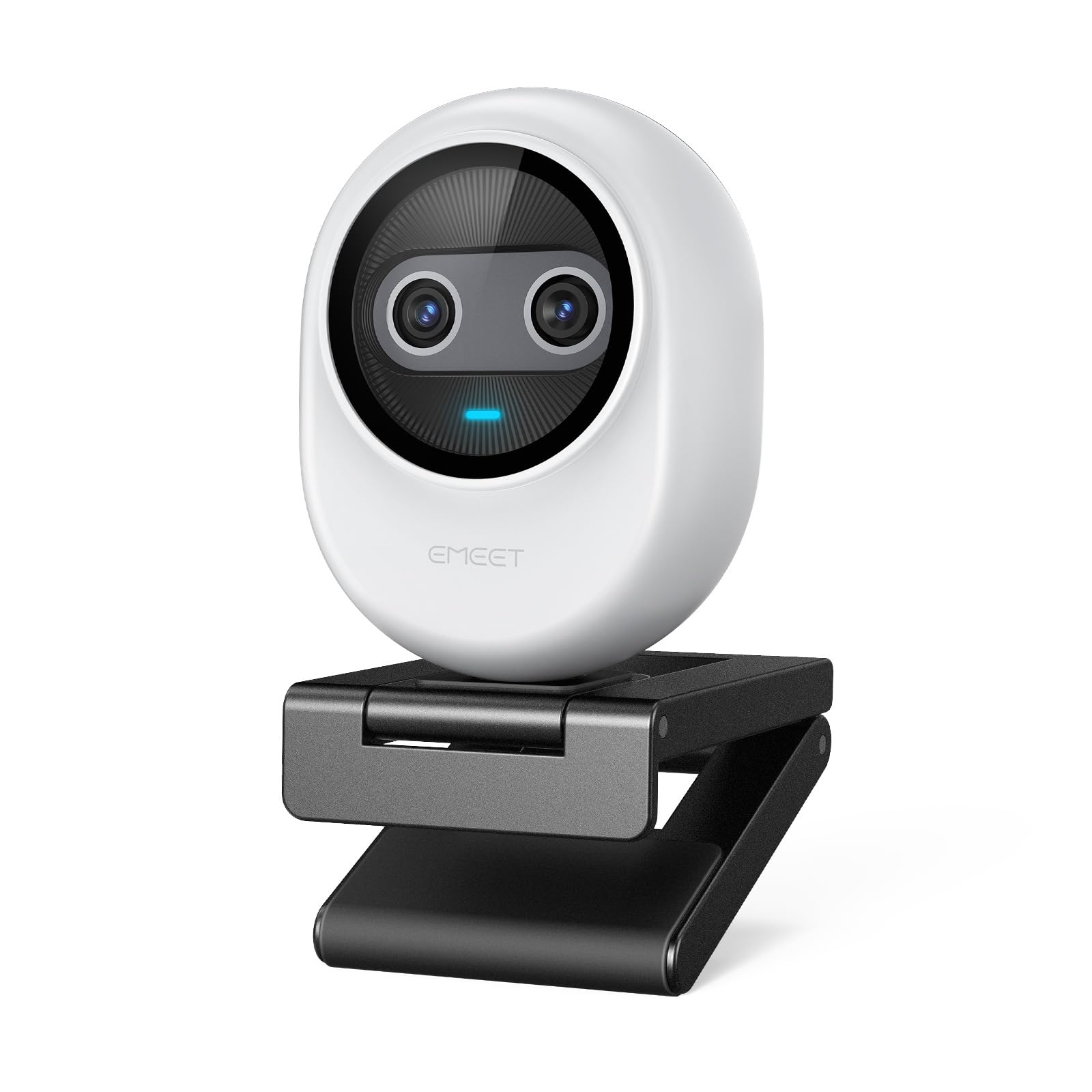
Figure 1: EMEET Piko 4K Webcam, White model.
2. Qutuda nə var
Bütün əşyaların paketdə olduğunu yoxlayın:
- EMEET Piko 4K Webcam
- USB CC kabeli
- Webcam Clip
- İstifadəçi Təlimatı (bu sənəd)

Figure 2: EMEET Piko Webcam and included accessories.
3. Quraşdırma
3.1 Qoşulması Webcam Clip
- hizalayın webcam with the clip's mounting point.
- Yavaşca basın webcam onto the clip until it securely snaps into place.
3.2 Quraşdırma Webcam
- On a Monitor/Laptop: yerləşdirin webcam clip over the top edge of your monitor or laptop screen. Adjust the clip to ensure stability.
- On a Tripod: The webcam features a standard 1/4-inch screw thread at its base. Attach it to a compatible tripod (not included) for flexible positioning.

Şəkil 3: Webcam mounted on a monitor for professional calls.
3.3 Kompüterinizə qoşulma
- Connect one end of the provided USB C-C cable to the USB-C port on the back of the EMEET Piko Webkamera
- Connect the other end of the USB C-C cable to an available USB-C port on your computer. If your computer only has USB-A ports, a USB-C to USB-A adapter (not included) may be required.
- The webcam is plug-and-play and should be automatically recognized by your Windows or macOS operating system.

Figure 4: USB-C connectivity and broad compatibility with various platforms.
4. Əsas Xüsusiyyətlər
4.1 Dual-Camera AI-Powered Video
The EMEET Piko features a revolutionary dual-camera system:
- 4K Main Camera: Equipped with a 1/2.8'' sensor, it captures video in Ultra HD 4K resolution, providing exceptional detail and clarity.
- AI-Assisted Camera: This secondary camera enhances the main camera's performance by providing rapid autofocus and precise face lighting adjustments, ensuring you are always well-lit and in focus. It excels in low-light environments.

Figure 5: Explanation of the 4K Imaging Camera and AI-Assisted Camera.
4.2 3 Mics Array & 3 Sound Modes
Experience clear audio with the integrated 3-microphone array and selectable sound modes:
- Noise Canceling Mode: Combines gain control with steady and sudden noise blocking, ideal for busy environments.
- Original Sound Mode: Captures authentic sounds and preserves ambient audio, recommended for quiet spaces.
- Canlı rejim: Adjusts gain and reduces background noise like air conditioning, ensuring clear audio for live streaming.

Figure 6: Visual representation of the 3-microphone array and sound mode selection.
4.3 Design and Portability
The EMEET Piko features a rounded, sleek design with fine matte textured materials. Its compact size makes it highly portable, smaller and lighter than a typical smartphone.

Figure 7: The sleek and compact design of the EMEET Piko Webkamera
4.4 Geniş Uyğunluq
The webcam is compatible with Windows and MacOS operating systems and integrates seamlessly with popular platforms such as OBS, Twitch, YouTube, Xsplit, and ManyCam.
5. Əməliyyat Təlimatları
5.1 Əsas İstifadə
Once connected, the EMEET Piko Webcam will function as a standard webcam. Select it as your preferred camera and microphone input in your video conferencing or streaming application.
5.2 EMEET Studio Software
For advanced control and customization, download and install the EMEET Studio software from the official EMEET websayt. Bu proqram sizə imkan verir:
- Adjust video settings (brightness, contrast, sharpness, saturation, tone).
- Select different sound modes (Noise Canceling, Original Sound, Live Mode).
- Control AI features like autofocus and face tracking.
- Switch between landscape and portrait mode (requires compatible tripod).
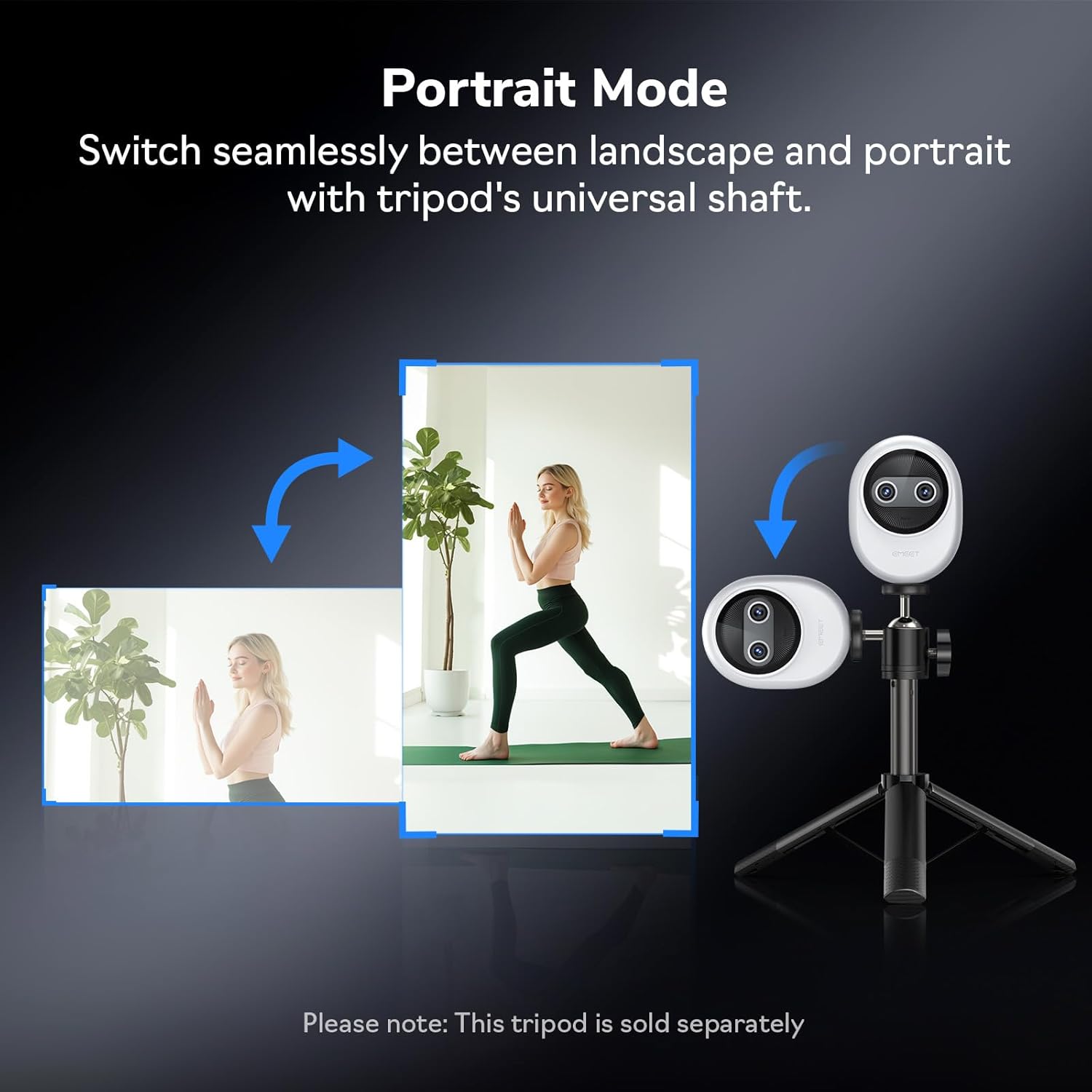
Şəkil 8: Webcam demonstrating seamless switching to portrait mode.
5.3 Könüllü Uzaqdan İdarəetmə
An optional remote control (ASIN: B0FP281Z19) is available for wireless control of the webcam's functions, offering convenience during presentations or streaming sessions.
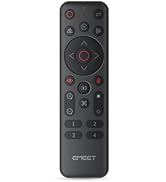
Figure 9: Optional remote control for the EMEET Piko Webkamera
6. Baxım
- Təmizləmə: Təmizləmək üçün yumşaq, quru bir parça istifadə edin webcam lens and body. Avoid abrasive cleaners or solvents.
- Yaddaş: İstifadə edilmədikdə webcam in a cool, dry place. Consider using a privacy cover (optional accessory) to protect the lens.
- Firmware Güncellemeleri: Regularly check the EMEET weboptimal performansı və yeni funksiyalara çıxışı təmin etmək üçün proqram təminatı yeniləmələri üçün sayt.

Figure 10: Optional magnetic privacy cover for lens protection.
7. Giderme
- Video/Audio yoxdur:
- USB kabelinin hər ikisinə etibarlı şəkildə qoşulduğundan əmin olun webkamera və kompüteriniz.
- Kompüterinizdə fərqli USB portunu sınayın.
- Doğrulayın ki webcam is selected as the primary video and audio device in your application settings.
- Kompüterinizi yenidən başladın.
- Video Keyfiyyəti:
- Ensure adequate lighting in your environment. The AI-assisted camera performs best with some ambient light.
- Təmizləyin webyumşaq parça ilə kamera lensi.
- Check your application settings to ensure the correct resolution (e.g., 4K) is selected.
- Yeniləyin webcam drivers or EMEET Studio software to the latest version.
- Avtofokus problemləri:
- Lensin qarşısında heç bir maneə olmadığından əmin olun.
- In EMEET Studio, verify that AI autofocus is enabled.
- Avoid rapid, excessive movement directly in front of the camera if focus hunting occurs.
8. Spesifikasiyalar
| Xüsusiyyət | Detal |
|---|---|
| Brend | EMEET |
| Model nömrəsi | E3141 |
| Maddə Çəkisi | 1.44 unsiya |
| Məhsul Ölçüləri | 2.2 x 1.7 x 0.87 düym |
| Rəng | Ağ |
| Foto Sensor Texnologiyası | CMOS |
| Video çəkiliş həlli | 4K |
| Video çəkiliş formatı | YUY2 / MJPEG |
| Dəstəklənən Audio Format | AAC, MP3 |
| Bağlantı texnologiyası | USB |
| Xüsusi Xüsusiyyətlər | 1/2.8'' Sensor, 3 Mic Array & 3 Sound Modes, Instant AI Autofocus & Adaptive Face Lighting, USB Webcam with Clip, World's 1st Dual-Camera AI-Powered 4K Webcam |
9. Zəmanət və Dəstək
EMEET products are designed for reliability and performance. For warranty information, technical support, or to register your product, please visit the official EMEET websaytına daxil olun və ya müştəri xidmətləri ilə əlaqə saxlayın. Zəmanət iddiaları üçün alış qəbzini saxlayın.
10. Məhsul bitdiview Video
Video 1: Official EMEET Piko 4K Webkamera bitdiview. This video highlights the key features and design of the webkamera


