1. Təhlükəsizlik Məlumatı
Please read all safety instructions carefully before using this product. Retain this manual for future reference.
- Soundbarı yağışa, nəmə və ya həddindən artıq temperatura məruz qoymayın.
- Heç bir ventilyasiya açılışını bağlamayın.
- Yalnız istehsalçı tərəfindən müəyyən edilmiş əlavələrdən/aksesuarlardan istifadə edin.
- Şimşək fırtınası zamanı və ya uzun müddət istifadə edilmədikdə səs panelini ayırın.
- Bütün xidmətlər üçün ixtisaslı xidmət personalına müraciət edin.
2. Paketin məzmunu
Bütün əşyaların paketdə olduğunu yoxlayın:
- THOMSON B210 Bluetooth Soundbar
- Uzaqdan İdarəetmə
- Güc adapteri
- İstifadəçi təlimatı
- Audio Cables (e.g., Optical, AUX - specific cables may vary)
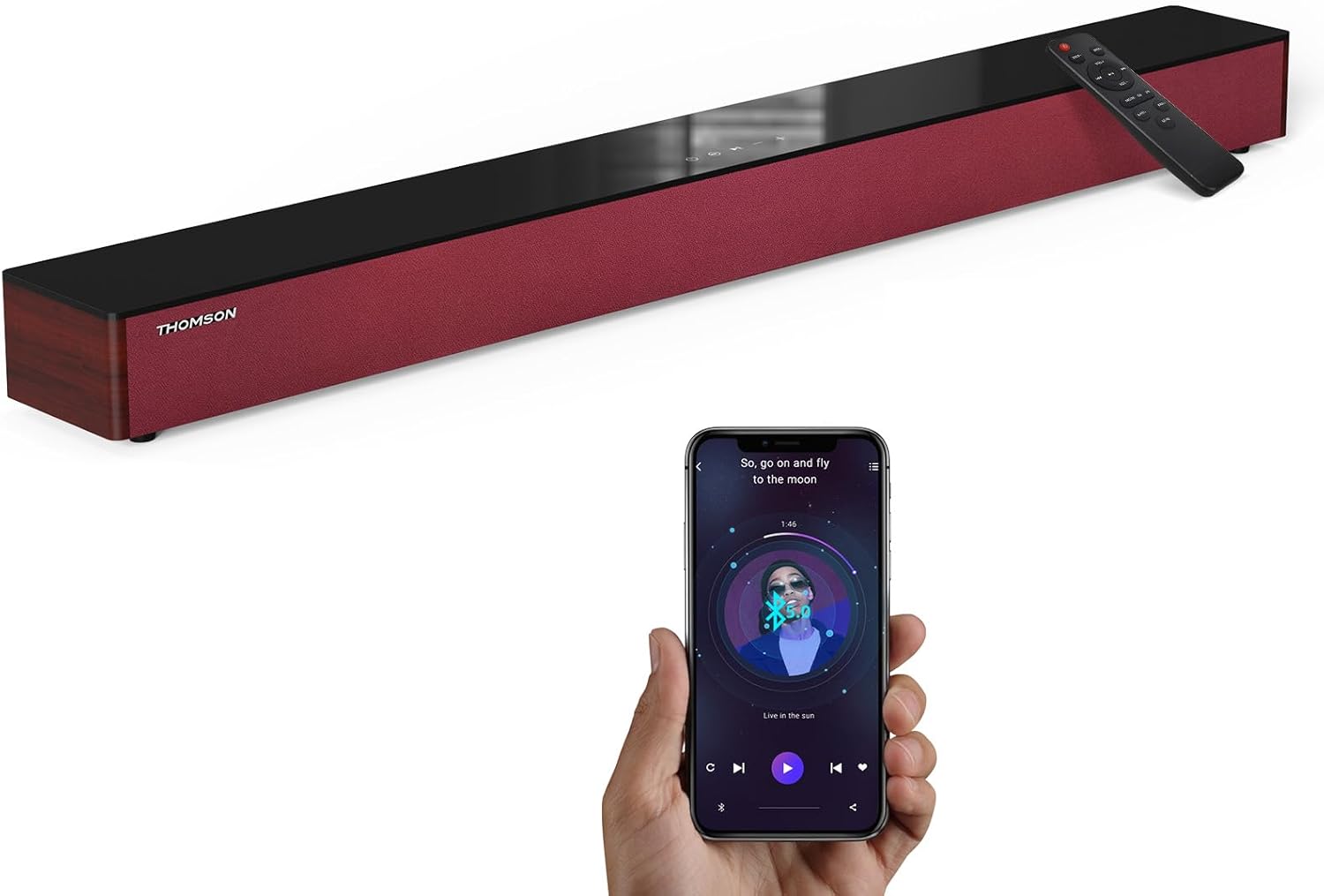
Image: The THOMSON B210 Soundbar, its remote control, and a smartphone demonstrating Bluetooth connectivity.
3. Məhsul bitdiview
3.1 Front and Top Panel
The soundbar features intuitive controls on its top panel for easy access.
3.2 Arxa Panel Əlaqələri
The rear panel provides various input ports for connecting to different audio sources.

Şəkil: Ətraflı view of the soundbar's rear connection ports, including AUX IN, COAXIAL, OPTICAL, HDMI ARC, USB, and DC IN.
3.3 Uzaqdan İdarəetmə
The included remote control allows for convenient operation of all soundbar functions.

Image: A hand operating the soundbar with its remote control, demonstrating wireless command over the device.
4. Quraşdırma
4.1 Yerləşdirmə
Place the soundbar on a stable, flat surface directly in front of your television for optimal sound dispersion. Ensure there is adequate space around the soundbar for ventilation.
4.2 Enerji Bağlantısı
- Güc adapterini soundbarın arxasındakı DC IN portuna qoşun.
- Elektrik adapterinin digər ucunu rozetkaya qoşun.
5. Əməliyyat Təlimatları
5.1 Yandırma/Söndürmə
Press the Power button on the soundbar's top panel or the remote control to turn the unit on or off.
5.2 Səs səviyyəsinə nəzarət
Use the Volume Up (+) and Volume Down (-) buttons on the soundbar or remote control to adjust the audio level.
5.3 Daxiletmə seçimi
Press the 'MODE' button on the soundbar or remote control to cycle through available input sources: ARC, Optical, AUX, USB, and Bluetooth.
5.4 Equalizer Modes
The soundbar offers three distinct equalizer modes to optimize audio for different content types:
- Musiqi rejimi: Musiqi aydınlığını və bası artırır.
- Film rejimi: Provides a more immersive cinematic experience.
- Xəbər rejimi: Optimizes dialogue for clear speech.
Press the corresponding EQ button on the remote control to select your desired mode.

Image: Visual representation of the soundbar's optimized audio modes for Music, Movie, and News content.
6. Əlaqələr
The THOMSON B210 Soundbar supports multiple connection types for versatility.

Image: The soundbar demonstrating its compatibility with multiple devices such as projectors, PCs, game consoles, and smartphones.
6.1 HDMI ARC Connection
For the best audio quality and control, connect your TV to the soundbar using an HDMI cable via the ARC port.
- Connect one end of an HDMI cable to the HDMI ARC port on your TV.
- Connect the other end to the HDMI ARC port on the soundbar.
- Select 'ARC' as the input source on the soundbar.
6.2 Optik əlaqə
Use an optical cable for a high-quality digital audio connection.
- Connect one end of an optical cable to the Optical OUT port on your TV or audio device.
- Connect the other end to the OPTICAL port on the soundbar.
- Select 'Optical' as the input source on the soundbar.
6.3 AUX bağlantısı
For analog audio devices, use an AUX cable.
- Connect one end of a 3.5mm audio cable to the headphone jack or AUX OUT port on your device.
- Digər ucunu soundbardakı AUX IN portuna qoşun.
- Select 'AUX' as the input source on the soundbar.
6.4 USB Bağlantısı
Audio çalın files birbaşa USB yaddaş cihazından.
- USB sürücüsünü səs çubuğundakı USB portuna daxil edin.
- Select 'USB' as the input source on the soundbar.
- Səs paneli avtomatik olaraq uyğun səsi çalmağa başlayacaq files.
6.5 Bluetooth Qoşulması
Connect your smartphone, tablet, or other Bluetooth-enabled device wirelessly.
- Turn on the soundbar and select 'Bluetooth' mode using the 'MODE' button. The Bluetooth indicator will flash.
- Cihazınızda Bluetooth-u aktivləşdirin və mövcud cihazları axtarın.
- Select 'THOMSON B210' from the list.
- Once paired, the Bluetooth indicator will stop flashing and remain solid.

Image: A family enjoying entertainment with the soundbar, illustrating seamless Bluetooth connectivity from a smartphone.
7. Baxım
Soundbarınızın uzunömürlülüyünü və optimal performansını təmin etmək üçün bu texniki xidmət təlimatlarına əməl edin:
- Təmizləmə: Səs panelinin səthini təmizləmək üçün yumşaq, quru bir parça istifadə edin. Maye təmizləyicilərdən və ya aşındırıcı materiallardan istifadə etməyin.
- Yaddaş: Səs panelini uzun müddət saxlayırsınızsa, onu elektrik rozetkasından ayırın və sərin və quru yerdə saxlayın.
- Havalandırma: Ensure that the ventilation openings are not obstructed to prevent overheating.
8. Giderme
If you encounter issues with your THOMSON B210 Soundbar, refer to the following common problems and solutions:
| Problem | Mümkün Səbəb | Həll |
|---|---|---|
| Güc yoxdur | Elektrik kabeli qoşulmayıb; Elektrik rozetkası aktiv deyil | Ensure power cable is securely connected; Try a different power outlet |
| Səs yoxdur | Incorrect input source; Volume too low; Mute activated; Cable connection issue | Select correct input source; Increase volume; Deactivate mute; Check audio cable connections |
| Bluetooth cütləşməsi uğursuz oldu | Soundbar not in pairing mode; Device Bluetooth off; Device too far | Ensure soundbar is in Bluetooth mode (flashing indicator); Enable Bluetooth on device; Move device closer to soundbar |
| Pult işləmir | Batareyalar tükənib; Pult və səs paneli arasında maneə var | Replace remote control batteries; Remove any obstructions; Ensure remote is pointed at the soundbar's sensor |
9. Spesifikasiyalar
Detailed technical specifications for the THOMSON B210 Soundbar:
- Model: B210
- Brend: TOMSON
- Məhsul Ölçüləri: 36.5"D x 4.7"W x 2.9"H (92.7 sm x 11.8 sm x 7.3 sm)
- Maddə çəkisi: 11 funt (təxminən 5 kq)
- Dinamikin Maksimum Çıxış Gücü: 50 Vt
- Montaj növü: Stolüstü montaj
- Bluetooth Versiyası: 5.3
- Siqnal-səs-küy nisbəti: 70dB
- Natiqlər: 4 Full Range Speakers, 2 Woofers (Advanced Bass Diaphragms)
- Giriş Əlaqələri: ARC (HDMI), Optical, AUX, USB, Bluetooth

Image: Physical dimensions of the soundbar, showing length, width, and height in centimeters, along with a view of the rear ports.

Image: Internal component diagram of the soundbar, detailing its 4 high-performance drivers and 2 advanced bass diaphragms for enhanced audio.
10. Zəmanət və Dəstək
THOMSON products are manufactured to high-quality standards. For warranty information and technical support, please refer to the warranty card included with your product or visit the official THOMSON support websayt.
For further assistance, please contact THOMSON customer service.


