1. Giriş
Welcome to the user manual for your new TECNO POVA Curve 5G smartphone. This guide provides essential information on setting up, operating, maintaining, and troubleshooting your device. Please read this manual carefully to ensure optimal performance and longevity of your smartphone.

Figure 1: TECNO POVA Curve 5G smartphone, front and back.
2. Qutuda nə var
Upon unboxing your TECNO POVA Curve 5G, please verify that all the following items are included:
- TECNO POVA Curve 5G Smartphone
- Power Adapter (45W Fast Charger)
- USB kabel
- SİM Tablasının Ejektoru
- Qulaqlıq
- Tez Başlanğıc Bələdçisi (bu sənəd)

Figure 2: Key features of the TECNO POVA Curve 5G.
3. Quraşdırma
3.1 SIM kart və SD kartın daxil edilməsi
- Cihazınızın yan tərəfində SİM kart tepsisini tapın.
- SİM qabın ejektor alətini nimçənin yanındakı kiçik çuxura daxil edin və nimçə çıxana qədər yumşaq bir şəkildə basın.
- Nano-SIM kart(lar)ınızı və/və ya microSD kartınızı qabdakı xüsusi yuvalara yerləşdirin. Qızılı kontaktların aşağıya doğru olduğundan əmin olun.
- Yerinə oturana qədər qabı diqqətlə cihaza daxil edin.
3.2 Initial Power On and Basic Setup
- Press and hold the Power button until the TECNO logo appears.
- Dilinizi seçmək, Wi-Fi şəbəkəsinə qoşulmaq və Google hesabınızı qurmaq üçün ekrandakı təlimatlara əməl edin.
- You will be guided through setting up security features such as fingerprint unlock or facial recognition.

Şəkil 3: Aşağı view of the device, illustrating port and SIM tray location.
4. Cihazınızın İstifadəsi
4.1 Ekran və Naviqasiya
The TECNO POVA Curve 5G features a 144Hz Curved AMOLED display for smooth visuals and vibrant colors. Navigate the interface using touch gestures:
- Klikləyin: Element seçin və ya proqram açın.
- Çalmak: Ekranlar və ya siyahılar arasında sürüşdürün.
- Çimdik: Şəkilləri böyütmək və ya kiçiltmək və web səhifələr.
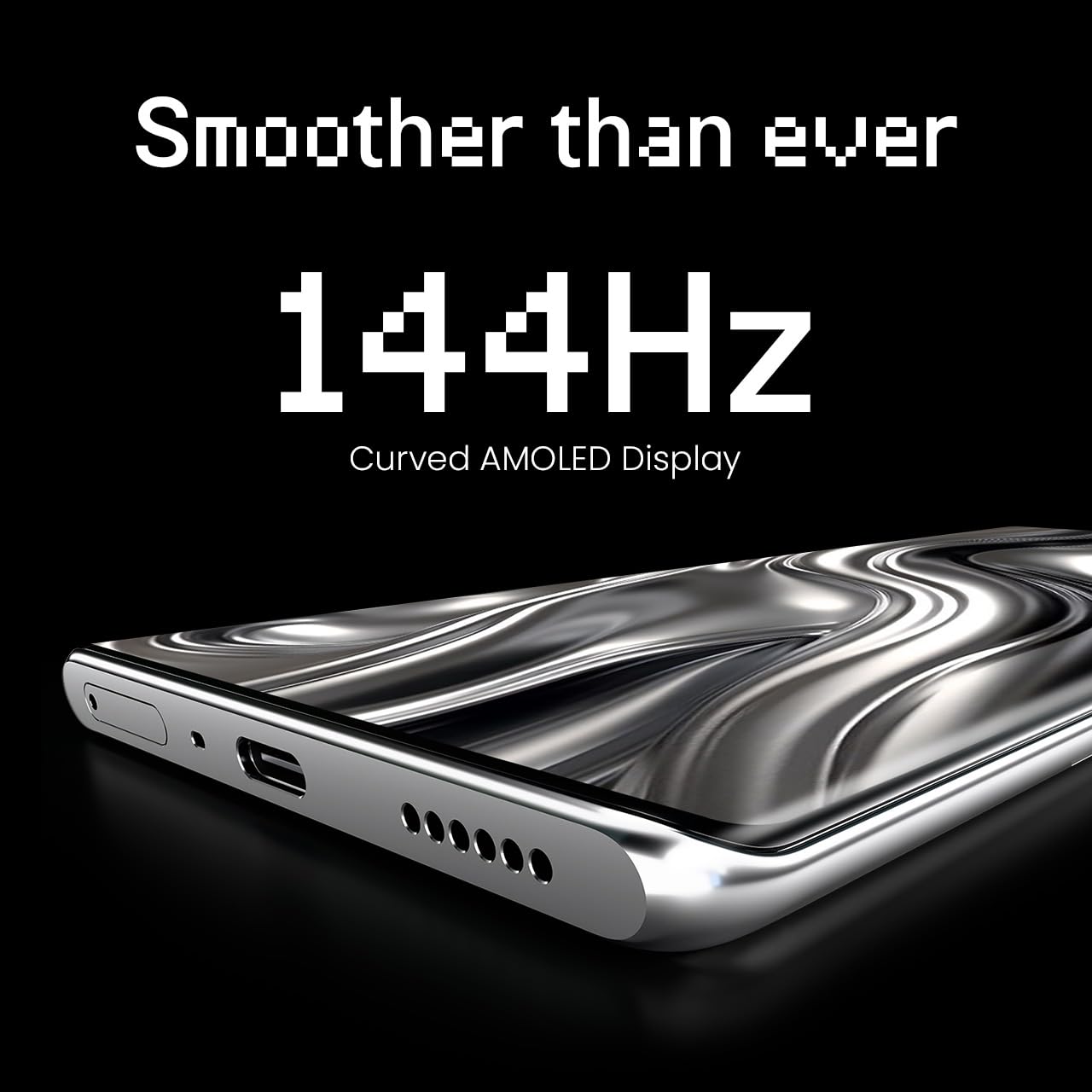
Figure 4: The 144Hz Curved AMOLED Display.
4.2 Kamera Funksiyaları
Your device is equipped with a 64MP IMX682 Rear Camera. To access the camera, tap the Camera icon on your home screen or lock screen. Key features include:
- Şəkil rejimi: Standart fotoqrafiya.
- Video rejimi: Yüksək keyfiyyətli videolar çəkin.
- Portret rejimi: Bulanıq fonları olan peşəkar görünüşlü fotoşəkillər yaradın.
- Gecə rejimi: Zəif işıq şəraitində çəkilmiş fotoşəkilləri təkmilləşdirin.
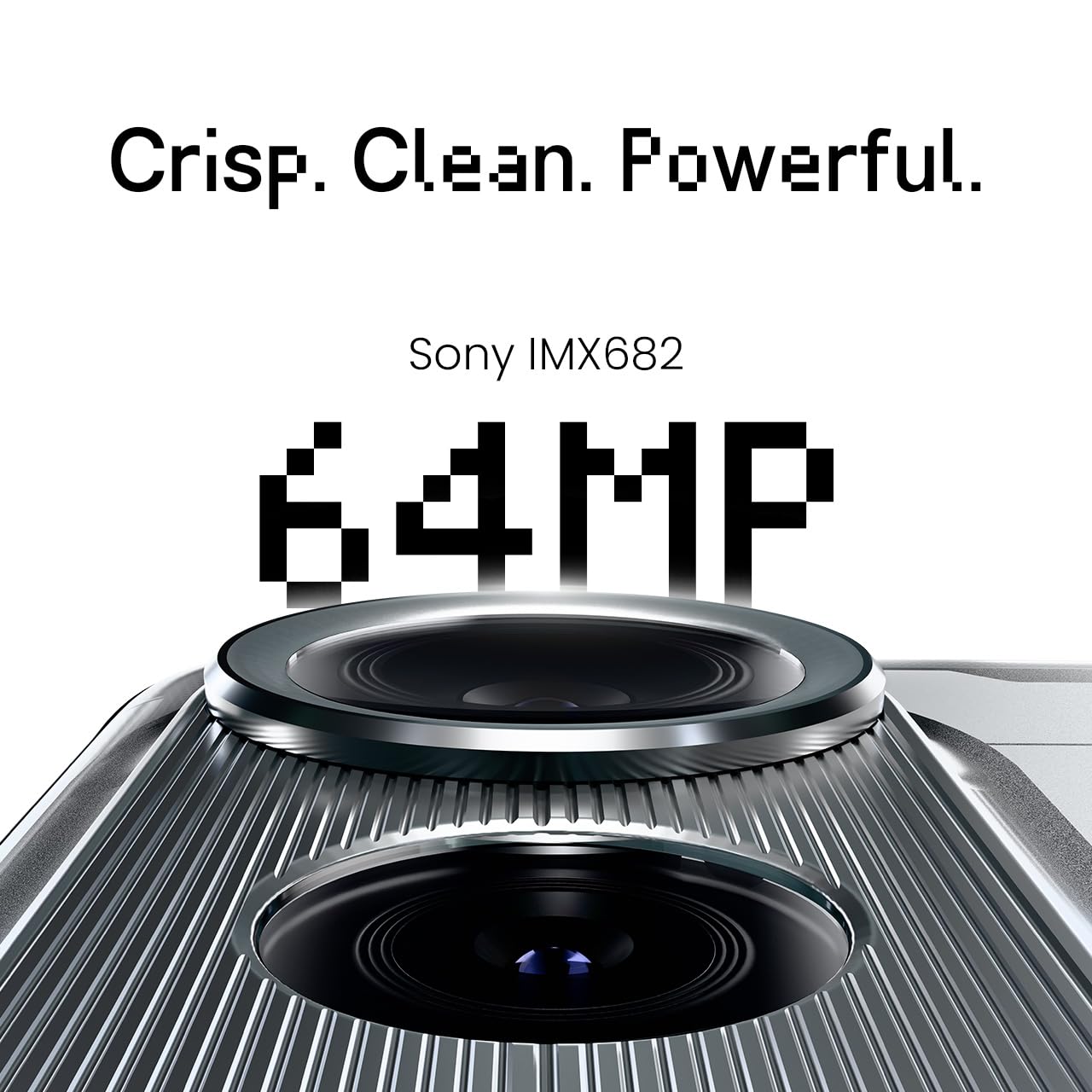
Figure 5: The 64MP IMX682 Rear Camera.
4.3 Süni İntellekt Xüsusiyyətləri
The TECNO POVA Curve 5G integrates advanced AI capabilities, including support for Indian languages and an AI Call Assistant. These features are designed to enhance user experience and productivity.
- AI with Indian Language Support: Access various functions and communicate in multiple Indian languages.
- AI Call Assistant: Manage calls intelligently, including features like AI Auto Call Answering and AI Voiceprint Suppression.

Figure 6: AI with Indian Language Support.

Şəkil 7: bitdiview of AI features.
4.4 Battery Management and Charging
The device is powered by a 5500mAh battery and supports 45W fast charging. Use the provided power adapter and USB cable for optimal charging speed.
- To charge, connect the USB cable to the phone's USB-C port and the power adapter, then plug into a wall outlet.
- Avoid using non-certified chargers or cables to prevent damage.
4.5 Bağlantı
Your TECNO POVA Curve 5G supports 5G cellular networks, Wi-Fi, and Bluetooth. It also features an Intelligent Signal Hub System for improved network reception.
- Wi-Fi: Mövcud şəbəkələrə qoşulmaq üçün Parametrlər > Şəbəkə və internet > Wi-Fi bölməsinə keçin.
- Bluetooth: Digər Bluetooth cihazları ilə qoşalaşmaq üçün Parametrlər > Qoşulmuş cihazlar > Bluetooth bölməsinə keçin.
- Mobil Məlumat: SİM kartınızın aktiv olduğundan və mobil məlumatın Parametrlər > Şəbəkə və internet > Mobil şəbəkədə aktiv olduğundan əmin olun.

Figure 8: Intelligent Signal Hub System for enhanced network communication.
5. Baxım
5.1 Cihazınızın təmizlənməsi
Smartfonunuzu təmiz və işlək saxlamaq üçün:
- Ekranı və bədəni silmək üçün yumşaq, tüysüz parçadan istifadə edin.
- Sərt kimyəvi maddələrdən, aşındırıcı materiallardan və ya aerozol spreylərindən istifadə etməkdən çəkinin.
- Cihazı həddindən artıq nəmə məruz qoymayın.
5.2 Proqram Yeniləmələri
Regularly check for and install software updates to ensure your device has the latest features, security patches, and performance improvements. Go to Settings > System > System update.
5.3 Batareya Baxımı
Batareya ömrünü uzatmaq üçün:
- Həddindən artıq temperaturdan çəkinin.
- Tez-tez batareyanın tamamilə boşalmasına icazə verməyin.
- Batareya tam doldurulduqdan sonra şarj cihazını ayırın.
6. Giderme
This section addresses common issues you might encounter with your TECNO POVA Curve 5G.
| Məsələ | Mümkün Həll |
|---|---|
| Cihaz işə düşmür | Batareyanın doldurulduğundan əmin olun. Yenidən başlamağa məcbur etmək üçün Güc düyməsini ən azı 10 saniyə basıb saxlayın. |
| Proqramlar sıradan çıxır və ya donur | Clear the cache of the problematic app (Settings > Apps > [App Name] > Storage > Clear cache). Restart the device. |
| Zəif şəbəkə siqnalı | Check if your SIM card is properly inserted. Move to an area with better network coverage. Restart the device. |
| Batareya tez tükənir | Reduce screen brightness, close unused apps, disable unnecessary background processes, and check for power-intensive apps in battery settings. |
| Toxunma ekranı cavab vermir | Restart the device. If the issue persists, contact customer support. |
7. Spesifikasiyalar
Key technical specifications for the TECNO POVA Curve 5G (Model: LJ8K):
- Əməliyyat sistemi: Android 15
- RAM: 8 GB (expandable with memory fusion)
- Yaddaş: 128 GB / 256 GB ROM
- Prosessor: MediaTek Dimensity 7300 Ultimate 5G
- Ekran: 144Hz Curved AMOLED
- Arxa Kamera: 64MP IMX682
- Batareya: 5500mAh with 45W Fast Charging
- Ölçülər: 16.4 x 7.5 x 0.7 sm
- Çəki: 177 q
- Bağlantı: Bluetooth, Infrared, USB, Wi-Fi, 5G

Figure 9: Processor and Memory details.
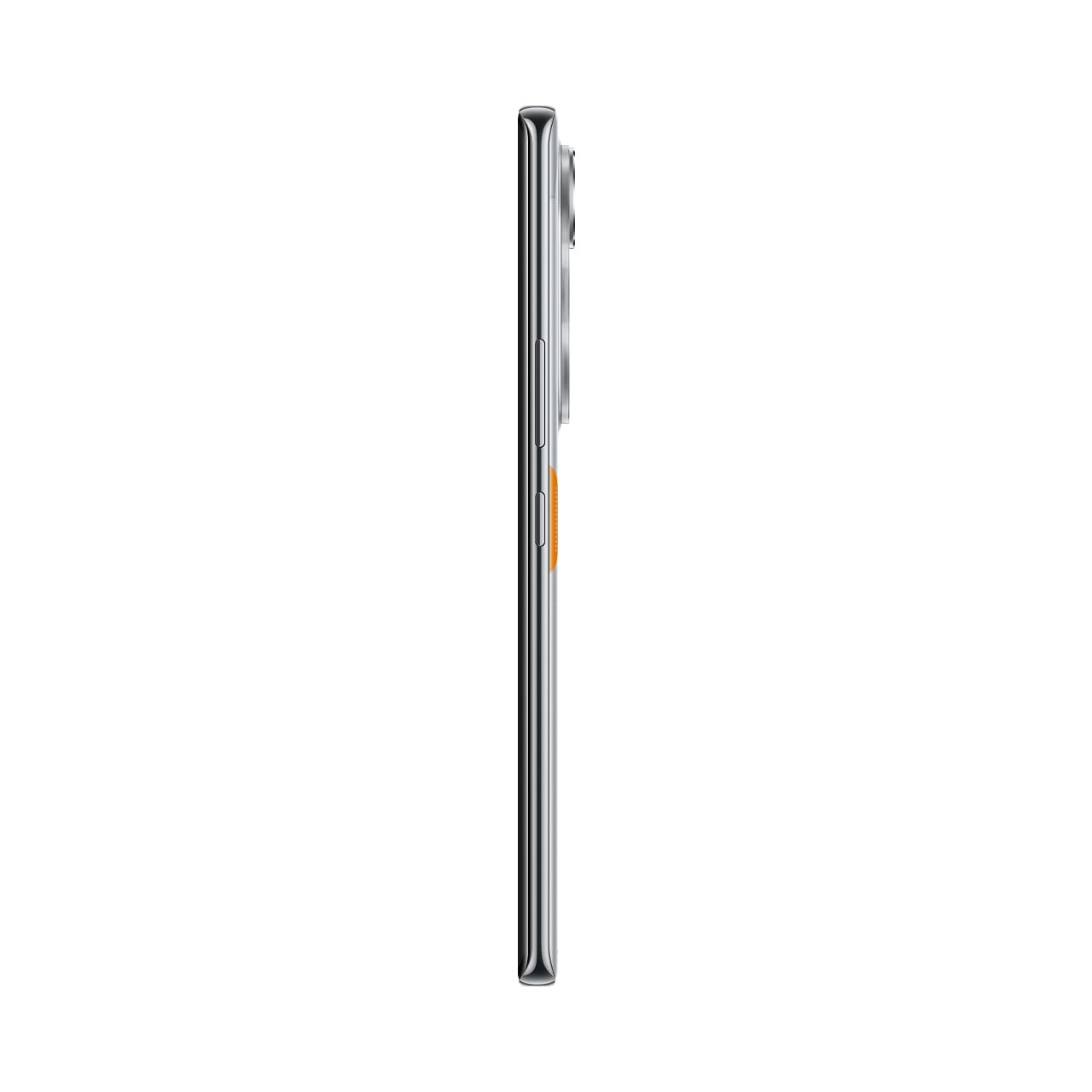
Figure 10: Slim design of the TECNO POVA Curve 5G.
8. Zəmanət və Dəstək
8.1 Zəmanət Məlumatı
Your TECNO POVA Curve 5G smartphone comes with a limited manufacturer's warranty. Please refer to the warranty card included in your product packaging for specific terms, conditions, and duration. Keep your proof of purchase for warranty claims.
8.2 Müştəri dəstəyi
For technical assistance, service, or further inquiries, please visit the official TECNO website or contact their customer support. Details can typically be found on the manufacturer's websaytda və ya zəmanət sənədlərində.


