1. İlkin Quraşdırma
This section guides you through the initial steps to set up your TCL 65C69K Smart TV, from unpacking to the first power-on.
1.1 Televizorun qablaşdırmadan çıxarılması
Carefully remove the TV and all accessories from the packaging. Retain the packaging materials for future transport or service needs. Ensure all components listed in the packing list are present.
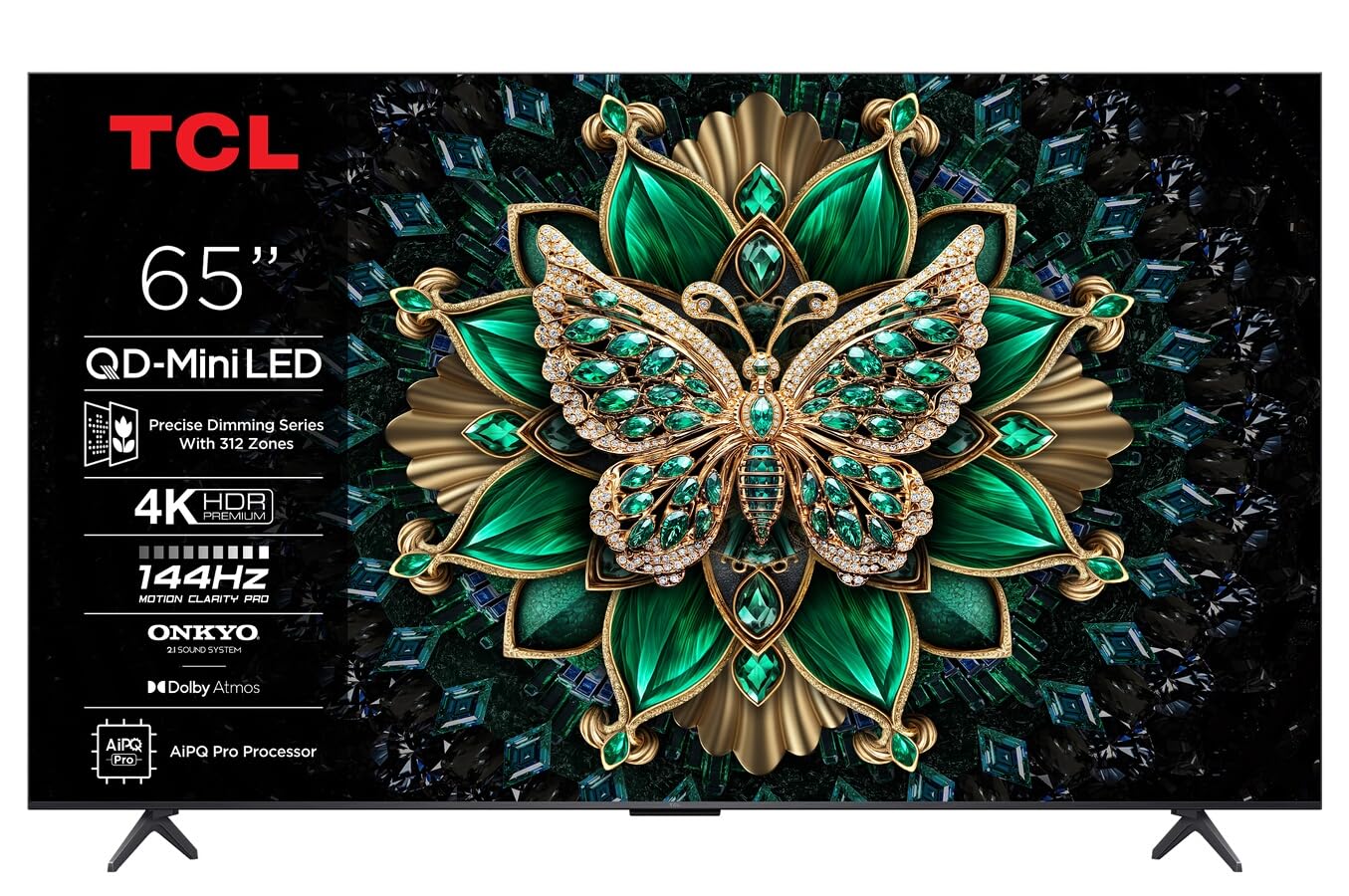
Şəkil: Ön view of the TCL 65C69K QD-MiniLED 4K Smart TV. The TV features a slim bezel and a central stand, showcasing its display and design.
1.2 Stendin quraşdırılması və ya divara quraşdırılması
Stendin quraşdırılması üçün: Place the TV screen-down on a soft, flat surface. Align the stand with the designated slots on the bottom of the TV and secure it using the provided screws. Ensure the stand is firmly attached before placing the TV upright.
Divar montajı üçün: Refer to the wall mount kit instructions (sold separately) for proper installation. Ensure the wall mount is compatible with VESA standards for your TV model. Always seek professional assistance for wall mounting to prevent damage or injury.
1.3 Periferik qurğuların birləşdirilməsi
- Elektrik kabeli: Elektrik kabelini televizorun güc girişinə, sonra isə divar rozetkasına qoşun.
- HDMI Cihazları: Connect external devices such as Blu-ray players, game consoles, or set-top boxes to the HDMI ports. This TV supports 4K resolution via HDMI.
- Antenna/Kabel: Connect an antenna or cable TV coaxial cable to the "ANT/CABLE IN" port for broadcast television.
- Şəbəkə bağlantısı: İnternetə çıxış üçün Ethernet kabelini LAN portuna qoşun və ya daxili Wi-Fi bağlantısından istifadə edin.
- Audio Cihazlar: For external audio systems, use the optical digital audio output or HDMI ARC/eARC port. The TV features Onkyo 2.1 audio.
1.4 First Power On and Initial Configuration
After connecting all necessary cables, press the power button on the TV or remote control. The TV will guide you through the initial setup process, which includes:
- Dil seçimi: İstədiyiniz dili seçin.
- Şəbəkə quraşdırma: Connect to your Wi-Fi network or confirm the Ethernet connection.
- Google TV Account: Sign in with your Google account to access smart features, apps, and personalized recommendations.
- Kanal Tarama: Antena və ya kabel qoşulubsa, mövcud yayım kanallarını skan edin.
- Məxfilik Parametrləri: Review və məxfilik parametrlərini istədiyiniz kimi tənzimləyin.
2. Televizorun istismarı
This section details the basic operation of your TCL 65C69K Smart TV, including remote control functions and smart features.
2.1 Uzaqdan idarəetmə üzərindəview
The remote control allows you to navigate the TV's interface, adjust settings, and access smart features. Familiarize yourself with buttons for power, volume, channel, input selection, home, back, and dedicated app buttons (if present).
2.2 Əsas funksiyalar
- Yandırma/Söndürmə: düyməsini basın Güc button on the remote or TV.
- Səs səviyyəsinin tənzimlənməsi: istifadə edin Səs artır/aşağı düymələri.
- Kanal Seçimi: istifadə edin Kanal Yuxarı/Aşağı düymələr və ya rəqəmlər paneli.
- Giriş seçimi: düyməsini basın Giriş button to switch between connected devices (HDMI 1, HDMI 2, TV, etc.).
2.3 Smart TV Xüsusiyyətləri (Google TV)
Your TCL 65C69K runs on Google TV, providing access to a vast library of apps and streaming services. Press the Ev button to access the Google TV interface. From here, you can:
- Browse and launch pre-installed apps like Netflix, Amazon Prime Video, and Hulu.
- Download new apps from the Google Play Store.
- Access personalized content recommendations.
- Use Google Assistant for voice commands (if supported by your remote).
2.4 Şəkil və Səs Parametrləri
TV-nin parametrlər menyusuna daxil olaraq öz seçimlərinizi fərdiləşdirin viewing and listening experience. Navigate to Parametrlər > Ekran və Səs.
- Şəkil rejimləri: Select from various picture modes (e.g., Standard, Movie, Game, Vivid) or customize settings like brightness, contrast, color, and sharpness. The QD-MiniLED panel and 4K resolution deliver exceptional clarity.
- Qabaqcıl Şəkil Parametrləri: Adjust settings related to Dolby Vision IQ for optimized picture quality based on ambient light. The TV supports a 120Hz refresh rate for smooth motion.
- Səs rejimləri: Choose sound modes (e.g., Standard, Music, Movie) or adjust equalizer settings. The integrated Onkyo 2.1 audio system with Dolby Atmos provides immersive sound.
3. Baxım
Proper maintenance ensures the longevity and optimal performance of your TCL 65C69K Smart TV.
3.1 Cleaning the Screen and Frame
- Təmizləməzdən əvvəl həmişə televizoru şəbəkədən ayırın.
- Use a soft, lint-free cloth (e.g., microfiber) to gently wipe the screen. For stubborn marks, lightly dampparçanı su və ya xüsusi ekran təmizləyicisi ilə örtün. Heç vaxt təmizləyicini birbaşa ekrana səpməyin.
- Wipe the TV frame and stand with a dry, soft cloth. Avoid abrasive cleaners or solvents.
3.2 Proqram Yeniləmələri
Regular software updates provide new features, performance improvements, and security enhancements. To check for updates, navigate to Parametrlər > Sistem > Haqqında > Sistem yeniləməsi. Follow the on-screen prompts to download and install any available updates. Ensure your TV is connected to the internet during this process.
4. Giderme
This section addresses common issues you might encounter with your TCL 65C69K Smart TV and provides solutions.
- Güc yoxdur:
- Ensure the power cable is securely connected to both the TV and a working wall outlet.
- Divar rozetkasının işlək olub-olmadığını başqa bir cihaza qoşaraq yoxlayın.
- Təkcə pultun deyil, televizorun özündə güc düyməsini basmağa çalışın.
- Şəkil yoxdur, amma səs var:
- Düzgün giriş mənbəyinin seçildiyini yoxlayın (məsələn, HDMI 1, TV).
- Check the HDMI cable connection to both the TV and the external device. Try a different HDMI port or cable.
- Restart the connected external device.
- Səs yoxdur, amma şəkil var:
- Increase the volume on the TV and ensure it is not muted.
- Check audio output settings in the TV menu (e.g., internal speakers, external audio system).
- If using external speakers, ensure they are powered on and correctly connected.
- Şəbəkə Bağlantısı Problemləri:
- Wi-Fi router və modemi yenidən başladın.
- gedin Parametrlər> Şəbəkə və İnternet and re-establish the connection.
- If using Wi-Fi, try moving the TV closer to the router or using an Ethernet cable for a more stable connection.
- Uzaqdan idarəetmə cavab vermir:
- Pultdakı batareyaları dəyişdirin.
- Pultla televizorun IR sensoru arasında heç bir maneə olmadığından əmin olun.
- If it's a Bluetooth remote, try re-pairing it with the TV (refer to the TV's on-screen help for pairing instructions).
If problems persist after trying these solutions, please contact TCL customer support for further assistance.
5. Texniki spesifikasiyalar
Below are the key technical specifications for the TCL 65C69K Smart TV.
| Model Adı | 65C69K |
| Brend | TCL |
| Ekran Ölçüsü | 65 düym |
| Ekran Texnologiyası | Mini LED |
| Qətnamə | 4K UHD (3840 x 2160) |
| Yeniləmə dərəcəsi | 120Hz (Yerli) |
| Xüsusi Xüsusiyyətlər | Mini LED, 4K UHD, Premium Design, Smart Functions, Dolby Vision IQ |
| Bağlantı texnologiyası | Wi-Fi, HDMI, USB, Ethernet |
| Aspekt nisbəti | 16:9 |
| Dəstəklənən İnternet Xidmətləri | Netflix, Amazon Prime Video, Hulu, Google TV ecosystem |
| Audio sistemi | Onkyo 2.1, Dolby Atmos |


