Giriş
This manual provides detailed instructions for the setup, operation, and maintenance of your LIGE EF21-I Smartwatch. Please read this manual thoroughly before using the device to ensure proper function and to maximize its features.
Təhlükəsizlik Məlumatı
- Saatı sökməyə və ya dəyişdirməyə çalışmayın.
- Saatı həddindən artıq temperaturdan və birbaşa günəş işığından uzaq saxlayın.
- Avoid exposing the watch to strong impacts or drops.
- Do not use corrosive chemicals to clean the watch.
- This device is not a medical device. Health data is for reference only and should not be used for medical diagnosis or treatment.
- Şarj etməzdən əvvəl şarj kontaktlarının təmiz və quru olduğundan əmin olun.
Paketin məzmunu
Bütün əşyaların paketinizdə olduğunu yoxlayın:
- LIGE EF21-I Smartwatch
- USB Maqnetik Şarj Kabeli
- C tipli şarj kabeli
- İstifadəçi təlimatı

Image: The package includes both a USB magnetic charging cable and a Type-C charging cable for versatile power options.
Quraşdırma Bələdçisi
1. İlkin Doldurma
Before first use, fully charge your smartwatch. Connect the magnetic charging cable to the charging contacts on the back of the watch and the USB end to a power adapter (not included) or a computer USB port. The watch display will show the charging status.

Image: The smartwatch connected to its magnetic charger, indicating its 800 mAh battery capacity.
2. Tətbiqin Quraşdırılması və Qoşulması
To unlock all features, download and install the "Fit CloudPro" app on your smartphone.
- Scan the QR code in the manual or on the watch (if available) or search for "Fit CloudPro" in your phone's app store (compatible with Android 8.0+ and iOS 12.0+).
- Proqramı açın və hesab yaradın və ya daxil olun.
- Smartfonunuzda Bluetooth-un aktiv olduğundan əmin olun.
- Tətbiqdə cihaz bölməsinə keçin və "Cihaz əlavə et" və ya oxşar seçim seçin.
- Select "EF21-I" from the list of available devices to pair.
- Cütləşdirmə prosesini başa çatdırmaq üçün ekrandakı göstərişlərə əməl edin.
Qoşulduqdan sonra saat vaxt və məlumatları telefonunuzla sinxronlaşdıracaq.
Əməliyyat Təlimatları
Əsas Naviqasiya
- Toxunma Ekranı: Menyular və funksiyalar arasında getmək üçün sola/sağa, yuxarı/aşağı sürüşdürün. Seçmək üçün toxunun.
- Yan Düymələr: Typically, one button acts as a power/back button, while others may be customizable shortcuts. Refer to the on-screen prompts for specific functions.

Image: The 1.43-inch AMOLED display offers brilliant colors and a fluid, efficient user experience.
Bluetooth Zəng funksiyası
The EF21-I Smartwatch supports Bluetooth calls, allowing you to make and receive calls directly from your wrist.
- Ensure the watch is connected to your smartphone via Bluetooth.
- Access the "Call" or "Phone" function on your watch.
- You can use the dial pad, access your contacts, or view zəng tarixçəsi.
- Advanced noise cancellation ensures clear audio during calls.
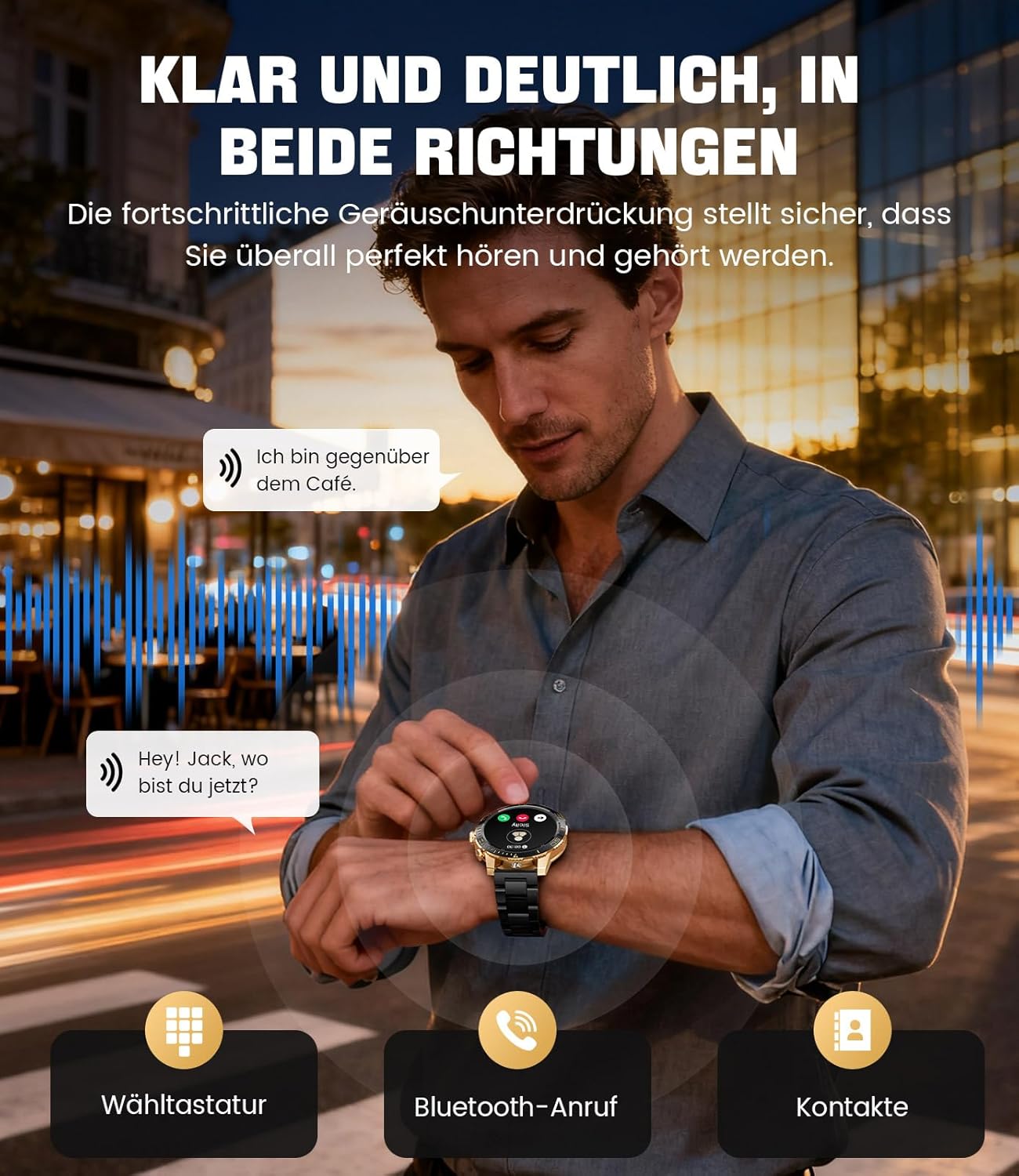
Image: The smartwatch allows clear two-way communication with advanced noise cancellation, featuring a dial pad, Bluetooth call option, and contacts access.
Bildirişlər
Receive real-time notifications from your smartphone apps directly on your watch.
- Enable app notifications in the "Fit CloudPro" app settings.
- The watch will display incoming calls, SMS, and messages from social media apps (e.g., Facebook, Twitter, Instagram, WhatsApp).
- A quick glance at your wrist allows you to stay informed discreetly.

Image: The smartwatch displays real-time notifications from various social media applications, keeping you informed discreetly.
Sağlamlığın monitorinqi
The EF21-I Smartwatch acts as your 24/7 health guardian, providing continuous monitoring of key health metrics.
- Ürək dərəcəsi: Gün ərzində ürək döyüntünüzü izləyir.
- Qan oksigeni (SpO2): Qanınızın oksigenlə doyma səviyyələrini ölçür.
- Yuxunun İzlənməsi: Analyzes your sleep patterns, distinguishing between deep sleep, light sleep, and awake times.
- Stress Monitorinqi: Stress səviyyələrini izləyir.
- Oturaq xatırlatmalar: Hərəkətsizlik müddətindən sonra hərəkət etməyiniz barədə xəbərdarlıq edir.
View detailed health data and trends in the "Fit CloudPro" app.
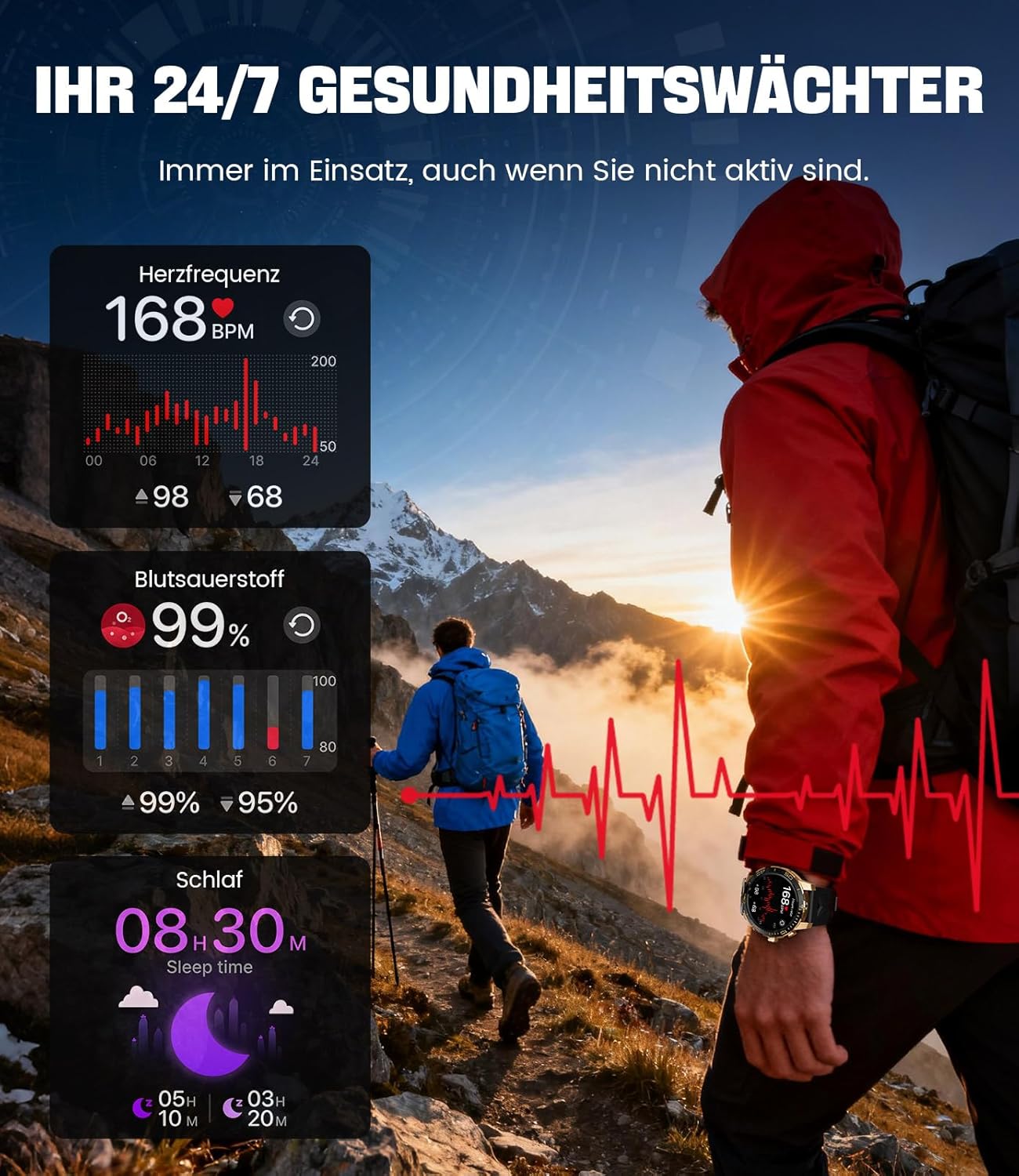
Image: The smartwatch functions as a 24/7 health guardian, monitoring heart rate, blood oxygen, and sleep patterns, even when you are not actively engaged in exercise.
İdman rejimləri
With over 200 sports modes, the watch helps you track your workouts and achieve your fitness goals.
- Select your desired sport mode from the watch menu.
- The watch records data such as heart rate, calories burned, and steps taken.
- Automatic recognition for walking, running, and cycling is supported.
- Review your activity data in the "Fit CloudPro" app for performance analysis.

Image: The smartwatch supports over 200 training modes, tracking heart rate, calories, and steps for various activities.
Fərdiləşdirilə bilən Saat Üzləri
Personalize your smartwatch with a variety of watch faces.
- The watch comes with several pre-installed classic watch faces.
- Access over 200 additional designs through the "Fit CloudPro" app.
- You can also upload your own photos to create custom watch faces.
Əlavə Xüsusiyyətlər
- Hava proqnozu: Real vaxtda hava yeniləmələri alın.
- Zəngli saat: Set alarms directly from your wrist.
- Uzaqdan Kamera İdarəsi: Use your watch to trigger your phone's camera.
- Fənər: Activate a flashlight function on your wrist.
- Phone Locator: Find your misplaced smartphone using the watch.

Image: The smartwatch features a wrist flashlight function, providing illumination for outdoor activities.
Baxım
Təmizləmə
- Saat ekranını və korpusunu yumşaq, tüksüz bir parça ilə silin.
- İnadkar ləkələr üçün, dampparçanı bir az su ilə yuyun.
- Avoid using harsh chemicals, abrasive materials, or ultrasonic cleaners.
- Şarj kontaktlarının təmiz və zibilsiz olduğundan əmin olun.
Suya davamlılıq (IP68)
The LIGE EF21-I Smartwatch is IP68 water-resistant, meaning it can withstand immersion in water up to 1.5 meters for up to 30 minutes. It is suitable for daily use, hand washing, and swimming.
- Saatı isti suda, saunalarda və ya buxar otaqlarında istifadə etməyin.
- Avoid pressing buttons underwater.
- After exposure to water, especially saltwater, dry the watch thoroughly.
Problemlərin aradan qaldırılması
Saat Yanmır
- Saatın tam doldurulduğundan əmin olun. Ən azı 30 dəqiqə şarj cihazına qoşun.
- Güc düyməsini bir neçə saniyə basıb saxlayın.
Unable to Pair with App
- Smartfonunuzda Bluetooth-un aktiv olduğundan əmin olun.
- Saatın kifayət qədər doldurulduğundan əmin olun.
- Həm smartfonunuzu, həm də ağıllı saatınızı yenidən başladın.
- Try unpairing and re-pairing the device through the "Fit CloudPro" app.
- Check if the app has necessary permissions on your phone.
Səhiyyə ilə bağlı qeyri-dəqiq məlumatlar
- Saatın biləyinizə möhkəm taxıldığından, çox boş və ya çox sıx olmadığından əmin olun.
- Saatın arxasındakı sensoru təmizləyin.
- Ölçmə zamanı həddindən artıq hərəkətdən çəkinin.
- Remember that health data is for reference and not for medical use.
Notifications Not Received
- Saatın Bluetooth vasitəsilə telefonunuza qoşulduğunu yoxlayın.
- Check notification settings in the "Fit CloudPro" app.
- Ensure your phone's notification settings allow the app to send notifications.
- Disable any battery optimization settings for the "Fit CloudPro" app on your phone.
Spesifikasiyalar
| Xüsusiyyət | Detal |
|---|---|
| Brend | LIGE |
| Model nömrəsi | EF21-I |
| Ekran Ölçüsü | 1.43 düym |
| Ekran növü | AMOLED |
| Batareya Tutumu | 800 mAh (Litium-polimer) |
| Bağlantı | Bluetooth |
| Əməliyyat Sistemi Uyğunluğu | Android 8.0+ & iOS 12.0+ |
| Suya davamlılıq reytinqi | IP68 |
| Yaddaş Saxlama Tutumu | 256 MB |
| Xüsusi Xüsusiyyətlər | Weather forecast, Sedentary reminder, Alarm clock, Touch screen, Always-on display, Bluetooth calling, Heart rate monitor, SpO2 monitor, Sleep monitor, 200+ sports modes, Phone locator |
| GPS | Smartfon vasitəsilə GPS |

Image: The smartwatch features impact resistance, indicated by a 'Military Grade Drop-Tested' badge.
Zəmanət və Dəstək
Zəmanət Məlumatı
The product is supported by a 12-month warranty. Please retain your proof of purchase for warranty claims.
Müştəri dəstəyi
For technical assistance, troubleshooting, or warranty inquiries, please contact LIGE customer support. Refer to the contact information provided with your purchase or visit the official LIGE websayt.


