1. Giriş
Welcome to the user manual for your new XIAOMI QLED 32" A Pro 2026 Smart TV. This guide provides essential information for setting up, operating, and maintaining your television to ensure optimal performance and enjoyment. Your new Smart TV combines advanced display technology with the intuitive Google TV platform, offering a seamless entertainment experience.
2. Quraşdırma
2.1. Qutudan Çıxarma və Paket İçindəkilər
Televizoru və bütün aksesuarları qablaşdırmadan diqqətlə çıxarın. Bütün komponentlərin mövcud olduğundan əmin olun:
- XIAOMI QLED 32" A Pro 2026 Smart TV
- Uzaqdan İdarəetmə
- Elektrik kabeli
- Televizor Stendləri (2x)
- Stendin yığılması üçün vintlər
- İstifadəçi Təlimatı (bu sənəd)
2.2. Stendin yığılması
If you choose to place the TV on a surface, attach the included stands:
- Cızıqların qarşısını almaq üçün televizor ekranını yumşaq, düz bir səthə qoyun.
- Hər bir dayağı televizorun altındakı müvafiq yuvalarla hizalayın.
- Hər bir dayağı verilən vintlərlə bərkidin.

Image: Close-up of the TV's metallic stand, highlighting its quality construction.
2.3. Divar montajı
For wall mounting, use a VESA-compatible bracket (not included). Refer to the dimensions image for VESA mount specifications (100x200mm).

Image: Diagram showing the dimensions of the Xiaomi TV A Pro 32 2026, including height, width, depth, and VESA wall mount specifications (100x200mm).
2.4. Cihazları birləşdirmək
Connect your external devices to the TV's ports:
- HDMI: Connect gaming consoles, Blu-ray players, or set-top boxes. This model features HDMI connectivity.
- USB: USB sürücülərindən media oxutma üçün.
- Şəbəkə (Ethernet): Simli internet bağlantısı üçün.
- Anten/Peyk: For broadcast TV signals.
Televizoru yandırmazdan əvvəl bütün bağlantıların təhlükəsiz olduğundan əmin olun.
3. Əməliyyat
3.1. Gücü yandırın/söndürün
Connect the power cable to the TV and a power outlet. Press the power button on the remote control or on the TV itself to turn it on or off.
3.2. Google TV interfeysi
Your TV runs on Google TV, which organizes movies, shows, and more from your apps and subscriptions. It provides personalized recommendations and access to over 10,000 apps through Google's powerful search engine.

Image: The Google TV home screen displaying a variety of streaming applications and personalized content suggestions.
3.3. Google Assistant ilə Səslə İdarəetmə
Use your voice to control your TV and smart home devices. Simply press the Google Assistant button on your remote to get started. You can ask Google Assistant to find films, stream apps, play music, and more.

Image: The Google Assistant logo and text explaining how to use voice commands to control the TV and access content.
3.4. Uzaqdan idarəetmə
The 360° Bluetooth remote control offers convenient customization and allows you to search for content using your voice from any angle.

Image: A close-up of the TV's remote control, highlighting its Bluetooth connectivity and voice control button.
3.5. Google Cast
Easily stream movies, shows, photos, and more from your phone or tablet directly to your TV using Google Cast. This feature requires Google Cast enabled apps on your mobile device.

Image: A smartphone screen mirroring content to the television via Google Cast, displaying a vibrant landscape.
4. Xüsusiyyətlər
4.1. QLED Quantum Dot Display
Experience captivating, realistic images with the QLED display, featuring a wide color gamut and precise color adjustment. It delivers vibrant, mesmerizing colors, supporting 1.07 billion colors and DCI-P3 94% color space, a standard used in Hollywood.

Image: An illustration of QLED quantum dot technology, showing layers of display components and a vibrant image on screen.
4.2. Low Blue Light for Eye Comfort
The next-generation DC dimming technology smoothly controls screen brightness and eliminates backlight flicker. The available eye comfort mode effectively reduces blue light, allowing for worry-free enjoyment of stunning visuals.

Image: A person watching the TV in a dimly lit room, illustrating the low blue light feature for eye comfort.
4.3. Dolby Audio & DTS:X
Equipped with dual high-power speakers, the TV delivers fuller treble and richer bass. Enjoy a cinematic experience at home with dynamic and crystal-clear sound certified by Dolby Audio & DTS:X.

Image: The TV screen displaying a wave, with sound waves emanating from the bottom, illustrating Dolby Audio and DTS:X features.
4.4. Full-Screen Display
The TV features an ultra-high screen-to-body ratio with almost invisible borders, providing a more immersive experience when watching films and gaming.

Image: A comparison of a standard TV screen with a full-screen display, highlighting the minimal bezels for an immersive view.
4.5. Leading Performance
With a powerful quad-core processor, 1.5GB of RAM, and 8GB of storage, you can enjoy smooth performance and easily download applications.

Şəkil: ətraflı view of the TV's internal processor and memory components, illustrating its leading performance capabilities.
4.6. Simsiz Bağlantı
The TV supports Bluetooth 5.0 and Dual-band Wi-Fi for seamless wireless connections to your devices and network.
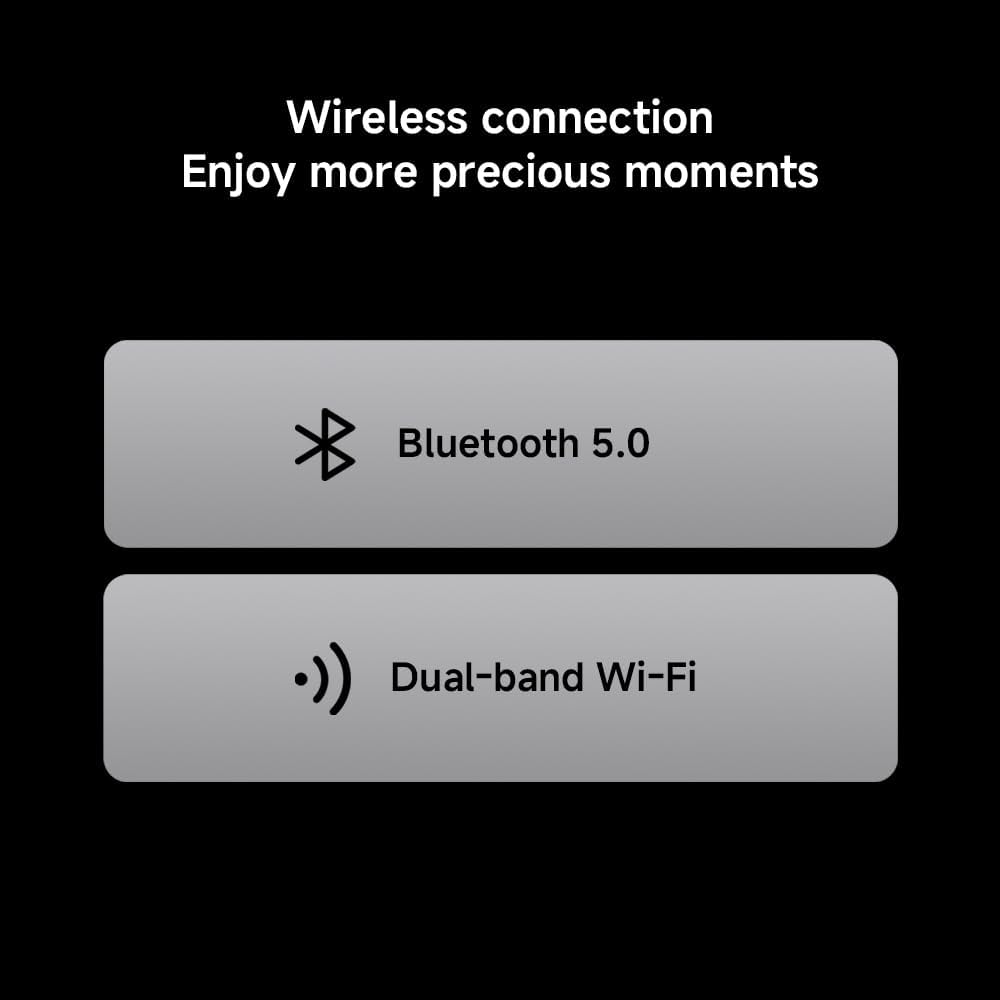
Image: Icons representing Bluetooth 5.0 and Dual-band Wi-Fi, indicating the TV's wireless connectivity options.
4.7. Metallic Design
The TV features an exquisite metal finish and craftsmanship, adding a touch of sophistication to your home decor.
Image: Two close-up shots showcasing the TV's metallic stand and slim side profile, emphasizing its quality design.
5. Spesifikasiyalar
| Xüsusiyyət | Təsvir |
|---|---|
| Brend | XIAOMI |
| Model nömrəsi | 6941948705524 |
| Ekran Ölçüsü | 32 düym |
| Ekran Texnologiyası | QLED |
| Qətnamə | 1366 x 768 piksel (HD) Note: While marketed as '4K', the official product information sheet specifies HD resolution. |
| Yeniləmə dərəcəsi | 60 Hz |
| Əməliyyat sistemi | Google TV |
| Audio Texnologiya | Dolby Audio, DTS:X |
| Bağlantı | HDMI, USB, Ethernet, Bluetooth 5.0, Dual-band Wi-Fi |
| Ölçülər (UxGxY) | 120 x 2 x 120 sm |
| Çəki | 6 kq |
| Enerji səmərəliliyi reytinqi | F |
| EPREL Qeydiyyatı | 2194746 |

Image: Official Product Information Sheet detailing technical specifications and energy efficiency.

Image: The EU Energy Efficiency Label for the Xiaomi TV, showing its rating and power consumption.
6. Baxım
6.1. Televizorun təmizlənməsi
Ekranı təmizləmək üçün onu yumşaq, tüysüz parça ilə yumşaq bir şəkildə silin. İnadkar izlər üçün yüngülcə dampen the cloth with water or a screen-cleaning solution. Avoid using harsh chemicals or abrasive materials. Clean the TV's exterior with a soft, dry cloth.
6.2. Proqram təminatı yeniləmələri
Televizorunuz performansı artırmaq və yeni funksiyalar əlavə etmək üçün avtomatik proqram təminatı yeniləmələri ala bilər. Bu yeniləmələri almaq üçün televizorunuzun internetə qoşulu olduğundan əmin olun. Həmçinin, televizorun parametrlər menyusunda yeniləmələri əl ilə yoxlaya bilərsiniz.
7. Giderme
| Problem | Həll |
|---|---|
| Güc yoxdur | Elektrik kabelinin televizora və elektrik rozetkasına etibarlı şəkildə qoşulduğunu yoxlayın. Elektrik rozetkasının işlək olduğundan əmin olun. |
| Şəkil/Səs yoxdur | Düzgün giriş mənbəyinin seçildiyini yoxlayın. Bütün kabel birləşmələrində (HDMI, anten və s.) boşluq və ya zədələnmə olub olmadığını yoxlayın. |
| Uzaqdan İdarəetmə İşləmir | Pultdakı batareyaları dəyişdirin. Pultla televizor arasında heç bir maneə olmadığından əmin olun. |
| Şəbəkə Bağlantısı Problemləri | Restart your router and modem. Check Wi-Fi settings on the TV or ensure the Ethernet cable is properly connected. |
| Yavaş Performans | Close unused applications. Clear cache and data from apps in the TV settings. Consider uninstalling rarely used apps to free up storage. |
8. Zəmanət
Your XIAOMI QLED 32" A Pro 2026 Smart TV comes with a standard manufacturer's warranty. Please refer to the warranty card included in your product packaging or visit the official Xiaomi webzəmanət əhatə dairəsi və xidmətlə bağlı ətraflı müddəalar və şərtlər üçün sayt.
9. Dəstək
For further assistance, technical support, or to access additional resources, please visit the official Xiaomi support website or contact their customer service. You can also find more product information via the EPREL database using the registration number: 2194746.
9.1. Rəsmi Məhsul Videosu
Video: An official product video from Xiaomi showcasing the features of the Xiaomi TV F Pro 32 2026, including its design, display, and smart functionalities.