Giriş
This manual provides comprehensive instructions for the safe and effective use of your Bresser Junior Microscope 8851300E8G000. Designed for beginners, this transmitted light microscope offers magnification from 40x to 640x, featuring LED illumination and a wide range of accessories to facilitate initial explorations into the microscopic world.

Image: A collection of Bresser Junior Microscopes in various colors, showcasing məhsulun dizaynı.
Təhlükəsizlik Məlumatı
Please read and understand all safety instructions before using the microscope. Keep this manual for future reference.
- This device contains small parts that could be swallowed by children. Keep the microscope and accessories out of reach of small children.
- Batteries must be inserted with correct polarity. Do not mix old and new batteries or different types of batteries. Remove batteries if the device will not be used for an extended period.
- Do not look directly into the sun or other bright light sources through the microscope, as this can cause permanent eye damage.
- Avoid exposing the microscope to high temperatures or direct sunlight.
- Handle glass slides and cover slips with care to prevent cuts. Adult supervision is recommended for younger users.
Paketin məzmunu
Aşağıda sadalanan bütün elementlərin paketinizə daxil olduğunu yoxlayın:
- Mikroskop
- 3 Permanent Slides
- 8 Microscope Slides, Labels, and Cover Slips
- 2 Sample Materials (Yeast, Shrimp Eggs)
- 1 İnkubator
- 3 Sampflakonlar
- 1 Microcut
- 1 cımbız
- 1 Pipet
- 1 Small Hand Magnifier
- 1 ölçü qabı
- 1 Poster
- 3 AA batareya
- Təlimat kitabçası
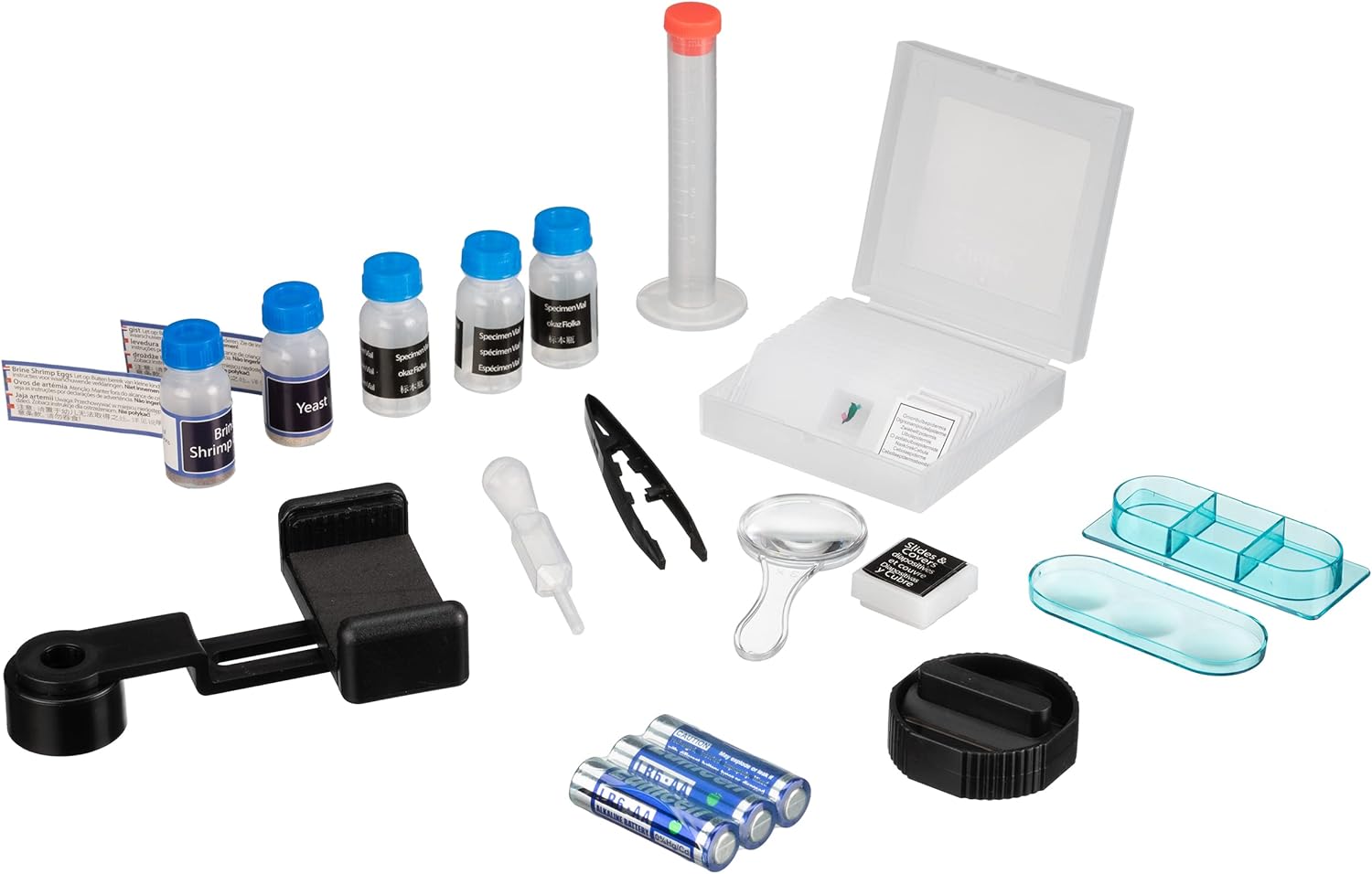
Image: All included accessories for the Bresser Junior Microscope.
Quraşdırma
- Batareyanın quraşdırılması: Locate the battery compartment at the base of the microscope. Open it and insert the 3 AA batteries, ensuring correct polarity (+/-). Close the compartment securely.
- Yerləşdirmə: Mikroskopu sabit, düz bir səthə qoyun.
- Eyepiece Insertion: Insert the eyepiece (WF10x-WF16x) into the top tube of the microscope.
- Objective Lens Selection: Rotate the revolving nosepiece to select the lowest magnification objective lens (e.g., 4x).
- Stage Kliplər: s qaldırıntage clips and place a prepared slide onto the stage, securing it with the clips.
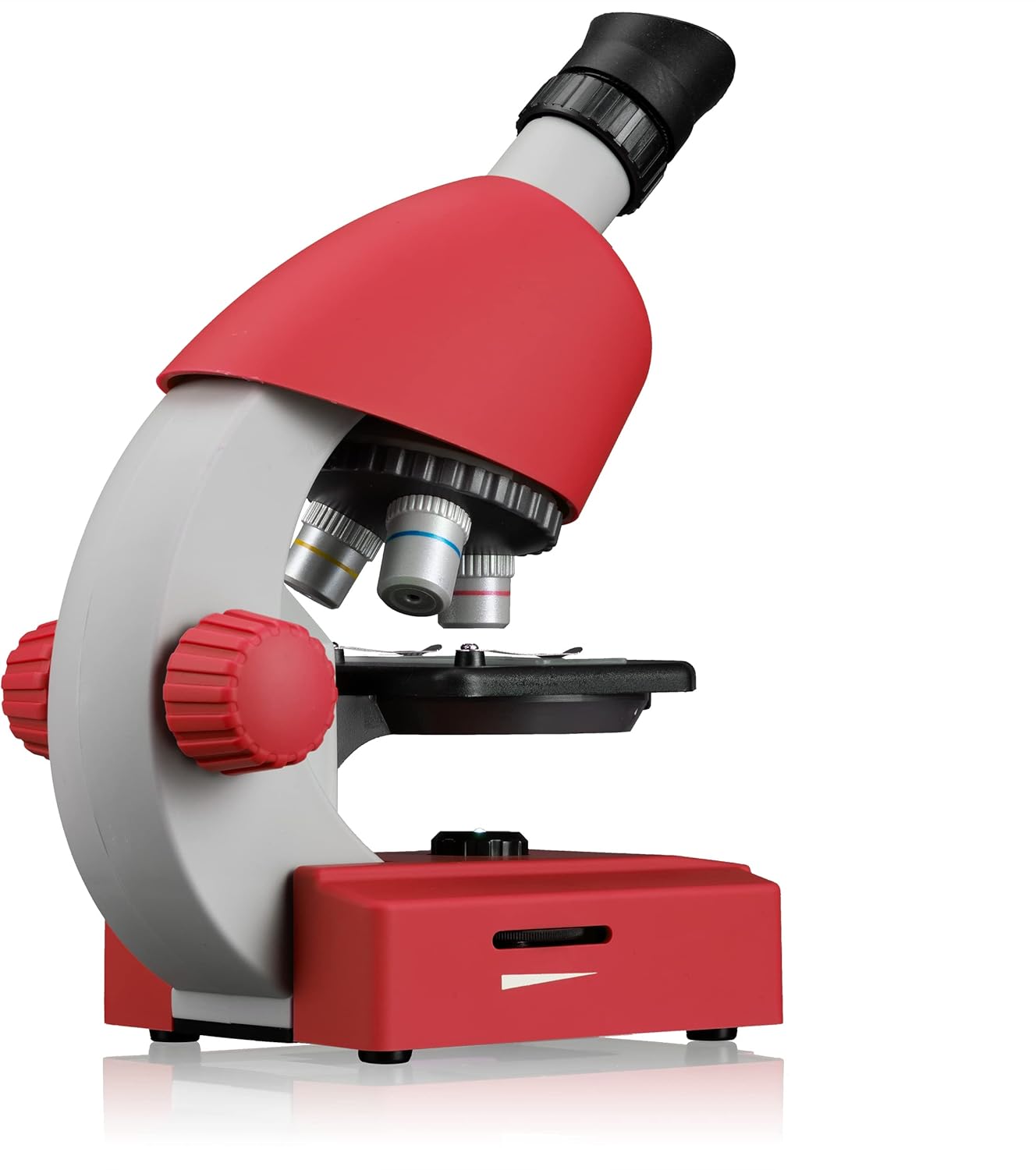
Şəkil: Yan view of the microscope, illustrating the objective lenses and focusing mechanism.
Mikroskopla işləmək
- Turn On Illumination: Locate the LED illumination switch at the base of the microscope and turn it on. Adjust the brightness if a dimmer is present.
- Fokuslanma: While looking through the eyepiece, slowly turn the coarse focus knob (larger knob on the side) to bring the specimen into approximate focus. Then, use the fine focus knob (smaller knob, if present) for sharper detail.
- Böyütmənin Dəyişdirilməsi: To increase magnification, rotate the revolving nosepiece to a higher power objective lens (e.g., 10x, 40x). Re-adjust focus as needed. The eyepiece itself can also be adjusted for different magnifications (WF10x-WF16x).
- Smartfon Adapterindən istifadə:
- Attach the smartphone adapter to the eyepiece.
- Secure your smartphone in the adapter, aligning the phone's camera with the eyepiece.
- Open your phone's camera app to view and capture images or videos of your specimen.

Image: Microscope with smartphone adapter for digital viewing.
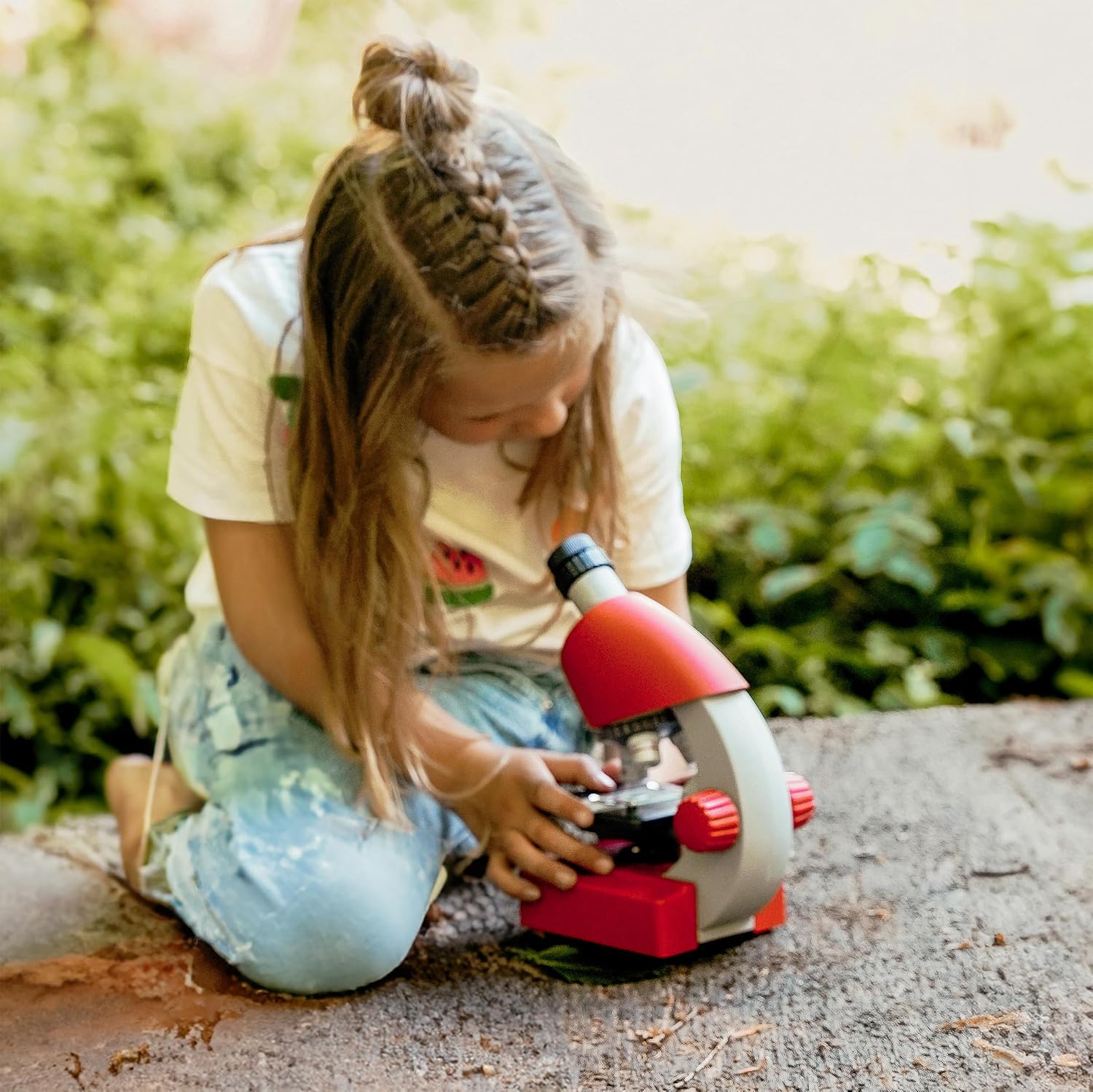
Image: A child using the Bresser Junior Microscope.
Baxım
- Təmizləyici linzalar: Use a soft, lint-free cloth specifically designed for optical lenses to clean the eyepiece and objective lenses. Do not use abrasive materials or harsh chemicals.
- Təmizləyici orqan: Mikroskop gövdəsini yumşaq, d ilə silinamp Elektron komponentlərə nəm düşməsindən çəkinin.
- Yaddaş: When not in use, store the microscope in a clean, dry, dust-free environment. Cover it with a dust cover if available. Remove batteries if storing for extended periods.
- Handling Slides: Always handle slides by their edges to avoid fingerprints on the viewing sahəsi.
Problemlərin aradan qaldırılması
| Problem | Mümkün Səbəb | Həll |
|---|---|---|
| İşıqlandırma yoxdur | Batareyalar bitib və ya səhv daxil edilib. | Check battery polarity, replace batteries if necessary. Ensure illumination switch is ON. |
| Şəkil bulanıq və ya qeyri-müəyyəndir | Incorrect focus, wrong objective lens, dirty lens, or slide not properly placed. | Adjust focus knobs. Ensure objective lens is clicked into place. Clean lenses. Re-position slide. |
| Qaranlıq sahə view | Objective lens not aligned, illumination too low, or aperture not open. | Rotate nosepiece until objective clicks into position. Check illumination. Adjust diaphragm/aperture. |
Spesifikasiyalar
| Model Adı | Kiçik mikroskop |
| Böyütmə diapazonu | 40x - 640x |
| İşıqlandırma növü | LED |
| Material | plastik |
| Rəng | Qırmızı |
| Məhsulun Ölçüləri (U x G x Y) | 16 x 10 x 22 sm |
| Viewaçı | 45 dərəcə |
| Cildtage | 4.5 Volts (3x AA Batteries) |
| Uyğun Cihazlar | Laptop, Smartphone (with adapter) |
Zəmanət və Dəstək
Zəmanət məlumatı, texniki dəstək və ya xidmət sorğuları üçün rəsmi Bresser şirkətinə müraciət edin. websaytına daxil olun və ya müştəri xidməti şöbəsi ilə əlaqə saxlayın. Satınalma qəbzini alışın sübutu olaraq saxlayın.
ziyarət edə bilərsiniz Amazonda Bresser Mağazası əlavə məlumat üçün.